
20 Seconds to Midnight
A Steampunk-Fantasy modpack about stopping the end of the world
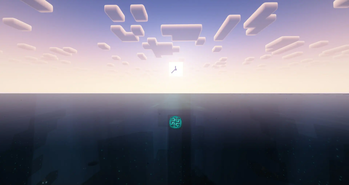
Screenshots

Über dieses Modpack
The sequel, coming to a server near you...
This modpack was originally made for the 20 Seconds to Midnight server, which is no longer up.
I've started work on 20StM's successor, Vertigo 4.1. No specific ETA on when it'll be out, other than "a couple months", but I'll be sure to link it here when it's getting close to being ready.
It's successor can be found on our Discord
About this modpack
20 Seconds to Midnight is a Steampunk-Fantasy modpack about trying to stop t͟h͟e͟ ͟e͟n͟d͟ ͟o͟f͟ ͟t͟h͟e͟ ͟w͟o͟r͟l͟d͟. You're dropped into the world of Sanctuary, a living world that you and 15 other people must build up in order to save it.
The Horde
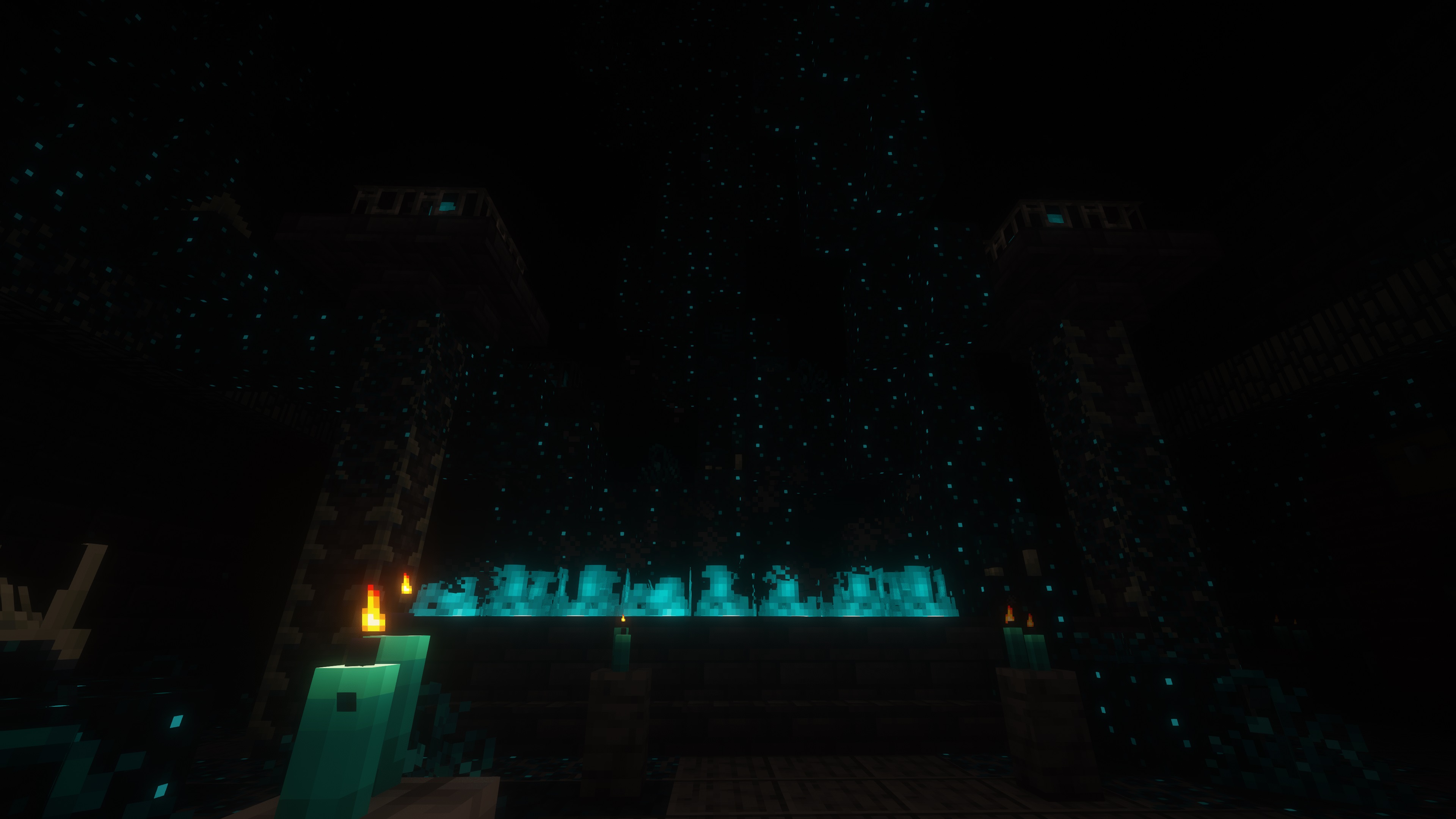
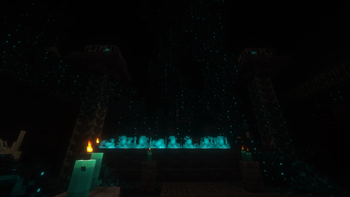
An ancient relentless evil is lurking in the deep dark. It doesn't just feed, it hungers. And it's hunting you.
As you fight the Horde, it learns. It will start adapting to your tactics, mobs will fight better, harder, faster, and stronger and will make its' mission to make your life a living hell.
It's smart. You can't run from it, you can't hide. It will find you, and it will make you one with it. And it will not stop until the entire world becomes the Horde. Not unless you stop it first!
Building Features
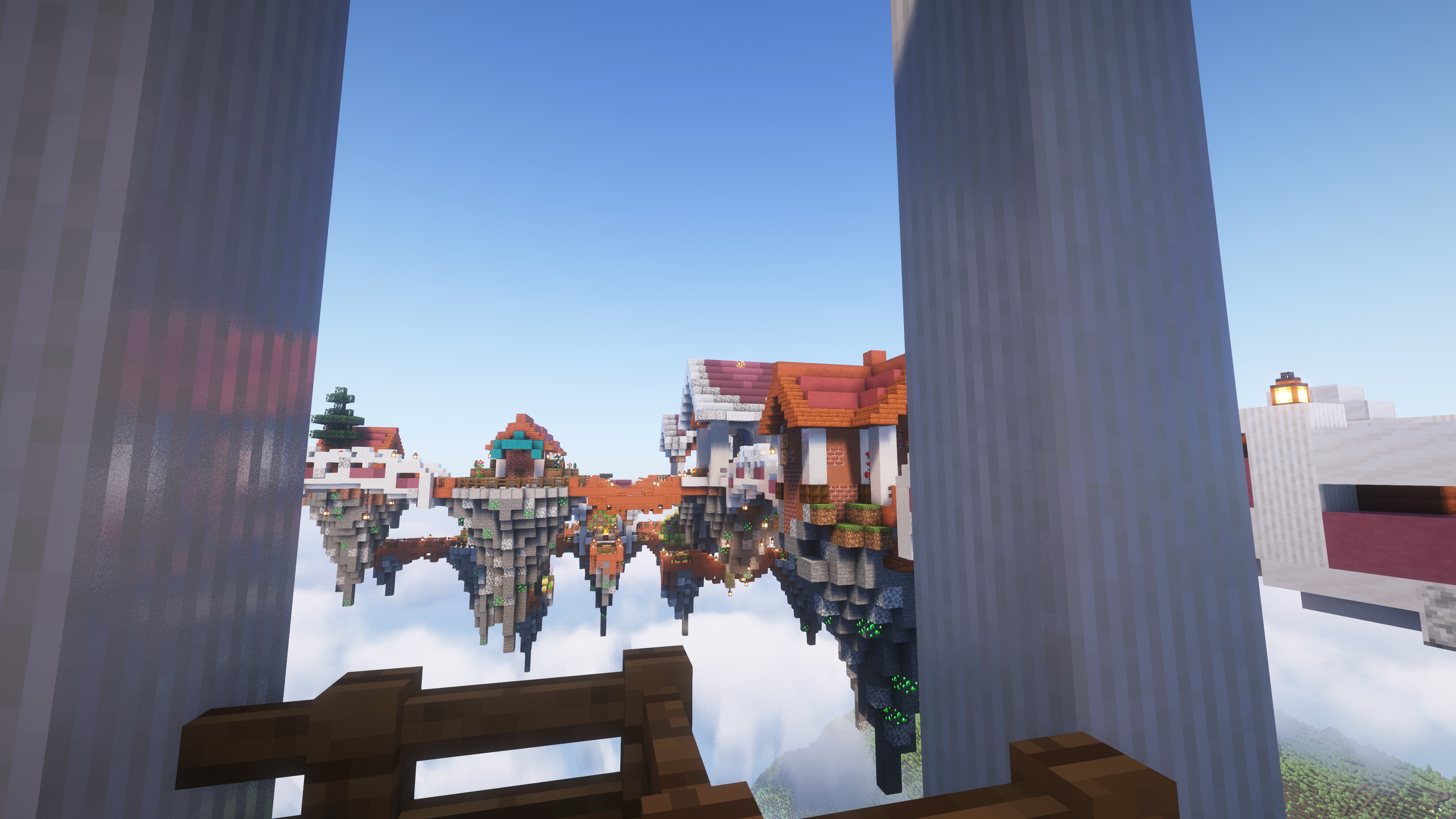
- Start a Faction with Argonauts.
- Talk to people, like, with your mouth.
- Automate everything with Create, make train networks, and even electricity!
- Create not enough for you? How about starting the Industrial Revolution with Immersive Engineering and Pneumaticcraft?
- Commit black magic to rebel against the Industrial Revolution!
- If wizardry is more your speed, then Iron's Spells & Spellbooks is also there for you.
- Forge new armor and weapons like the Sculk Horn to beat back the Horde.
- Create a Backpack to stay on the move.
- If that's not enough storage for you, I don't know what is.
- Craft new vehicles on the ground and in the air to traverse Sanctuary.
- Build colonies from the ground up with Minecolonies.
- Find the... Killer Rabbit?
- Bring out the Holy Hand Grenade!
World Features
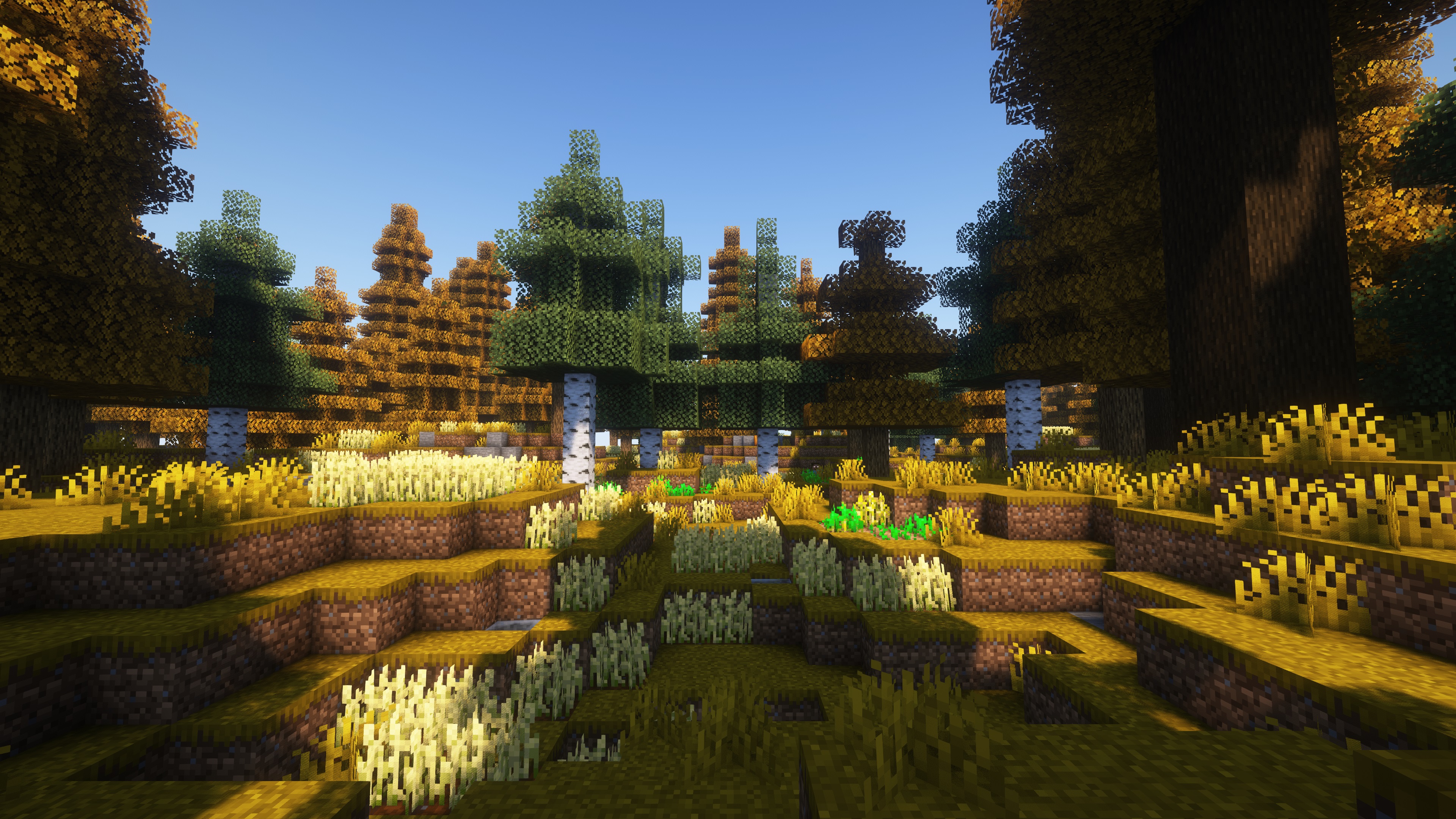
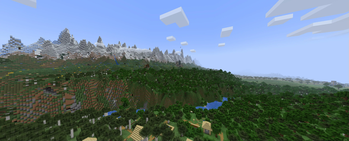
- Terralith, together with Terrablender and Tectonic have transformed the world to be what you've always dreamed of it being.
- Alex's Caves, as well as Yung's entire suite of mods have transformed the underground into something new and alien, breathing new life into caving.
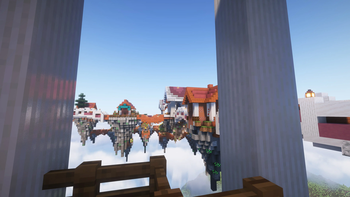
- CT's Overhauled Villages has transformed the normal village into a place you might actually live!
- Do missions for the villagers to get cool rewards!
- Speak to the Mystical Oak Tree
- Launch yourself into the stratosphere with beds!
- Start a Restaraunt during the apocalypse!
Installation Details
This pack needs Java 23 from Temurin
Set Minecraft to use Java 23, allocate 8GB of RAM for best results
Verfügbare Versionen
20 Seconds to Midnight Server einrichten
Server bestellen
Wähle mindestens 6 GB RAM (8 GB empfohlen für 20 Seconds to Midnight). Je nach Spieleranzahl: +1 GB pro 5 Spieler.
Modpack im Dashboard installieren
Öffne den Modpack-Browser im Dashboard, suche nach "20 Seconds to Midnight" und klicke "Installieren". Der neoforge-Loader und Minecraft 1.20.1 werden automatisch konfiguriert.
Server starten & spielen
Starte den Server – alle Mods werden automatisch geladen. Teile die Server-IP mit Freunden und spielt zusammen!
Häufige Fragen
20 Seconds to Midnight Server crasht oder startet nicht – was tun?
Häufigste Ursachen: zu wenig RAM oder falscher neoforge-Loader. Prüfe latest.log auf "OutOfMemoryError" → erhöhe RAM auf mindestens 8 GB. Bei "Mixin" oder "ClassNotFoundException": Modpack-Version und Loader stimmen nicht überein. Bei Mado Hosting werden Loader und Minecraft-Version beim Modpack-Install automatisch konfiguriert – das verhindert die meisten Startprobleme.
Wie viel RAM braucht ein 20 Seconds to Midnight Server wirklich?
Minimum 6 GB, empfohlen 8 GB für stabile Performance. +1 GB pro 5 Spieler. Wichtig: Minecraft-Modpacks brauchen mehr RAM als Vanilla – plane pro zusätzlichem Spieler extra ein. Bei Mado Hosting kannst du den RAM jederzeit live hochskalieren, ohne Datenverlust (ab €7.800000000000001/Monat).
Kann ich eigene Mods zu 20 Seconds to Midnight hinzufügen, ohne Konflikte?
Ja, aber achte auf die Kompatibilität: Nutze nur Mods für den gleichen Loader (neoforge) und die gleiche Minecraft-Version (1.20.1). Häufige Probleme: ID-Konflikte bei Rezept-Mods und inkompatible Coremod-Versionen. Im Mado Dashboard zeigt der Mod-Browser nur kompatible Mods an und warnt bei bekannten Konflikten.
20 Seconds to Midnight Server laggt – Performance-Tipps
1) RAM auf 8 GB+ erhöhen. 2) Server-View-Distance auf 8 reduzieren (server.properties). 3) Pre-Generiere Chunks mit dem "Chunky" Plugin. 4) Prüfe mit /spark profiler welche Mods die meiste Tick-Time verbrauchen. Bei Mado Hosting laufen alle Server auf NVMe-SSDs mit dedizierten CPU-Kernen – das eliminiert Hardware als Engpass.
Ähnliche Modpacks
![Cobblemon Official Modpack [Fabric]](https://cdn.modrinth.com/data/5FFgwNNP/e7f9ee2e9d361623847853fe2ddce42f519ee64f.png)
![COBBLEVERSE - Pokemon Adventure [Cobblemon]](https://cdn.modrinth.com/data/Jkb29YJU/581ecf54530972afb18a04660afd820f2f24f6c7.png)
![Better MC [FABRIC] - BMC2](https://cdn.modrinth.com/data/shFhR8Vx/a19c2bcb51d38f32f138d3607e91cb2b7b8e387f_96.webp)


![Better MC [FORGE] - BMC4](https://cdn.modrinth.com/data/4BV47HRn/7f5ef7cc61b2593609aabef3ed07a866a4f11b73_96.webp)
20 Seconds to Midnight Server mieten
Starte deinen eigenen Server mit automatischer Modpack-Installation.
Details
- Lizenz
- GNU General Public License v3.0 only
- Server-seitig
- Erforderlich
- Client-seitig
- Erforderlich
Unterstützte Versionen
Starte deinen 20 Seconds to Midnight Server jetzt
Ab €7.80/Monat; für die beste Performance werden 8 GB RAM empfohlen.
Server konfigurieren →