
Black 69x
Optimized PvPxVanilla Play !
Screenshots
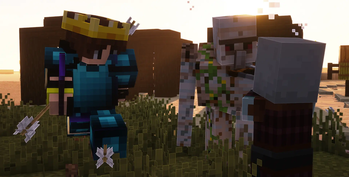

Über dieses Modpack
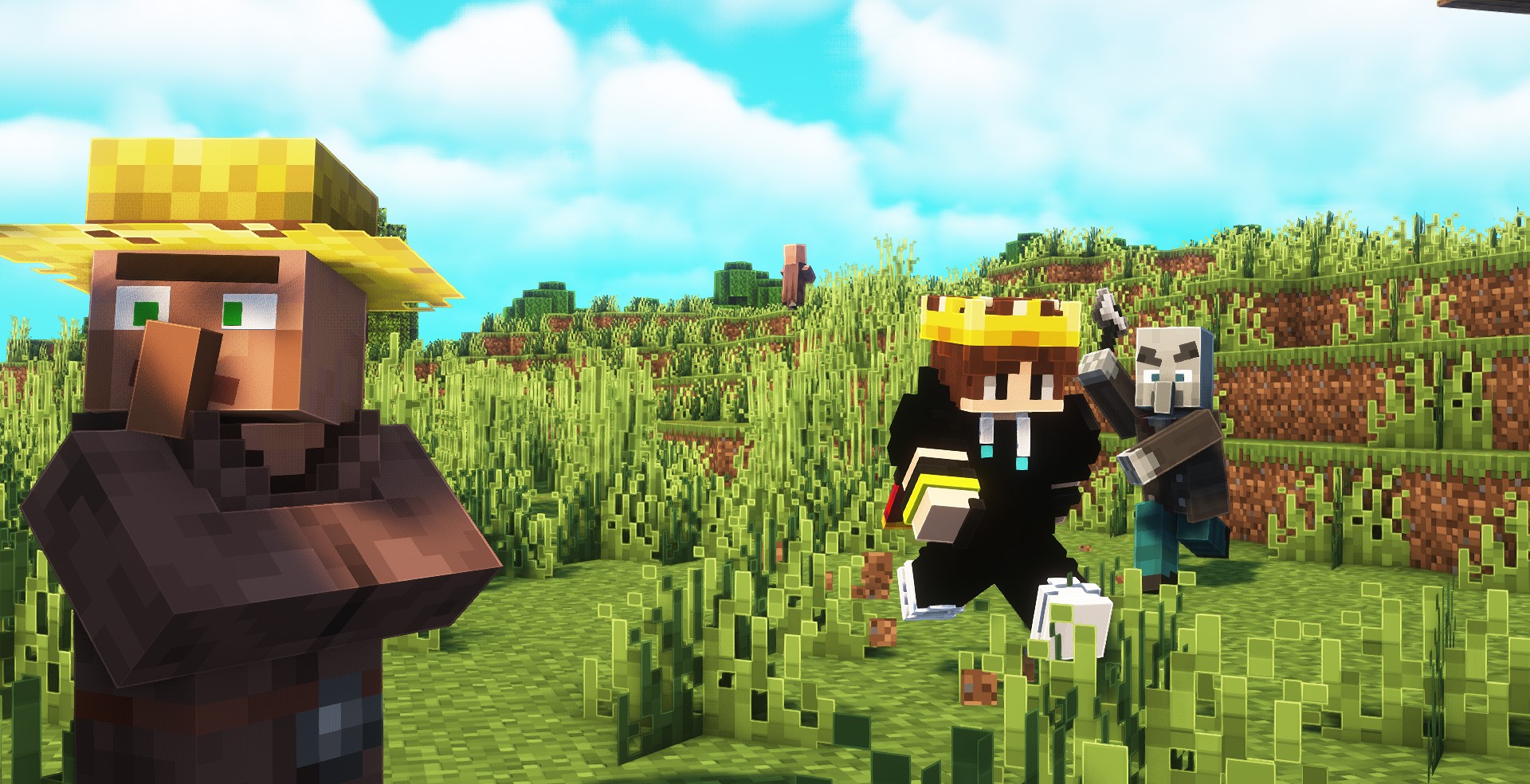 Welcome to the Black 69x Modpack—where your Minecraft dreams transform into epic adventures! Designed for mid-range and low-end PCs, this modpack isn’t just a collection of mods; it’s a portal to a whole new world of possibilities!
What Awaits You:
• Visual Magic:
   > Dramatic Skys and Complementary Shaders - Unbound: Elevate your vistas with breathtaking skies and stunning visuals that will leave you in awe.

   > Glowing Ores! and Dynamic Lights: Illuminate your explorations with radiant ores and realistic lighting that make every cave an adventure.
• Epic Gameplay Enhancements:
   > Player Health Indicators: Keep your head in the game! Know when to fight or flight in intense battles.

   > Easy Elytra Takeoff: Soar through the skies like a pro—your aerial adventures just got a major upgrade!

   > CursorCentered Fix: Precision is key! Achieve perfect aim and conquer your foes effortlessly.
• Quality of Life Upgrades:
   > Sprint Indicator: Maximize your speed! Know when you’re in the zone and sprint to victory.

   > Fresh Animations: Experience Minecraft like never before with fluid animations that breathe life into your character!
• Game-Changing Utilities:
   > CList: Navigate your world with ease! This handy waypointer is your new best friend.

   > Simple Voice Chat: Connect with your friends effortlessly—chat while you craft, explore, and conquer!

   > ReplayMod: Capture those unforgettable moments and share your epic adventures with the world!
• Performance Perfection:
   > Sodium, Lithium, and BadOptimizations: Say goodbye to lag and hello to smooth gameplay! Enjoy optimal performance and stunning visuals.

   > Concurrent Chunk Management Engine: Speed up your world loading and rendering—get into the action faster!

   > Entity Culling: Boost your FPS and ensure every frame is filled with excitement.
• Bonus Features:
  >  Toggle Item Frames, Held Item Info, and More: Personalize your gameplay and interface for a truly unique experience!

  >  No Chat Reports: Enjoy a carefree chatting experience—your privacy matters!

  >  3D Skin Layers: Stand out in style! Customize your character with unique skin layers.
Verfügbare Versionen
Black 69x Server einrichten
Server bestellen
Wähle mindestens 4 GB RAM (6 GB empfohlen für Black 69x). Je nach Spieleranzahl: +1 GB pro 8 Spieler.
Modpack im Dashboard installieren
Öffne den Modpack-Browser im Dashboard, suche nach "Black 69x" und klicke "Installieren". Der fabric-Loader und Minecraft 1.21 werden automatisch konfiguriert.
Server starten & spielen
Starte den Server – alle Mods werden automatisch geladen. Teile die Server-IP mit Freunden und spielt zusammen!
Häufige Fragen
Black 69x Server crasht oder startet nicht – was tun?
Häufigste Ursachen: zu wenig RAM oder falscher fabric-Loader. Prüfe latest.log auf "OutOfMemoryError" → erhöhe RAM auf mindestens 6 GB. Bei "Mixin" oder "ClassNotFoundException": Modpack-Version und Loader stimmen nicht überein. Bei Mado Hosting werden Loader und Minecraft-Version beim Modpack-Install automatisch konfiguriert – das verhindert die meisten Startprobleme.
Wie viel RAM braucht ein Black 69x Server wirklich?
Minimum 4 GB, empfohlen 6 GB für stabile Performance. +1 GB pro 8 Spieler. Wichtig: Minecraft-Modpacks brauchen mehr RAM als Vanilla – plane pro zusätzlichem Spieler extra ein. Bei Mado Hosting kannst du den RAM jederzeit live hochskalieren, ohne Datenverlust (ab €5.2/Monat).
Kann ich eigene Mods zu Black 69x hinzufügen, ohne Konflikte?
Ja, aber achte auf die Kompatibilität: Nutze nur Mods für den gleichen Loader (fabric) und die gleiche Minecraft-Version (1.21). Häufige Probleme: ID-Konflikte bei Rezept-Mods und inkompatible Coremod-Versionen. Im Mado Dashboard zeigt der Mod-Browser nur kompatible Mods an und warnt bei bekannten Konflikten.
Black 69x Server laggt – Performance-Tipps
1) RAM auf 6 GB+ erhöhen. 2) Server-View-Distance auf 8 reduzieren (server.properties). 3) Pre-Generiere Chunks mit dem "Chunky" Plugin. 4) Prüfe mit /spark profiler welche Mods die meiste Tick-Time verbrauchen. Bei Mado Hosting laufen alle Server auf NVMe-SSDs mit dedizierten CPU-Kernen – das eliminiert Hardware als Engpass.
Ähnliche Modpacks


![Better MC [FABRIC] - BMC2](https://cdn.modrinth.com/data/shFhR8Vx/a19c2bcb51d38f32f138d3607e91cb2b7b8e387f_96.webp)
![Better MC [FORGE] - BMC4](https://cdn.modrinth.com/data/4BV47HRn/7f5ef7cc61b2593609aabef3ed07a866a4f11b73_96.webp)


Black 69x Server mieten
Starte deinen eigenen Server mit automatischer Modpack-Installation.
Unterstützte Versionen
Starte deinen Black 69x Server jetzt
Ab €5.20/Monat; für die beste Performance werden 6 GB RAM empfohlen.
Server konfigurieren →