
Cogglemon Modpack
The Modpack needed to play on the Cogglemon Minecraft Server. It is recommended that you increase the memory usage of the pack to 4GB instead of 2GB.
Screenshots
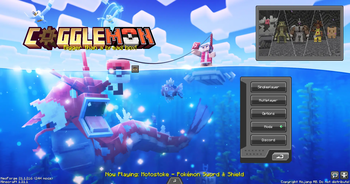
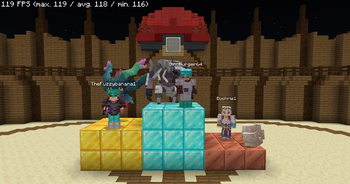
Über dieses Modpack

Our Discord Server
Welcome to Cogglemon!
Cogglemon is the combination of Create and Cobblemon. This modpack is focused on the idea that by using create you can from the factory of your dreams and work side by side with your pokemon to produce anything you may ever need. Coupled with BiomesOPlenty, yungs better mods, and dungeons arise, you will find a living world that is filled with things to do, places to go, and opponents to fight.
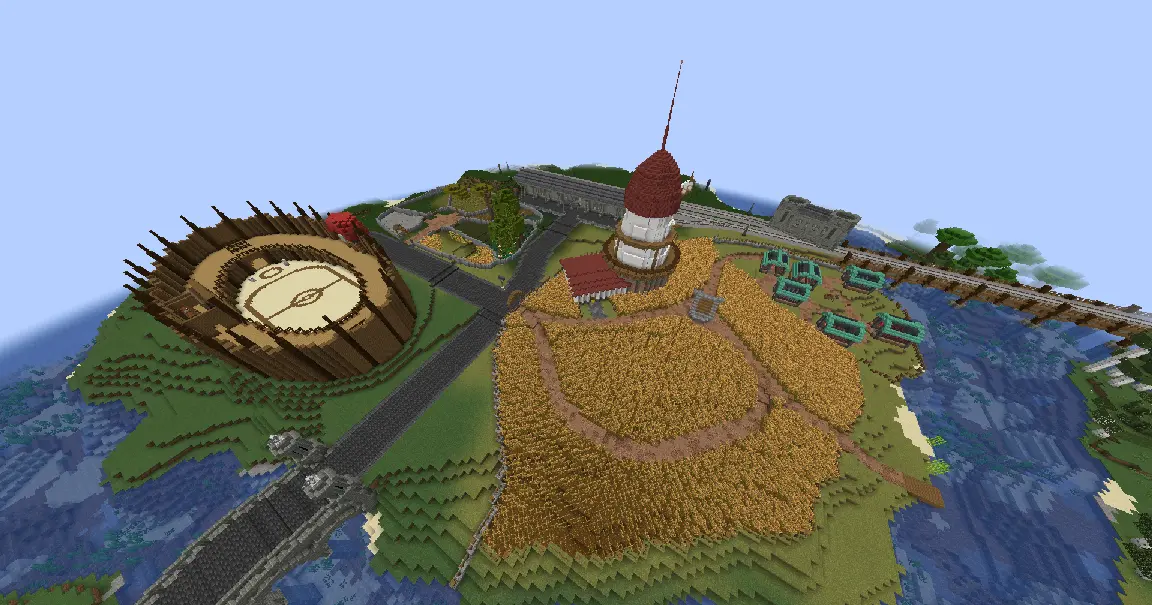
Mods
Some of the featured mods include:
- Create 6.0.8
- Cobblemon 1.7.3
- Cobblemon: Mega Showdown
- Cobblemon Raid Dens
- Farmer's Delight
- Traveler's Backpack
- Biomes o' Plenty
- Oh The Biomes We've Gone
and many more!
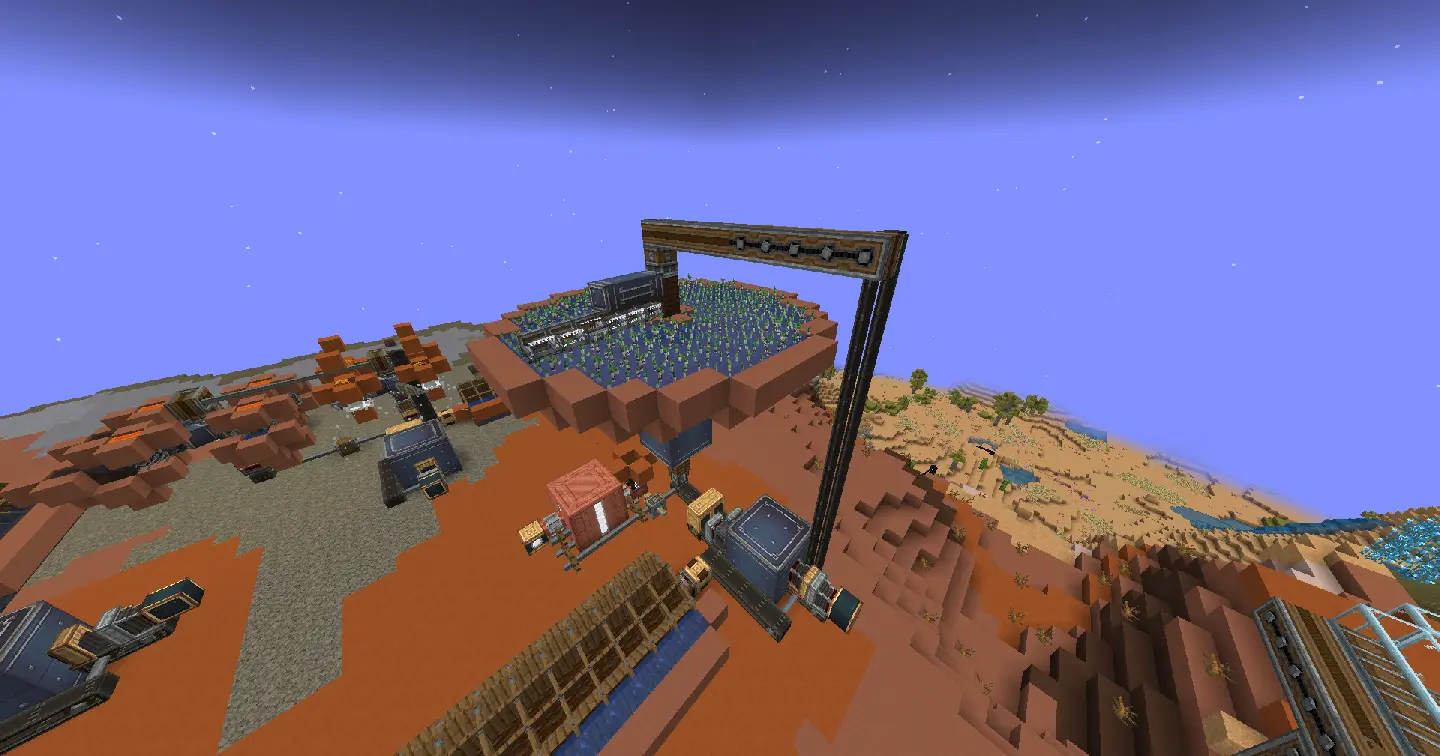
Lots of Create addons make building the factory of your dreams possible. These include:
- Create: Dreams & Desires
- Create Crafts & Additions
- Create: Enchantment Industry
- Create: Central Kitchen
Pokémon
On the Cogglemon Server you will find all 1025 Pokémon ready to be caught. You will find an ever growing selection of fakemon to discover. Pokémon appear in different sizes meaning more to collect and more to show off to your friends.
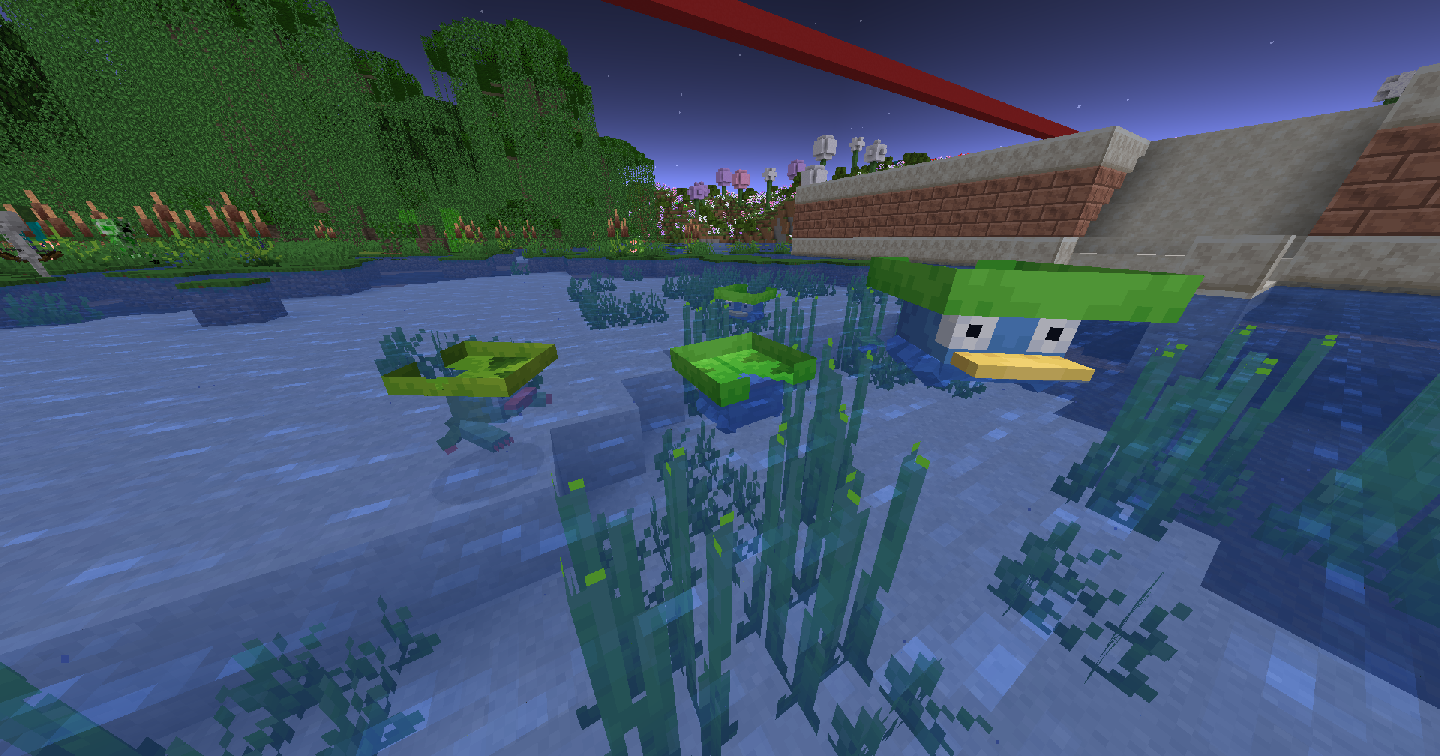
Using Create you can build up an astonishing amount of supplies that any perspective pokemon master would need to catch em all! Go out, build, conqure nature, and fill your pokedex! Join the server and battle with different players, build the most complex machines or just live peacefully with your favourite Pokémon!
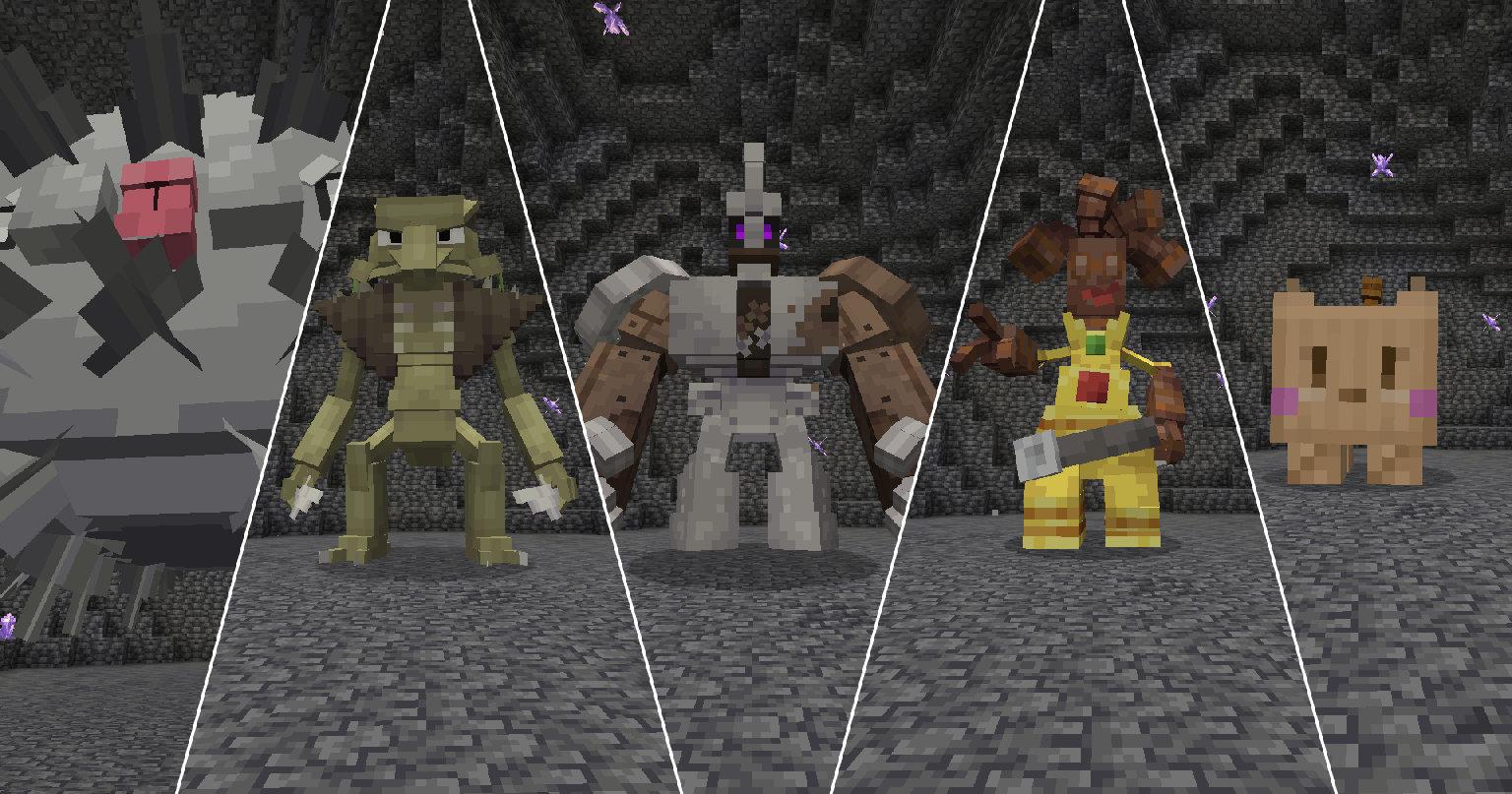
There are also Fakémon that are regularly added to the server, each one will have a "Mighty" raid, where if you catch one, they will have the "Mightiest Mark"!
Tournaments
Every few months, we host Tournaments with rotating Formats. You can win various prizes, including prizes just for competing in the Tournament itself. Compete for Fun or for Glory at the Cogweald Battle Arena!
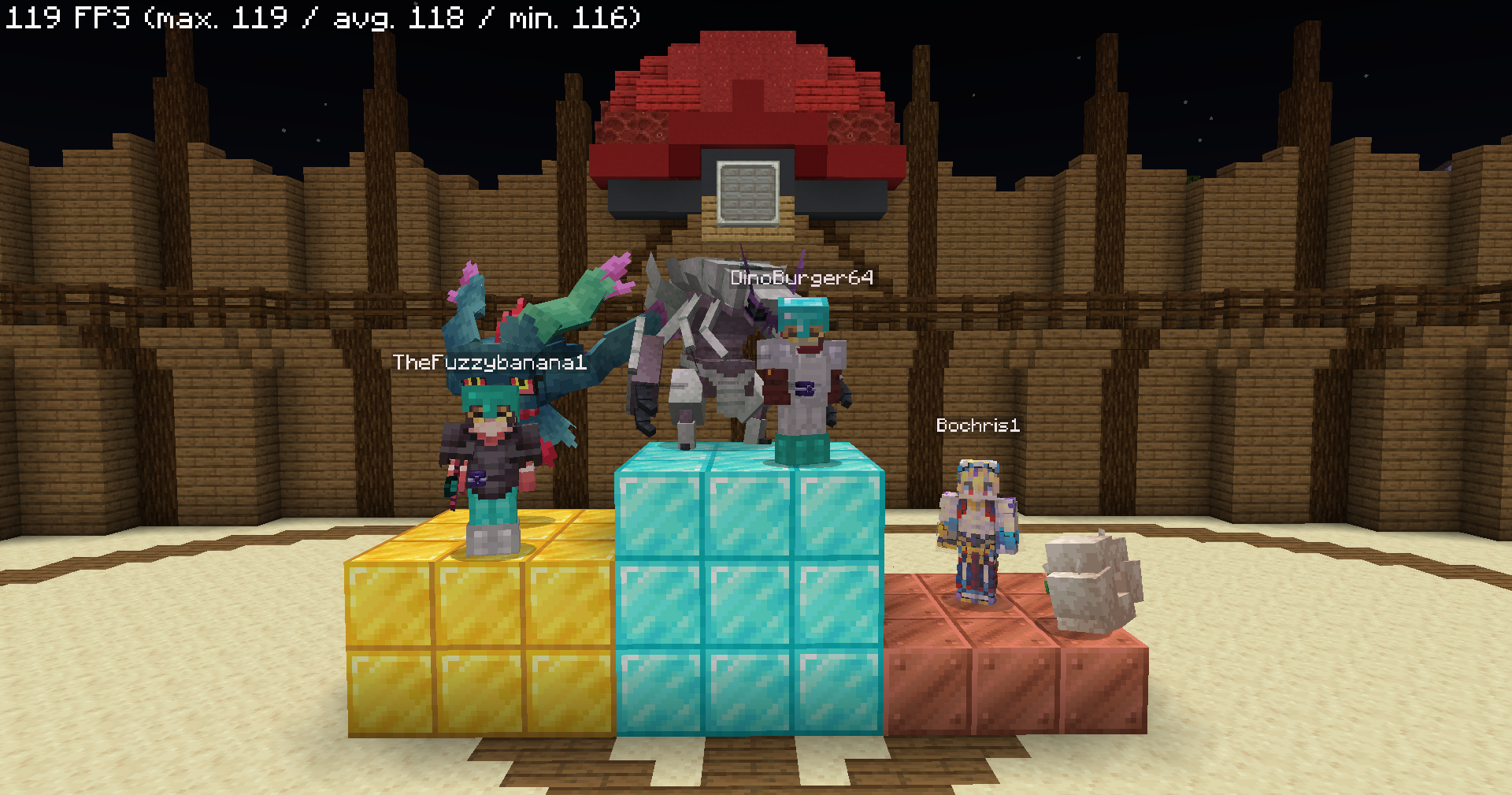
If a player wants to host a Tournament, they can, all they need is to build an arena with a Power Spot in it and provide a format for the Tournament.
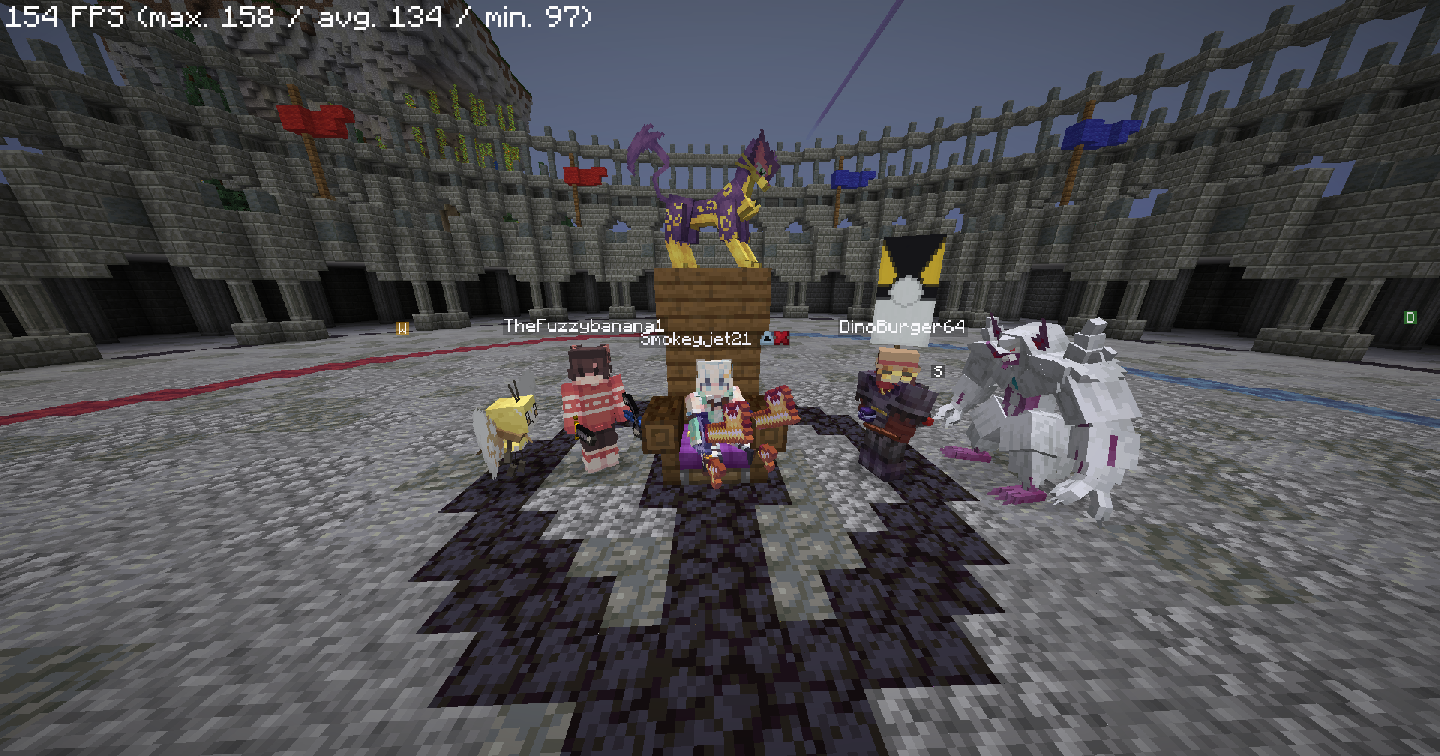
Cogglemon runs on NeoForge 21.1.176 for Minecraft 1.21.1
Don't forget to join our Discord Server to chat with our community and hear about new updates ASAP!
Verfügbare Versionen
Cogglemon Modpack Server einrichten
Server bestellen
Wähle mindestens 6 GB RAM (8 GB empfohlen für Cogglemon Modpack). Je nach Spieleranzahl: +1 GB pro 5 Spieler.
Modpack im Dashboard installieren
Öffne den Modpack-Browser im Dashboard, suche nach "Cogglemon Modpack" und klicke "Installieren". Der fabric-Loader und Minecraft 1.21.1 werden automatisch konfiguriert.
Server starten & spielen
Starte den Server – alle Mods werden automatisch geladen. Teile die Server-IP mit Freunden und spielt zusammen!
Häufige Fragen
Cogglemon Modpack Server crasht oder startet nicht – was tun?
Häufigste Ursachen: zu wenig RAM oder falscher fabric-Loader. Prüfe latest.log auf "OutOfMemoryError" → erhöhe RAM auf mindestens 8 GB. Bei "Mixin" oder "ClassNotFoundException": Modpack-Version und Loader stimmen nicht überein. Bei Mado Hosting werden Loader und Minecraft-Version beim Modpack-Install automatisch konfiguriert – das verhindert die meisten Startprobleme.
Wie viel RAM braucht ein Cogglemon Modpack Server wirklich?
Minimum 6 GB, empfohlen 8 GB für stabile Performance. +1 GB pro 5 Spieler. Wichtig: Minecraft-Modpacks brauchen mehr RAM als Vanilla – plane pro zusätzlichem Spieler extra ein. Bei Mado Hosting kannst du den RAM jederzeit live hochskalieren, ohne Datenverlust (ab €7.800000000000001/Monat).
Kann ich eigene Mods zu Cogglemon Modpack hinzufügen, ohne Konflikte?
Ja, aber achte auf die Kompatibilität: Nutze nur Mods für den gleichen Loader (fabric) und die gleiche Minecraft-Version (1.21.1). Häufige Probleme: ID-Konflikte bei Rezept-Mods und inkompatible Coremod-Versionen. Im Mado Dashboard zeigt der Mod-Browser nur kompatible Mods an und warnt bei bekannten Konflikten.
Cogglemon Modpack Server laggt – Performance-Tipps
1) RAM auf 8 GB+ erhöhen. 2) Server-View-Distance auf 8 reduzieren (server.properties). 3) Pre-Generiere Chunks mit dem "Chunky" Plugin. 4) Prüfe mit /spark profiler welche Mods die meiste Tick-Time verbrauchen. Bei Mado Hosting laufen alle Server auf NVMe-SSDs mit dedizierten CPU-Kernen – das eliminiert Hardware als Engpass.
Ähnliche Modpacks

![Better MC [FABRIC] - BMC2](https://cdn.modrinth.com/data/shFhR8Vx/a19c2bcb51d38f32f138d3607e91cb2b7b8e387f_96.webp)

![Better MC [FORGE] - BMC4](https://cdn.modrinth.com/data/4BV47HRn/7f5ef7cc61b2593609aabef3ed07a866a4f11b73_96.webp)


Cogglemon Modpack Server mieten
Starte deinen eigenen Server mit automatischer Modpack-Installation.
Details
- Lizenz
- LicenseRef-All-Rights-Reserved
- Server-seitig
- Erforderlich
- Client-seitig
- Erforderlich
Unterstützte Versionen
Starte deinen Cogglemon Modpack Server jetzt
Ab €7.80/Monat; für die beste Performance werden 8 GB RAM empfohlen.
Server konfigurieren →