
Create: Horizons
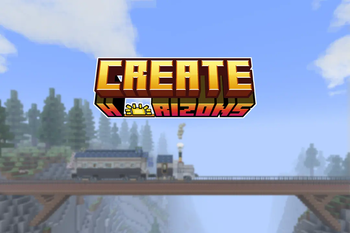
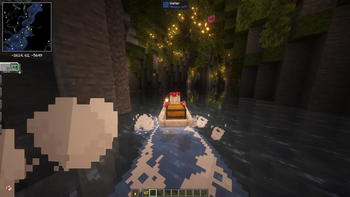
A modpack about exploration and automation, themed around Create and Cobblemon!
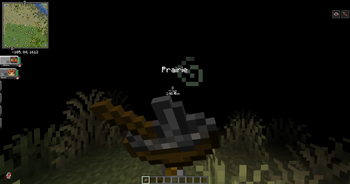
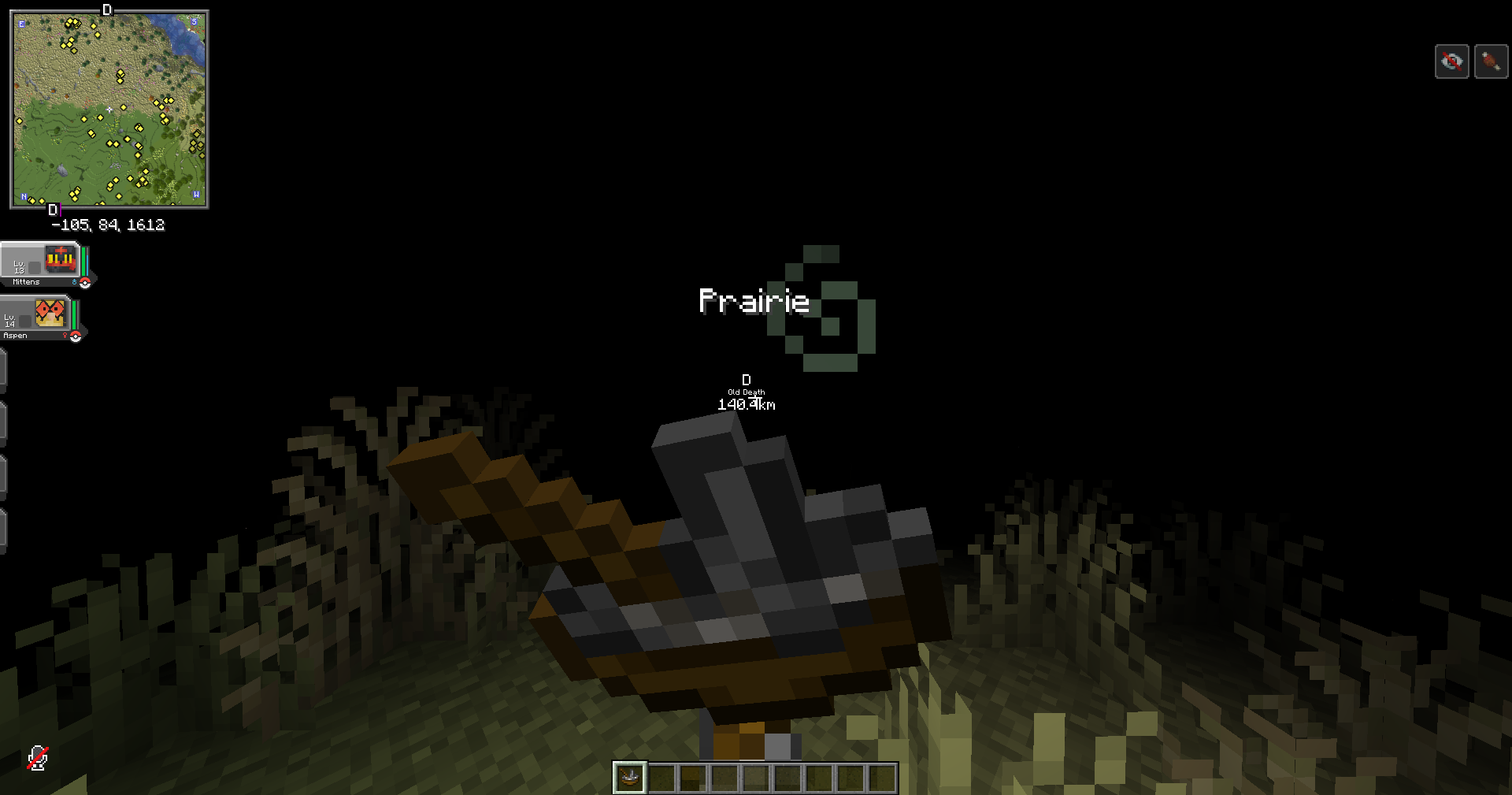
Screenshots
Über dieses Modpack
Create: Horizons is a modpack designed for multiplayer that was originally just made for me and my friends that I decided to release publicly since I spent so much time working on it!
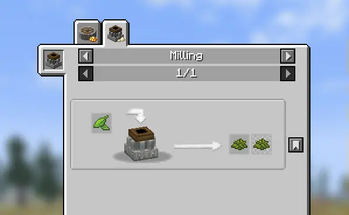
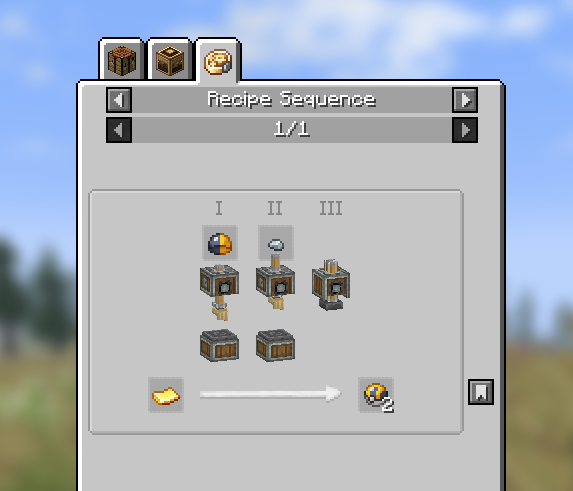
The modpack's progression is mostly focused on create and cobblemon, with lots of custom compatibility that I made for cobblemon so that all of the medicinal items and pokeballs can be automated.
I also went ahead and rebalanced a lot of the food from Bountiful Fares since I thought that some meals needed heavy nerfs and others buffed to account for how hard it was to get the ingredients and the hunger points/effects that they gave.
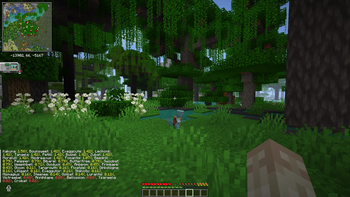
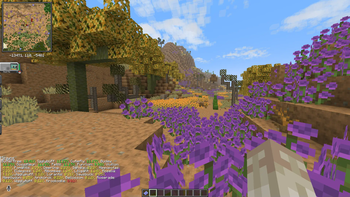
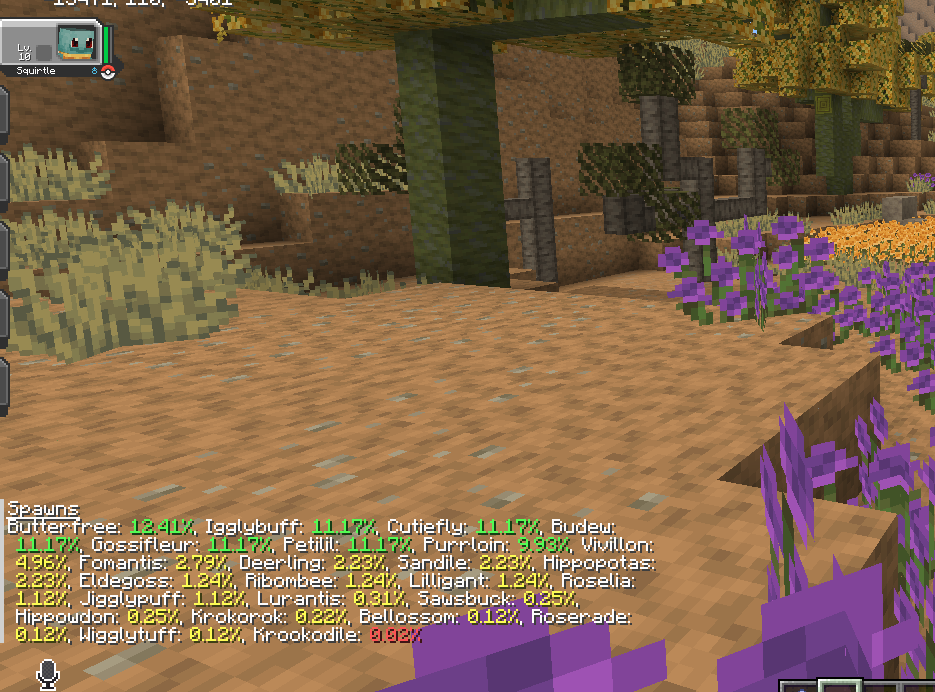
I also made a ton of compatibility between many of the other mods including pokemon spawning for all of the new biomes in the modpack (Nature's Spirit Cobblemon compatibility has been added to the main mod !!) and lots of other things that give the pack a much more polished feel than just smushing a bunch of mods together until it stops crashing.
Datapacks used (some pokemon removed):
Adds the Hatterene line
Adds Skitty line, Glameow line, Espurr, Meowstick, Purrloin line, Zeraora (no nether star loot drop), Stunky line, Litleo line
Adds Swablu line, Kartana, Zygarde, Shuppet line, Snom line, Roaring Moon
Resource Packs used:
Special thanks to IndieAlch for helping me with making the quests!
p.s to use this on a server, you will have to remove the sushi bar mod from the pack otherwise it will crash. also it is best practice to remove any client-side only mods from the server to reduce the chance of issues. i may release a server only pack later down the line, but no promises! i am a little burnt out after working on this
Verfügbare Versionen
Create: Horizons Server einrichten
Server bestellen
Wähle mindestens 6 GB RAM (8 GB empfohlen für Create: Horizons). Je nach Spieleranzahl: +1 GB pro 5 Spieler.
Modpack im Dashboard installieren
Öffne den Modpack-Browser im Dashboard, suche nach "Create: Horizons" und klicke "Installieren". Der fabric-Loader und Minecraft 1.20.1 werden automatisch konfiguriert.
Server starten & spielen
Starte den Server – alle Mods werden automatisch geladen. Teile die Server-IP mit Freunden und spielt zusammen!
Häufige Fragen
Create: Horizons Server crasht oder startet nicht – was tun?
Häufigste Ursachen: zu wenig RAM oder falscher fabric-Loader. Prüfe latest.log auf "OutOfMemoryError" → erhöhe RAM auf mindestens 8 GB. Bei "Mixin" oder "ClassNotFoundException": Modpack-Version und Loader stimmen nicht überein. Bei Mado Hosting werden Loader und Minecraft-Version beim Modpack-Install automatisch konfiguriert – das verhindert die meisten Startprobleme.
Wie viel RAM braucht ein Create: Horizons Server wirklich?
Minimum 6 GB, empfohlen 8 GB für stabile Performance. +1 GB pro 5 Spieler. Wichtig: Minecraft-Modpacks brauchen mehr RAM als Vanilla – plane pro zusätzlichem Spieler extra ein. Bei Mado Hosting kannst du den RAM jederzeit live hochskalieren, ohne Datenverlust (ab €7.800000000000001/Monat).
Kann ich eigene Mods zu Create: Horizons hinzufügen, ohne Konflikte?
Ja, aber achte auf die Kompatibilität: Nutze nur Mods für den gleichen Loader (fabric) und die gleiche Minecraft-Version (1.20.1). Häufige Probleme: ID-Konflikte bei Rezept-Mods und inkompatible Coremod-Versionen. Im Mado Dashboard zeigt der Mod-Browser nur kompatible Mods an und warnt bei bekannten Konflikten.
Create: Horizons Server laggt – Performance-Tipps
1) RAM auf 8 GB+ erhöhen. 2) Server-View-Distance auf 8 reduzieren (server.properties). 3) Pre-Generiere Chunks mit dem "Chunky" Plugin. 4) Prüfe mit /spark profiler welche Mods die meiste Tick-Time verbrauchen. Bei Mado Hosting laufen alle Server auf NVMe-SSDs mit dedizierten CPU-Kernen – das eliminiert Hardware als Engpass.
Ähnliche Modpacks
![Cobblemon Official Modpack [Fabric]](https://cdn.modrinth.com/data/5FFgwNNP/e7f9ee2e9d361623847853fe2ddce42f519ee64f.png)
![COBBLEVERSE - Pokemon Adventure [Cobblemon]](https://cdn.modrinth.com/data/Jkb29YJU/581ecf54530972afb18a04660afd820f2f24f6c7.png)
![Better MC [FABRIC] - BMC2](https://cdn.modrinth.com/data/shFhR8Vx/a19c2bcb51d38f32f138d3607e91cb2b7b8e387f_96.webp)


![Better MC [FORGE] - BMC4](https://cdn.modrinth.com/data/4BV47HRn/7f5ef7cc61b2593609aabef3ed07a866a4f11b73_96.webp)
Create: Horizons Server mieten
Starte deinen eigenen Server mit automatischer Modpack-Installation.
Unterstützte Versionen
Starte deinen Create: Horizons Server jetzt
Ab €7.80/Monat; für die beste Performance werden 8 GB RAM empfohlen.
Server konfigurieren →