
Dino dance pack
Dino saw the bridge, dino happy, dino dance!
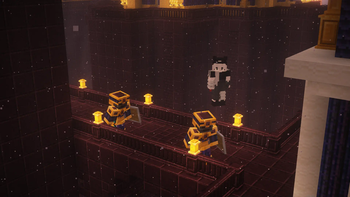
Screenshots
Über dieses Modpack
Dino dance pack
dino dance pack is an all in one for most of the greatest create and its addons and rpg with some minor tweaks, and use sinytra to bridge some content mods and utility mods, and well optimized, destroy the loaders chain!
feature
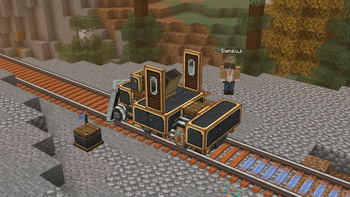
Speaking of the feature, me personaly is a heavy create fan, and beautiful community have made so many addons including Create: Steam n Rails, Create Enchantment Industry, Create new age and so many more, combine with Storagedrawers with Ae2 we can build the most unique and perfect storage system.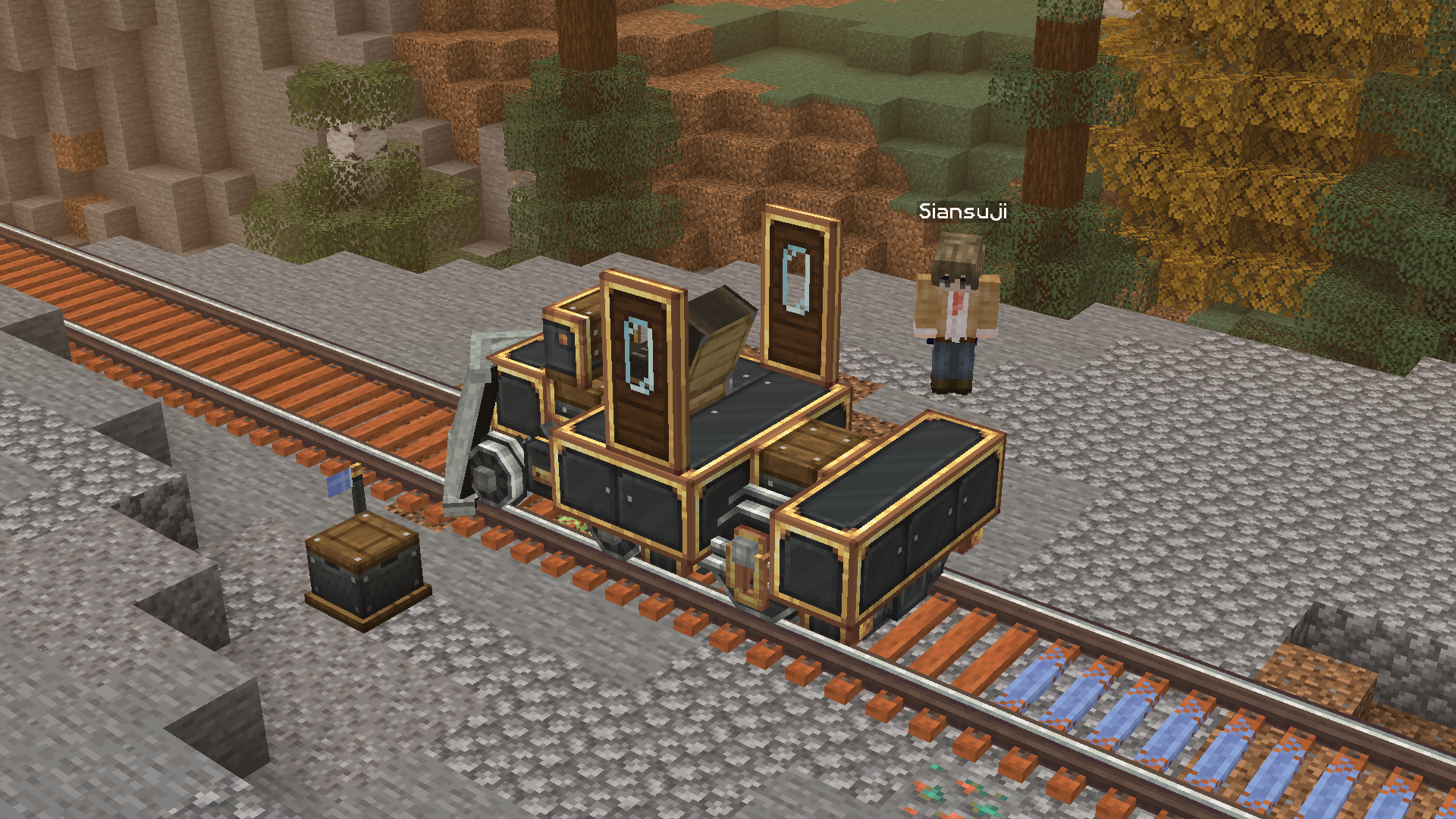
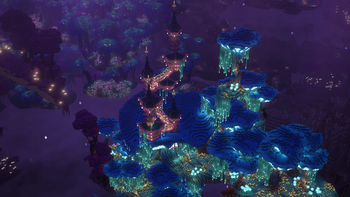
And therefore, the pack also included a lot of new dimension mods, especially The aether, Blue skies and Ad astra, different dimension, different world, go conquer them!
the bridge - sinytra connector
Big shoutout to Sinytra team, the pack bridged a lot of fabric-only mod that is also amazing, with c2me the world loading speed will be so much faster and more stable that prevent server lag, and also having Betternether and Betterend working on neoforge loader perfectly (wow) so we can enjoy the coolest nether and end dimension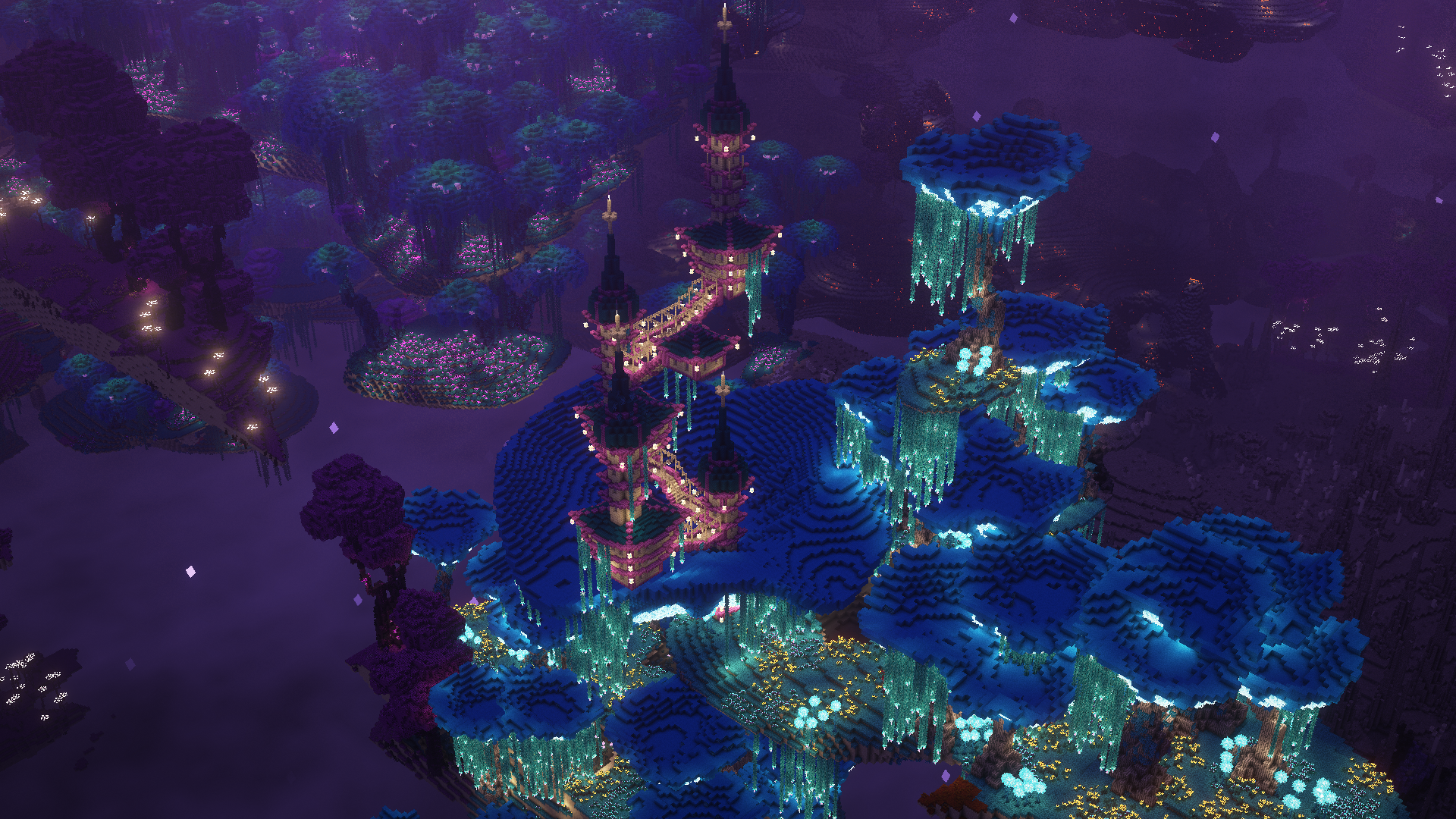
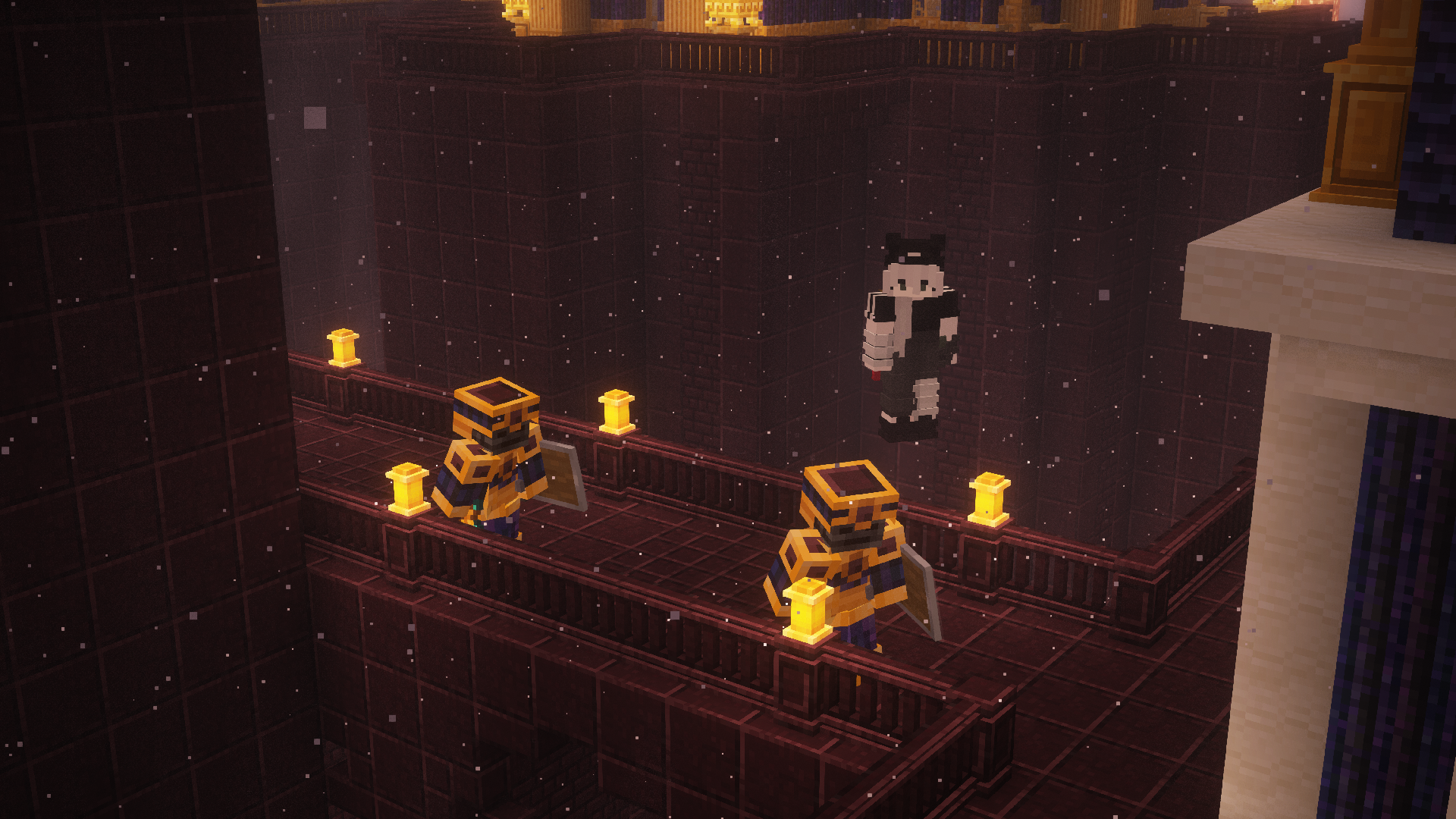
Shaders compatiblity
You would probably facing two problems while using shaders: some text bar radomly becomes transparent and random crash, to solve those issues pleass follow these steps:
- Go to
<yourinstance>/config/immediatelyfast.jsonand turn offfont_atlas_resizing, this can fix random text transparency - Edit Brute force Rendering Culling and turn off cull chunk option (you can edit them in ingame menu or the same steps above), this should fix random crash while using shaders
(If you are not using shaders these setup are no needed)
credits
Some of the mods that are currently not published on the platform but they are awesome that helps the modpack to be more consistent
Verfügbare Versionen
Dino dance pack Server einrichten
Server bestellen
Wähle mindestens 6 GB RAM (10 GB empfohlen für Dino dance pack). Je nach Spieleranzahl: +1 GB pro 4 Spieler.
Modpack im Dashboard installieren
Öffne den Modpack-Browser im Dashboard, suche nach "Dino dance pack" und klicke "Installieren". Der neoforge-Loader und Minecraft 1.20.1 werden automatisch konfiguriert.
Server starten & spielen
Starte den Server – alle Mods werden automatisch geladen. Teile die Server-IP mit Freunden und spielt zusammen!
Häufige Fragen
Dino dance pack Server crasht oder startet nicht – was tun?
Häufigste Ursachen: zu wenig RAM oder falscher neoforge-Loader. Prüfe latest.log auf "OutOfMemoryError" → erhöhe RAM auf mindestens 10 GB. Bei "Mixin" oder "ClassNotFoundException": Modpack-Version und Loader stimmen nicht überein. Bei Mado Hosting werden Loader und Minecraft-Version beim Modpack-Install automatisch konfiguriert – das verhindert die meisten Startprobleme.
Wie viel RAM braucht ein Dino dance pack Server wirklich?
Minimum 6 GB, empfohlen 10 GB für stabile Performance. +1 GB pro 4 Spieler. Wichtig: Minecraft-Modpacks brauchen mehr RAM als Vanilla – plane pro zusätzlichem Spieler extra ein. Bei Mado Hosting kannst du den RAM jederzeit live hochskalieren, ohne Datenverlust (ab €7.800000000000001/Monat).
Kann ich eigene Mods zu Dino dance pack hinzufügen, ohne Konflikte?
Ja, aber achte auf die Kompatibilität: Nutze nur Mods für den gleichen Loader (neoforge) und die gleiche Minecraft-Version (1.20.1). Häufige Probleme: ID-Konflikte bei Rezept-Mods und inkompatible Coremod-Versionen. Im Mado Dashboard zeigt der Mod-Browser nur kompatible Mods an und warnt bei bekannten Konflikten.
Dino dance pack Server laggt – Performance-Tipps
1) RAM auf 10 GB+ erhöhen. 2) Server-View-Distance auf 8 reduzieren (server.properties). 3) Pre-Generiere Chunks mit dem "Chunky" Plugin. 4) Prüfe mit /spark profiler welche Mods die meiste Tick-Time verbrauchen. Bei Mado Hosting laufen alle Server auf NVMe-SSDs mit dedizierten CPU-Kernen – das eliminiert Hardware als Engpass.
Ähnliche Modpacks


Dino dance pack Server mieten
Starte deinen eigenen Server mit automatischer Modpack-Installation.
Unterstützte Versionen
Starte deinen Dino dance pack Server jetzt
Ab €7.80/Monat; für die beste Performance werden 10 GB RAM empfohlen.
Server konfigurieren →