
Modded Fort
Let's enjoy with a new adventure in Minecraft better with FM.
Screenshots

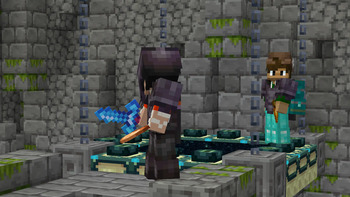
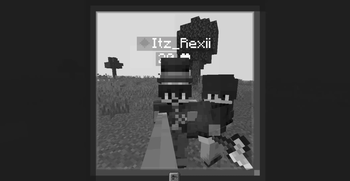
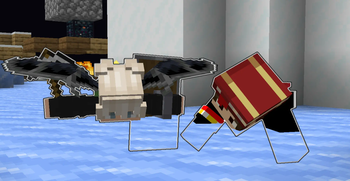
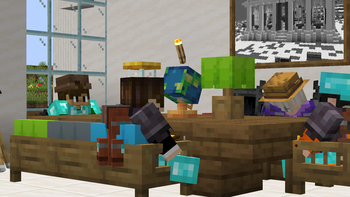
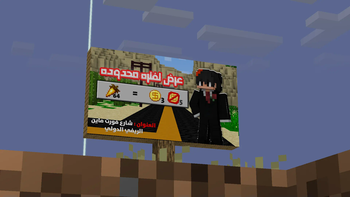
Über dieses Modpack
Modded Fort , A better journey in your Minecraft world.
Overview:
What's Modded Fort? Mod Pack in Minecraft adds a large group of mods to you, while improving the game in terms of quality and gameplay for the best experience in the best game in the world.
What's inside Modded Fort?
Features
Modded Fort offers you many mods with great features, +200 Mod
Experience mods:
- Another Furniture (Some furniture, chairs and other things in vanilla style)
- Carry On (Pick up Tile Entities and Mobs and carry them around)
- Copper Rails (Add a rails crafts with copper to have most speed)
- Crawl (Enter between 1 block with one button)
- Enderscape (Overhaul of the End dimension with new generation)
- Exposure (Add a camera's like irl craft)
- Explorify (Add new structures to explore it)
- Fabric Seasons (Add season like winter, summer with time)
- Friends&Foes (Add the mobs you lost in Mob vote)
- Immersive Aircraft (Add different types of aircraft)
- Sophisticated Backpacks (Add a backpack to save more items)
- Supplementaries (Add more vanilla additions)
- Magic Mirror (Go back to your spawn point with item)
- Litematica (Build and copy any thing you want)
- WaterFrames (Add screens where you can play any video or image you want)
and more...
Peformance mods:
- Sodium, Sodium Extras, Chunky, Entity Culling, Lithium, More Culling, and more...
Auxiliary mods:
- Better Ping Display, Better Statistics Screen, Clumps, Dynamic Lights, Essential Mod, Freecam, Gamma Utils (Fullbright), Mod Menu, NetherPortalFix, WorldEdit, and more...
Visuality mods:
- Visuality, Wakes, Iris Shaders, Item Borders, ItemPhysic Lite, Explosive Enhancement, Continuity, Eating Animation, Chat Animation, Chat Heads, Better Ladders, and more...
Known Bugs
What is a bugs?:
There are some problems in the pack, and this is very normal because it is in its beginning.
If you find a bug:
If you find any bugs or problems, contact us on our Discord Server (Click to join) We will respond to you and solve your problems with the mod pack as soon as possible.
Controls problems:
We haven't modified the controls in the mod pack yet, so it's best for you to do it yourself until later. Just go to Minecraft settings, then controls, then modify the buttons to the best settings for you.
The basic idea:
Improving Minecraft for the best possible experience with mods for adventure and fun, and focusing a lot on the multiplayer mode because it is the main mode.
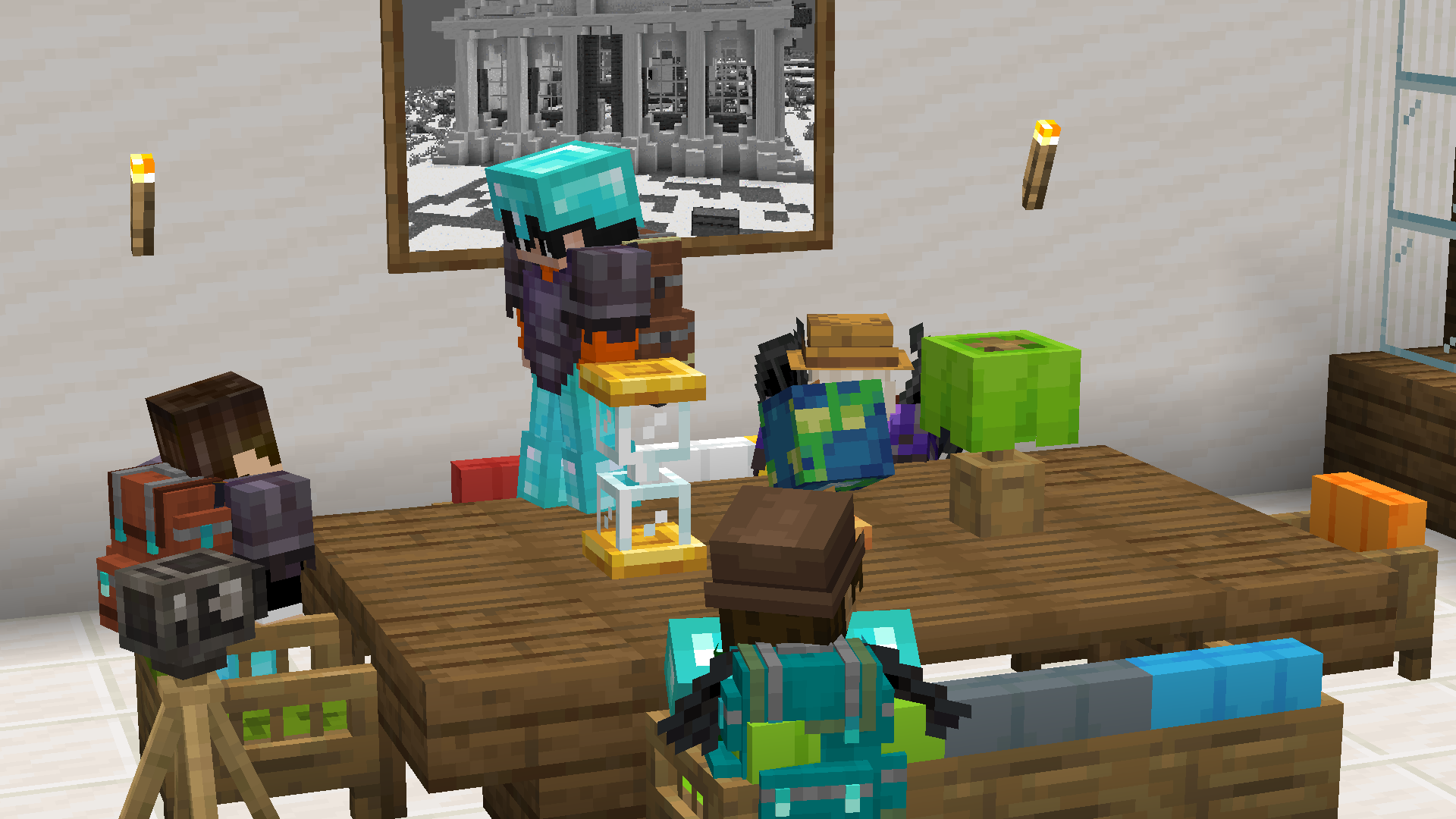
More stuff will be added to the Modded Fort modpack in the future! Stay tuned for future updates for the best possible experience.
Verfügbare Versionen
Modded Fort Server einrichten
Server bestellen
Wähle mindestens 6 GB RAM (8 GB empfohlen für Modded Fort). Je nach Spieleranzahl: +1 GB pro 5 Spieler.
Modpack im Dashboard installieren
Öffne den Modpack-Browser im Dashboard, suche nach "Modded Fort" und klicke "Installieren". Der fabric-Loader und Minecraft 1.21.1 werden automatisch konfiguriert.
Server starten & spielen
Starte den Server – alle Mods werden automatisch geladen. Teile die Server-IP mit Freunden und spielt zusammen!
Häufige Fragen
Modded Fort Server crasht oder startet nicht – was tun?
Häufigste Ursachen: zu wenig RAM oder falscher fabric-Loader. Prüfe latest.log auf "OutOfMemoryError" → erhöhe RAM auf mindestens 8 GB. Bei "Mixin" oder "ClassNotFoundException": Modpack-Version und Loader stimmen nicht überein. Bei Mado Hosting werden Loader und Minecraft-Version beim Modpack-Install automatisch konfiguriert – das verhindert die meisten Startprobleme.
Wie viel RAM braucht ein Modded Fort Server wirklich?
Minimum 6 GB, empfohlen 8 GB für stabile Performance. +1 GB pro 5 Spieler. Wichtig: Minecraft-Modpacks brauchen mehr RAM als Vanilla – plane pro zusätzlichem Spieler extra ein. Bei Mado Hosting kannst du den RAM jederzeit live hochskalieren, ohne Datenverlust (ab €7.800000000000001/Monat).
Kann ich eigene Mods zu Modded Fort hinzufügen, ohne Konflikte?
Ja, aber achte auf die Kompatibilität: Nutze nur Mods für den gleichen Loader (fabric) und die gleiche Minecraft-Version (1.21.1). Häufige Probleme: ID-Konflikte bei Rezept-Mods und inkompatible Coremod-Versionen. Im Mado Dashboard zeigt der Mod-Browser nur kompatible Mods an und warnt bei bekannten Konflikten.
Modded Fort Server laggt – Performance-Tipps
1) RAM auf 8 GB+ erhöhen. 2) Server-View-Distance auf 8 reduzieren (server.properties). 3) Pre-Generiere Chunks mit dem "Chunky" Plugin. 4) Prüfe mit /spark profiler welche Mods die meiste Tick-Time verbrauchen. Bei Mado Hosting laufen alle Server auf NVMe-SSDs mit dedizierten CPU-Kernen – das eliminiert Hardware als Engpass.
Ähnliche Modpacks
![Cobblemon Official Modpack [Fabric]](https://cdn.modrinth.com/data/5FFgwNNP/e7f9ee2e9d361623847853fe2ddce42f519ee64f.png)
![COBBLEVERSE - Pokemon Adventure [Cobblemon]](https://cdn.modrinth.com/data/Jkb29YJU/581ecf54530972afb18a04660afd820f2f24f6c7.png)
![Better MC [FABRIC] - BMC2](https://cdn.modrinth.com/data/shFhR8Vx/a19c2bcb51d38f32f138d3607e91cb2b7b8e387f_96.webp)


![Better MC [FORGE] - BMC4](https://cdn.modrinth.com/data/4BV47HRn/7f5ef7cc61b2593609aabef3ed07a866a4f11b73_96.webp)
Modded Fort Server mieten
Starte deinen eigenen Server mit automatischer Modpack-Installation.
Unterstützte Versionen
Starte deinen Modded Fort Server jetzt
Ab €7.80/Monat; für die beste Performance werden 8 GB RAM empfohlen.
Server konfigurieren →