
Nature's Edge (Not updated)
Nature's Edge Modpack adds maximum realism to your adventure with your friends or alone
Screenshots
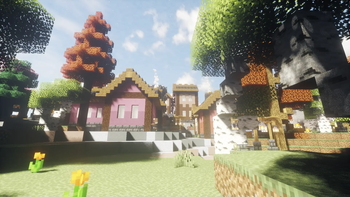
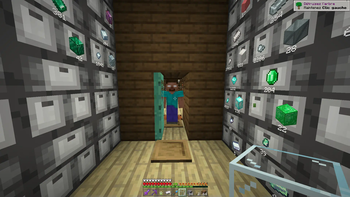
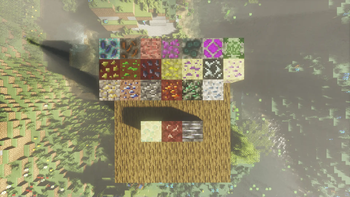
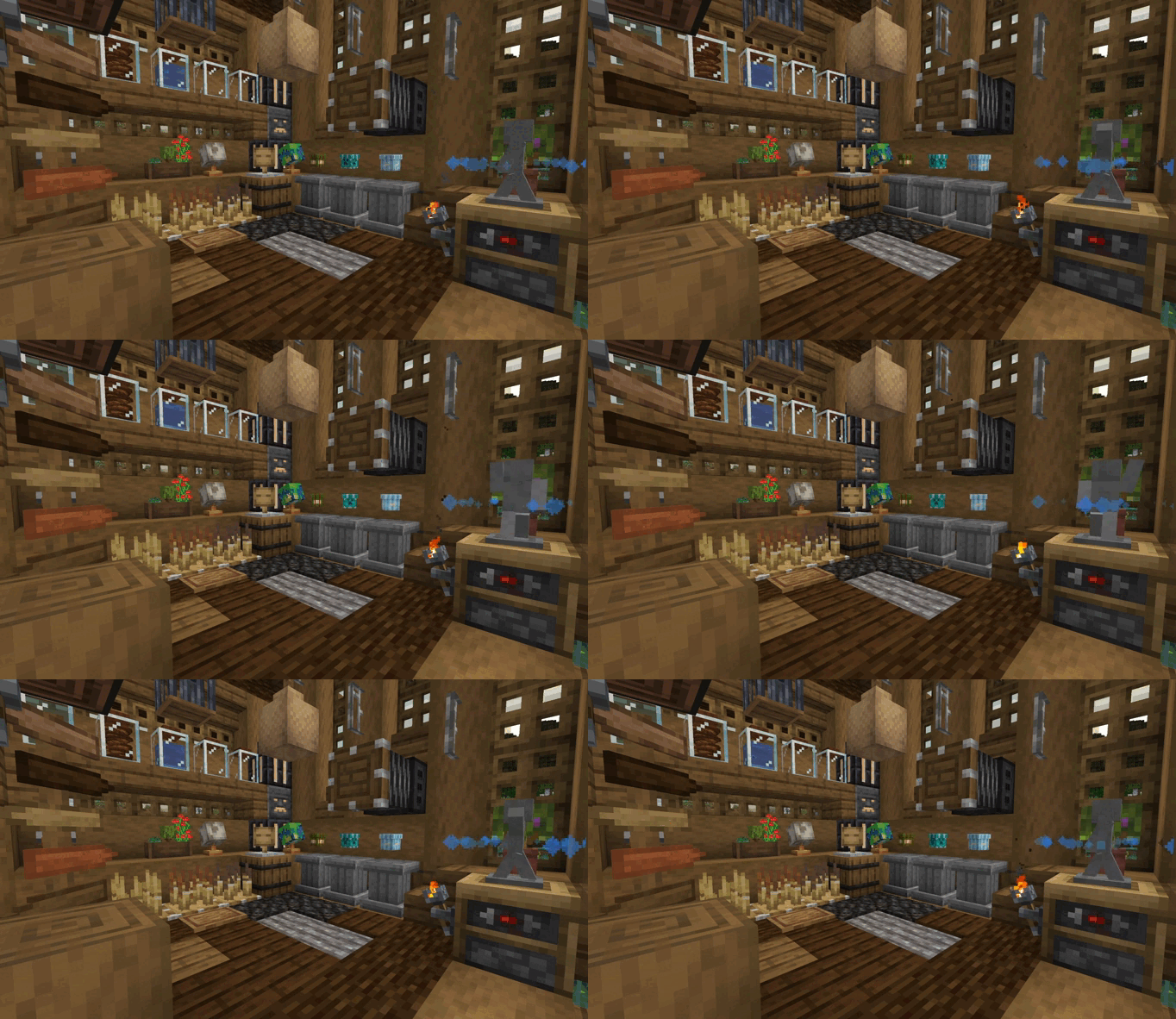
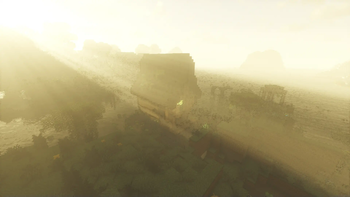
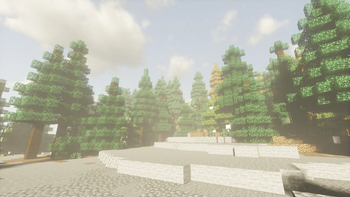
Über dieses Modpack
Description
ModPack Nature's Edge with an infinite number of possibilities such as the Create mod and the addons accompanying it in this list, a totally customized world generation, more than 30 new ores to expand your defense and mining and gathering equipment, a new set of enchantments that can be used in the tools adapted to the one that seems to be most likely to enchant. New structure and generation of dimensions completely different from the one you knew. New music that is accompanied by the original music of the game. The way you organize yourself has never been easier with drawer blocks and upgraders to make it easier for you to store your found items, and mined minerals.
Herobrine Warning ⚠️
A small thing also, you will not be alone in your adventure if you are solo, only one person who is not unknown to the world of Minecraft will observe you behind your back and as soon as you turn around you will see him for a micro second or see him in the distance observing you, Come closer and it will disappear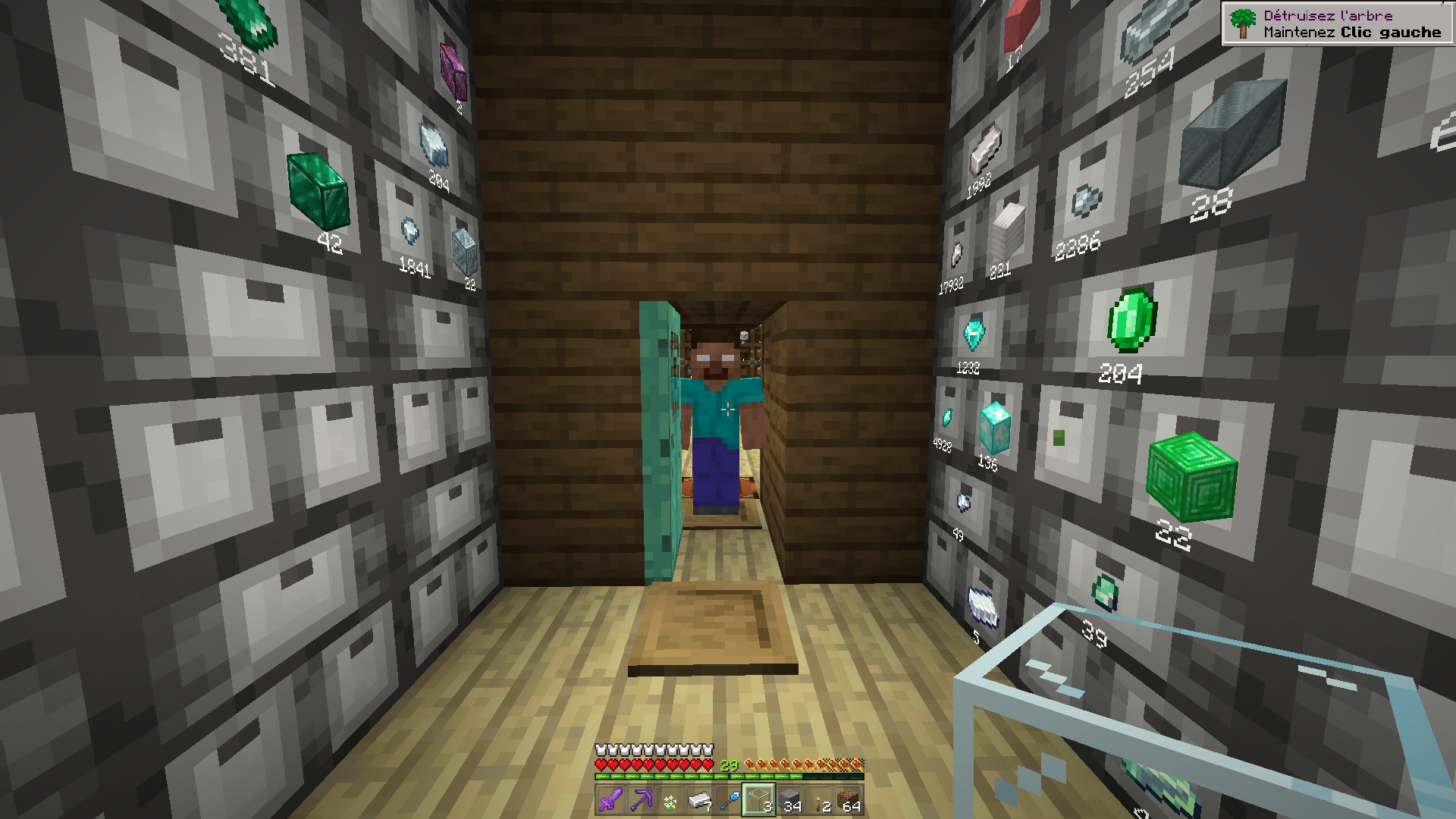
Ressources pack & Shaders Pack
Do you think the game seems moody, not realistic? Then the Nature's Edge modpack gives you its resource pack and shaders pack that gives your Minecraft a touch of realism to your world and the way you see your animated game.
Official Server
Nature's Edge also has a server to be able to test with other people the modpack, it is a survival server with the same list of mods as the modpack you downloaded and installed in your Modrinth application. It is accessible to anyone who has a premium version of the game, updated regularly to avoid possible bugs. available from the list of frontline servers.
This Modpack is inspired by the Survival Resmastered modpack
Mods List
- Decorative & Furnishing
- Macaw's Furnitures
- Macaw's Doors
- Macaw's Fence & Wall
- Macaw's Bridges
- Macaw's Trapdoors
- Macaw's Window
- Immersive Painting
- Another Furniture
- Create déco
- CopyCat+ Create
- Chipped
- Clutter
- Amendments
- Farm Delight
- Supplementary
- Generation & Adventure
- Ambience Sound
- Sound Physics Remastered
- Particular
- Spawn Animation (hostile mobs)
- Naturalist
- Immersive Ore
- Pure Ore
- Nature Arise (World Générator)
- Wilder Wild
- Cinderscapes
- Traverse
- Sniffers+
- Many More Ore : Link CurseForge
- End Remastered
- The Guild
- Technical
- Create
- Create's Building Block
- Steam 'n' Rails
- Steam 'n' Rails (Conductor Caps)
- Steam 'n' Rails (Tracks)
- Chunk Loaders
- Storage
- Extended Drawers
- Inmis
Ressource pack
- NE Ressource (Texture of all blocks reworked)
- Fresh Animation (animals and mobs animated)
- Eyeless Fresh Move (body animated)
Shaders Pack
- Bliss Shader
- Complementary Unbound
- Complementary Reimagined
- OPAL 1.0
- BSL 8.2.09
Verfügbare Versionen
Nature's Edge (Not updated) Server einrichten
Server bestellen
Wähle mindestens 6 GB RAM (8 GB empfohlen für Nature's Edge (Not updated)). Je nach Spieleranzahl: +1 GB pro 5 Spieler.
Modpack im Dashboard installieren
Öffne den Modpack-Browser im Dashboard, suche nach "Nature's Edge (Not updated)" und klicke "Installieren". Der fabric-Loader und Minecraft 1.20.1 werden automatisch konfiguriert.
Server starten & spielen
Starte den Server – alle Mods werden automatisch geladen. Teile die Server-IP mit Freunden und spielt zusammen!
Häufige Fragen
Nature's Edge (Not updated) Server crasht oder startet nicht – was tun?
Häufigste Ursachen: zu wenig RAM oder falscher fabric-Loader. Prüfe latest.log auf "OutOfMemoryError" → erhöhe RAM auf mindestens 8 GB. Bei "Mixin" oder "ClassNotFoundException": Modpack-Version und Loader stimmen nicht überein. Bei Mado Hosting werden Loader und Minecraft-Version beim Modpack-Install automatisch konfiguriert – das verhindert die meisten Startprobleme.
Wie viel RAM braucht ein Nature's Edge (Not updated) Server wirklich?
Minimum 6 GB, empfohlen 8 GB für stabile Performance. +1 GB pro 5 Spieler. Wichtig: Minecraft-Modpacks brauchen mehr RAM als Vanilla – plane pro zusätzlichem Spieler extra ein. Bei Mado Hosting kannst du den RAM jederzeit live hochskalieren, ohne Datenverlust (ab €7.800000000000001/Monat).
Kann ich eigene Mods zu Nature's Edge (Not updated) hinzufügen, ohne Konflikte?
Ja, aber achte auf die Kompatibilität: Nutze nur Mods für den gleichen Loader (fabric) und die gleiche Minecraft-Version (1.20.1). Häufige Probleme: ID-Konflikte bei Rezept-Mods und inkompatible Coremod-Versionen. Im Mado Dashboard zeigt der Mod-Browser nur kompatible Mods an und warnt bei bekannten Konflikten.
Nature's Edge (Not updated) Server laggt – Performance-Tipps
1) RAM auf 8 GB+ erhöhen. 2) Server-View-Distance auf 8 reduzieren (server.properties). 3) Pre-Generiere Chunks mit dem "Chunky" Plugin. 4) Prüfe mit /spark profiler welche Mods die meiste Tick-Time verbrauchen. Bei Mado Hosting laufen alle Server auf NVMe-SSDs mit dedizierten CPU-Kernen – das eliminiert Hardware als Engpass.
Ähnliche Modpacks
![Cobblemon Official Modpack [Fabric]](https://cdn.modrinth.com/data/5FFgwNNP/e7f9ee2e9d361623847853fe2ddce42f519ee64f.png)
![COBBLEVERSE - Pokemon Adventure [Cobblemon]](https://cdn.modrinth.com/data/Jkb29YJU/581ecf54530972afb18a04660afd820f2f24f6c7.png)
![Better MC [FABRIC] - BMC2](https://cdn.modrinth.com/data/shFhR8Vx/a19c2bcb51d38f32f138d3607e91cb2b7b8e387f_96.webp)


![Better MC [FORGE] - BMC4](https://cdn.modrinth.com/data/4BV47HRn/7f5ef7cc61b2593609aabef3ed07a866a4f11b73_96.webp)
Nature's Edge (Not updated) Server mieten
Starte deinen eigenen Server mit automatischer Modpack-Installation.
Details
- Lizenz
- LicenseRef-All-Rights-Reserved
- Server-seitig
- Erforderlich
- Client-seitig
- Nicht unterstützt
Unterstützte Versionen
Starte deinen Nature's Edge (Not updated) Server jetzt
Ab €7.80/Monat; für die beste Performance werden 8 GB RAM empfohlen.
Server konfigurieren →