
Scary Fabric
Horror Mod pack for Fabric Version of Minecraft
Screenshots
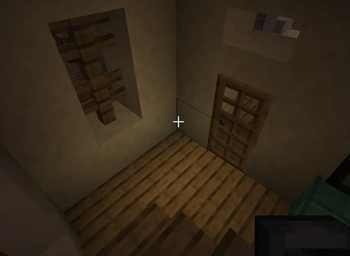
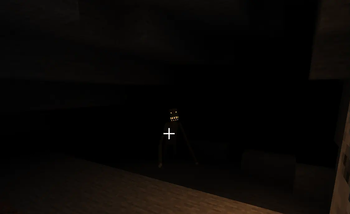
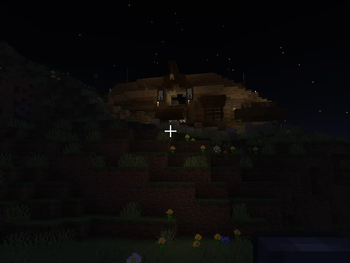
Über dieses Modpack


1.3.0 has released, Check it on
Ðꧢrïþ†ïðñ
The world of fabric is completely devoid of horror
So why don't we add these factors together?
I present to you a terrifying modpack in the Fabric version with high performance
And explore many monuments
Be careful of the entities added from the Forge to Fabric
You will play in a classic way, but more fun and terrifying
𐌅𐌄𐌀𐌕𐌵𐌐𐌄𐌔
The mod pack has features like any other terrifying mod pack
★ Simplified Graphics

Fabric has many performance mods that speed up the game to more than 100 frames (without shaders), but it will give a better experience for low-performance computers.
✈ Explore More Structures
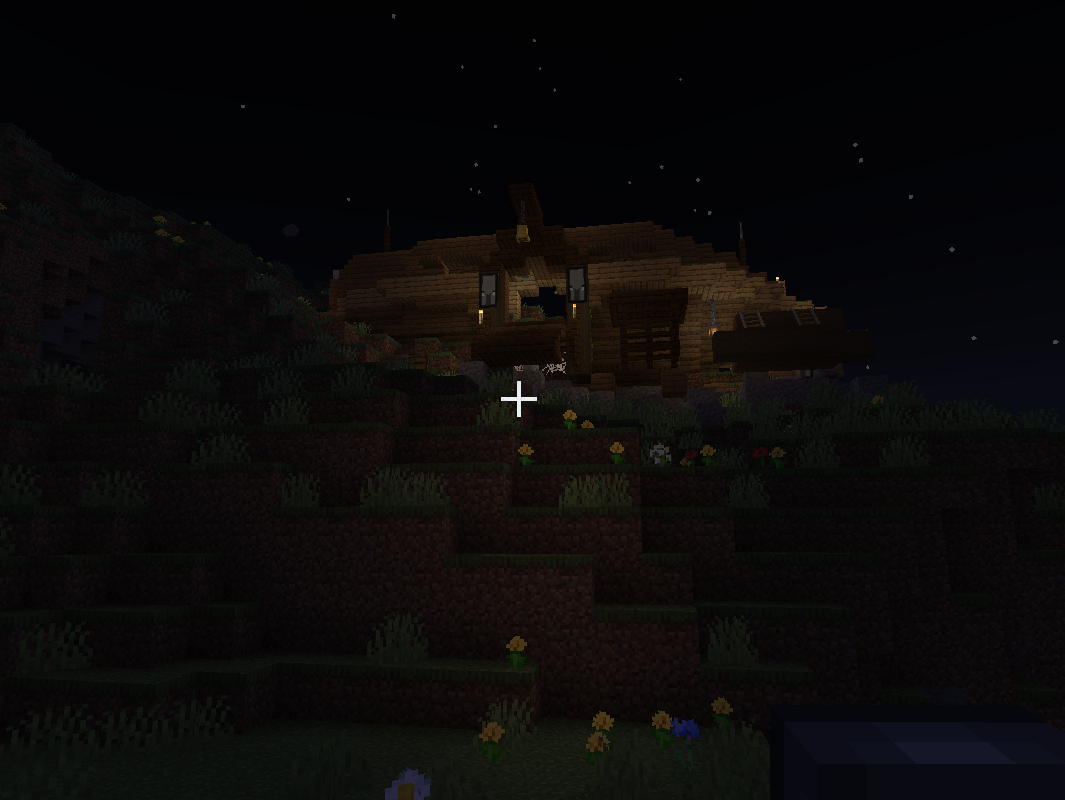
Mods have been added that contribute to the creation of more structures that give a better experience for exploration and looting as settlements or secret hideouts for the Illager. Be careful when looting them from them.
☋ Scary Mobs
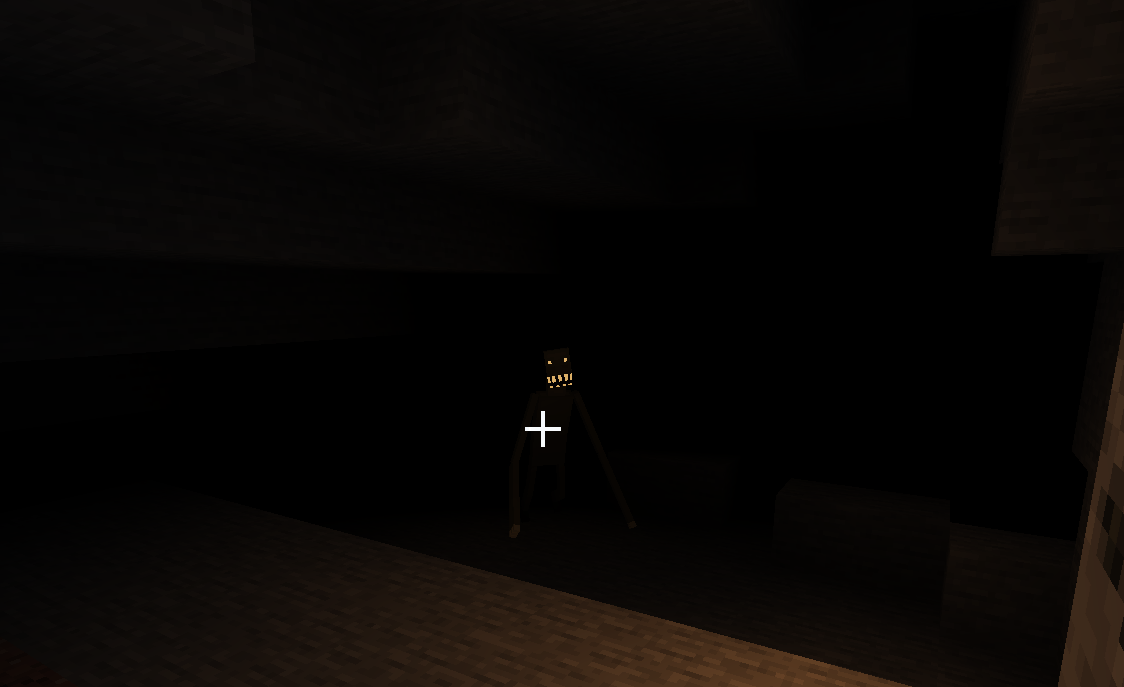
The goal of the modpack is to scare the player, and the modpack has most of the scary Forge mods in the Fabric version.
With improving some of the mobs in the game
✨ Flashlights! (External site)
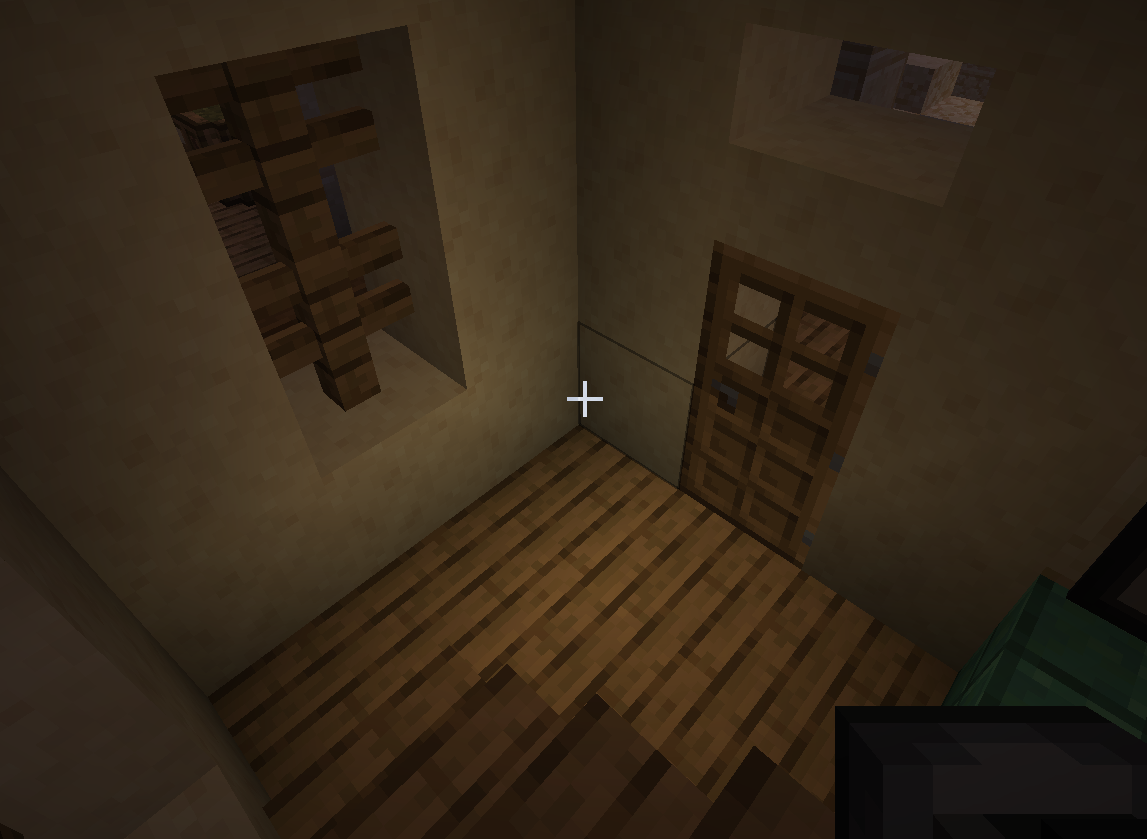
Bring with you to experience the best “flashlight device”
Unfortunately, it will not be in the modpack, but you can download it here
"https://www.planetminecraft.com/data-pack/working-flashlight-datapack/"
Credits for flashlight down
Insanity Shaders
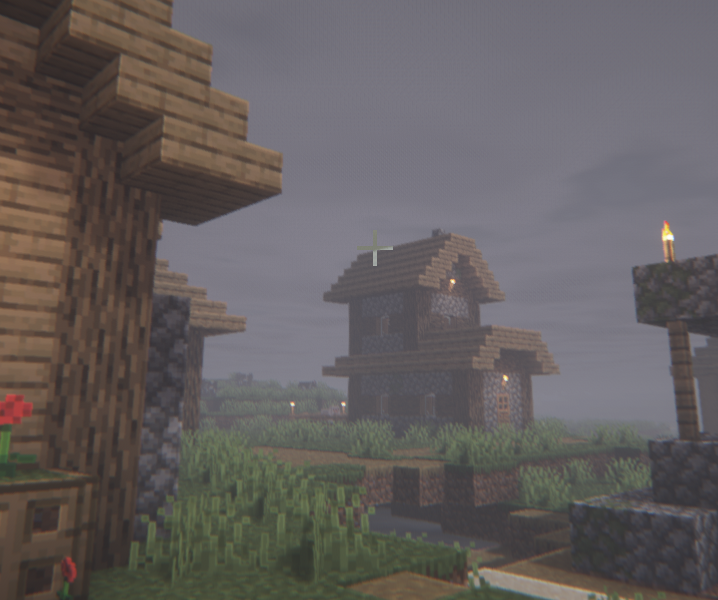
There are certain shaders that add terror to the game, but the Insanity Shader was specifically chosen because it has good gameplay
© Äß𵆠Lï§êñ¢ê
Flash light From Planetminecraft
Owner "HAK0TA538" (Including Datapack and Resourcepack all)
"https://www.planetminecraft.com/data-pack/working-flashlight-datapack/"
DefaultScaryFabricScreen
I Made it fully with myself


Verfügbare Versionen
Scary Fabric Server einrichten
Server bestellen
Wähle mindestens 6 GB RAM (8 GB empfohlen für Scary Fabric). Je nach Spieleranzahl: +1 GB pro 5 Spieler.
Modpack im Dashboard installieren
Öffne den Modpack-Browser im Dashboard, suche nach "Scary Fabric" und klicke "Installieren". Der fabric-Loader und Minecraft 1.20.1 werden automatisch konfiguriert.
Server starten & spielen
Starte den Server – alle Mods werden automatisch geladen. Teile die Server-IP mit Freunden und spielt zusammen!
Häufige Fragen
Scary Fabric Server crasht oder startet nicht – was tun?
Häufigste Ursachen: zu wenig RAM oder falscher fabric-Loader. Prüfe latest.log auf "OutOfMemoryError" → erhöhe RAM auf mindestens 8 GB. Bei "Mixin" oder "ClassNotFoundException": Modpack-Version und Loader stimmen nicht überein. Bei Mado Hosting werden Loader und Minecraft-Version beim Modpack-Install automatisch konfiguriert – das verhindert die meisten Startprobleme.
Wie viel RAM braucht ein Scary Fabric Server wirklich?
Minimum 6 GB, empfohlen 8 GB für stabile Performance. +1 GB pro 5 Spieler. Wichtig: Minecraft-Modpacks brauchen mehr RAM als Vanilla – plane pro zusätzlichem Spieler extra ein. Bei Mado Hosting kannst du den RAM jederzeit live hochskalieren, ohne Datenverlust (ab €7.800000000000001/Monat).
Kann ich eigene Mods zu Scary Fabric hinzufügen, ohne Konflikte?
Ja, aber achte auf die Kompatibilität: Nutze nur Mods für den gleichen Loader (fabric) und die gleiche Minecraft-Version (1.20.1). Häufige Probleme: ID-Konflikte bei Rezept-Mods und inkompatible Coremod-Versionen. Im Mado Dashboard zeigt der Mod-Browser nur kompatible Mods an und warnt bei bekannten Konflikten.
Scary Fabric Server laggt – Performance-Tipps
1) RAM auf 8 GB+ erhöhen. 2) Server-View-Distance auf 8 reduzieren (server.properties). 3) Pre-Generiere Chunks mit dem "Chunky" Plugin. 4) Prüfe mit /spark profiler welche Mods die meiste Tick-Time verbrauchen. Bei Mado Hosting laufen alle Server auf NVMe-SSDs mit dedizierten CPU-Kernen – das eliminiert Hardware als Engpass.
Ähnliche Modpacks
![Cobblemon Official Modpack [Fabric]](https://cdn.modrinth.com/data/5FFgwNNP/e7f9ee2e9d361623847853fe2ddce42f519ee64f.png)
![COBBLEVERSE - Pokemon Adventure [Cobblemon]](https://cdn.modrinth.com/data/Jkb29YJU/581ecf54530972afb18a04660afd820f2f24f6c7.png)
![Better MC [FABRIC] - BMC2](https://cdn.modrinth.com/data/shFhR8Vx/a19c2bcb51d38f32f138d3607e91cb2b7b8e387f_96.webp)


![Better MC [FORGE] - BMC4](https://cdn.modrinth.com/data/4BV47HRn/7f5ef7cc61b2593609aabef3ed07a866a4f11b73_96.webp)
Scary Fabric Server mieten
Starte deinen eigenen Server mit automatischer Modpack-Installation.
Details
- Lizenz
- BSD 3-Clause "New" or "Revised" License
- Server-seitig
- Erforderlich
- Client-seitig
- Erforderlich
Unterstützte Versionen
Starte deinen Scary Fabric Server jetzt
Ab €7.80/Monat; für die beste Performance werden 8 GB RAM empfohlen.
Server konfigurieren →