
Scurz PvP
High Performance Sodium Client made with extensive Client-side optimizations and QoL features. This Modpack has been custom built for PvP.
Screenshots
Über dieses Modpack
📝 Description
The Scurz PvP modpack aims to provide a base of the best optimization mods available, configured for the maximum performance achievable, specifically for combat related purposes. Thanks to countless hours of research, it often outperforms other optimization solutions in benchmarks, and when it doesn't, our team investigates why to improve it further.
Scurz PvP was constructed with combat and optimizations in mind first. This modpack disables many features in vanilla Minecraft to drastically improve framerates (such as disabling the lighting engine). This modpack also adds many lightweight quality of life improvements to gain every small advantage in combat.
This also means the Scurz PvP modpack is rigorously tested with new cutting-edge performance improvements, and can update to new major Minecraft versions with the best optimizations available. The team strives to keep this modpack as relevant as it can be at any given moment.
📈 Performance Benchmarks
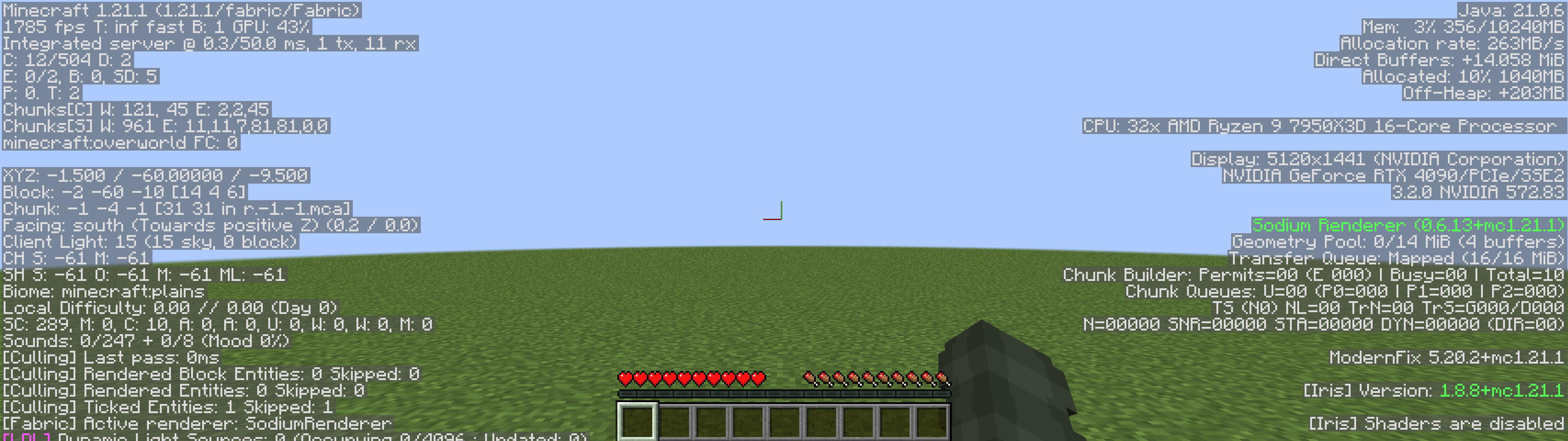
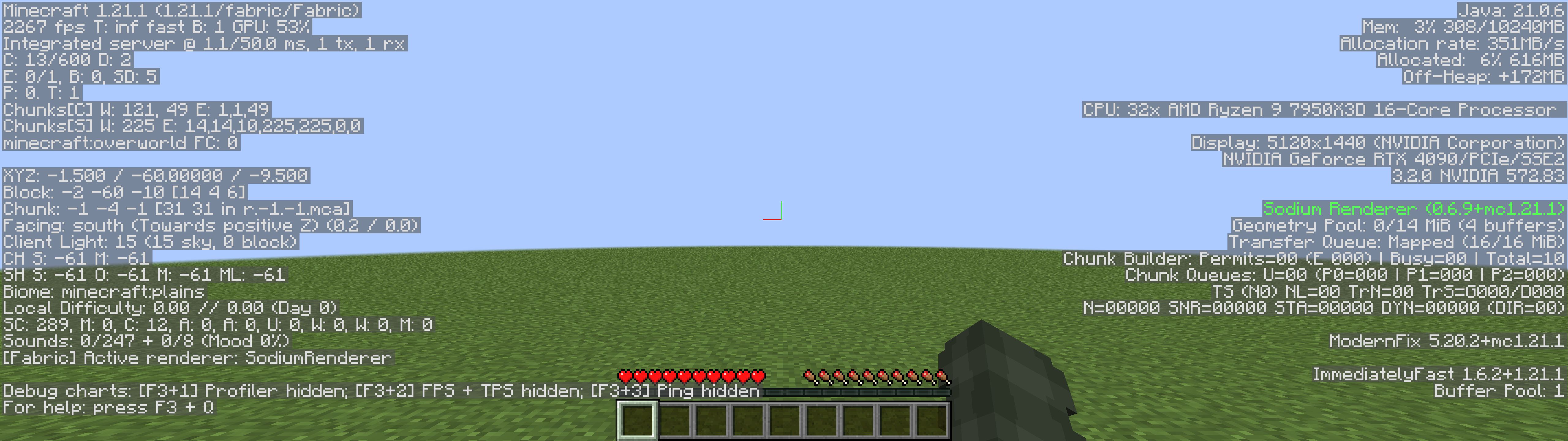
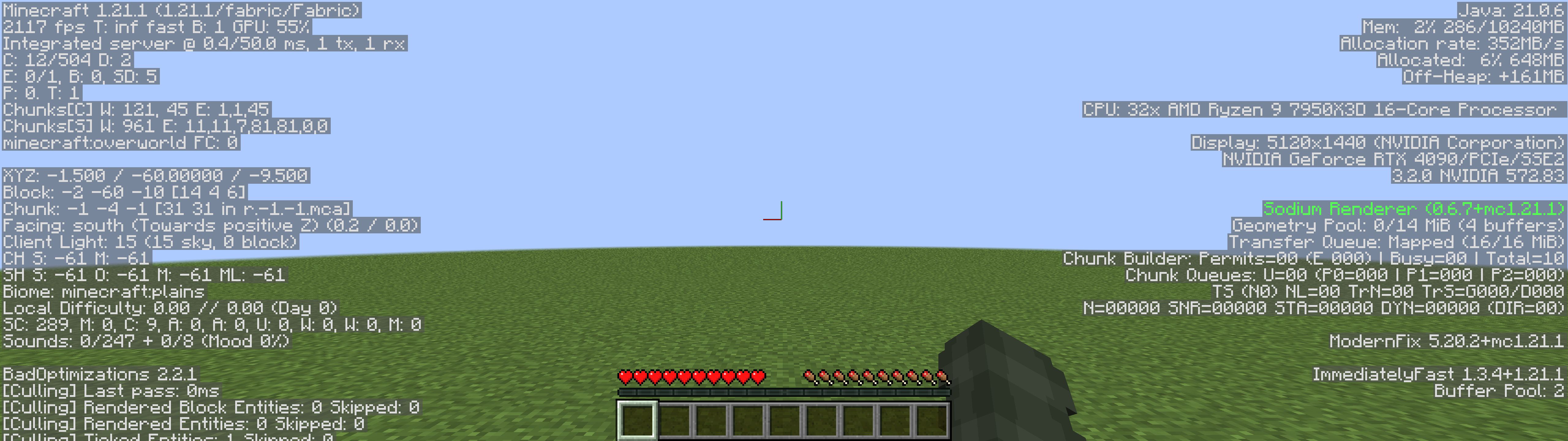
The below performance benchmarks display our combat-centered modpack compared with other leading performance optimization modpacks.
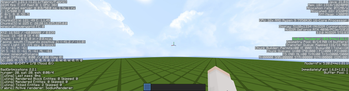
Scurz PvP (2233 FPS) - With QoL Feature Mods

Fabulously Optimized (1785 FPS)
Simply Optimized (2267 FPS)
Adrenaline (2117 FPS)
⚡ Optimizations
- BadOptimizations
- Chunky
- Clumps
- Concurrent Chunk Management Engine (Fabric)
- Controlling
- Debugify
- Enhanced Block Entities
- Entity Culling
- Exordium
- Faster Random
- FerriteCore
- Fzzy Config
- ImmediatelyFast
- Krypton
- Ksyxis
- Lithium
- Methane
- ModernFix
- More Culling
- Noisium
- Packet Fixer
- Particle Core
- Reese's Sodium Options
- Reflex AntiLag
- Sodium
- Sodium Extra
- ThreadTweak
- Very Many Players (Fabric)
- Video Tape
🥇 Quality of Life Features
- AlinPerspective
- AppleSkin
- Better Mount HUD
- Better Ping Display [Fabric]
- BetterHurtCam
- BetterShields
- Bobby
- Capes
- Chat Patches
- Chat Reporting Helper
- Cubes Without Borders
- Custom Window Title
- Distant Horizons
- e4mc
- FabricSkyboxes
- Fabrishot
- Fast IP Ping
- FastQuit
- Gamma Utils (Fullbright)
- Mod Menu
- Model Gap Fix
- Nametag Tweaks
- No Chat Reports
- OptiGUI
- Paginated Advancements & Custom Frames
- Restore Chat Links
- Simple Voice Chat
- spark
- Status Effect Bars
- ViaFabricPlus
- WorldEdit
- Your Options Shall Be Respected (YOSBR)
- Zoomify
🔀 Dependencies
Verfügbare Versionen
Scurz PvP Server einrichten
Server bestellen
Wähle mindestens 4 GB RAM (6 GB empfohlen für Scurz PvP). Je nach Spieleranzahl: +1 GB pro 8 Spieler.
Modpack im Dashboard installieren
Öffne den Modpack-Browser im Dashboard, suche nach "Scurz PvP" und klicke "Installieren". Der fabric-Loader und Minecraft 26.1 werden automatisch konfiguriert.
Server starten & spielen
Starte den Server – alle Mods werden automatisch geladen. Teile die Server-IP mit Freunden und spielt zusammen!
Häufige Fragen
Scurz PvP Server crasht oder startet nicht – was tun?
Häufigste Ursachen: zu wenig RAM oder falscher fabric-Loader. Prüfe latest.log auf "OutOfMemoryError" → erhöhe RAM auf mindestens 6 GB. Bei "Mixin" oder "ClassNotFoundException": Modpack-Version und Loader stimmen nicht überein. Bei Mado Hosting werden Loader und Minecraft-Version beim Modpack-Install automatisch konfiguriert – das verhindert die meisten Startprobleme.
Wie viel RAM braucht ein Scurz PvP Server wirklich?
Minimum 4 GB, empfohlen 6 GB für stabile Performance. +1 GB pro 8 Spieler. Wichtig: Minecraft-Modpacks brauchen mehr RAM als Vanilla – plane pro zusätzlichem Spieler extra ein. Bei Mado Hosting kannst du den RAM jederzeit live hochskalieren, ohne Datenverlust (ab €5.2/Monat).
Kann ich eigene Mods zu Scurz PvP hinzufügen, ohne Konflikte?
Ja, aber achte auf die Kompatibilität: Nutze nur Mods für den gleichen Loader (fabric) und die gleiche Minecraft-Version (26.1). Häufige Probleme: ID-Konflikte bei Rezept-Mods und inkompatible Coremod-Versionen. Im Mado Dashboard zeigt der Mod-Browser nur kompatible Mods an und warnt bei bekannten Konflikten.
Scurz PvP Server laggt – Performance-Tipps
1) RAM auf 6 GB+ erhöhen. 2) Server-View-Distance auf 8 reduzieren (server.properties). 3) Pre-Generiere Chunks mit dem "Chunky" Plugin. 4) Prüfe mit /spark profiler welche Mods die meiste Tick-Time verbrauchen. Bei Mado Hosting laufen alle Server auf NVMe-SSDs mit dedizierten CPU-Kernen – das eliminiert Hardware als Engpass.
Ähnliche Modpacks


![Better MC [FABRIC] - BMC2](https://cdn.modrinth.com/data/shFhR8Vx/a19c2bcb51d38f32f138d3607e91cb2b7b8e387f_96.webp)
![Better MC [FORGE] - BMC4](https://cdn.modrinth.com/data/4BV47HRn/7f5ef7cc61b2593609aabef3ed07a866a4f11b73_96.webp)


Scurz PvP Server mieten
Starte deinen eigenen Server mit automatischer Modpack-Installation.
Details
- Lizenz
- LicenseRef-All-Rights-Reserved
- Server-seitig
- Nicht unterstützt
- Client-seitig
- Erforderlich
Unterstützte Versionen
Starte deinen Scurz PvP Server jetzt
Ab €5.20/Monat; für die beste Performance werden 6 GB RAM empfohlen.
Server konfigurieren →