
Alex's Mobs Continued
Alex's Mobs - Updated and ported
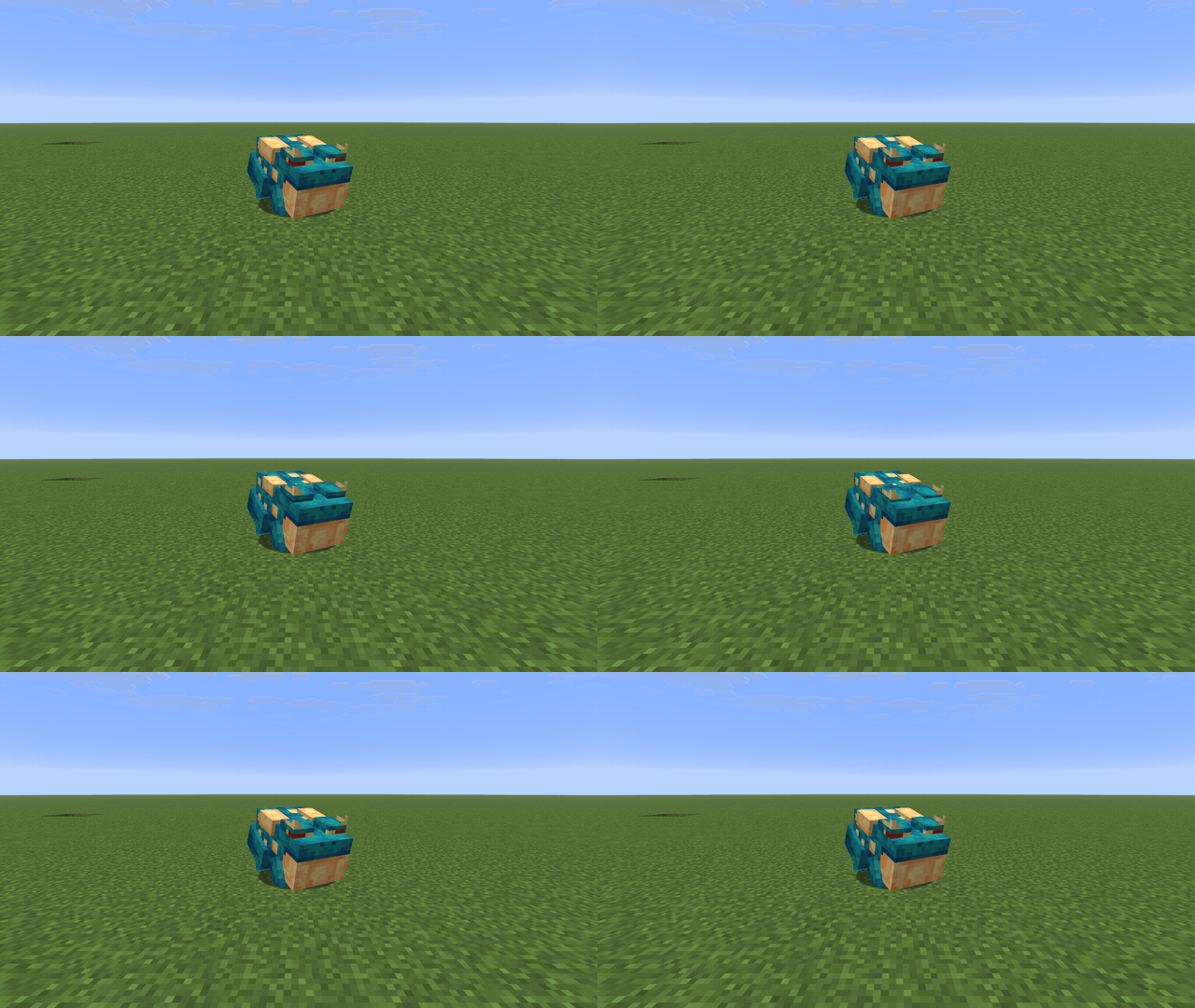
Screenshots
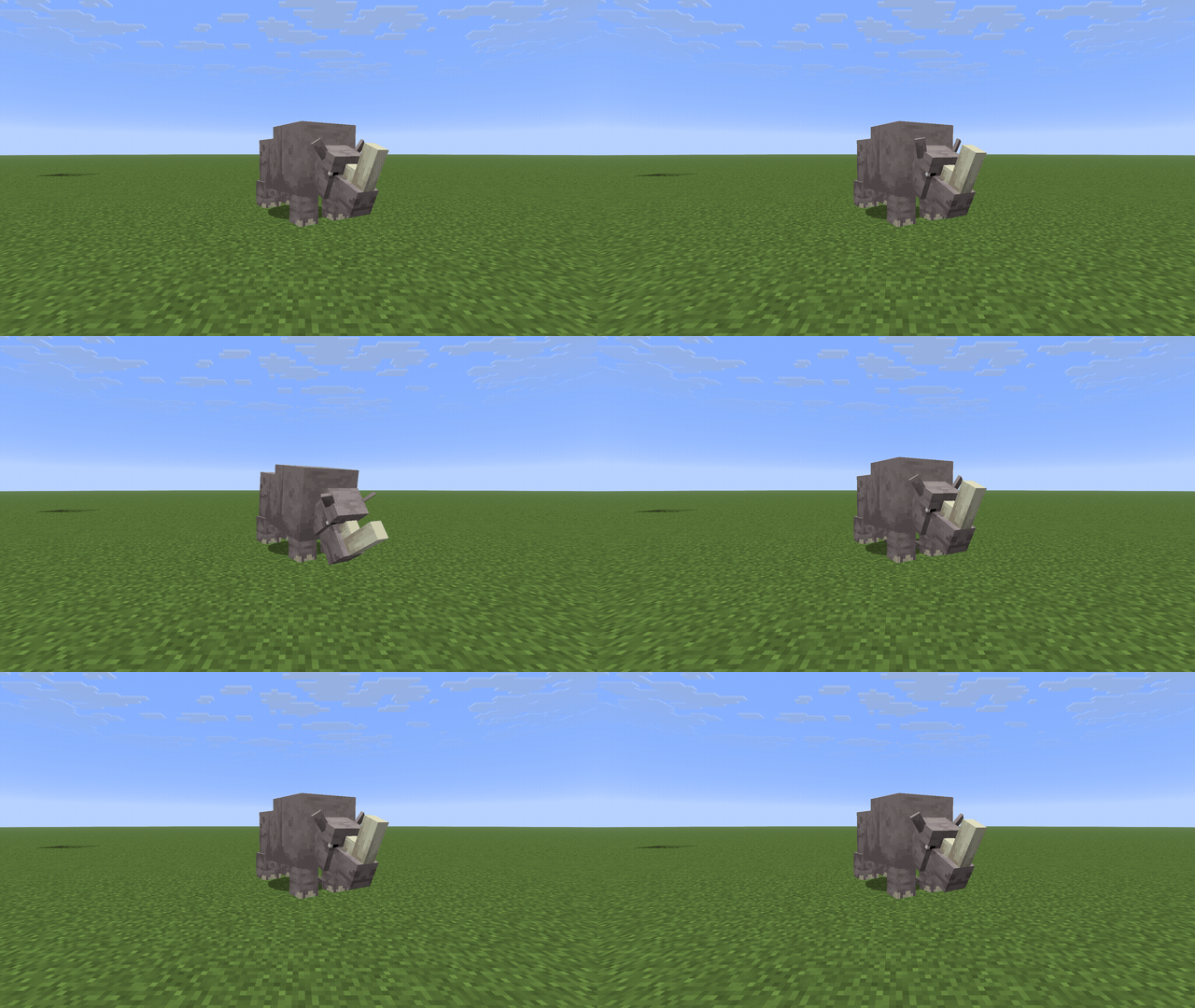
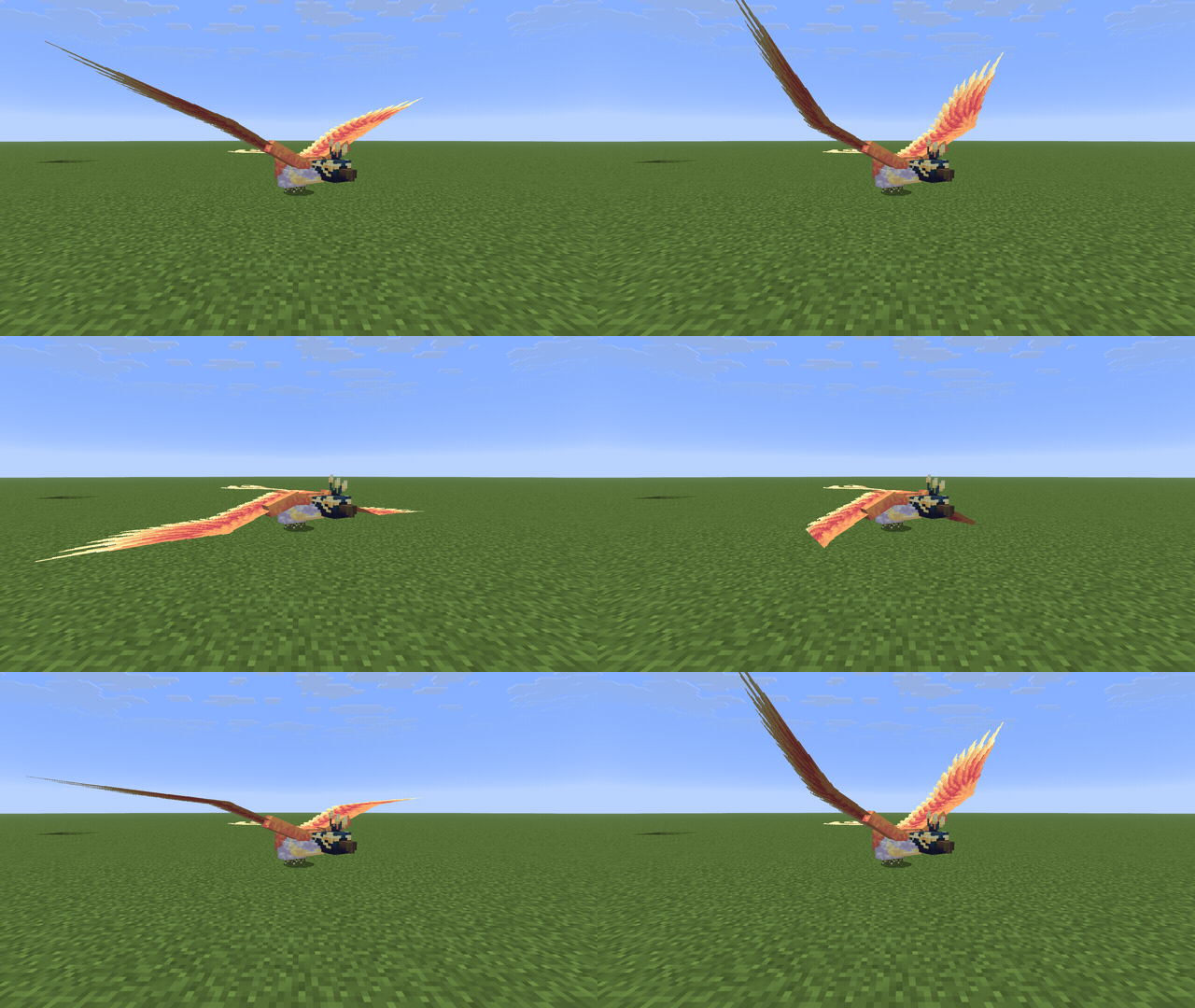
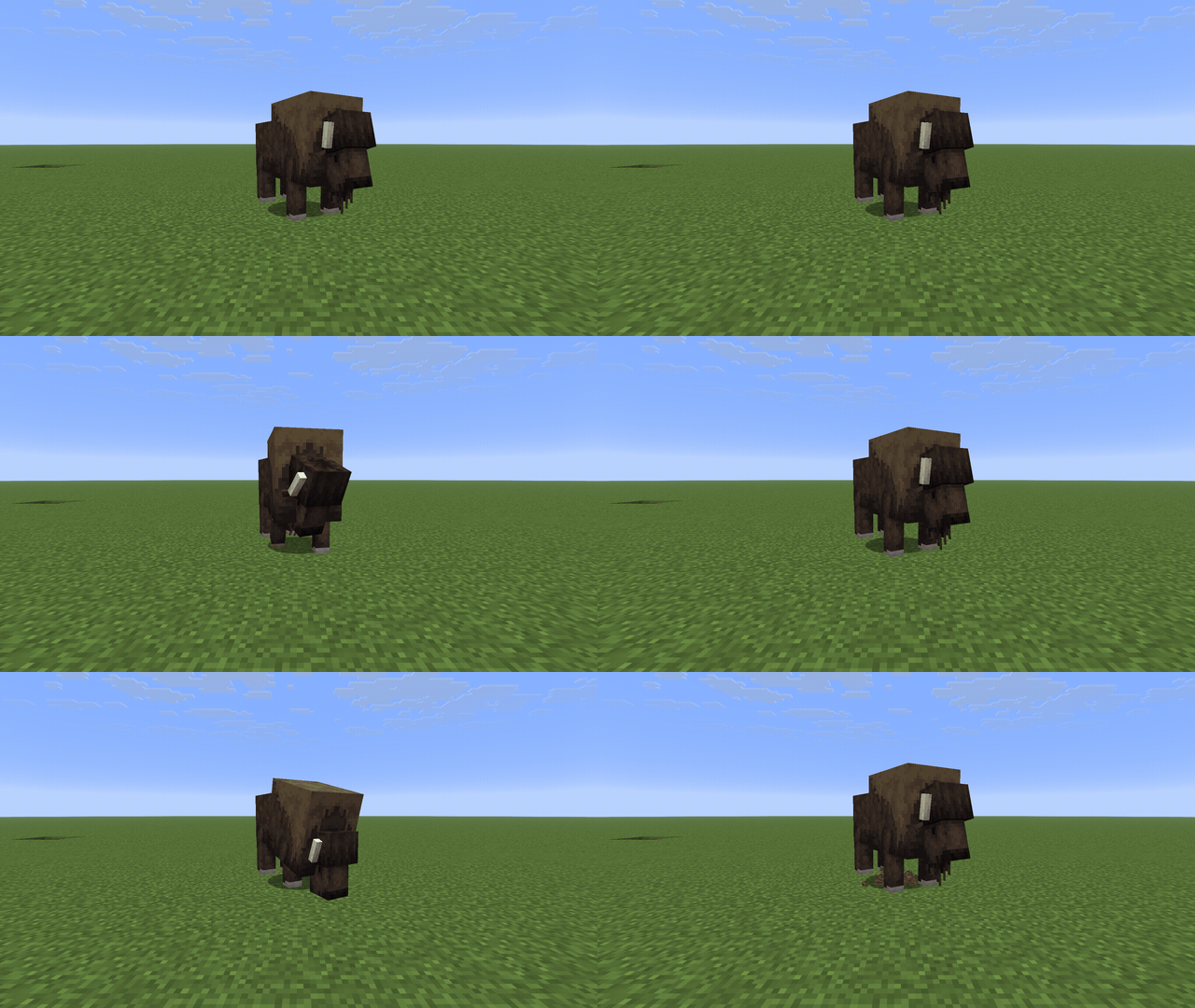
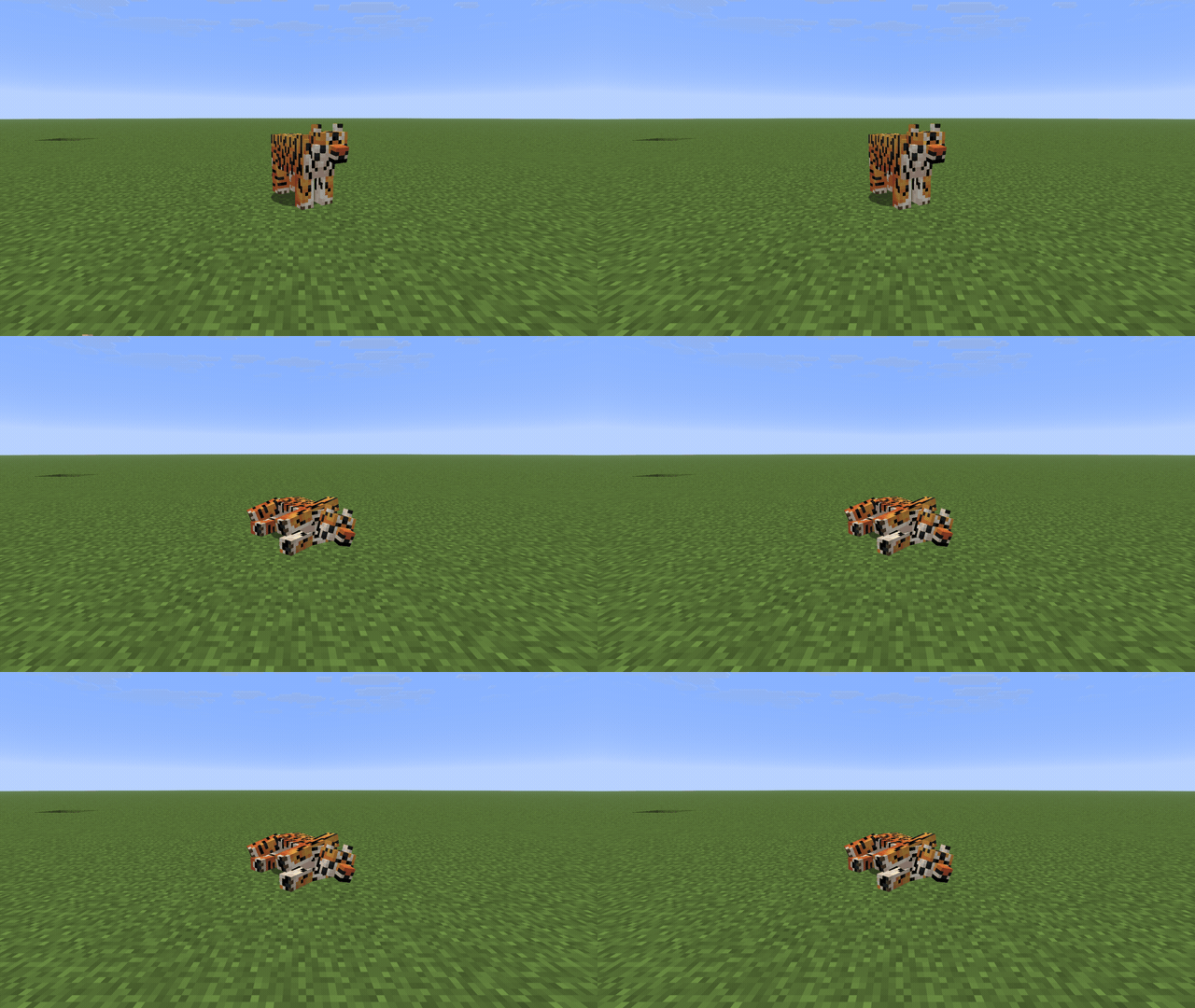
Über diese Mod

Alex's Mobs Continued
Alex's Mobs, by AlexModGuy, added around 116 animals and monsters to Minecraft — each with its own
model, textures, animations and behaviour. It stopped at Minecraft 1.20.1 on Forge.
This is an unofficial continuation. Same mod, same content, kept running on current Minecraft. Nothing
has been redesigned or rebalanced.
Versions
Minecraft 1.20.1 through 26.3, on Forge, NeoForge and Fabric — 51 builds. Download the file that
matches your Minecraft version and your loader. Forge has not released a build for 26.3 yet, so that
one version is NeoForge and Fabric only; it will be added as soon as Forge ships one.
What you get
The full roster, spawning naturally in its matching biomes: grizzly bears, tigers and gorillas on land,
sharks, orcas and catfish in the water, soul vultures and straddlers in the Nether and beyond. Taming,
breeding, mounts, egg-laying, bucketing, the items and blocks and armour that go with them, and the
Animal Dictionary and advancements to track what you've found.
In Creative, every creature has a spawn egg.
Installing
You need CodxLib for your Minecraft version and loader. On Fabric
you also need Fabric API — each Fabric file lists the exact build it wants.
You do not need Citadel. The parts Alex's Mobs uses are built into the jar, and they stay out of the
way if you already run Citadel for something else.
Credit
Every mob design, model, texture and animation is the work of AlexModGuy and the Alex's Mobs team.
This project only ports it forward.
Feedback
Something behaving differently from the original? Discord or the
issue tracker — reports get fixed.
Verfügbare Versionen
Alex's Mobs Continued auf dem Server installieren
Server bestellen
Bestelle einen Minecraft Java Server mit mindestens 3 GB RAM (4 GB empfohlen).
fabric Loader setzen
Wähle im Panel unter "Egg" den fabric-Loader und die passende Minecraft-Version (26.3).
Mod installieren
Öffne den Mod-Browser im Dashboard und suche nach "Alex's Mobs Continued". Klicke "Installieren" – fertig! Alternativ: Lade die .jar via SFTP in den /mods Ordner.
Kompatibilität
Mod-Loader
Minecraft-Versionen
26.3, 26.2, 26.1.2 (+17 weitere)
Server-seitig
✓ ErforderlichEmpfohlener RAM
4 GB(min. 3 GB)Häufige Fragen
Alex's Mobs Continued Server crasht beim Start – was tun?
Häufigste Ursache: falsche fabric-Version oder zu wenig RAM. Prüfe im Server-Log (latest.log), ob ein "OutOfMemoryError" oder "Mixin"-Fehler auftritt. Bei Mado Hosting: Stelle sicher, dass mindestens 3 GB RAM zugewiesen sind und der Loader zur Mod-Version passt (26.3). Über das Panel kannst du den Loader mit einem Klick wechseln.
Ist Alex's Mobs Continued mit fabric und forge und neoforge kompatibel?
Alex's Mobs Continued unterstützt offiziell fabric, forge, neoforge für Minecraft 26.3, 26.2, 26.1.2. Achtung: Forge- und Fabric-Mods sind NICHT untereinander kompatibel – wähle einen Loader und bleibe dabei. Im Mado Dashboard werden inkompatible Loader-Kombinationen automatisch erkannt.
Server laggt mit Alex's Mobs Continued – wie optimiere ich die Performance?
Empfohlener RAM: 4 GB (+1 GB pro 8 Spieler). Prüfe mit /spark profiler, ob Alex's Mobs Continued den meisten Tick-Time verbraucht. Häufige Fixes: Server-View-Distance auf 8-10 reduzieren, bei Forge "performant" oder "starlight" als Zusatz-Mod installieren. Bei Mado Hosting läuft dein Server auf NVMe-SSDs mit dedizierten CPU-Kernen für minimale Latenz.
Ähnliche Mods




Modded Server mieten
Installiere Alex's Mobs Continued mit nur einem Klick auf deinem Server.