
Artillery Support
Artillery support allows you to conduct military tactics. Designate targets with smoke bombs and call for large-scale attacks by Mortar or Howitzer.
Screenshots
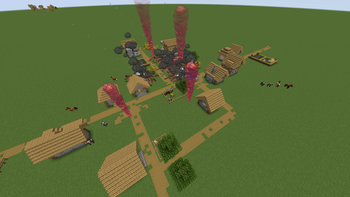
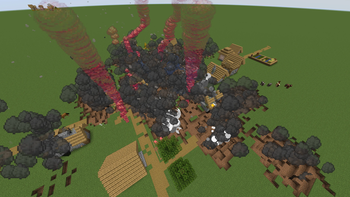
Über diese Mod
📖Description
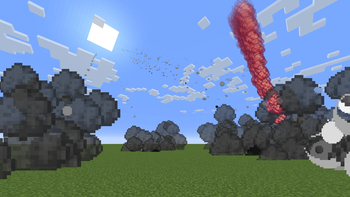
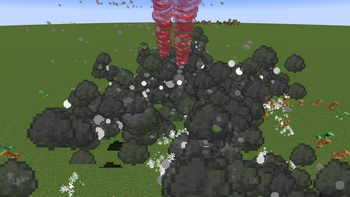
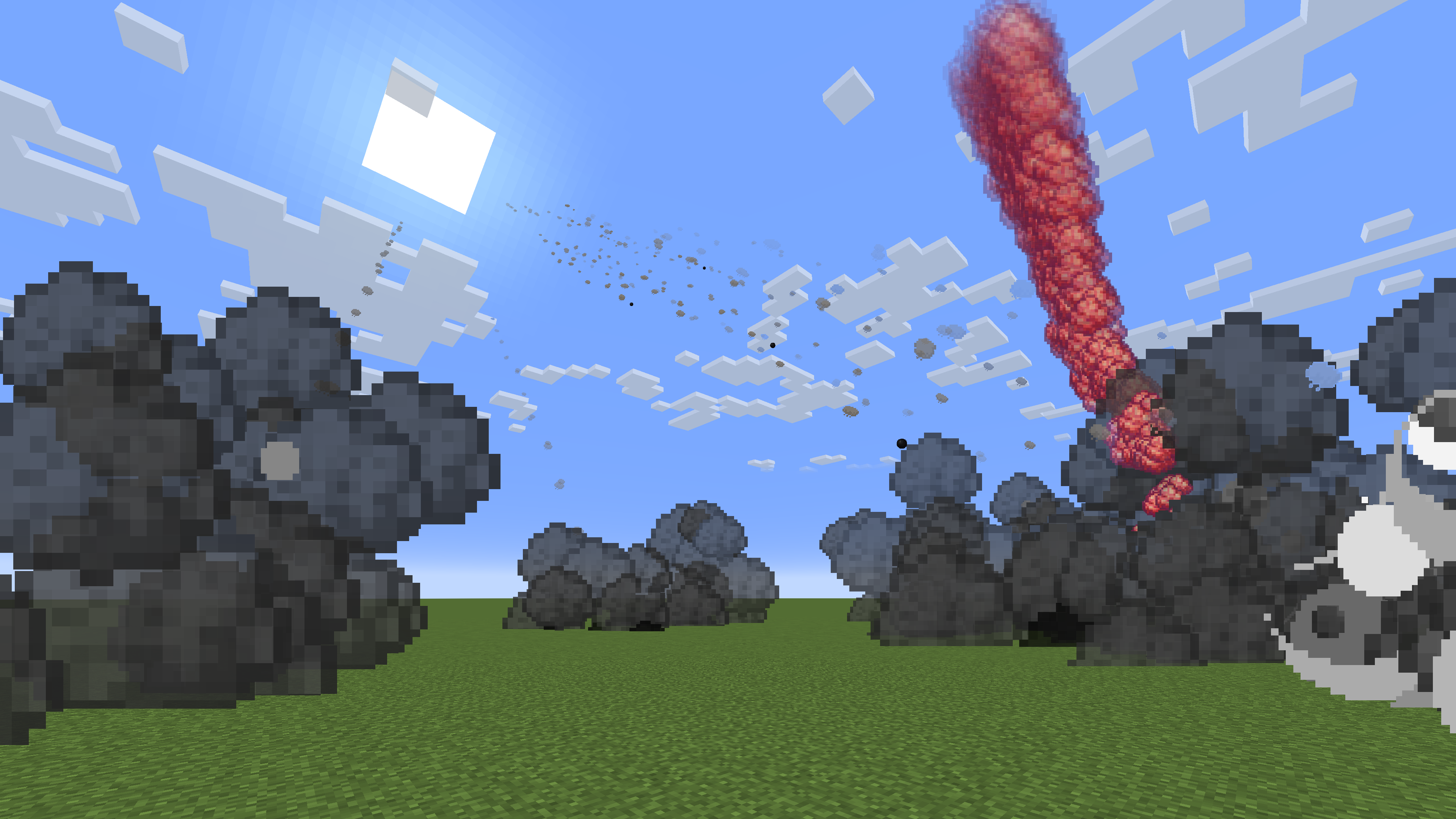
Artillery Support is a mod that enables military tactics with Mortars and Howitzers. Artillery strikes are executed from behind the player, and the sound of firing and explosions echoes over a wide area, making it highly immersive.
You have an excellent artillery unit deployed behind you!
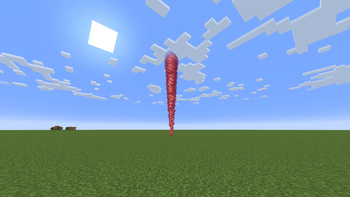
Designate targets by using smoke bombs and request a massive and destructive bombardment!
English and Japanese are available.
💥Attack Type
Two types of explosions can be requested: Mortar, which produces an explosion that does not destroy blocks, and Howitzer, which produces an explosion that destroys blocks.
Mortar
Howitzer
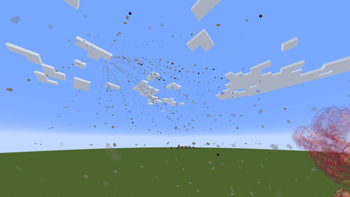
There are different tactical types of artillery support, with Normal Fire, Concentrated Fire, Continuous Fire, Volley Fire, and Single Fire to choose from.
Normal Fire

Concentrated Fire
The intervals between attacks are short and the attack radius is narrow.

Continuous Fire
The attack interval is long, but the number of shots is high.

Volley Fire
Fires many bullets at the same time.

Simple Fire
The number of shots fired is low, but the shots land quickly and accurately.
Other types have a stack limit of 1, but Single Fire has a stack limit of 8.
GIF image in preparation
Mortar and Howitzer have ranks, and higher ranks increase their power and number of shots.
New attack types and ranks will be implemented in the future.
🌱How to start
Although the material cost is high, some Smoke Bombs can be crafted.
Smoke bombs may be created after reaching the nether because they require Glowstone Dust in addition to general materials such as Iron and Gunpowder.
Other smoke bombs can be obtained by purchasing them from Wandering Trader.
You can check the performance of Smoke Bomb with the tool tip.
Explosive Force
Indicates the size and damage of the explosion. For reference, the Explosive Force of TNT is 4 and the Explosive Force of Charged Creeper is 6.
Attack Radius
The radius of the area over which the shell will fall.
Shots
Total number of shells fire in one request.
Rate of Fire
The number of shells fired per second.
Smoke bomb can increase the throwing distance by holding down the right mouse button for up to 5 seconds.
By increasing the Entity Distance value, shells can be seen from a long distance, allowing you to enjoy a more dynamic performance.

🚫Precautions for use
It can be requested artillery support outside of Over World, but Nether will not benefit from it because the attack will hit the Bedrock.
Because the projectile is forced to read chunks of the projectile's initial and current positions, even small values of Simulation Distance work correctly, but chunk reading becomes unstable when a large amount of bombardment support is requested in rapid succession.
Setting the Simulation Distance value to 18 or higher will stabilize the generation of the Projectile.
However, this setting is not required, as the generation of projectiles is not unstable within the expected range of use of Survival.
Improvements to chunk loading will continue in future updates.
Finally
Thank you for reading this far. If you have any problems or requests, please feel free to contact us.
Now, enjoy Artillery Support!
Verfügbare Versionen
Artillery Support auf dem Server installieren
Server bestellen
Bestelle einen Minecraft Java Server mit mindestens 3 GB RAM (4 GB empfohlen).
forge Loader setzen
Wähle im Panel unter "Egg" den forge-Loader und die passende Minecraft-Version (1.20.1).
Mod installieren
Öffne den Mod-Browser im Dashboard und suche nach "Artillery Support". Klicke "Installieren" – fertig! Alternativ: Lade die .jar via SFTP in den /mods Ordner.
Kompatibilität
Mod-Loader
Minecraft-Versionen
1.20.1
Server-seitig
✓ ErforderlichEmpfohlener RAM
4 GB(min. 3 GB)Häufige Fragen
Artillery Support Server crasht beim Start – was tun?
Häufigste Ursache: falsche forge-Version oder zu wenig RAM. Prüfe im Server-Log (latest.log), ob ein "OutOfMemoryError" oder "Mixin"-Fehler auftritt. Bei Mado Hosting: Stelle sicher, dass mindestens 3 GB RAM zugewiesen sind und der Loader zur Mod-Version passt (1.20.1). Über das Panel kannst du den Loader mit einem Klick wechseln.
Ist Artillery Support mit forge kompatibel?
Artillery Support unterstützt offiziell forge für Minecraft 1.20.1. Im Mado Dashboard werden inkompatible Loader-Kombinationen automatisch erkannt.
Server laggt mit Artillery Support – wie optimiere ich die Performance?
Empfohlener RAM: 4 GB (+1 GB pro 8 Spieler). Prüfe mit /spark profiler, ob Artillery Support den meisten Tick-Time verbraucht. Häufige Fixes: Server-View-Distance auf 8-10 reduzieren, bei Forge "performant" oder "starlight" als Zusatz-Mod installieren. Bei Mado Hosting läuft dein Server auf NVMe-SSDs mit dedizierten CPU-Kernen für minimale Latenz.
Ähnliche Mods



![[TaCZ] Timeless and Classics Zero](https://cdn.modrinth.com/data/SzzJttH8/fd27766d2bb8390d284696b1dbd358f87e081439_96.webp)


Modded Server mieten
Installiere Artillery Support mit nur einem Klick auf deinem Server.