
Ascension Megamons (Cobblemon)
Adds Mega Evolution to Cobblemon!
Screenshots
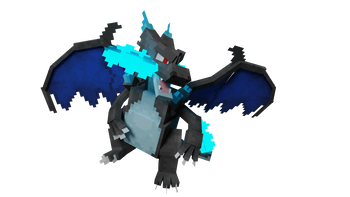
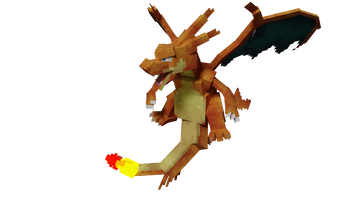


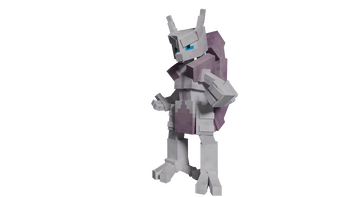
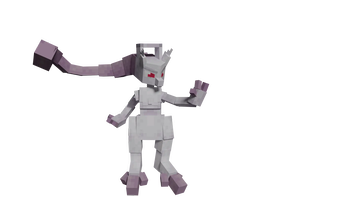
Über diese Mod
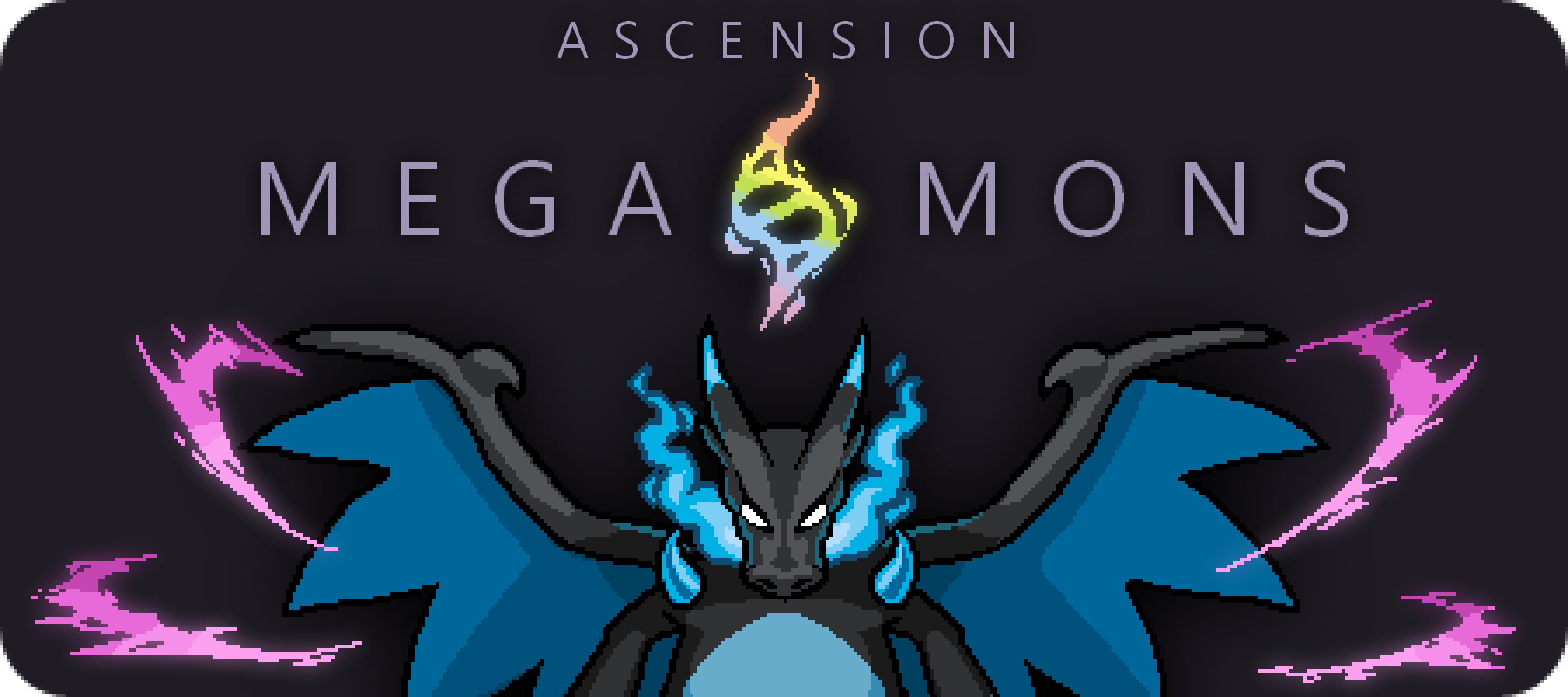
Mega Evolution has FINALLY come to Cobblemon! Using this side mod, players can now obtain Mega Stones and Mega Evolve their Pokemon!

- Mega Stones: Mega stones for supported pokemon available in survival!
- Mega Bracelet: Used for Mega Evolution, the bracelet appears on the player model's wrist.
- Geode Generation: Unique geodes spawning throughout the world. Each may contain new building blocks, an abundance of evolutionary stones, and Mega Stone ore!
- Quality Assurance: Every Pokemon included in this mod was modelled, textured, and animated in the Cobblemon artstyle, with attention regarding Pokemon lore and Minecraft gameplay!
- Future Updates: Major updates to this mod will include more megas, special structures and other surprises!
- Platform Agnostic: Fabric and Forge versions available so no matter what platform you choose you can enjoy Mega Evolution!

- Gen 1 Mega Evolutions: 15/15
- Gen 2 Mega Evolutions: 4/6
- Gen 3 Mega Evolutions: 6/20
- Gen 4 Mega Evolutions: 2/6

- Client and Server: Download the mod for your version and drop it in the mods folder. It needs to be installed in at least the Client and the Server if you have one.

- Please join our Discord server to chat about our mods with our community, and for future updates!
Verfügbare Versionen
Ascension Megamons (Cobblemon) auf dem Server installieren
Server bestellen
Bestelle einen Minecraft Java Server mit mindestens 4 GB RAM (6 GB empfohlen).
fabric Loader setzen
Wähle im Panel unter "Egg" den fabric-Loader und die passende Minecraft-Version (1.20.1).
Mod installieren
Öffne den Mod-Browser im Dashboard und suche nach "Ascension Megamons (Cobblemon)". Klicke "Installieren" – fertig! Alternativ: Lade die .jar via SFTP in den /mods Ordner.
Kompatibilität
Mod-Loader
Minecraft-Versionen
1.20.1
Server-seitig
✓ ErforderlichEmpfohlener RAM
6 GB(min. 4 GB)Häufige Fragen
Ascension Megamons (Cobblemon) Server crasht beim Start – was tun?
Häufigste Ursache: falsche fabric-Version oder zu wenig RAM. Prüfe im Server-Log (latest.log), ob ein "OutOfMemoryError" oder "Mixin"-Fehler auftritt. Bei Mado Hosting: Stelle sicher, dass mindestens 4 GB RAM zugewiesen sind und der Loader zur Mod-Version passt (1.20.1). Über das Panel kannst du den Loader mit einem Klick wechseln.
Ist Ascension Megamons (Cobblemon) mit fabric und forge kompatibel?
Ascension Megamons (Cobblemon) unterstützt offiziell fabric, forge für Minecraft 1.20.1. Achtung: Forge- und Fabric-Mods sind NICHT untereinander kompatibel – wähle einen Loader und bleibe dabei. Im Mado Dashboard werden inkompatible Loader-Kombinationen automatisch erkannt.
Server laggt mit Ascension Megamons (Cobblemon) – wie optimiere ich die Performance?
Empfohlener RAM: 6 GB (+1 GB pro 5 Spieler). Prüfe mit /spark profiler, ob Ascension Megamons (Cobblemon) den meisten Tick-Time verbraucht. Häufige Fixes: Server-View-Distance auf 8-10 reduzieren, bei Forge "performant" oder "starlight" als Zusatz-Mod installieren. Bei Mado Hosting läuft dein Server auf NVMe-SSDs mit dedizierten CPU-Kernen für minimale Latenz.
Ähnliche Mods




Modded Server mieten
Installiere Ascension Megamons (Cobblemon) mit nur einem Klick auf deinem Server.
Details
- Lizenz
- Creative Commons Attribution Non Commercial No Derivatives 4.0 International
- Server-seitig
- Erforderlich