
Attack-Blocker
A simple mod that let you control which players you can attack and which not ⚔️❌
Screenshots
Über diese Mod
Attack Blocker
By I-No-oNe
How to use?
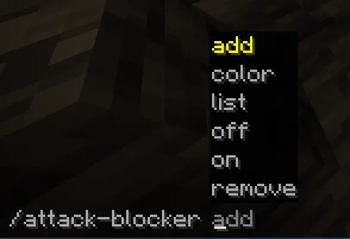
In the minecraft chat write the command /attack-blocker
Then you will see the following commands options:
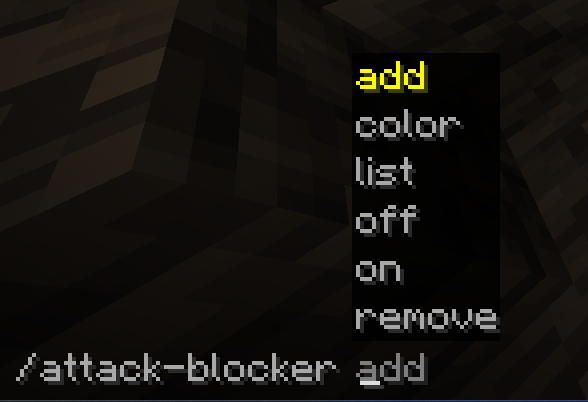
What Every command does?
# add -> add a player to can't attack list.
# remove -> remove a player from can't attack list.
# off/on -> disable or enable the mod.
# list -> show the players on the can't attack list.
# color -> highlight players who cannot be attack.
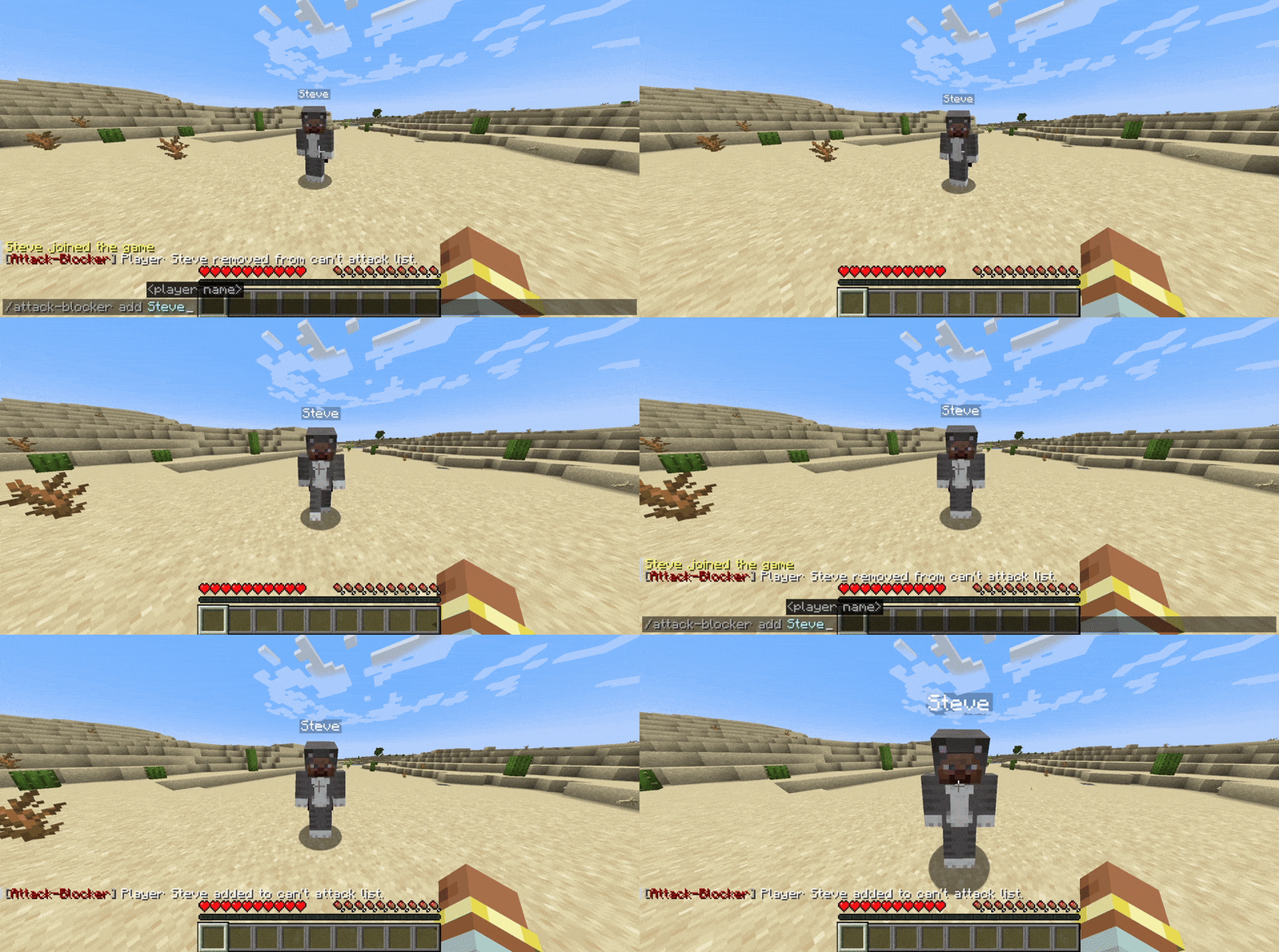
In Game Example Of the Mod:
Tysm for using this mod!
Enjoy 😉
Verfügbare Versionen
Attack-Blocker auf deinem Client installieren
Mod-Loader lokal installieren
Installiere fabric für deine lokale Minecraft-Version.
Passende Datei herunterladen
Wähle die Attack-Blocker-Datei für fabric und Minecraft 1.21.11.
Mod installieren
Lege die .jar-Datei in deinem lokalen .minecraft/mods-Ordner ab und starte Minecraft neu. Eine Installation auf dem Server ist nicht nötig.
Kompatibilität
Mod-Loader
Minecraft-Versionen
1.21.11, 1.21.10, 1.21.9 (+16 weitere)
Server-seitig
✗ Nicht unterstütztEmpfohlener RAM
4 GB(min. 3 GB)Häufige Fragen
Muss Attack-Blocker auf dem Minecraft Server installiert werden?
Nein. Modrinth kennzeichnet Attack-Blocker serverseitig als nicht unterstützt. Installiere die Mod nur im lokalen Minecraft-Mods-Ordner. Dein Server kann unverändert bleiben, sofern die Mod-Seite keine zusätzliche Abhängigkeit nennt.
Welche Version und welchen Loader braucht Attack-Blocker?
Nutze eine Datei für fabric und exakt deine Minecraft-Version. Unterstützte Versionen sind unter anderem 1.21.11, 1.21.10, 1.21.9. Loader-Dateien sind nicht untereinander austauschbar.
Attack-Blocker funktioniert nicht – was kann ich prüfen?
Prüfe zuerst Minecraft-Version, Loader-Version und erforderliche Abhängigkeiten. Lege die .jar-Datei im lokalen .minecraft/mods-Ordner ab und entferne ältere Duplikate. Da die Mod clientseitig ist, löst mehr Server-RAM dieses Problem nicht.
Ähnliche Mods



![[TaCZ] Timeless and Classics Zero](https://cdn.modrinth.com/data/SzzJttH8/fd27766d2bb8390d284696b1dbd358f87e081439_96.webp)


Minecraft Server für deine Gruppe
Attack-Blocker bleibt auf deinem Client. Hoste dazu eine kompatible Welt für deine Mitspieler.