
Bingus & Floppa
This mod adds the legendary cats Bingus and Floppa, who will fight for your honor
Screenshots
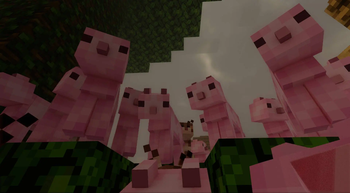
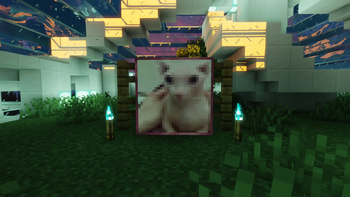
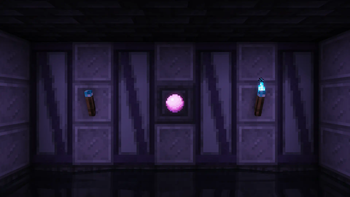
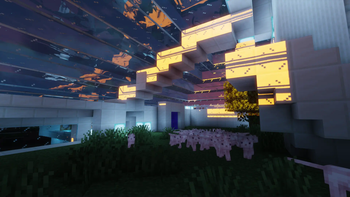
Über diese Mod
Bingus adds famous funny cats, Bingus and Floppa, as summonable pets that fight on your behalf.

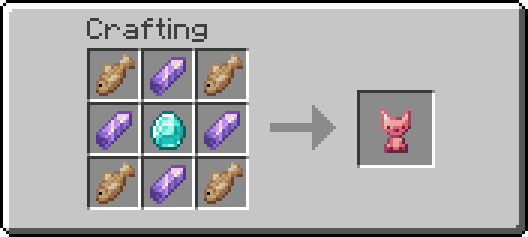
Bingus Totems can be crafted using a diamond, 4 amethyst, and 4 of any fish. You spawn a Bingus from it using Mouse 2. An infinite amount of Binguses can be spawned, provided you have enough totems.
[Note : in the 1.16.5 version, pink dye is used instead of amethyst.]
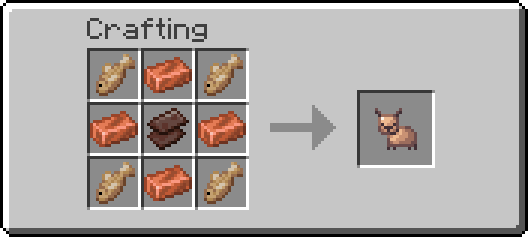
Floppa Totems are crafted using a netherite scrap, 4 copper, and 4 of any fish. Summoning a Floppa works the same as a Bingus, but Floppas have increased mobility and a special shockwave attack that can launch enemies into the air.
[Note : Floppas are not available in the 1.18 or 1.16 versions]
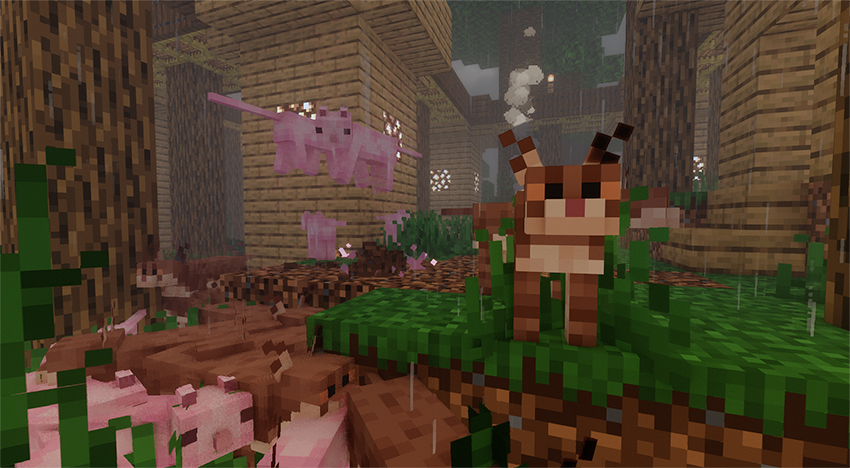
Binguses can be recalled back into their totems by right clicking them, and they will automatically recall themselves into totems upon death. Bingus Totems stack up to 8, so you can bring a decent amount with you before it begins to clutter your inventory.
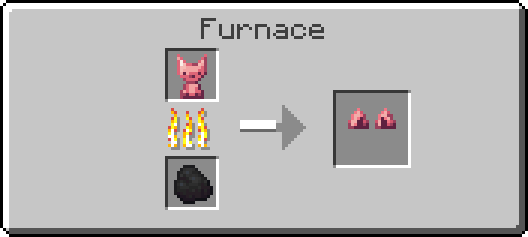
You can cook a Bingus Totem to get Bingus Ears. Bingus Ears have the protection of a Diamond Helmet and worse durability than iron, since one diamond is used up to create them. You are also able to cook a Floppa Totem to get Floppa Ears.
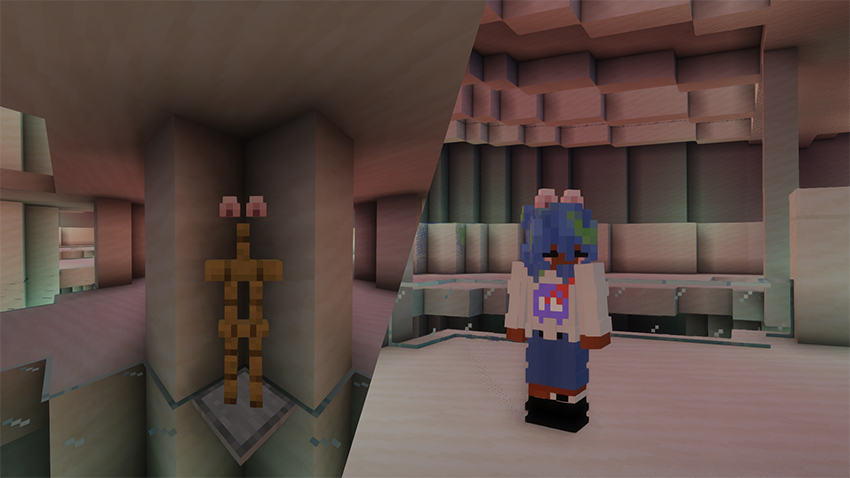
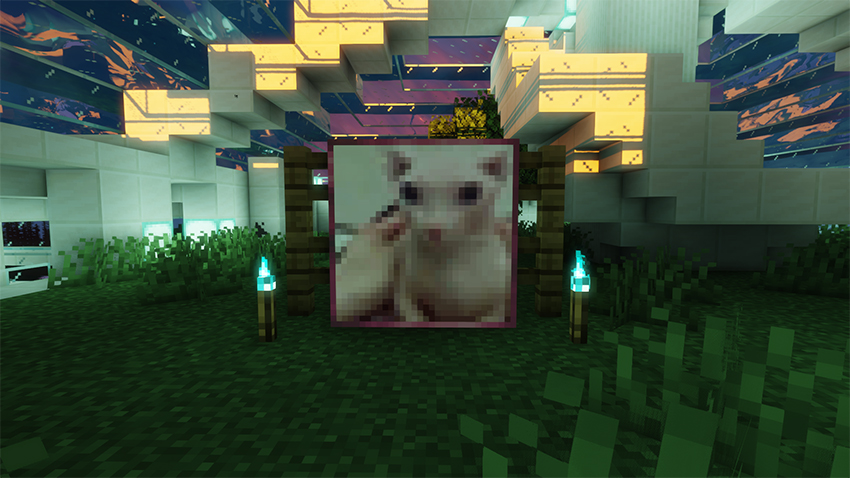
This mod also adds beautiful paintings of both Bingus and Floppa. Place them in your base to support the cause!
[ My Youtube ] [ My Twitter ]
10,000 Downloads and I add pop cat and the pop cat dimension 😱
Verfügbare Versionen
Bingus & Floppa auf dem Server installieren
Server bestellen
Bestelle einen Minecraft Java Server mit mindestens 3 GB RAM (4 GB empfohlen).
fabric Loader setzen
Wähle im Panel unter "Egg" den fabric-Loader und die passende Minecraft-Version (1.20.4).
Mod installieren
Öffne den Mod-Browser im Dashboard und suche nach "Bingus & Floppa". Klicke "Installieren" – fertig! Alternativ: Lade die .jar via SFTP in den /mods Ordner.
Kompatibilität
Mod-Loader
Minecraft-Versionen
1.20.4, 1.20.1, 1.19.4 (+2 weitere)
Server-seitig
✓ ErforderlichEmpfohlener RAM
4 GB(min. 3 GB)Häufige Fragen
Bingus & Floppa Server crasht beim Start – was tun?
Häufigste Ursache: falsche fabric-Version oder zu wenig RAM. Prüfe im Server-Log (latest.log), ob ein "OutOfMemoryError" oder "Mixin"-Fehler auftritt. Bei Mado Hosting: Stelle sicher, dass mindestens 3 GB RAM zugewiesen sind und der Loader zur Mod-Version passt (1.20.4). Über das Panel kannst du den Loader mit einem Klick wechseln.
Ist Bingus & Floppa mit fabric und forge und neoforge kompatibel?
Bingus & Floppa unterstützt offiziell fabric, forge, neoforge für Minecraft 1.20.4, 1.20.1, 1.19.4. Achtung: Forge- und Fabric-Mods sind NICHT untereinander kompatibel – wähle einen Loader und bleibe dabei. Im Mado Dashboard werden inkompatible Loader-Kombinationen automatisch erkannt.
Server laggt mit Bingus & Floppa – wie optimiere ich die Performance?
Empfohlener RAM: 4 GB (+1 GB pro 8 Spieler). Prüfe mit /spark profiler, ob Bingus & Floppa den meisten Tick-Time verbraucht. Häufige Fixes: Server-View-Distance auf 8-10 reduzieren, bei Forge "performant" oder "starlight" als Zusatz-Mod installieren. Bei Mado Hosting läuft dein Server auf NVMe-SSDs mit dedizierten CPU-Kernen für minimale Latenz.
Ähnliche Mods



![[TaCZ] Timeless and Classics Zero](https://cdn.modrinth.com/data/SzzJttH8/fd27766d2bb8390d284696b1dbd358f87e081439_96.webp)


Modded Server mieten
Installiere Bingus & Floppa mit nur einem Klick auf deinem Server.