Blabber
An extensible data-driven Dialogue API for Minecraft
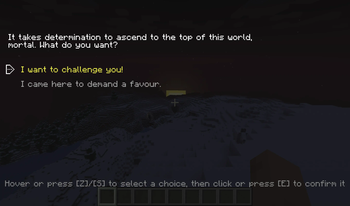
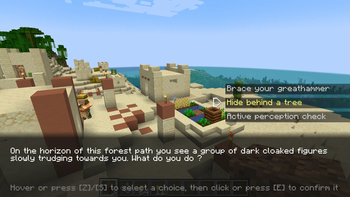
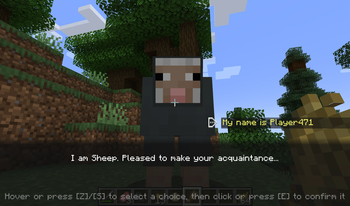
Screenshots
Über diese Mod
Are you a modpack maker who wants their players to talk to more than a quest book?
Are you a modded server owner who wants to sprinkle some ✨immersion✨ in their world?
Are you perhaps a modder who is looking for an easy-to-use dialogue library with expansive tooling?
Blabber is a mod and library for displaying interactive dialogues to your players.
Just write your dialogue description files, then start them on demand!
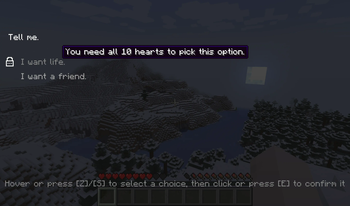
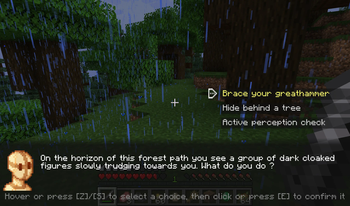
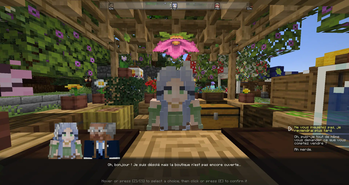
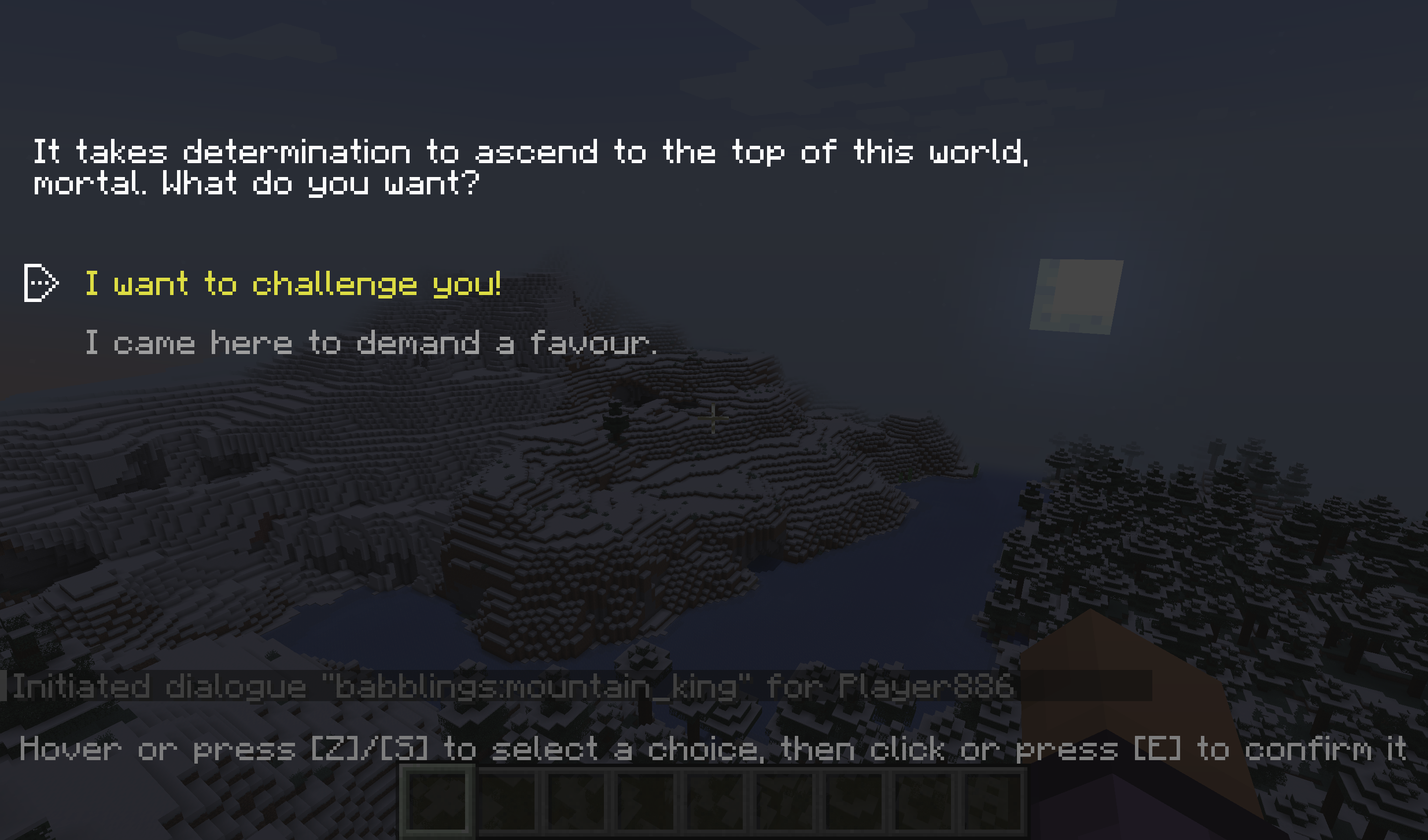
How it looks
Like that:
Or like that:
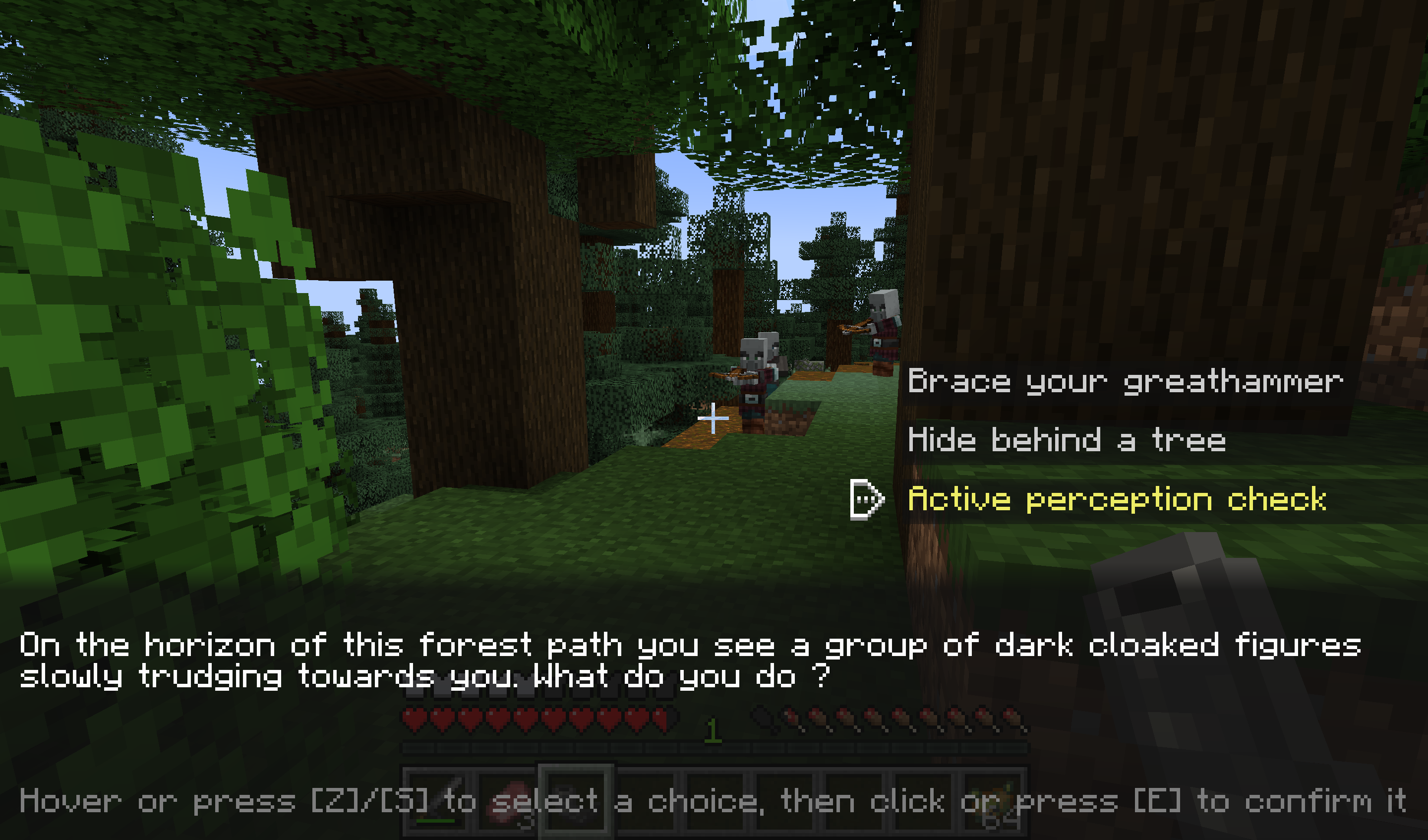
You get to choose per-dialogue.
And here's a little video showcase too:
How it works
Commands
Blabber adds the /blabber command, allowing server operators and mapmakers to interact with the mod through commands.
/blabber dialogue/blabber dialogue start <dialogue> [<targets>] [<interlocutor>]: Starts a dialogue for one or more players.<dialogue>: the unique identifier for the dialogue[<targets>](optional) : If specified, must be either a player's username or a target selector. If unspecified, defaults to the player using the command. When used in a command block,[<targets>]is not optional.[<interlocutor>](optional) : If specified, must be a target selector for a single entity. If unspecified, defaults to no interlocutor.
Format
Blabber will automatically load all JSON files in the data/[namespace]/blabber/dialogues directory.
Those can be provided either by mods, or by datapacks.
Each file describes the various states a dialogue can be in. You can find the full description on the website: https://ladysnake.org/wiki/blabber#format
Online Dialogue Maker
If you are allergic to code, try this online tool: blabber dialogue editor
Using Blabber (for developers)
You can find the instructions to add Blabber to your development environment on our website: https://ladysnake.org/wiki/blabber/#using-blabber-for-developers
Mod Compatibility
Heracles
The Heracles quest mod can be used with the Heracles for Blabber add-on
to incorporate dialogues into your modpack's or server's quests.
Text Animator
The Text Animator mod can be used to add special effects to your dialogues' texts.
Taterzens
The Taterzens mod can be used to create NPCs that can trigger Blabber dialogues when interacted with.
FAQ
Q: (Neo)Forge?
A: I do not wish to spend development time supporting Forge. However, on 1.20.1, you can use the Sinytra Connector mod to make Blabber run regardless. If you are a mod developer who wishes to provide support for another loader, you can get in touch with us on our Discord server.
Verfügbare Versionen
Blabber auf dem Server installieren
Server bestellen
Bestelle einen Minecraft Java Server mit mindestens 3 GB RAM (4 GB empfohlen).
fabric Loader setzen
Wähle im Panel unter "Egg" den fabric-Loader und die passende Minecraft-Version (26.1.2).
Mod installieren
Öffne den Mod-Browser im Dashboard und suche nach "Blabber". Klicke "Installieren" – fertig! Alternativ: Lade die .jar via SFTP in den /mods Ordner.
Kompatibilität
Mod-Loader
Minecraft-Versionen
26.1.2, 26.1.1, 26.1 (+12 weitere)
Server-seitig
✓ ErforderlichEmpfohlener RAM
4 GB(min. 3 GB)Häufige Fragen
Blabber Server crasht beim Start – was tun?
Häufigste Ursache: falsche fabric-Version oder zu wenig RAM. Prüfe im Server-Log (latest.log), ob ein "OutOfMemoryError" oder "Mixin"-Fehler auftritt. Bei Mado Hosting: Stelle sicher, dass mindestens 3 GB RAM zugewiesen sind und der Loader zur Mod-Version passt (26.1.2). Über das Panel kannst du den Loader mit einem Klick wechseln.
Ist Blabber mit fabric und quilt kompatibel?
Blabber unterstützt offiziell fabric, quilt für Minecraft 26.1.2, 26.1.1, 26.1. Im Mado Dashboard werden inkompatible Loader-Kombinationen automatisch erkannt.
Server laggt mit Blabber – wie optimiere ich die Performance?
Empfohlener RAM: 4 GB (+1 GB pro 8 Spieler). Prüfe mit /spark profiler, ob Blabber den meisten Tick-Time verbraucht. Häufige Fixes: Server-View-Distance auf 8-10 reduzieren, bei Forge "performant" oder "starlight" als Zusatz-Mod installieren. Bei Mado Hosting läuft dein Server auf NVMe-SSDs mit dedizierten CPU-Kernen für minimale Latenz.
Ähnliche Mods



Modded Server mieten
Installiere Blabber mit nur einem Klick auf deinem Server.
Details
- Lizenz
- GNU Lesser General Public License v3.0 or later
- Server-seitig
- Erforderlich