
Black Archive
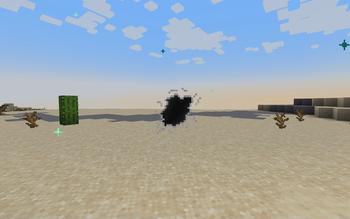
Adding alien technology from Doctor Who to Minecraft.
Screenshots

Über diese Mod

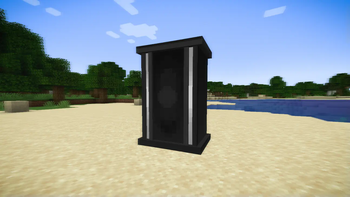
Step into the universe of Doctor Who with the Black Archive mod! Unleash the power of advanced Time Lord technology and beyond, bringing iconic gadgets and devices straight into your gameplay experience. Whether you're a seasoned Time Traveler or new to the mysteries of time and space, the Black Archive offers you the tools to explore the universe like never before.
Features:
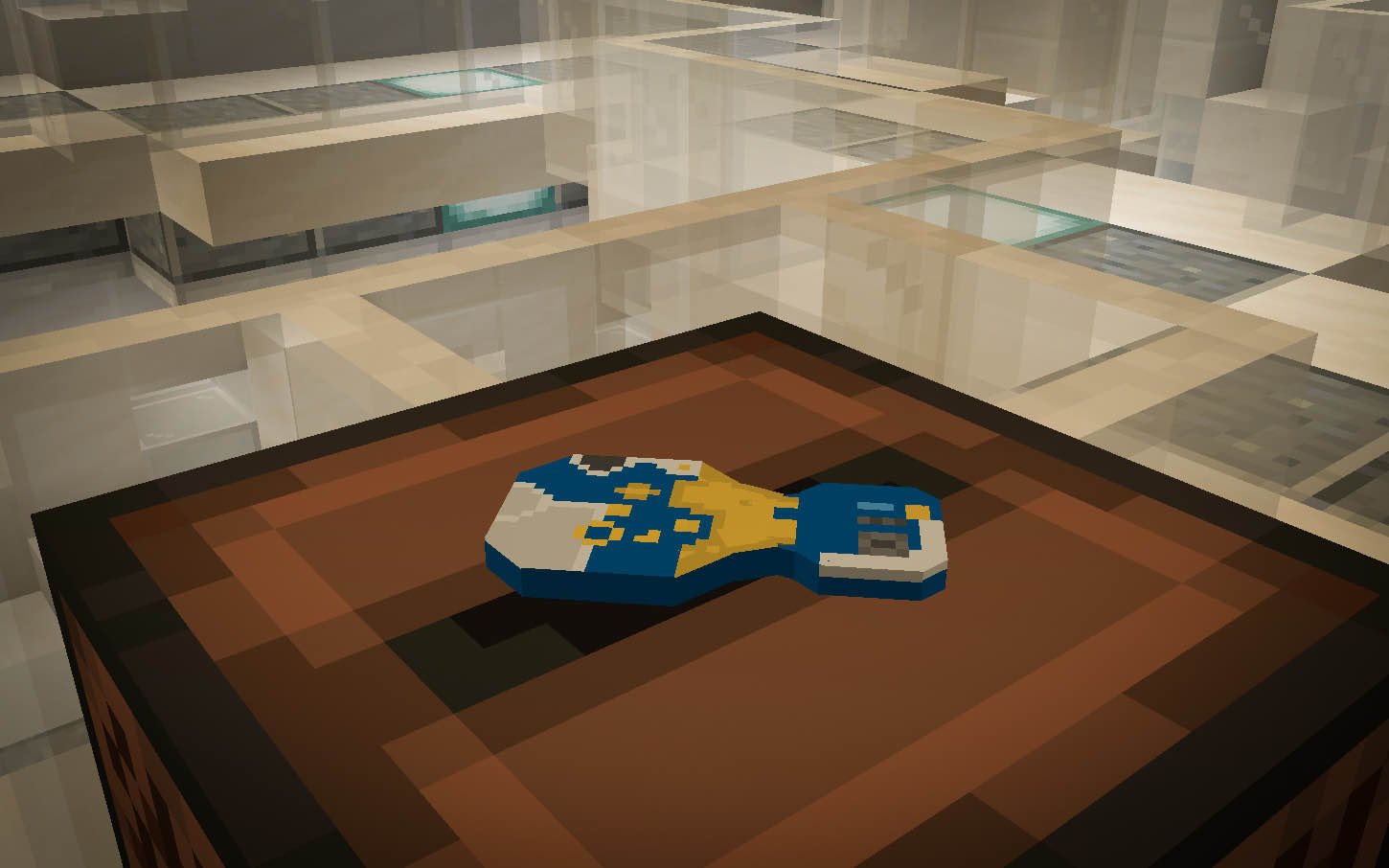
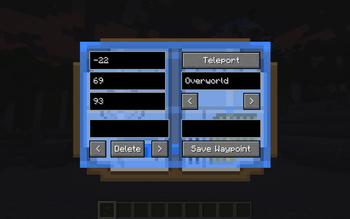
Vortex Manipulator: Master the art of time travel with the Vortex Manipulator, a compact and powerful device capable of transporting you across time and space. Navigate to any point in time or location with ease.
Contact Lenses: Sick of AR Glasses ruining your look? Craft some AR Lenses to look fly, whilst you fly.
Sonic Screwdriver: Now you can upgrade your amethyst screwdriver to something a little more functional!
Compatibility:
The Black Archive mod is designed to be compatible with most popular mods. However, if you encounter any issues, please refer to the mod's community page for troubleshooting tips and support.
Join the Community:
Connect with other Doctor Who enthusiasts and share your adventures using the Black Archive mod. This mod is part of the Adventure In Time and Space family, join our discord here!
Prepare to experience the universe like never before with the Black Archive mod. Allons-y!
Verfügbare Versionen
Black Archive auf dem Server installieren
Server bestellen
Bestelle einen Minecraft Java Server mit mindestens 3 GB RAM (4 GB empfohlen).
fabric Loader setzen
Wähle im Panel unter "Egg" den fabric-Loader und die passende Minecraft-Version (1.20.1).
Mod installieren
Öffne den Mod-Browser im Dashboard und suche nach "Black Archive". Klicke "Installieren" – fertig! Alternativ: Lade die .jar via SFTP in den /mods Ordner.
Kompatibilität
Mod-Loader
Minecraft-Versionen
1.20.1
Server-seitig
✓ ErforderlichEmpfohlener RAM
4 GB(min. 3 GB)Häufige Fragen
Black Archive Server crasht beim Start – was tun?
Häufigste Ursache: falsche fabric-Version oder zu wenig RAM. Prüfe im Server-Log (latest.log), ob ein "OutOfMemoryError" oder "Mixin"-Fehler auftritt. Bei Mado Hosting: Stelle sicher, dass mindestens 3 GB RAM zugewiesen sind und der Loader zur Mod-Version passt (1.20.1). Über das Panel kannst du den Loader mit einem Klick wechseln.
Ist Black Archive mit fabric und forge und neoforge kompatibel?
Black Archive unterstützt offiziell fabric, forge, neoforge für Minecraft 1.20.1. Achtung: Forge- und Fabric-Mods sind NICHT untereinander kompatibel – wähle einen Loader und bleibe dabei. Im Mado Dashboard werden inkompatible Loader-Kombinationen automatisch erkannt.
Server laggt mit Black Archive – wie optimiere ich die Performance?
Empfohlener RAM: 4 GB (+1 GB pro 8 Spieler). Prüfe mit /spark profiler, ob Black Archive den meisten Tick-Time verbraucht. Häufige Fixes: Server-View-Distance auf 8-10 reduzieren, bei Forge "performant" oder "starlight" als Zusatz-Mod installieren. Bei Mado Hosting läuft dein Server auf NVMe-SSDs mit dedizierten CPU-Kernen für minimale Latenz.
Ähnliche Mods




Modded Server mieten
Installiere Black Archive mit nur einem Klick auf deinem Server.