
Bluedude Dragons
A httyd mod for 1.21.1 neoforge and fabric
Screenshots
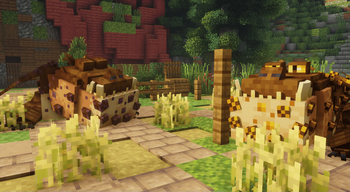
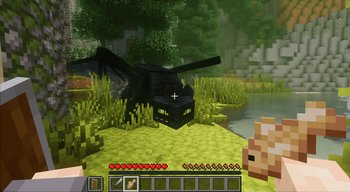
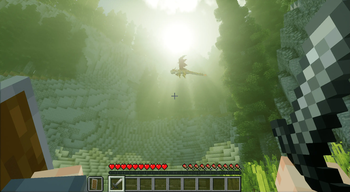
Über diese Mod
🐉 Bluedude Dragons
A How to Train Your Dragon–themed Minecraft mod that lets you hatch, tame, train, and ride your very own dragons—all within the blocky world of Minecraft.
⚠️ Alpha Disclaimer
Warning: This mod is currently in alpha. Features are subject to change, bugs are expected, and content is actively being developed.
❓ Q&A
🐾 How do I tame a dragon?
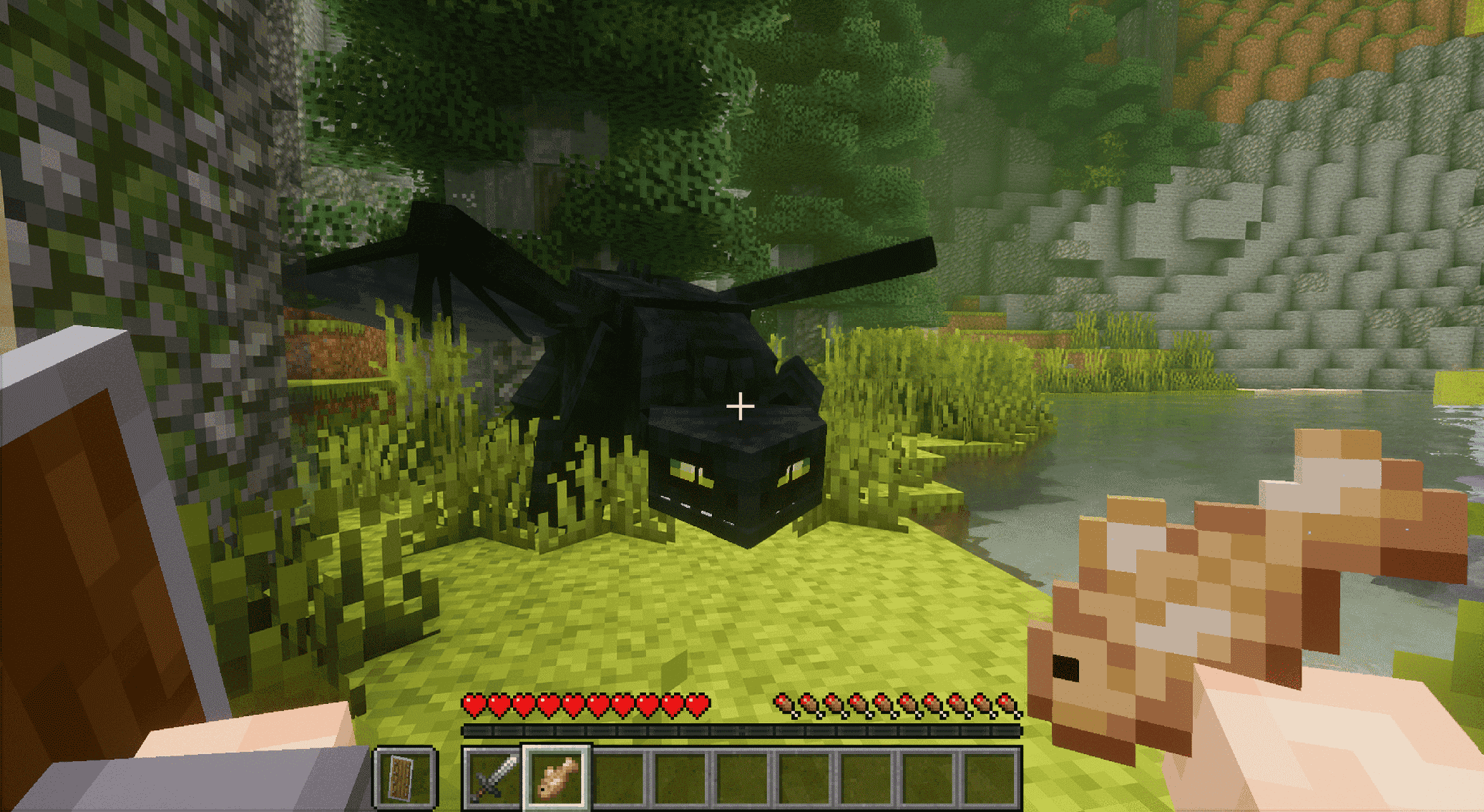
- Right-click a dragon with any food to start the taming process.
- Each feeding increases the taming progress bar.
- Once full, the dragon will sit and patiently wait for you to claim it.
- To claim, use Shift + Right-Click. A confirmation message will appear once tamed.
- Creative shortcut: use the Tame Stick item to instantly tame a dragon.
Side note. You may not have any armor on or have a weapon in your hotbar or taming will not start
🥚 How do I hatch an egg?
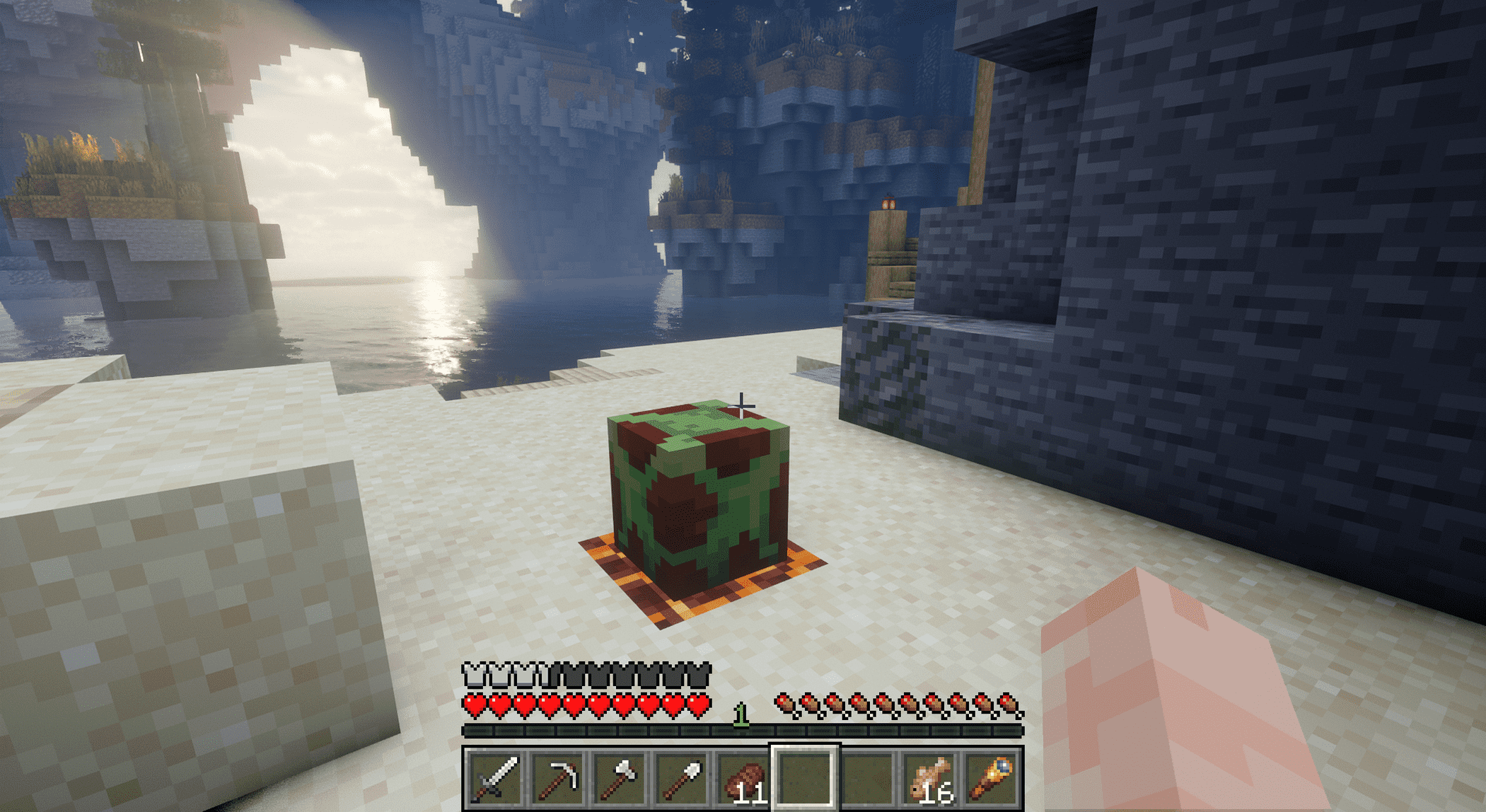
Place a heat source (such as fire or another warm block) beneath or near the egg to trigger hatching.
🌍 Where can I find dragon eggs?
Dragon eggs are found in dragon nests, which naturally spawn across a variety of biomes, including:
- Cherry Groves
- Savannas
- Deserts
- …and many more!
🌟 What is Bluedude Dragons?
Bluedude Dragons is a Minecraft mod inspired by the How to Train Your Dragon universe. We aim to bring dragons from across the franchise—books, movies, shows, and games—into Minecraft.
Our goals:
- 🥚 Hatch unique dragons from eggs
- 🤝 Tame & bond with them
- 🏹 Train them to obey and protect
- 🌎 Ride & explore the world together
✨ Feature Showcase
🥚 Hatch and Raise Your Dragon
🏹 Train Your Dragon
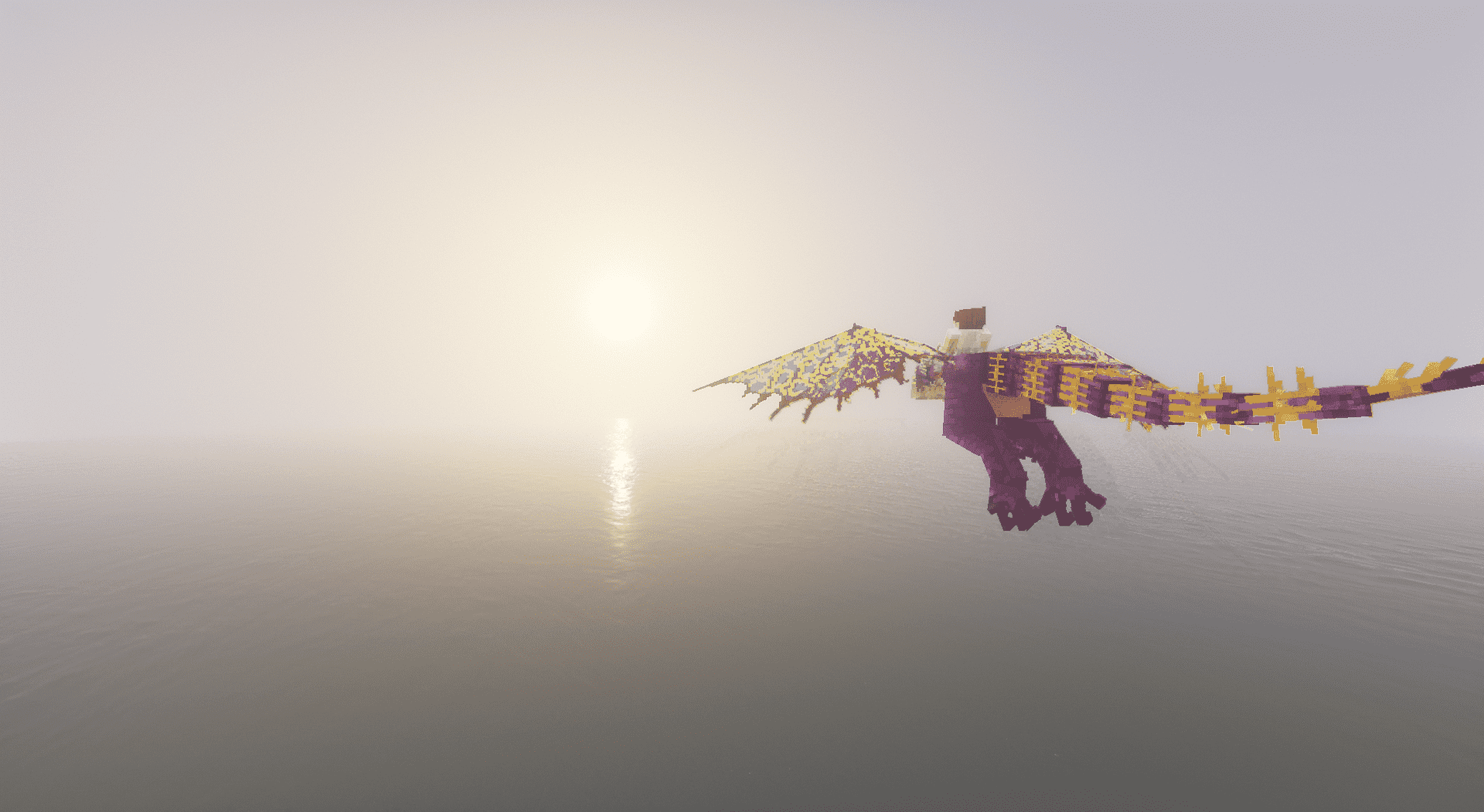
🌎 Explore the World Together
Verfügbare Versionen
Bluedude Dragons auf dem Server installieren
Server bestellen
Bestelle einen Minecraft Java Server mit mindestens 3 GB RAM (4 GB empfohlen).
fabric Loader setzen
Wähle im Panel unter "Egg" den fabric-Loader und die passende Minecraft-Version (1.21.1).
Mod installieren
Öffne den Mod-Browser im Dashboard und suche nach "Bluedude Dragons". Klicke "Installieren" – fertig! Alternativ: Lade die .jar via SFTP in den /mods Ordner.
Kompatibilität
Mod-Loader
Minecraft-Versionen
1.21.1
Server-seitig
✓ ErforderlichEmpfohlener RAM
4 GB(min. 3 GB)Häufige Fragen
Bluedude Dragons Server crasht beim Start – was tun?
Häufigste Ursache: falsche fabric-Version oder zu wenig RAM. Prüfe im Server-Log (latest.log), ob ein "OutOfMemoryError" oder "Mixin"-Fehler auftritt. Bei Mado Hosting: Stelle sicher, dass mindestens 3 GB RAM zugewiesen sind und der Loader zur Mod-Version passt (1.21.1). Über das Panel kannst du den Loader mit einem Klick wechseln.
Ist Bluedude Dragons mit fabric und neoforge kompatibel?
Bluedude Dragons unterstützt offiziell fabric, neoforge für Minecraft 1.21.1. Im Mado Dashboard werden inkompatible Loader-Kombinationen automatisch erkannt.
Server laggt mit Bluedude Dragons – wie optimiere ich die Performance?
Empfohlener RAM: 4 GB (+1 GB pro 8 Spieler). Prüfe mit /spark profiler, ob Bluedude Dragons den meisten Tick-Time verbraucht. Häufige Fixes: Server-View-Distance auf 8-10 reduzieren, bei Forge "performant" oder "starlight" als Zusatz-Mod installieren. Bei Mado Hosting läuft dein Server auf NVMe-SSDs mit dedizierten CPU-Kernen für minimale Latenz.
Ähnliche Mods




Modded Server mieten
Installiere Bluedude Dragons mit nur einem Klick auf deinem Server.