
Carbon Config
IC2Classics Config Library
Screenshots
Über diese Mod
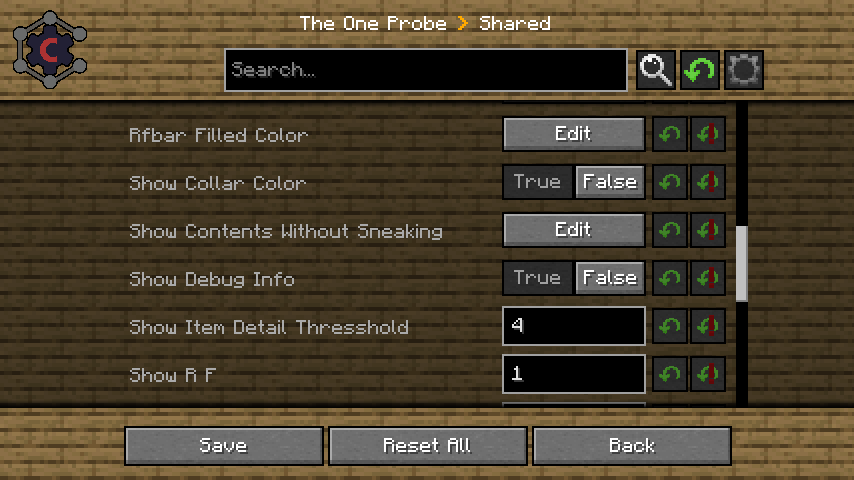
Carbon Config is a Config Library first Developed for IC2Classic and now made a Open Source implementation.
The idea behind Carbon Config is to have more customizable, simpler, more stable, cleaner and feature rich implementation of a config.
Carbon Config is built out of 2 Modules.
- The Config module, which is a standalone Java Library
- The GUI module, which is a Minecraft mod
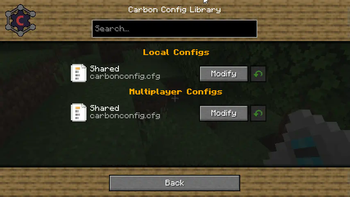
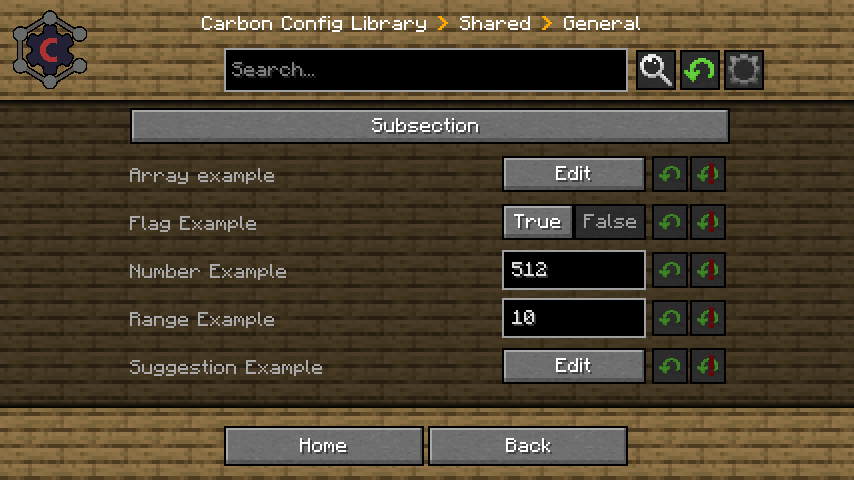
The GUI supports both CarbonConfigs and Forge Configs right out of the gate.
A detailed Feature list can be found here
To list a few of its features:
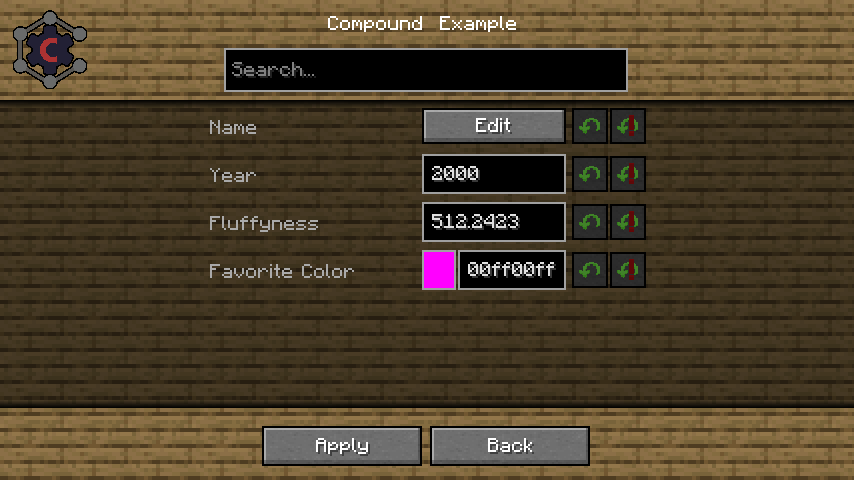
Compounds:
Data can be visualized via Compounds instead of raw Strings.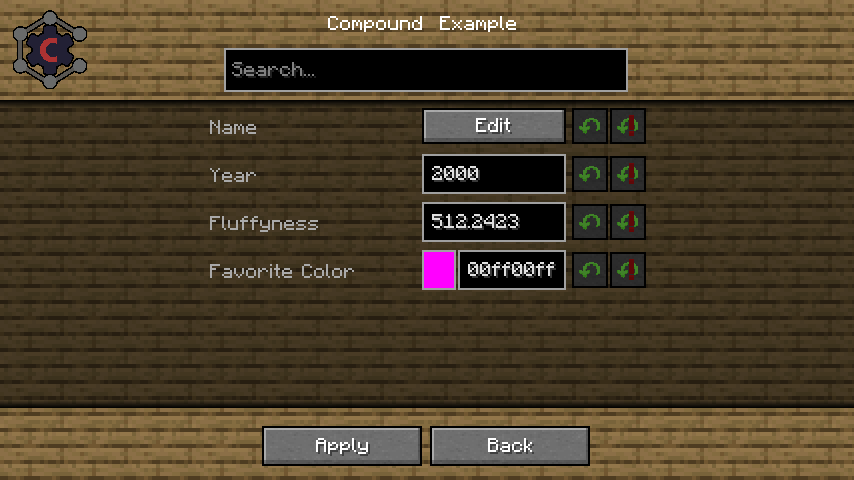
Suggestions:
Suggestions can be provided to the user in form of "default values" to make the user experience much more smooth.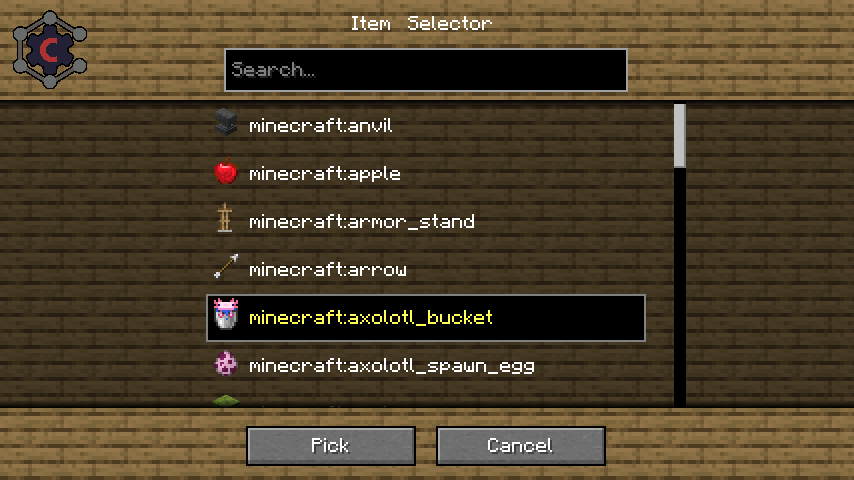
Multiplayer Support:
You can edit "Any" Server sided config too, not just "server only configs"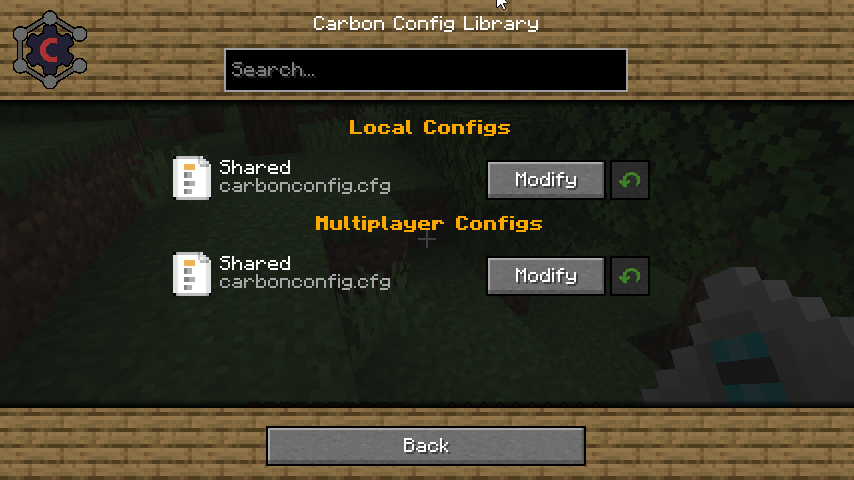
Client to Server Configs:
Players can have their own settings in a Multiplayer instance and they can be easily distinguished.Late Loading Configs:
If the config loads early but entries are "registered" late, that isn't a problem since the configs get parsed as they are registered.Registry Visualization:
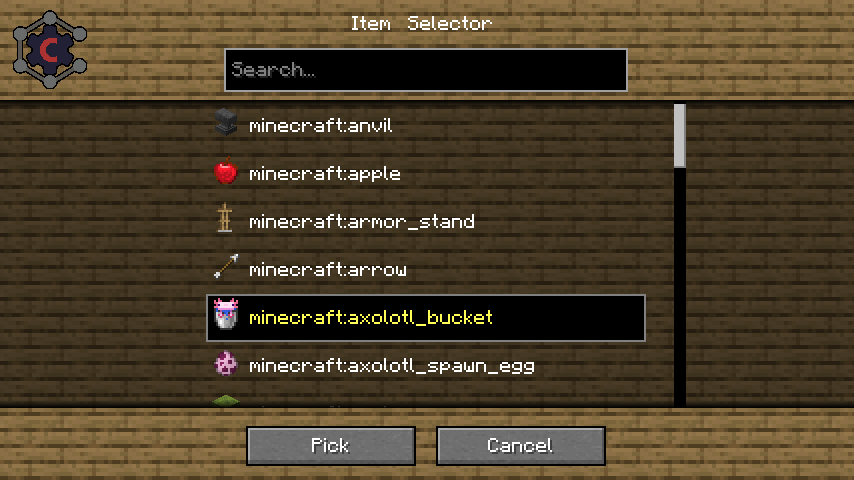
If it is Items/Block/Fluids/Potions/Enchantments/Colors get all visualized specially in the GUI.Background Skin System:
If you don't like the current background? Simply change it to one of the curated choices provided. There should be something for everyone!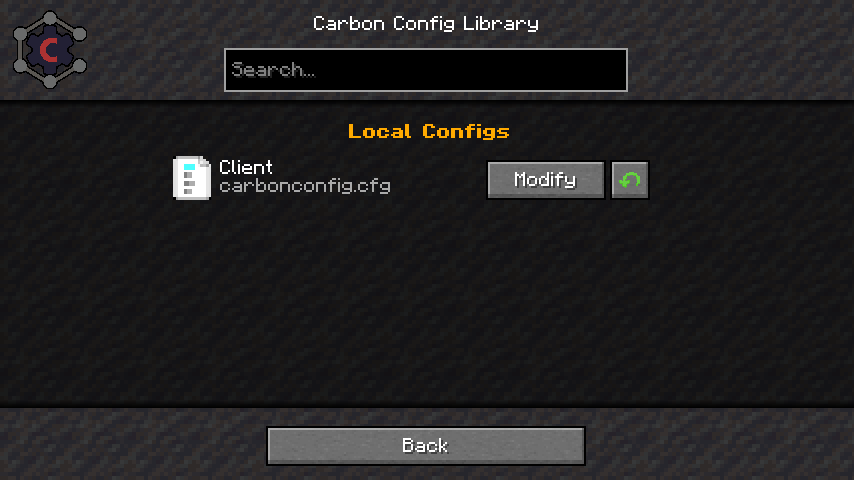
Minecraft gamerule support:
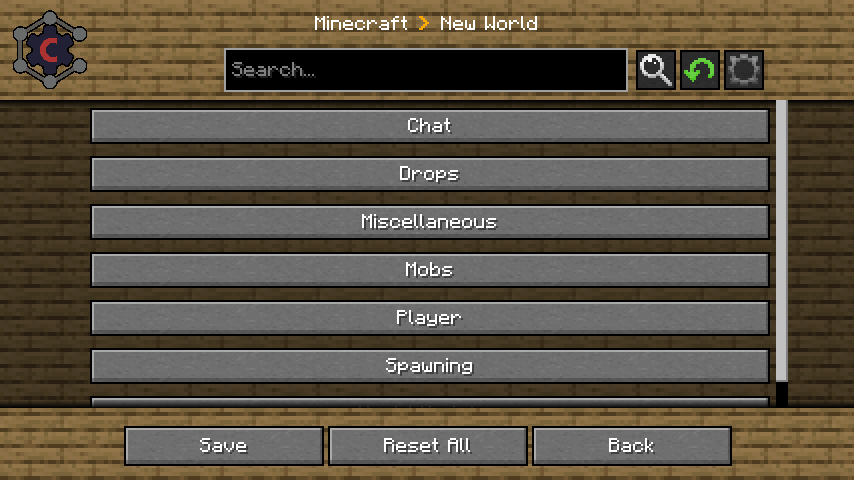
You can edit game rules of your current world/server or existing Worlds without having to open them. Which finally gives a use to the fabric version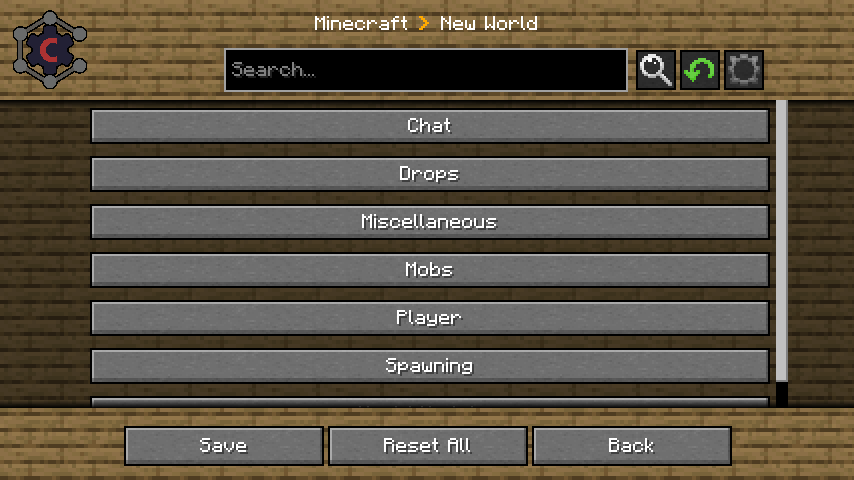
Verfügbare Versionen
Carbon Config auf dem Server installieren
Server bestellen
Bestelle einen Minecraft Java Server mit mindestens 3 GB RAM (4 GB empfohlen).
fabric Loader setzen
Wähle im Panel unter "Egg" den fabric-Loader und die passende Minecraft-Version (26.1).
Mod installieren
Öffne den Mod-Browser im Dashboard und suche nach "Carbon Config". Klicke "Installieren" – fertig! Alternativ: Lade die .jar via SFTP in den /mods Ordner.
Kompatibilität
Mod-Loader
Minecraft-Versionen
26.1, 1.21.1, 1.21 (+19 weitere)
Server-seitig
✓ ErforderlichEmpfohlener RAM
4 GB(min. 3 GB)Häufige Fragen
Carbon Config Server crasht beim Start – was tun?
Häufigste Ursache: falsche fabric-Version oder zu wenig RAM. Prüfe im Server-Log (latest.log), ob ein "OutOfMemoryError" oder "Mixin"-Fehler auftritt. Bei Mado Hosting: Stelle sicher, dass mindestens 3 GB RAM zugewiesen sind und der Loader zur Mod-Version passt (26.1). Über das Panel kannst du den Loader mit einem Klick wechseln.
Ist Carbon Config mit fabric und forge und neoforge kompatibel?
Carbon Config unterstützt offiziell fabric, forge, neoforge für Minecraft 26.1, 1.21.1, 1.21. Achtung: Forge- und Fabric-Mods sind NICHT untereinander kompatibel – wähle einen Loader und bleibe dabei. Im Mado Dashboard werden inkompatible Loader-Kombinationen automatisch erkannt.
Server laggt mit Carbon Config – wie optimiere ich die Performance?
Empfohlener RAM: 4 GB (+1 GB pro 8 Spieler). Prüfe mit /spark profiler, ob Carbon Config den meisten Tick-Time verbraucht. Häufige Fixes: Server-View-Distance auf 8-10 reduzieren, bei Forge "performant" oder "starlight" als Zusatz-Mod installieren. Bei Mado Hosting läuft dein Server auf NVMe-SSDs mit dedizierten CPU-Kernen für minimale Latenz.
Ähnliche Mods



Modded Server mieten
Installiere Carbon Config mit nur einem Klick auf deinem Server.