
Crossbow & Bow Optimizer
Handles client-side Bow & Crossbow handling, keeping reload and charge behavior smooth, responsive, and unaffected by server-side slowdowns
Screenshots
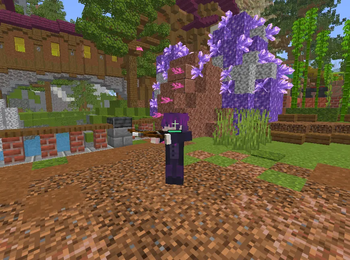
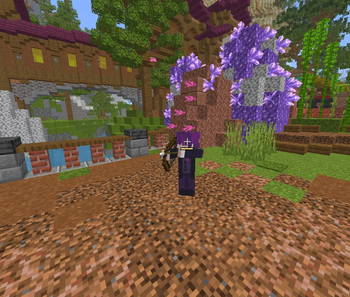
Über diese Mod
Crossbow & Bow Optimizer
Make bows and crossbows feel sharper, cleaner, and more responsive.
Crossbow & Bow Optimizer is a lightweight client-side Fabric mod, that improves ranged weapon feel with cleaner local feedback, smoother charge handling, and more reliable shot responsiveness under latency.
It is built for players who want bow and crossbow gameplay to feel crisp instead of delayed, noisy, or inconsistent.
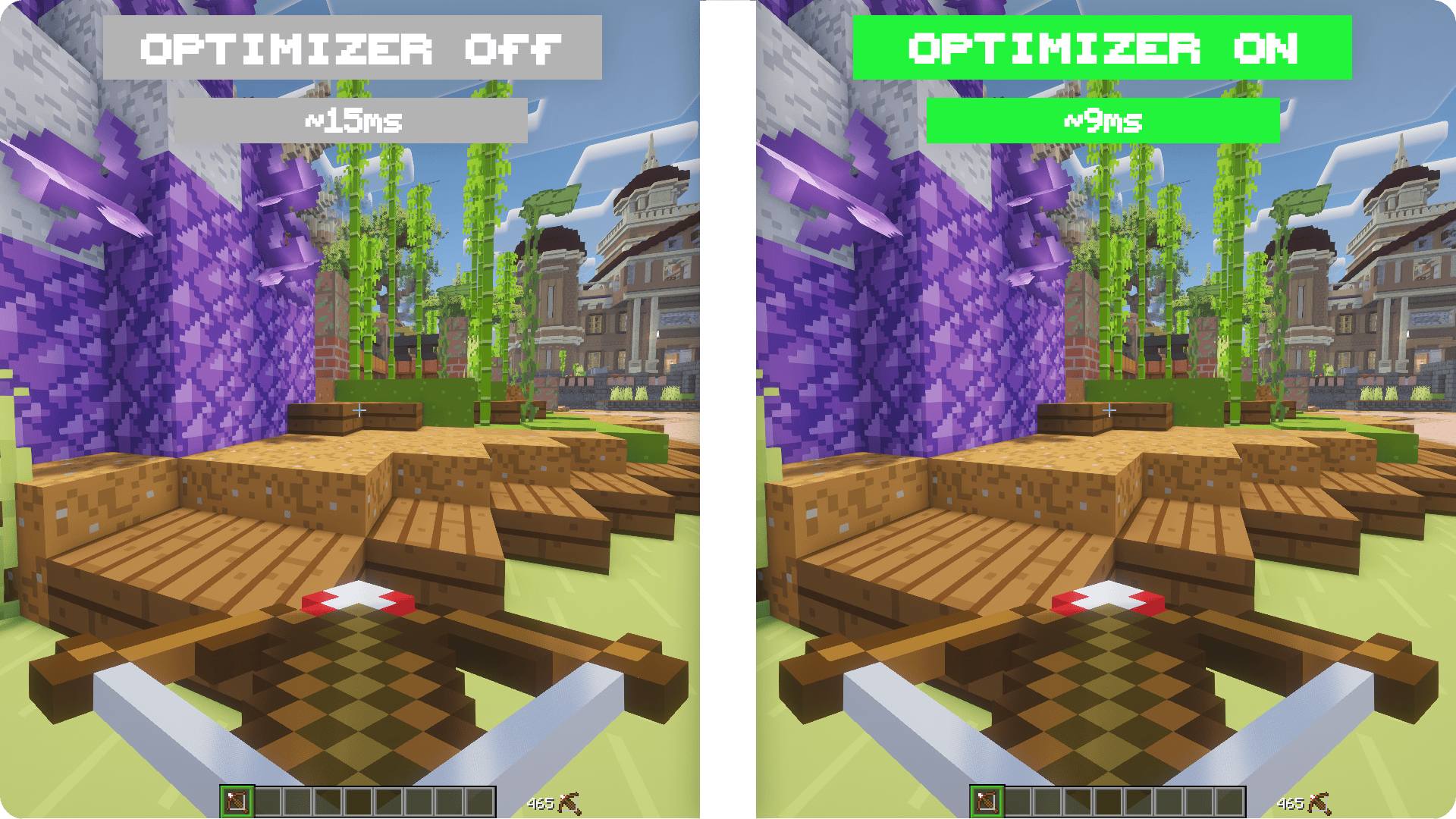
Why Players Use It
- Makes bow and crossbow feedback feel faster
- Cleans up charge and release feel
- Improves crossbow consistency under ping
- Reduces delayed duplicate firing sounds
- Adds a minimal, focused HUD for weapon state
- Stays lightweight and client-side
What It Improves
This mod handles important ranged-weapon feedback locally so actions feel cleaner the moment you use them.
For bows, charging and release feel more immediate and consistent.
For crossbows, charged-state feedback is cleaner and shot timing feels more stable under latency.
It also reduces the messy feeling caused by late duplicate firing sounds and gives you a compact HUD view for charge and shot state.
Important Notes
- Client-side only
- Works on Fabric
1.20.5 - 26.2x - Requires
Fabric API - Servers do not need to install the mod
- Does not add aim assist
- Does not aim, attack, or fire without your input
- Does not modify damage or projectile physics server-side
Configuration
If Mod Menu is installed, you can configure:
- Mod
ON/OFF - HUD visibility
Compatibility
- Minecraft
1.20.5 - 26.2x - Fabric
- Java
21+ - Vanilla servers
- Modded servers
Why Download It
If ranged combat feels sluggish or inconsistent on ping, Crossbow & Bow Optimizer makes bow and crossbow gameplay feel cleaner, tighter, and easier to read without changing server-side outcomes.
Verfügbare Versionen
Crossbow & Bow Optimizer auf deinem Client installieren
Mod-Loader lokal installieren
Installiere fabric für deine lokale Minecraft-Version.
Passende Datei herunterladen
Wähle die Crossbow & Bow Optimizer-Datei für fabric und Minecraft 26.2.
Mod installieren
Lege die .jar-Datei in deinem lokalen .minecraft/mods-Ordner ab und starte Minecraft neu. Eine Installation auf dem Server ist nicht nötig.
Kompatibilität
Mod-Loader
Minecraft-Versionen
26.2, 26.1.2, 26.1.1 (+15 weitere)
Server-seitig
✗ Nicht unterstütztEmpfohlener RAM
4 GB(min. 3 GB)Häufige Fragen
Muss Crossbow & Bow Optimizer auf dem Minecraft Server installiert werden?
Nein. Modrinth kennzeichnet Crossbow & Bow Optimizer serverseitig als nicht unterstützt. Installiere die Mod nur im lokalen Minecraft-Mods-Ordner. Dein Server kann unverändert bleiben, sofern die Mod-Seite keine zusätzliche Abhängigkeit nennt.
Welche Version und welchen Loader braucht Crossbow & Bow Optimizer?
Nutze eine Datei für fabric und exakt deine Minecraft-Version. Unterstützte Versionen sind unter anderem 26.2, 26.1.2, 26.1.1. Loader-Dateien sind nicht untereinander austauschbar.
Crossbow & Bow Optimizer funktioniert nicht – was kann ich prüfen?
Prüfe zuerst Minecraft-Version, Loader-Version und erforderliche Abhängigkeiten. Lege die .jar-Datei im lokalen .minecraft/mods-Ordner ab und entferne ältere Duplikate. Da die Mod clientseitig ist, löst mehr Server-RAM dieses Problem nicht.
Ähnliche Mods



![[TaCZ] Timeless and Classics Zero](https://cdn.modrinth.com/data/SzzJttH8/fd27766d2bb8390d284696b1dbd358f87e081439_96.webp)


Minecraft Server für deine Gruppe
Crossbow & Bow Optimizer bleibt auf deinem Client. Hoste dazu eine kompatible Welt für deine Mitspieler.