
Daily Boss
Adding daily boss event into Minecraft
Screenshots
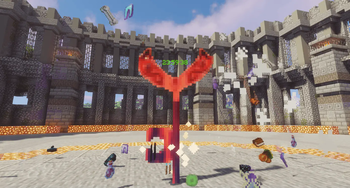


Über diese Mod




DailyBoss is a Minecraft mod that introduces a Colosseum-style boss daily challenge system.
⚠️ This mod is currently adding compatibility with more bosses from other mods!
Features
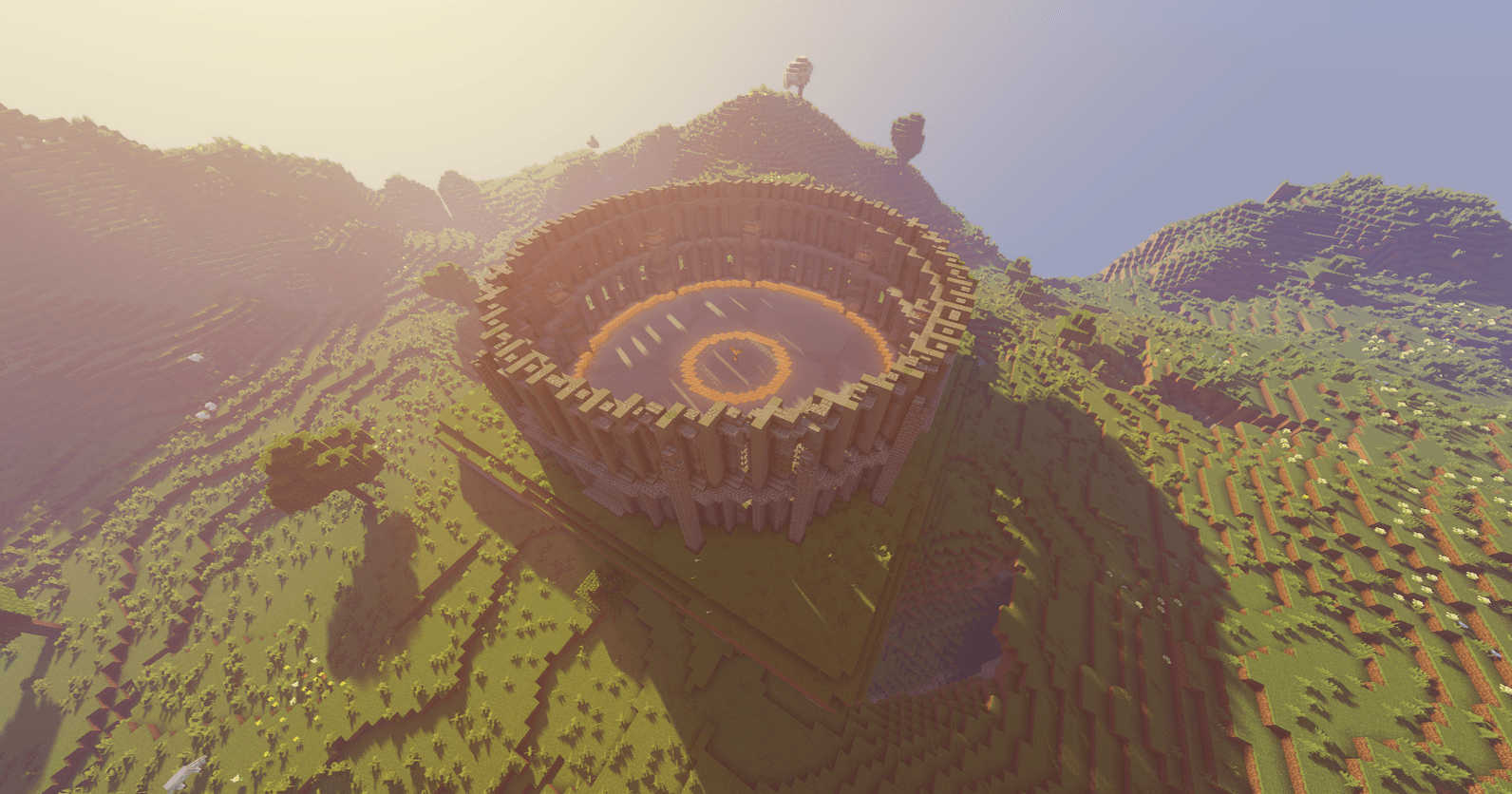
Adds a Colosseum structure and an interactive Key Entity.
When you right-click the Key Entity, it will spawn a random boss that you have already defeated at least once.
The Key Entity resets every 1 real-life day (24 hours)
If you do not defeat the boss within 24 hours, the boss will be discarded, and the Key Entity will reset without reward.
A built-in UI displays a paginated list of available bosses (Press ` key to open)
Custom boss entries can be added via datapacks.
Resource packs can be used to customize boss posters shown in the UI.
Adds a Colosseum structure and an interactive Key Entity.
When you right-click the Key Entity, it will spawn a random boss that you have already defeated at least once.
The Key Entity resets every 1 real-life day (24 hours)
If you do not defeat the boss within 24 hours, the boss will be discarded, and the Key Entity will reset without reward.
A built-in UI displays a paginated list of available bosses (Press ` key to open)
Custom boss entries can be added via datapacks.
Resource packs can be used to customize boss posters shown in the UI.
Commands
- pladailyboss spawn/kill/reset
All Json Data Keys
{
  // list of loot chest for boss on death
  "loot_table": [
    "minecraft:chests/bastion_treasure",
    "minecraft:chests/bastion_other"
  ],
  "loot_table_rolls": 5, // max value for total rolls from loot_table
  // list of all extra items drop for boss on death
  "custom_loot": [
    "minecraft:diamond",
    { "item": "minecraft:emerald", "count": 3 }
  ],
  "custom_loot_rolls": 2, // max value for total rolls from custom_loot
  "disable_mob_loot": true, // disable mob default drop
  "encounter_timeout_ms": 40000, // custom remaining time for boss
  // custom nbt tag for the boss
  "nbt": {
    "Invul": 202
  }
  "is_water": false, // fill the battle zone in water
}
How to add more bosses
- Open your request to my GitHub
- Or you can create a Datapack for yourself
Download Example Datapack/Resourcepack
Mod Showcase Video
Verfügbare Versionen
Daily Boss auf dem Server installieren
Server bestellen
Bestelle einen Minecraft Java Server mit mindestens 4 GB RAM (6 GB empfohlen).
forge Loader setzen
Wähle im Panel unter "Egg" den forge-Loader und die passende Minecraft-Version (1.21.1).
Mod installieren
Öffne den Mod-Browser im Dashboard und suche nach "Daily Boss". Klicke "Installieren" – fertig! Alternativ: Lade die .jar via SFTP in den /mods Ordner.
Kompatibilität
Mod-Loader
Minecraft-Versionen
1.21.1, 1.20.1, 1.19.2 (+1 weitere)
Server-seitig
✓ ErforderlichEmpfohlener RAM
6 GB(min. 4 GB)Häufige Fragen
Daily Boss Server crasht beim Start – was tun?
Häufigste Ursache: falsche forge-Version oder zu wenig RAM. Prüfe im Server-Log (latest.log), ob ein "OutOfMemoryError" oder "Mixin"-Fehler auftritt. Bei Mado Hosting: Stelle sicher, dass mindestens 4 GB RAM zugewiesen sind und der Loader zur Mod-Version passt (1.21.1). Über das Panel kannst du den Loader mit einem Klick wechseln.
Ist Daily Boss mit forge und neoforge kompatibel?
Daily Boss unterstützt offiziell forge, neoforge für Minecraft 1.21.1, 1.20.1, 1.19.2. Im Mado Dashboard werden inkompatible Loader-Kombinationen automatisch erkannt.
Server laggt mit Daily Boss – wie optimiere ich die Performance?
Empfohlener RAM: 6 GB (+1 GB pro 5 Spieler). Prüfe mit /spark profiler, ob Daily Boss den meisten Tick-Time verbraucht. Häufige Fixes: Server-View-Distance auf 8-10 reduzieren, bei Forge "performant" oder "starlight" als Zusatz-Mod installieren. Bei Mado Hosting läuft dein Server auf NVMe-SSDs mit dedizierten CPU-Kernen für minimale Latenz.
Ähnliche Mods




Modded Server mieten
Installiere Daily Boss mit nur einem Klick auf deinem Server.