
DirectionHUD
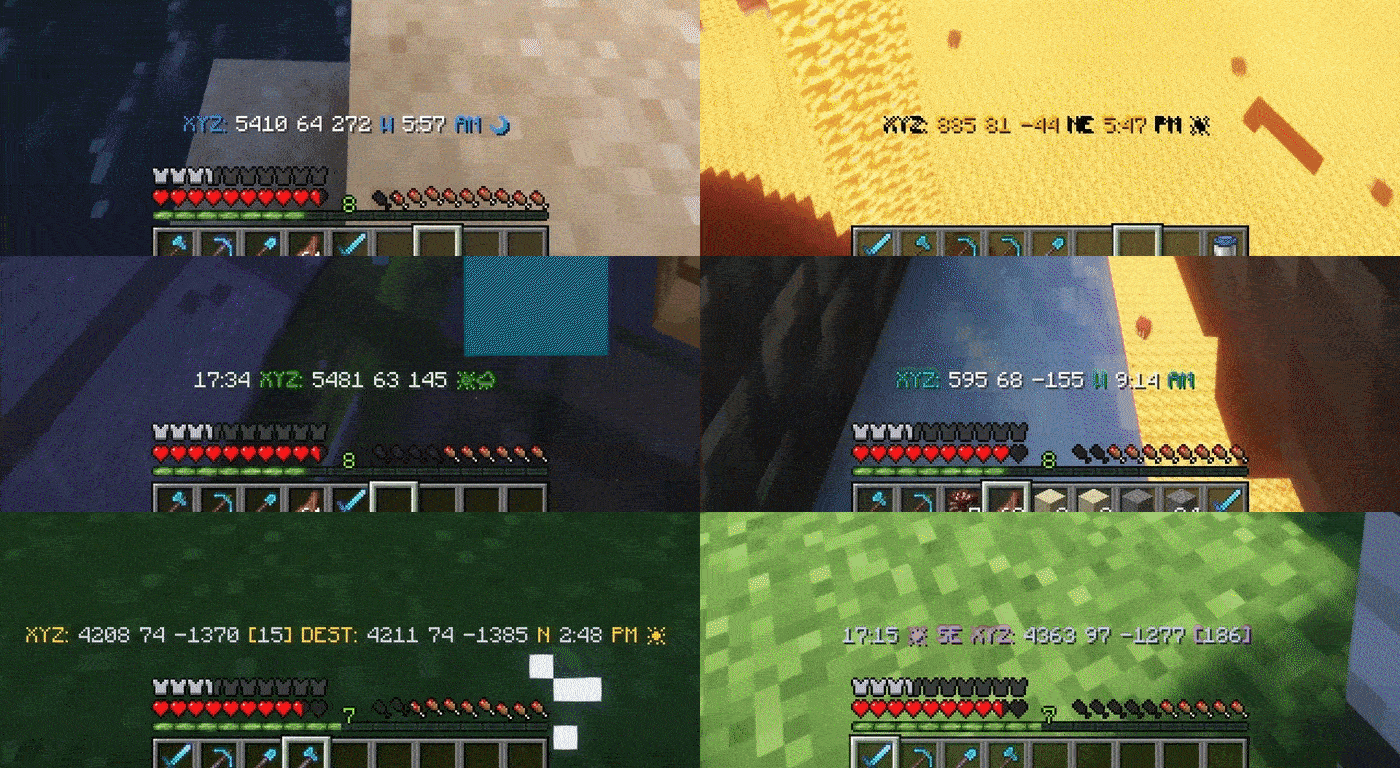
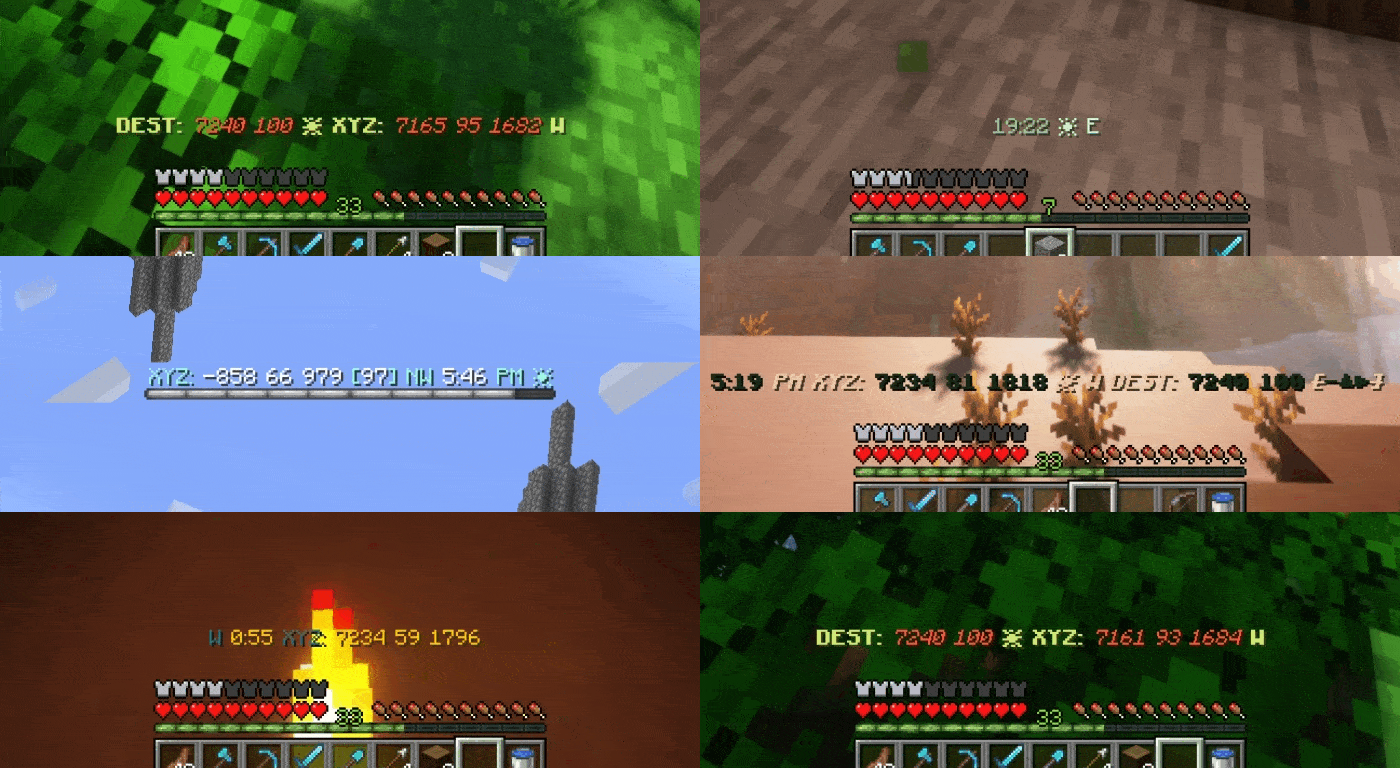
A multi purpose coordinates HUD mod. Fully customizable HUD with features to save coordinates, log deaths, and player tracking!
Screenshots
Über diese Mod
DirectionHUD





DirectionHUD is a fully customizable Minecraft Fabric mod that enhances the vanilla navigation experience.
With the mod, you can save coordinates, track other players, see death locations, all with full customization with the /hud and /destination commands.
Help localize DirectionHUD on Crowdin!
Where does the mod work? - DirectionHUD both works on client and server, but for now the client side only supports single player & DirectionHUD servers. As with anything, that can change with time.
How do I set custom destinations? - You can use /dest set
Why does it feel like a plugin? - DirectionHUD was originally a plugin, but I am currently working on making it feel more like a mod!
Check out my other Projects!


Features
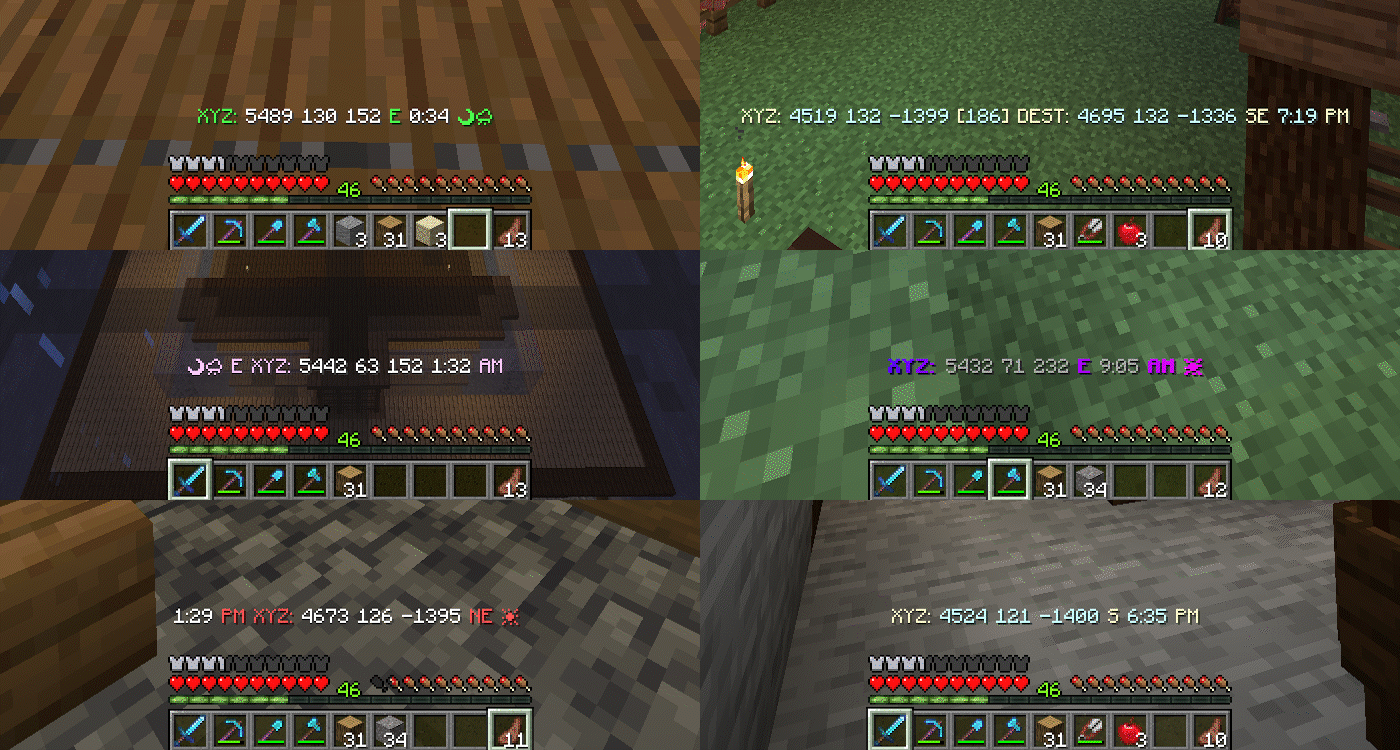
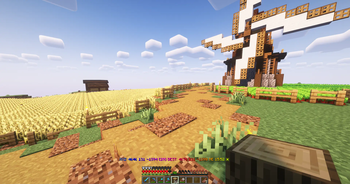
Press H to toggle the hud.
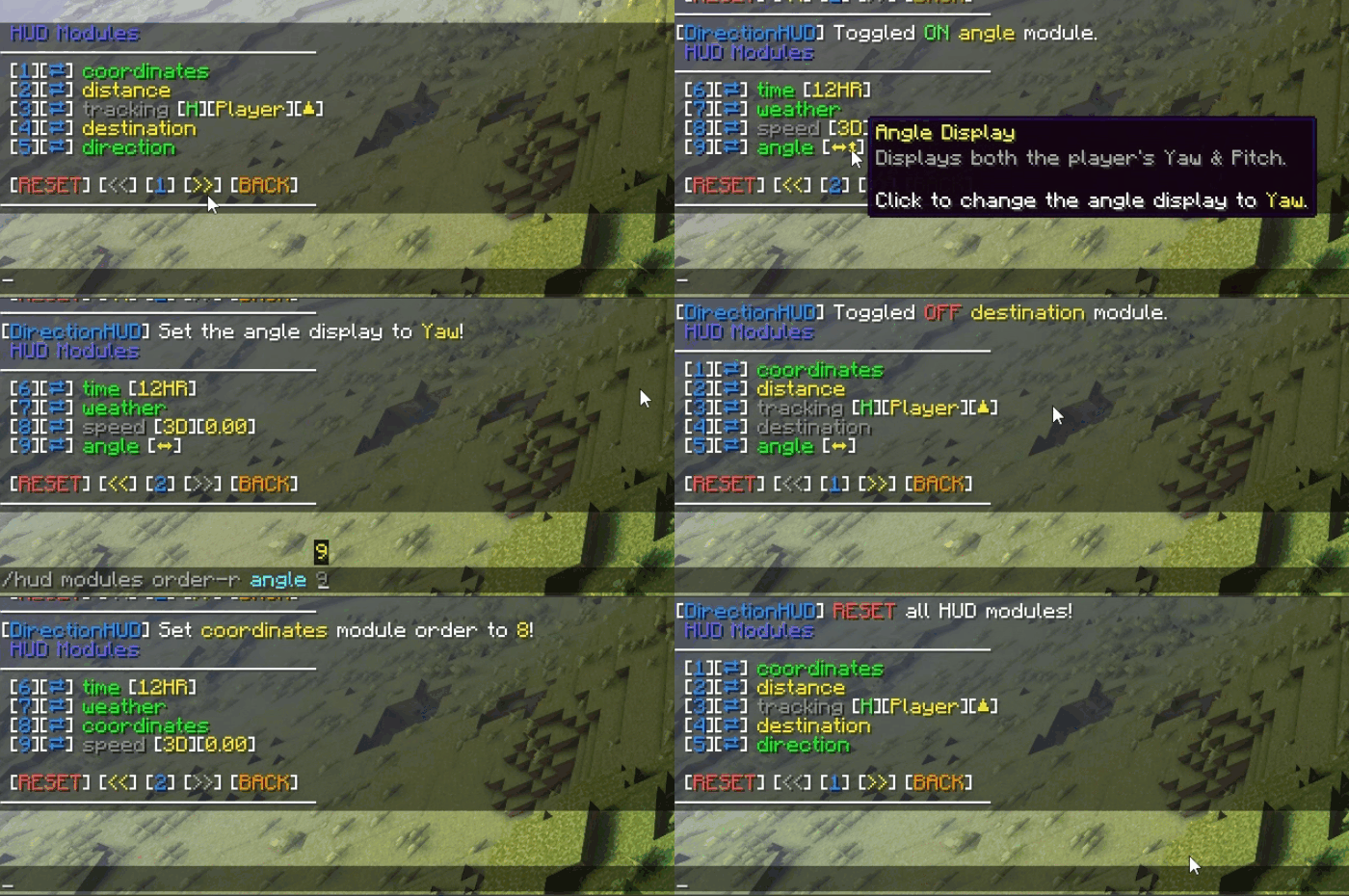
HUD Customization
Toggle and customize HUD modules to your liking, while sorting them to be perfect for you.
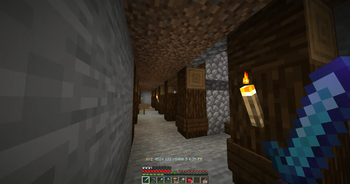
Saving Coordinates
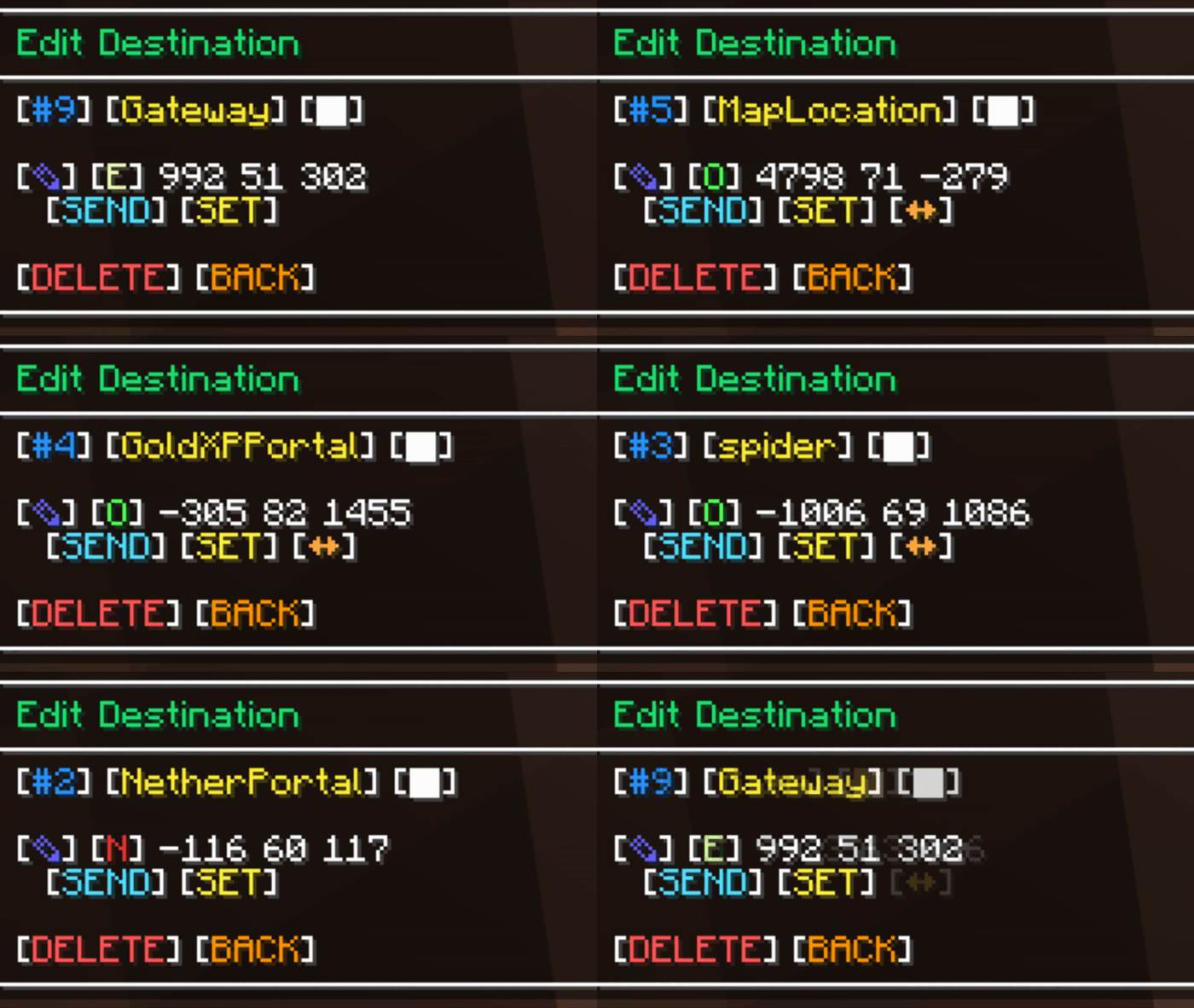
Tired of writing down base locations?
Save, set, convert, and edit coordinates easily using the chat UI.
Tracking
Having trouble hunting down keeping up with your friends?
Send a tracking request and start your adventures!
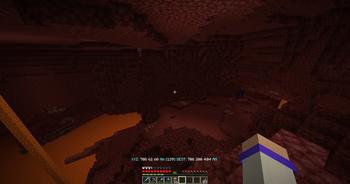
Death Saving
Which cave did I die in...
See your past previous deaths (customizable in the config)
Command Settings
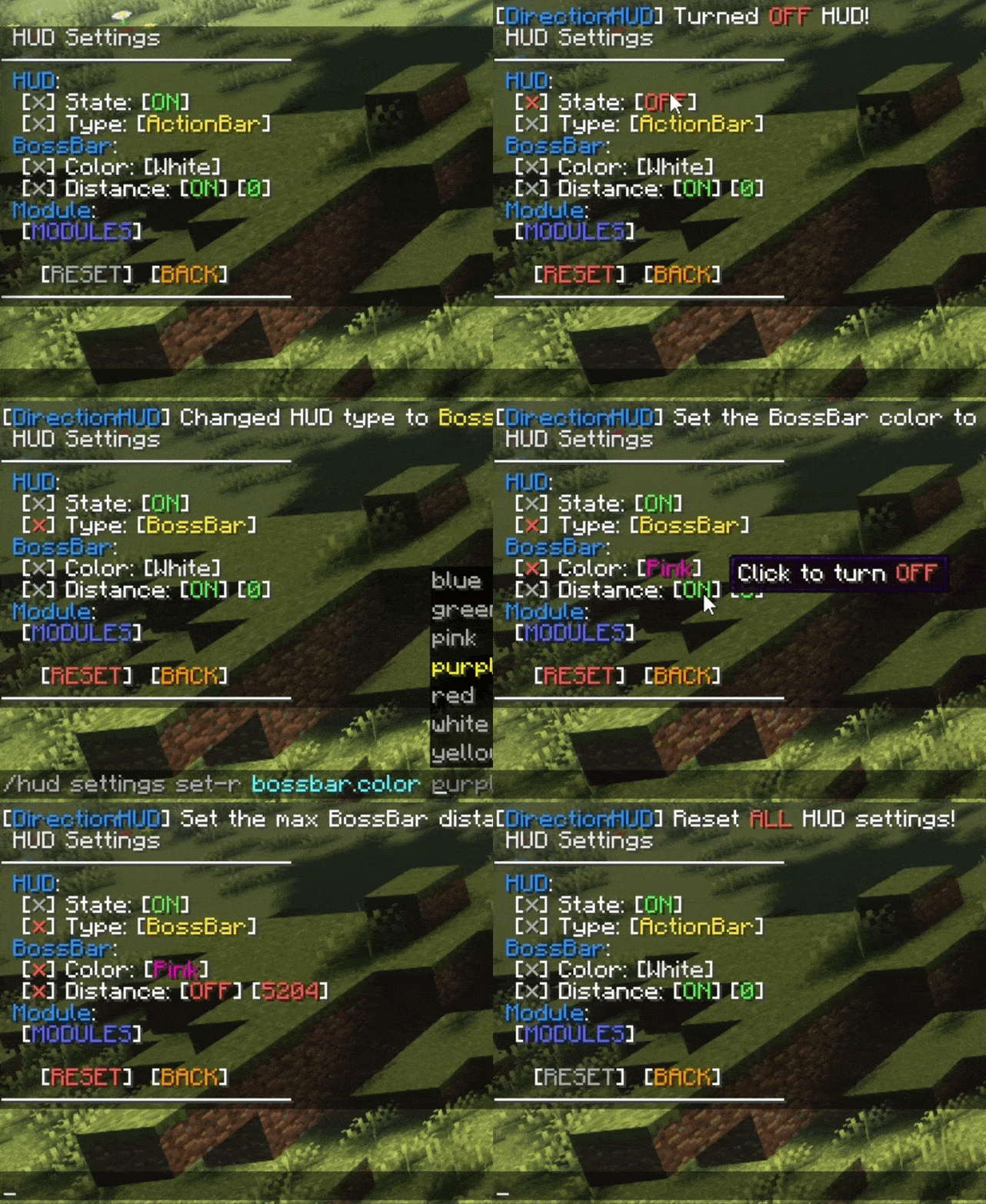
CUSTOMIZATION? MORE
Toggle destination & HUD settings, like bossbar color or autoclear status.

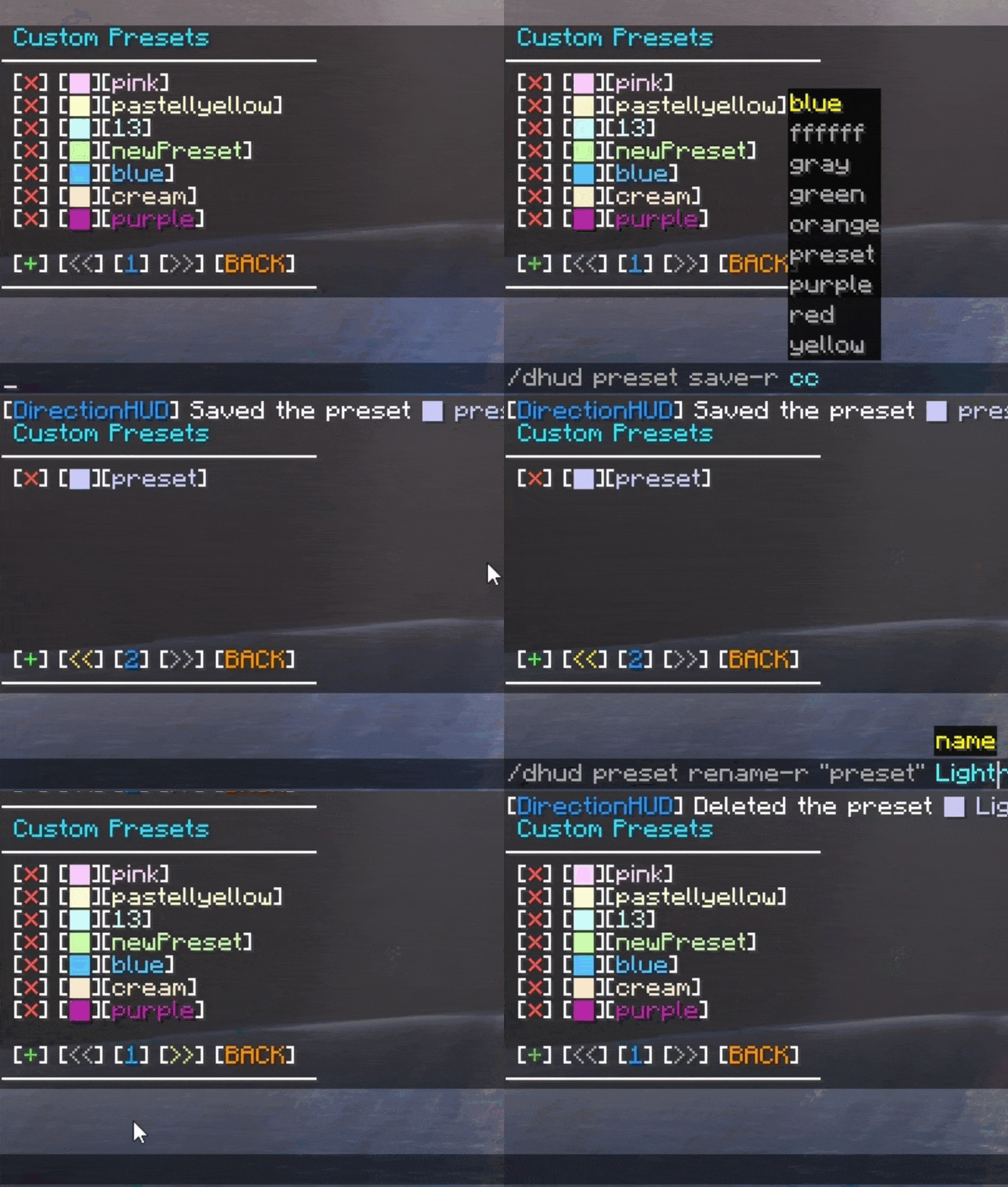
Color Perfection
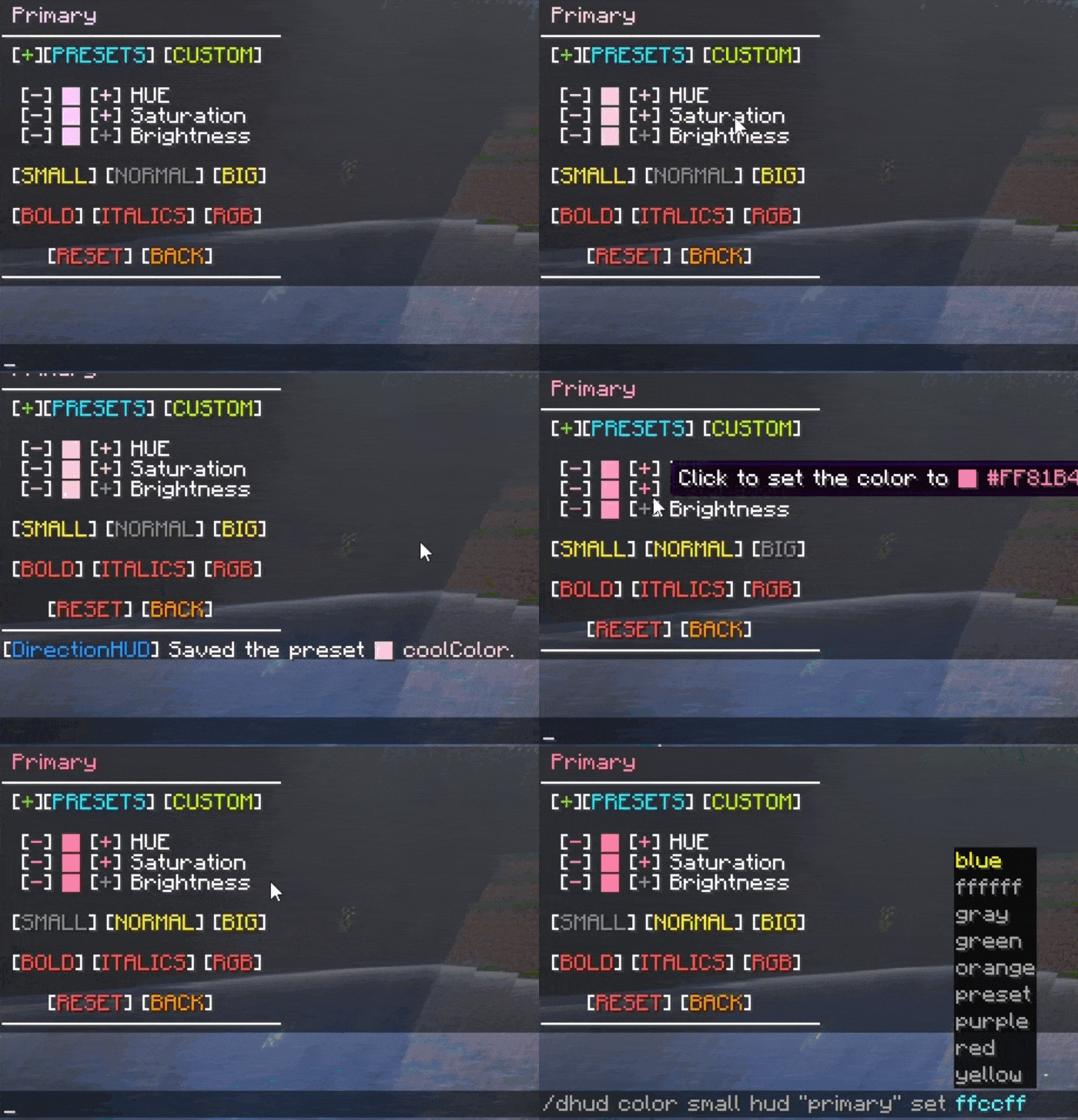
Need to find the perfect color combination?
Use the included presets, make a custom preset with the name of your choice, or use the color picker to set your favorite colors!
Config Settings
Change default player configs and DirectionHUD settings using the config file when running on server, or use ModMenu & YetAnotherConfigLib when running on client.
Future Goals - GitHub
Verfügbare Versionen
DirectionHUD auf dem Server installieren
Server bestellen
Bestelle einen Minecraft Java Server mit mindestens 3 GB RAM (4 GB empfohlen).
fabric Loader setzen
Wähle im Panel unter "Egg" den fabric-Loader und die passende Minecraft-Version (26.3).
Mod installieren
Öffne den Mod-Browser im Dashboard und suche nach "DirectionHUD". Klicke "Installieren" – fertig! Alternativ: Lade die .jar via SFTP in den /mods Ordner.
Kompatibilität
Mod-Loader
Minecraft-Versionen
26.3, 26.2, 26.1.2 (+37 weitere)
Server-seitig
✓ ErforderlichEmpfohlener RAM
4 GB(min. 3 GB)Häufige Fragen
DirectionHUD Server crasht beim Start – was tun?
Häufigste Ursache: falsche fabric-Version oder zu wenig RAM. Prüfe im Server-Log (latest.log), ob ein "OutOfMemoryError" oder "Mixin"-Fehler auftritt. Bei Mado Hosting: Stelle sicher, dass mindestens 3 GB RAM zugewiesen sind und der Loader zur Mod-Version passt (26.3). Über das Panel kannst du den Loader mit einem Klick wechseln.
Ist DirectionHUD mit fabric und folia und paper und purpur und quilt und spigot kompatibel?
DirectionHUD unterstützt offiziell fabric, folia, paper, purpur, quilt, spigot für Minecraft 26.3, 26.2, 26.1.2. Im Mado Dashboard werden inkompatible Loader-Kombinationen automatisch erkannt.
Server laggt mit DirectionHUD – wie optimiere ich die Performance?
Empfohlener RAM: 4 GB (+1 GB pro 8 Spieler). Prüfe mit /spark profiler, ob DirectionHUD den meisten Tick-Time verbraucht. Häufige Fixes: Server-View-Distance auf 8-10 reduzieren, bei Forge "performant" oder "starlight" als Zusatz-Mod installieren. Bei Mado Hosting läuft dein Server auf NVMe-SSDs mit dedizierten CPU-Kernen für minimale Latenz.
Ähnliche Mods




Modded Server mieten
Installiere DirectionHUD mit nur einem Klick auf deinem Server.
Details
- Lizenz
- GNU Lesser General Public License v3.0 only
- Server-seitig
- Erforderlich