
Draftout
Competitive Ranked Bingo with drafted boards.
Screenshots
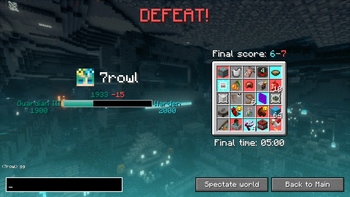
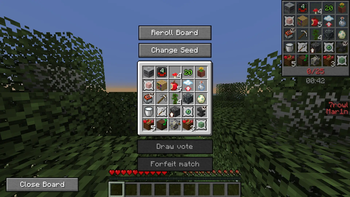
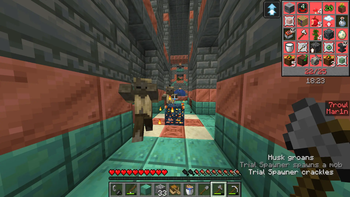
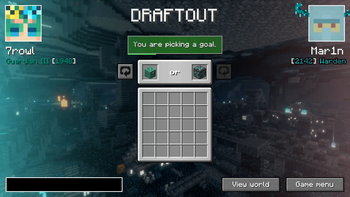
Über diese Mod
Draftout
Draftout is a new gamemode based on the existing Lockout mode. Draft a board, and race your opponent to complete 13 goals faster!
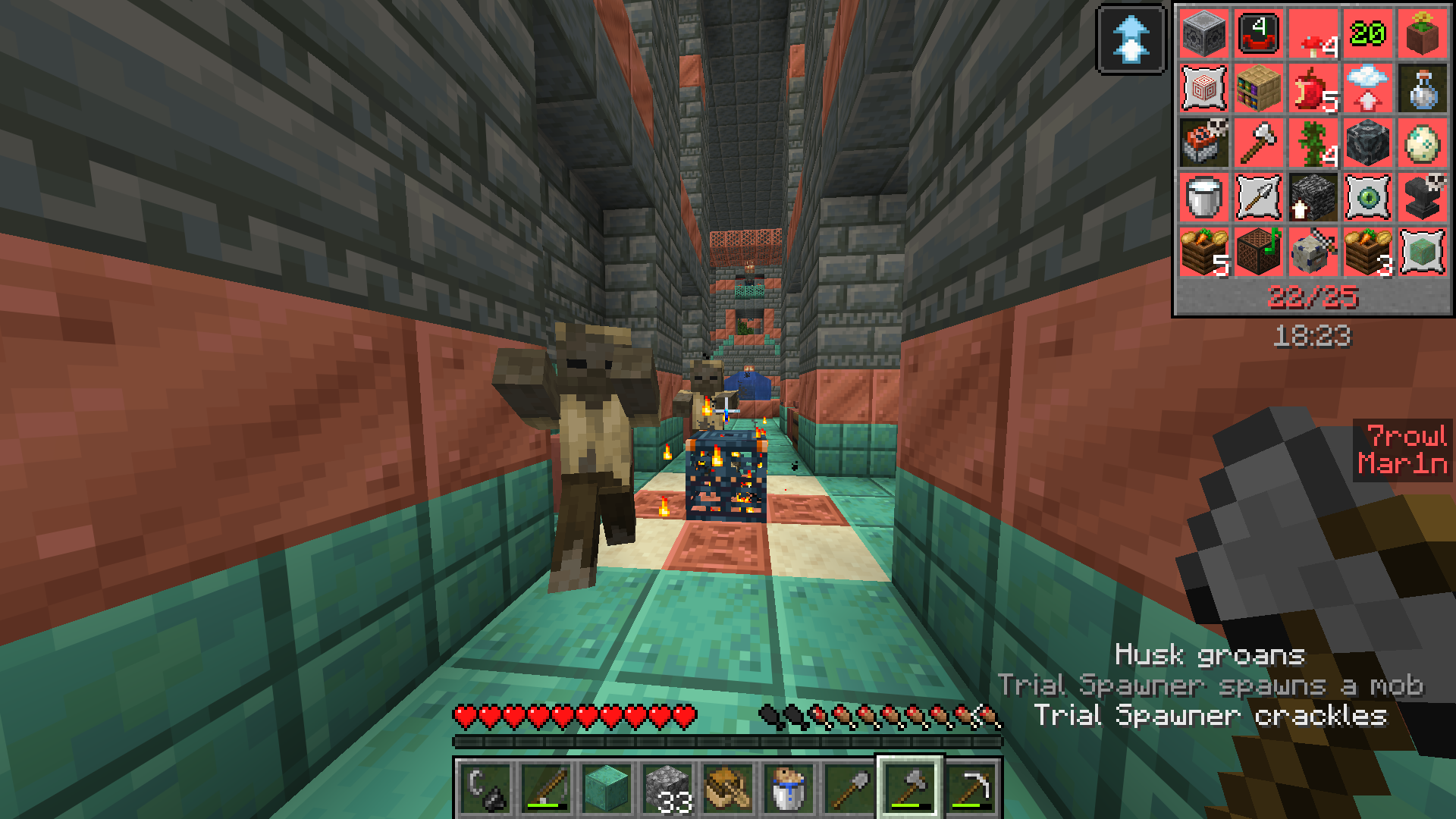
Draftout is played in singleplayer worlds, with a lot of RNG elements standardized and a light seed filter with a few guaranteed structures in the world.
All players in a match connect to an external server - meaning you can see opponent's progress (chat, advancements, current dimension etc.).
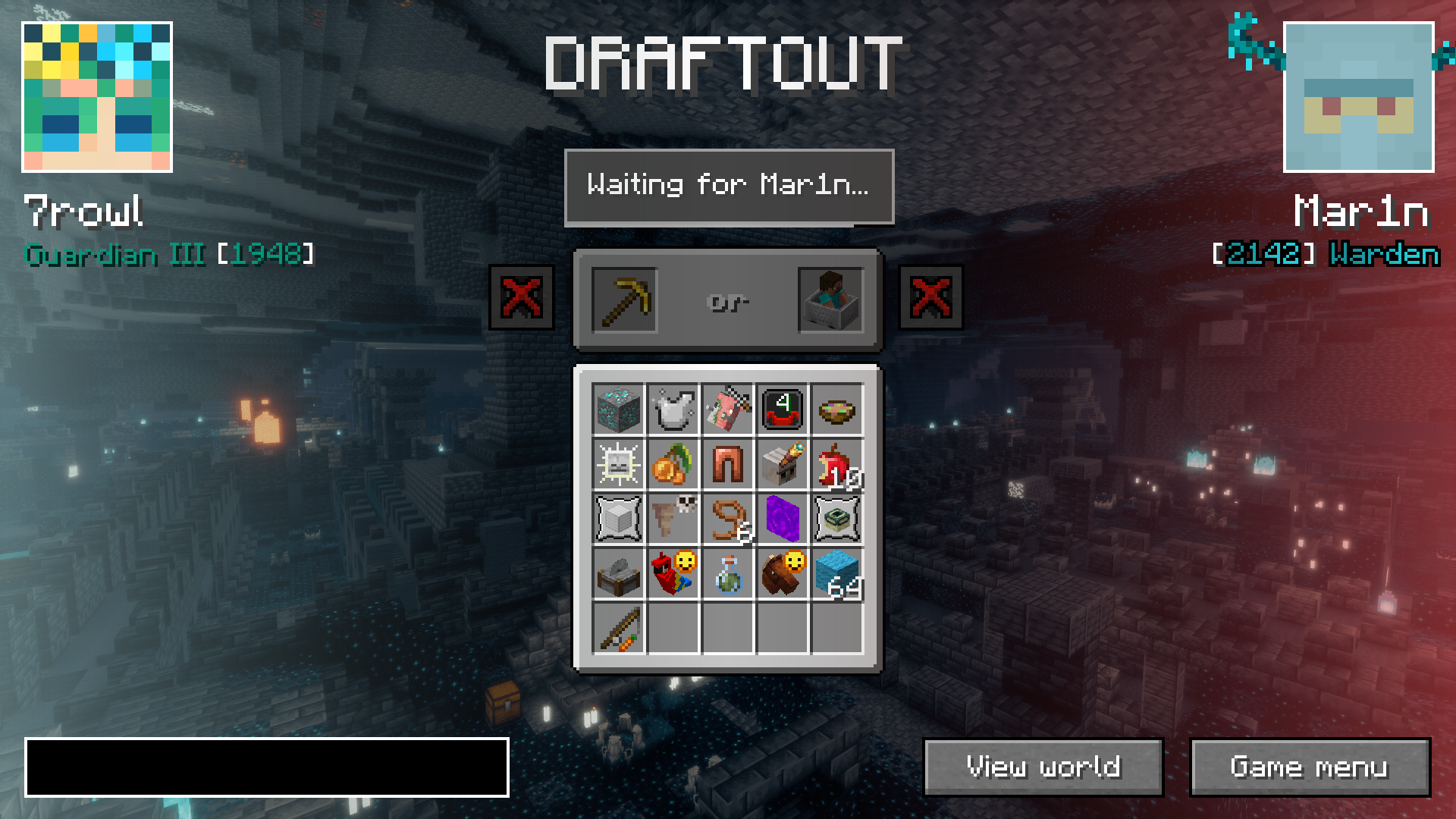
Instead of a random board, you first "build" a Lockout board by choosing between 2 goals, alternating between you and the opponent (also called drafting phase).
There's two main gamemodes: Quick Play and Competitive.
Quick Play
In Quick Play, the board is smaller (4x4) overall gameplay is slightly more relaxed. The goals are easier and faster on average.
There is a 30 minute time limit in this mode.
There is no ranks or rewards in this mode.
Competitive
In Competitive, the board is 5x5 and you can goals of any difficulty.
There is 1 hour 15 minute time limit in this mode, with 15 minutes of overtime if score is tied (first to get next goal wins) in case of draws.
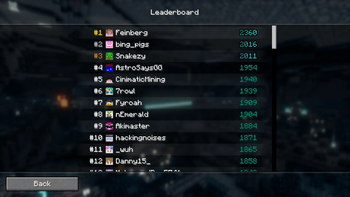
There is a Leaderboard in this mode. Player's rank is decided by their elo.
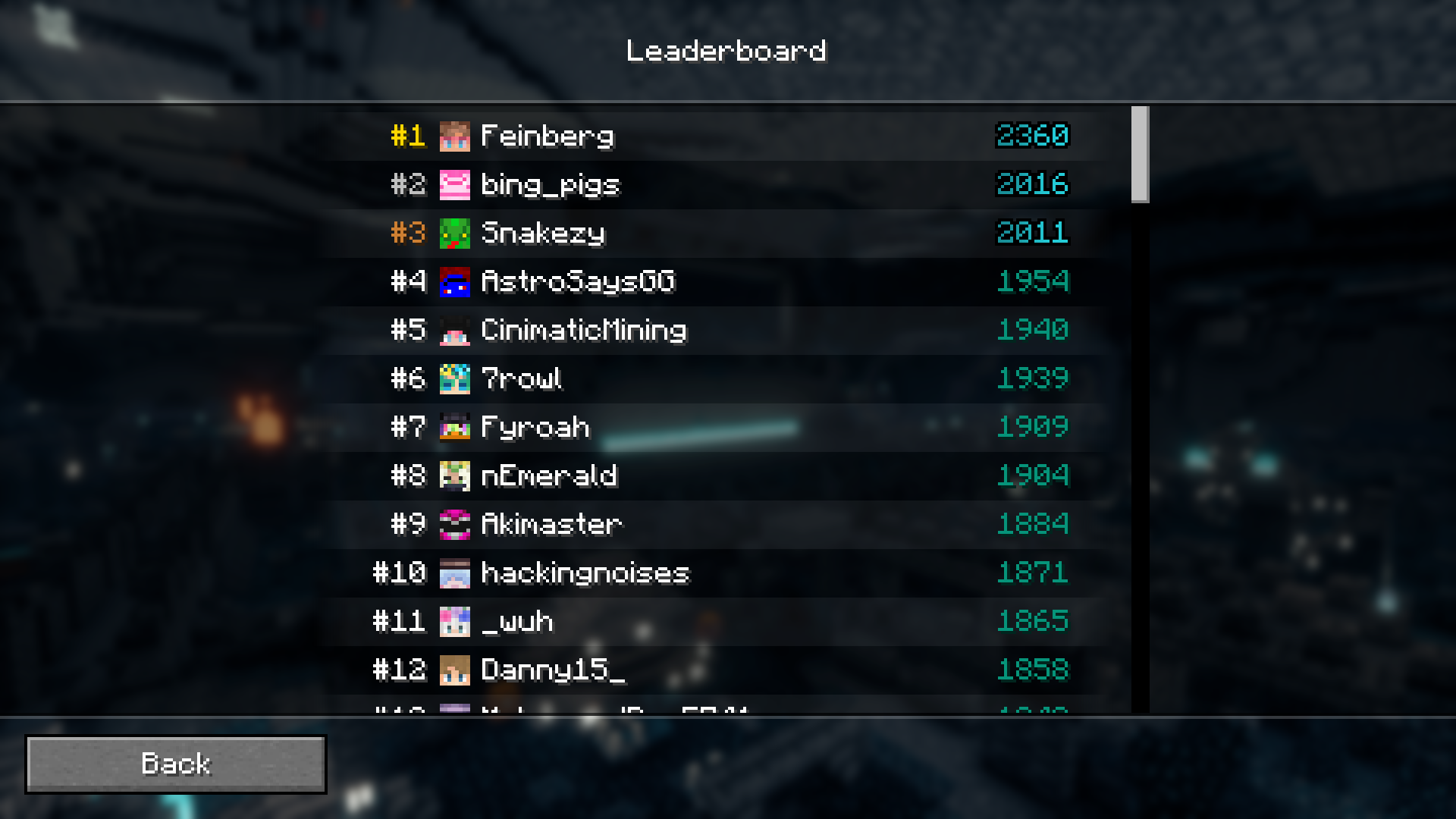
Lobbies
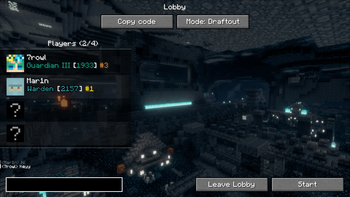
Join a private Lobby with up to 3 friends and play any mode, however you want!
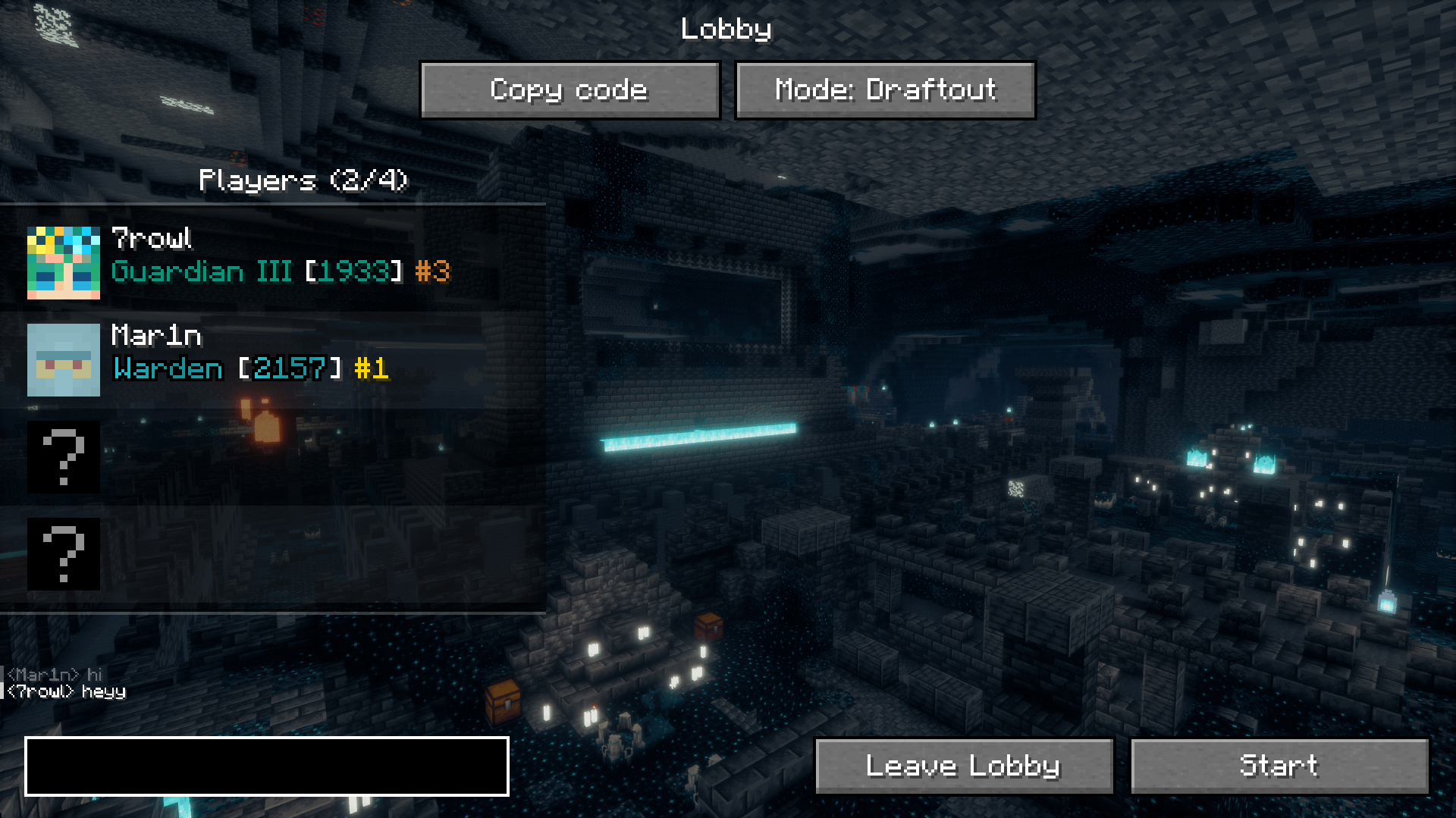
Updating the mod
There is an auto-updating feature in the Draftout mod, which makes the updating process smoother. The server will prompt you to update the mod, and if you click "Update", the mod will be downloaded from Modrinth.
In the rare case when Draftout updates to a newer Minecraft version, you will have to make a new Minecraft instance and update manually.
Note
Draftout is in beta, meaning things might break and change.
Verfügbare Versionen
Draftout auf deinem Client installieren
Mod-Loader lokal installieren
Installiere fabric für deine lokale Minecraft-Version.
Passende Datei herunterladen
Wähle die Draftout-Datei für fabric und Minecraft 26.3.
Mod installieren
Lege die .jar-Datei in deinem lokalen .minecraft/mods-Ordner ab und starte Minecraft neu. Eine Installation auf dem Server ist nicht nötig.
Kompatibilität
Mod-Loader
Minecraft-Versionen
26.3, 26.1.1
Server-seitig
✗ Nicht unterstütztEmpfohlener RAM
4 GB(min. 3 GB)Häufige Fragen
Muss Draftout auf dem Minecraft Server installiert werden?
Nein. Modrinth kennzeichnet Draftout serverseitig als nicht unterstützt. Installiere die Mod nur im lokalen Minecraft-Mods-Ordner. Dein Server kann unverändert bleiben, sofern die Mod-Seite keine zusätzliche Abhängigkeit nennt.
Welche Version und welchen Loader braucht Draftout?
Nutze eine Datei für fabric und exakt deine Minecraft-Version. Unterstützte Versionen sind unter anderem 26.3, 26.1.1. Loader-Dateien sind nicht untereinander austauschbar.
Draftout funktioniert nicht – was kann ich prüfen?
Prüfe zuerst Minecraft-Version, Loader-Version und erforderliche Abhängigkeiten. Lege die .jar-Datei im lokalen .minecraft/mods-Ordner ab und entferne ältere Duplikate. Da die Mod clientseitig ist, löst mehr Server-RAM dieses Problem nicht.
Ähnliche Mods




Minecraft Server für deine Gruppe
Draftout bleibt auf deinem Client. Hoste dazu eine kompatible Welt für deine Mitspieler.