
EntityJS
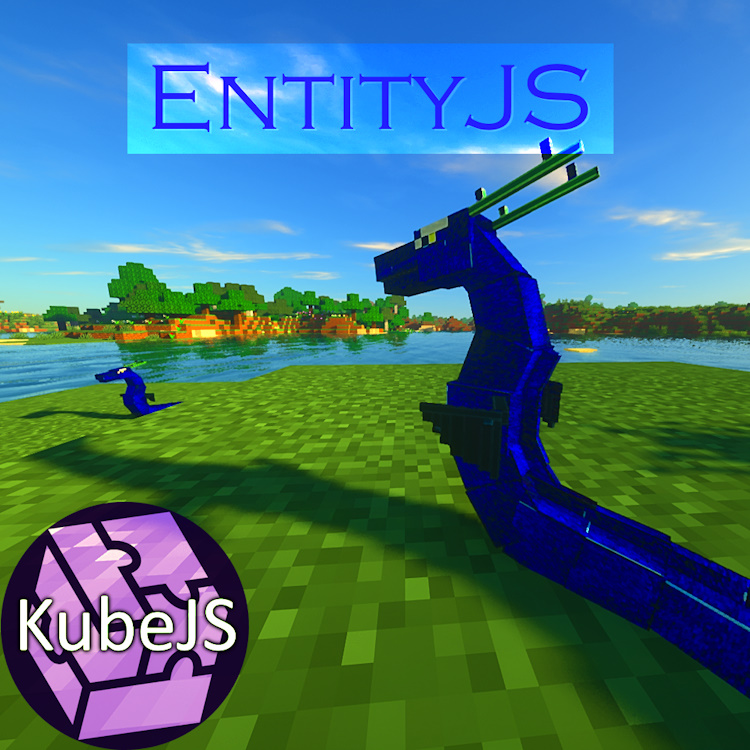
This mod uses KubeJS to dynamically register entities with full AI/Animation/Spawn Control support!
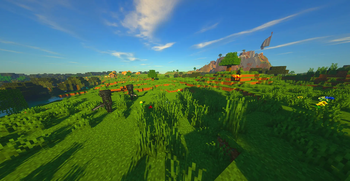
Screenshots
Über diese Mod

Key Features
- Dynamic Entity Registry: Easily register custom entities and define their attributes and behaviors using JavaScript.
- Entity Modification: Modify existing entity methods with the entity modification event for further customization.
- Full Animation Support: Enjoy smooth and lifelike animations for your entities, utilizing LioLib, a Geckolib 4 fork backporting many fixes to the unsupported 1.19.2 version
(EntityJS 1.20.1+ Use Geckolib as a direct dependency because it is a supported version)
- Spawn Control: Take full control over entity spawning by specifying spawn conditions, rates, and locations.
- Attribute Modification: Fine-tune entity attributes such as health, speed, damage, and more to suit your gameplay needs.
- Full AI Support: Access a comprehensive set of AI behaviors and functions to create intelligent and interactive entities.
Getting Started
To start using EntityJS, simply install the addon alongside KubeJS and begin creating your custom entities and animations. Refer to the documentation for detailed instructions and examples.
Special Compatibility
KubeJS Iron's Spells
Visit KubeJS Iron's Spells Mod Page
- Spellcasting Mobs: You can make any Mob cast spells by using the Goal event to attach spellcasting behavior.
- Custom Spellcasters: Create fully custom spellcasting mobs with tailored AI, spell sets, and behaviors.
- Spell Projectiles: Define and control custom spell projectiles for advanced combat and visual effects.
Community
Join the official KubeJS Discord community to connect with other users, share your creations, and get help with any questions or issues you encounter while using EntityJS. Alternatively, you can click the Discord icon below:

Youtube Tutorials
Verfügbare Versionen
EntityJS auf dem Server installieren
Server bestellen
Bestelle einen Minecraft Java Server mit mindestens 3 GB RAM (4 GB empfohlen).
fabric Loader setzen
Wähle im Panel unter "Egg" den fabric-Loader und die passende Minecraft-Version (1.21.1).
Mod installieren
Öffne den Mod-Browser im Dashboard und suche nach "EntityJS". Klicke "Installieren" – fertig! Alternativ: Lade die .jar via SFTP in den /mods Ordner.
Kompatibilität
Mod-Loader
Minecraft-Versionen
1.21.1, 1.21, 1.20.1 (+1 weitere)
Server-seitig
✓ ErforderlichEmpfohlener RAM
4 GB(min. 3 GB)Häufige Fragen
EntityJS Server crasht beim Start – was tun?
Häufigste Ursache: falsche fabric-Version oder zu wenig RAM. Prüfe im Server-Log (latest.log), ob ein "OutOfMemoryError" oder "Mixin"-Fehler auftritt. Bei Mado Hosting: Stelle sicher, dass mindestens 3 GB RAM zugewiesen sind und der Loader zur Mod-Version passt (1.21.1). Über das Panel kannst du den Loader mit einem Klick wechseln.
Ist EntityJS mit fabric und forge und neoforge kompatibel?
EntityJS unterstützt offiziell fabric, forge, neoforge für Minecraft 1.21.1, 1.21, 1.20.1. Achtung: Forge- und Fabric-Mods sind NICHT untereinander kompatibel – wähle einen Loader und bleibe dabei. Im Mado Dashboard werden inkompatible Loader-Kombinationen automatisch erkannt.
Server laggt mit EntityJS – wie optimiere ich die Performance?
Empfohlener RAM: 4 GB (+1 GB pro 8 Spieler). Prüfe mit /spark profiler, ob EntityJS den meisten Tick-Time verbraucht. Häufige Fixes: Server-View-Distance auf 8-10 reduzieren, bei Forge "performant" oder "starlight" als Zusatz-Mod installieren. Bei Mado Hosting läuft dein Server auf NVMe-SSDs mit dedizierten CPU-Kernen für minimale Latenz.
Ähnliche Mods



Modded Server mieten
Installiere EntityJS mit nur einem Klick auf deinem Server.