Epic Knights: Shields Armor and Weapons
Adds medieval armor and weapons
Screenshots




Über diese Mod

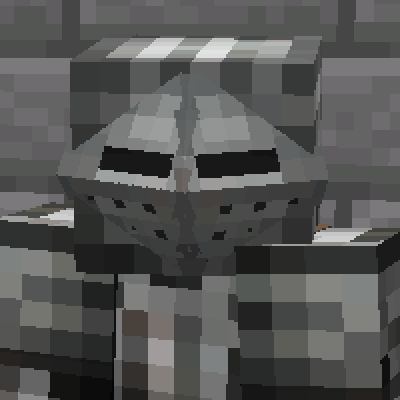
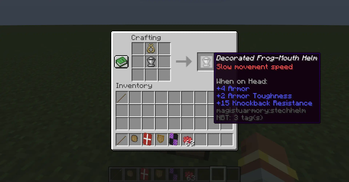
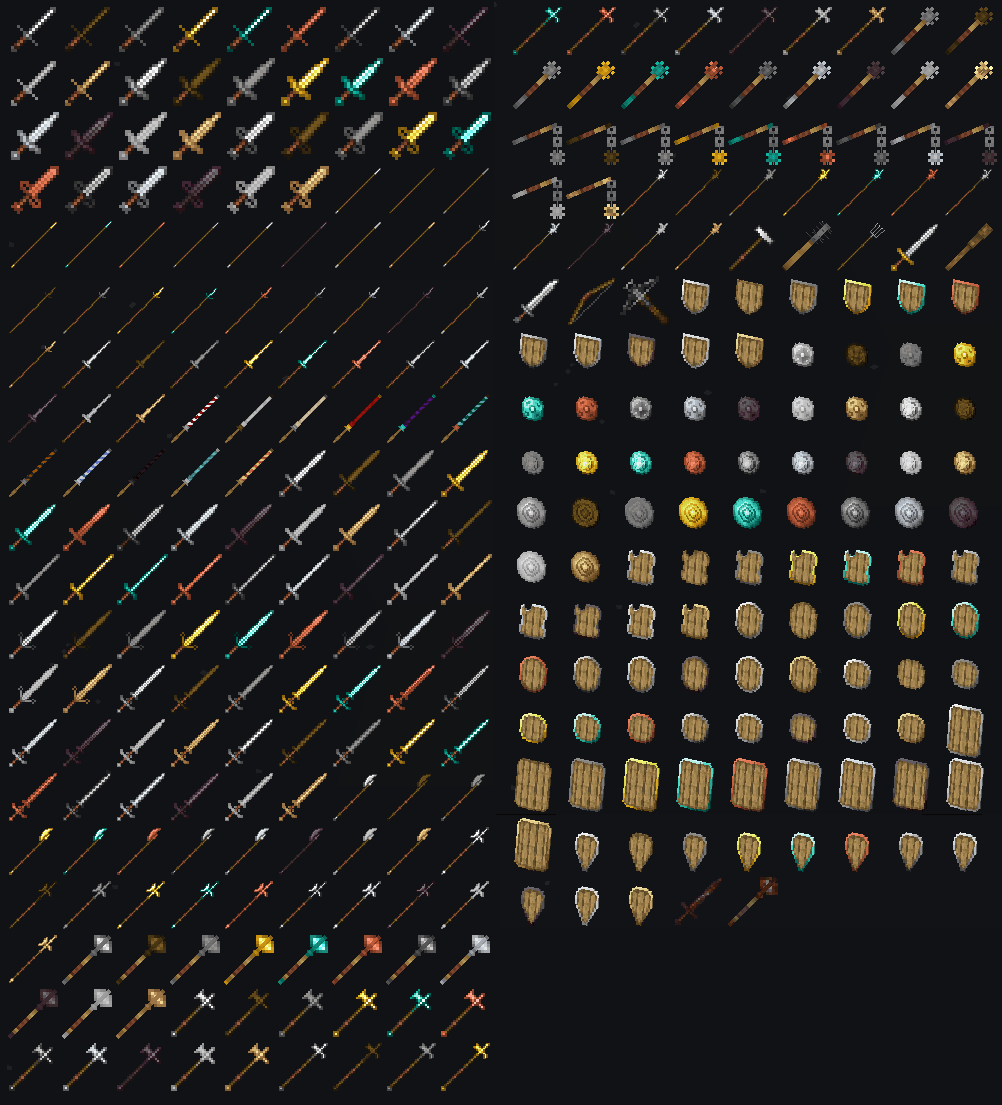
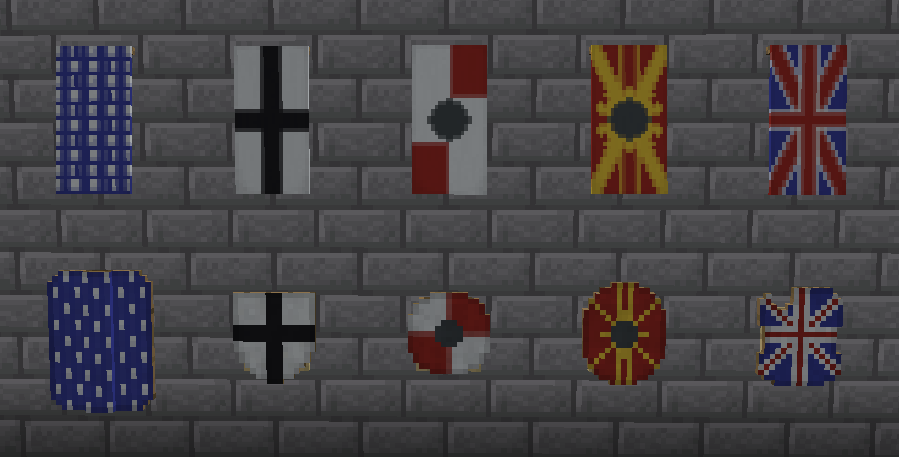
This mod aims to give Minecraft a more medieval knight-inspired feel. Epic Knights adds historically inspired armor, weapons, heraldry and customization to Minecraft, with an emphasis on making different medieval equipment visually and mechanically distinct. The weapons have unique properties, such as increased attack range, armor-piercing, two-handed, blocking and dismounting capabilities.
Banners can be attached to armor and horse armor in the same way they can be attached to shields. Also there're decorations for armor, such as plumes and crowns, many of which can be dyed in any color.
The mod adds steel as a new material. Steel can be crafted by smelting an iron ingot in a blast furnace.
Configuration files are in config/epicknights folder.
More historical stuff:
- Epic Knights: Addon
- Epic Knights: Slavic Armory
- Epic Knights: Antique Legacy
- Epic Knights: Ores and Alloys
- Epic Knights: Artillery Addon
- Ranged Knights Medieval Boomsticks and Sharpsticks
- Epic Knights: Open Helms
IMPORTANT: Optifine 1.20.x is not supported! Since 7.0 version the mod requires Architectury and Cloth Config to be installed.
!

Better Combat:1.18.2+: Preset support.
Epic Fight:
1.20.1: Preset support
To combine Epic Knights with Epic Fight on older versions do the following:
1.12.2: Download epicfight.cfg from Discord server and put it into the configs folder.
1.16.5, 1.18.2, 1.19.2: Download datapack from Discord server, unzip it and follow this tutorial: https://minecraft.fandom.com/wiki/Tutorials/Installing_a_data_pack.
32x32 Resources There is a 32x resource pack made with the outstanding attention to details by Reymecos: https://www.curseforge.com/minecraft/texture-packs/knightarmory





Verfügbare Versionen
Epic Knights: Shields Armor and Weapons auf dem Server installieren
Server bestellen
Bestelle einen Minecraft Java Server mit mindestens 3 GB RAM (4 GB empfohlen).
fabric Loader setzen
Wähle im Panel unter "Egg" den fabric-Loader und die passende Minecraft-Version (26.1.2).
Mod installieren
Öffne den Mod-Browser im Dashboard und suche nach "Epic Knights: Shields Armor and Weapons". Klicke "Installieren" – fertig! Alternativ: Lade die .jar via SFTP in den /mods Ordner.
Kompatibilität
Mod-Loader
Minecraft-Versionen
26.1.2, 1.21.1, 1.21 (+15 weitere)
Server-seitig
✓ ErforderlichEmpfohlener RAM
4 GB(min. 3 GB)Häufige Fragen
Epic Knights: Shields Armor and Weapons Server crasht beim Start – was tun?
Häufigste Ursache: falsche fabric-Version oder zu wenig RAM. Prüfe im Server-Log (latest.log), ob ein "OutOfMemoryError" oder "Mixin"-Fehler auftritt. Bei Mado Hosting: Stelle sicher, dass mindestens 3 GB RAM zugewiesen sind und der Loader zur Mod-Version passt (26.1.2). Über das Panel kannst du den Loader mit einem Klick wechseln.
Ist Epic Knights: Shields Armor and Weapons mit fabric und forge und neoforge kompatibel?
Epic Knights: Shields Armor and Weapons unterstützt offiziell fabric, forge, neoforge für Minecraft 26.1.2, 1.21.1, 1.21. Achtung: Forge- und Fabric-Mods sind NICHT untereinander kompatibel – wähle einen Loader und bleibe dabei. Im Mado Dashboard werden inkompatible Loader-Kombinationen automatisch erkannt.
Server laggt mit Epic Knights: Shields Armor and Weapons – wie optimiere ich die Performance?
Empfohlener RAM: 4 GB (+1 GB pro 8 Spieler). Prüfe mit /spark profiler, ob Epic Knights: Shields Armor and Weapons den meisten Tick-Time verbraucht. Häufige Fixes: Server-View-Distance auf 8-10 reduzieren, bei Forge "performant" oder "starlight" als Zusatz-Mod installieren. Bei Mado Hosting läuft dein Server auf NVMe-SSDs mit dedizierten CPU-Kernen für minimale Latenz.
Ähnliche Mods



![[TaCZ] Timeless and Classics Zero](https://cdn.modrinth.com/data/SzzJttH8/fd27766d2bb8390d284696b1dbd358f87e081439_96.webp)


Modded Server mieten
Installiere Epic Knights: Shields Armor and Weapons mit nur einem Klick auf deinem Server.