
Feathery Messengers
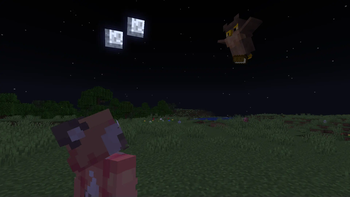
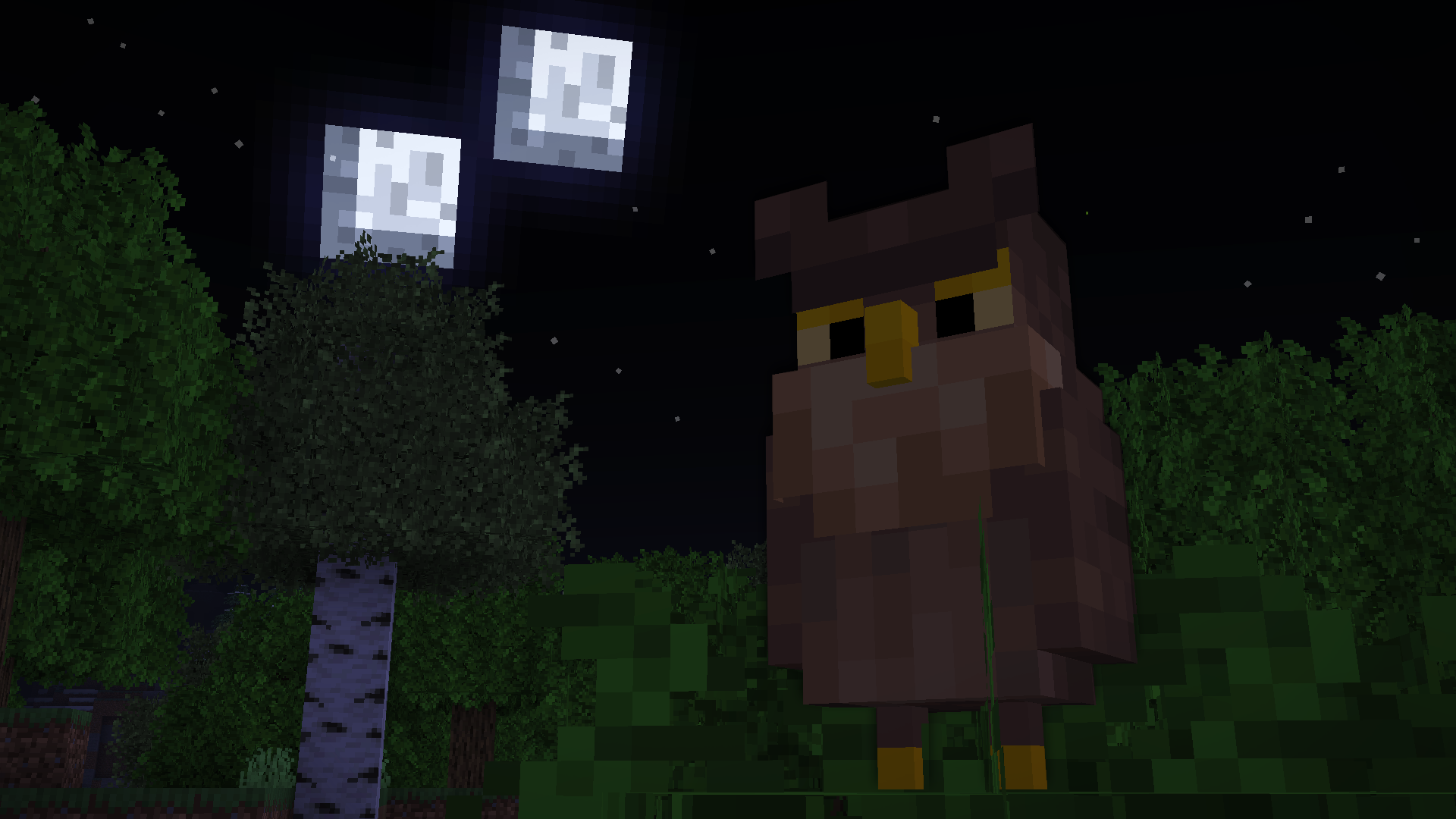
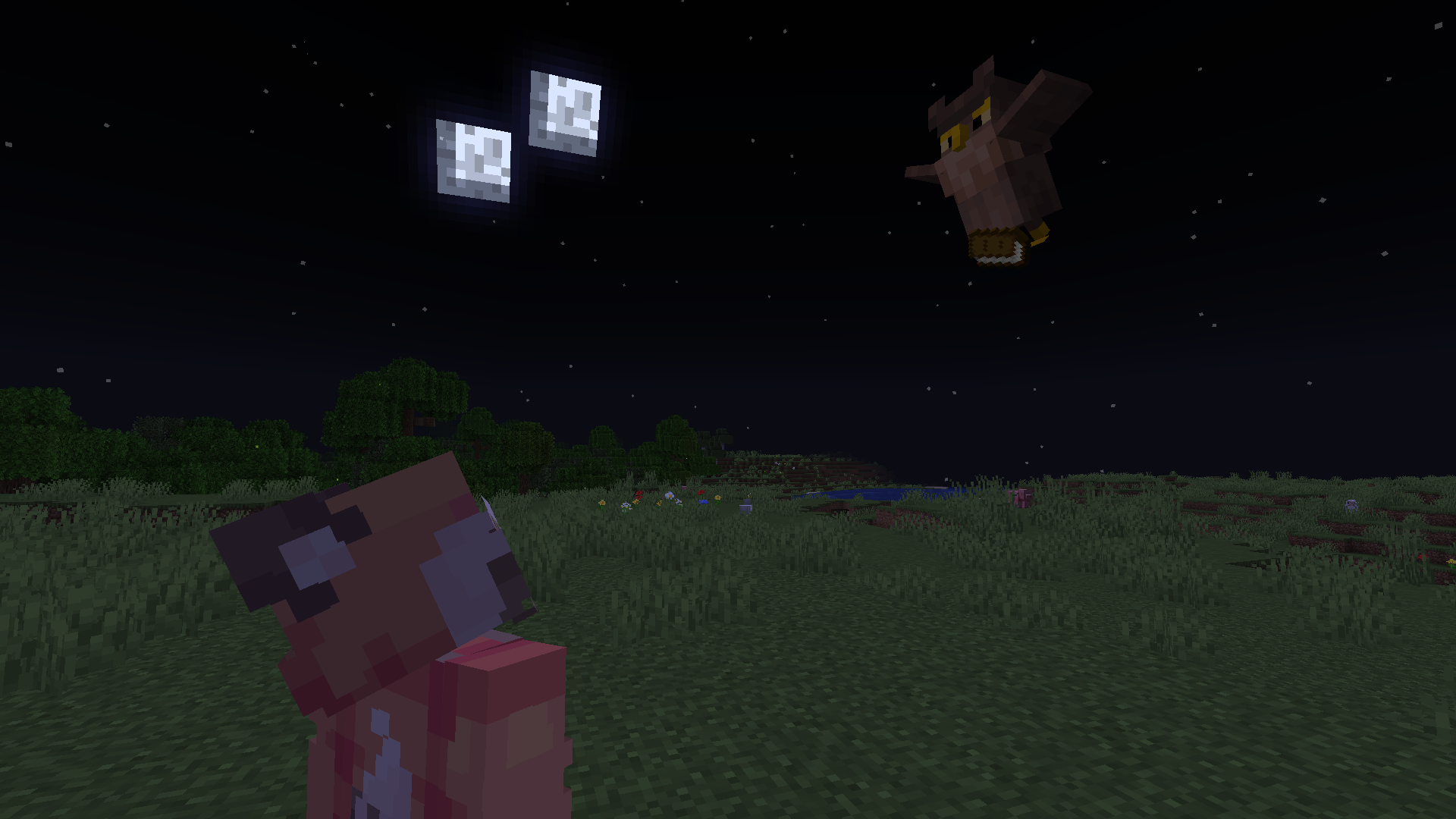
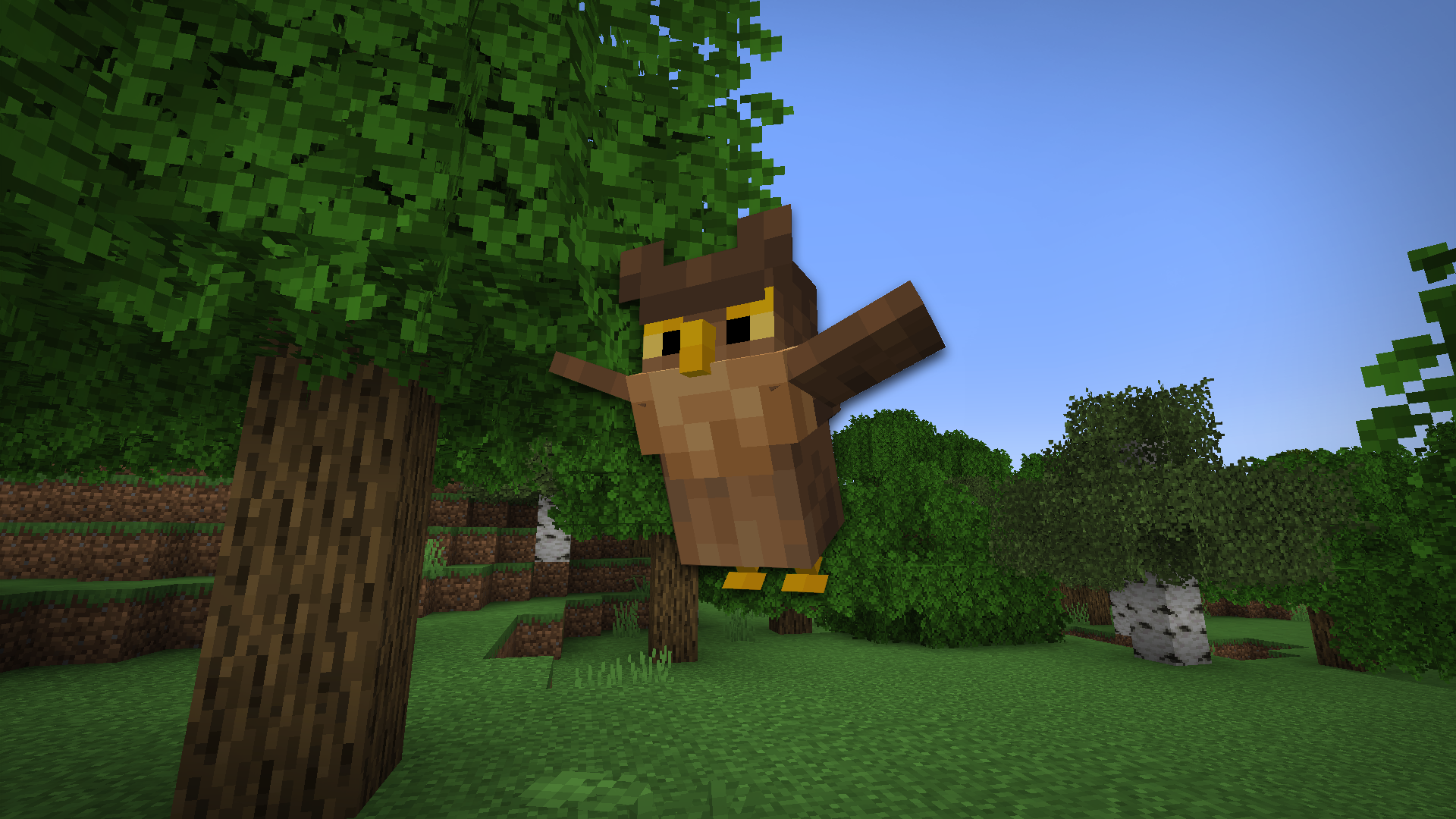
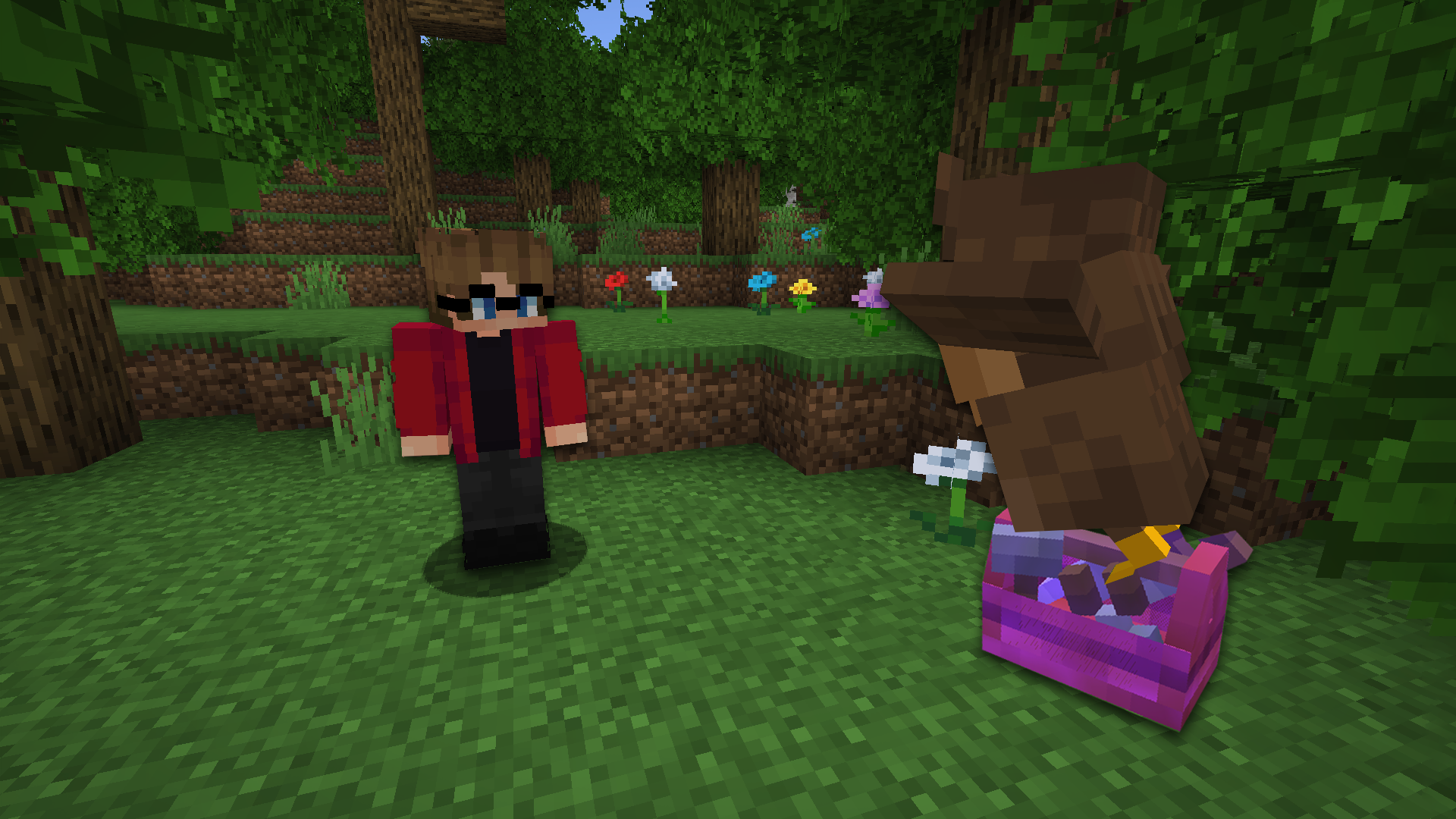
Unleash the power of the skies with Feathery Messengers, the Minecraft mod that brings delivery owls to your world and allows you to send items soaring to your friends and allies with just a few clicks!
Screenshots
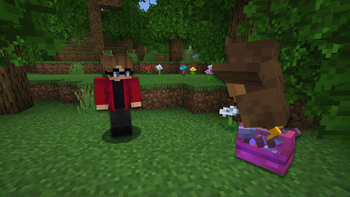
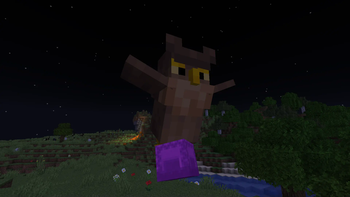
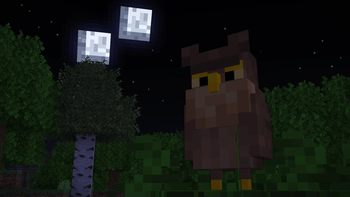
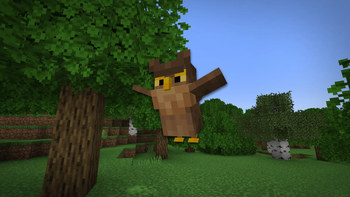
Über diese Mod

Mod/Datapack for Minecraft: Java Edition
Unleash the power of the skies with Feathery Messengers, the Minecraft mod that brings delivery owls to your world and allows you to send items soaring to your friends and allies with just a few clicks!

Installation
Stable releases


The latest releases of Feathery Messengers is published to our GitHub release pages.
Releases are considered to be suitable for general use, but they are not guaranteed to be free of bugs and other issues.
Community

We have an official Discord community. By joining, you can:
- Get installation help and technical support
- Be notified of the latest developments as they happen
- just hang out with the rest of our community.
License
This project is licensed under the Attribution-NonCommercial-ShareAlike 4.0 International (CC BY-NC-SA 4.0) license. Feel free to use and modify the mod/datapack as you see fit, as long as you give credit to the original authors, do not use it for commercial purposes, and share any modifications under the same license. See the LICENSE file for more details.
Website
Feel free to check out our website!
https://lunareclipse.studio
Verfügbare Versionen
Feathery Messengers auf dem Server installieren
Server bestellen
Bestelle einen Minecraft Java Server mit mindestens 3 GB RAM (4 GB empfohlen).
datapack Loader setzen
Wähle im Panel unter "Egg" den datapack-Loader und die passende Minecraft-Version (1.19.3).
Mod installieren
Öffne den Mod-Browser im Dashboard und suche nach "Feathery Messengers". Klicke "Installieren" – fertig! Alternativ: Lade die .jar via SFTP in den /mods Ordner.
Kompatibilität
Mod-Loader
Minecraft-Versionen
1.19.3, 1.19.2, 1.19.1 (+1 weitere)
Server-seitig
✓ ErforderlichEmpfohlener RAM
4 GB(min. 3 GB)Häufige Fragen
Feathery Messengers Server crasht beim Start – was tun?
Häufigste Ursache: falsche datapack-Version oder zu wenig RAM. Prüfe im Server-Log (latest.log), ob ein "OutOfMemoryError" oder "Mixin"-Fehler auftritt. Bei Mado Hosting: Stelle sicher, dass mindestens 3 GB RAM zugewiesen sind und der Loader zur Mod-Version passt (1.19.3). Über das Panel kannst du den Loader mit einem Klick wechseln.
Ist Feathery Messengers mit datapack und fabric und forge kompatibel?
Feathery Messengers unterstützt offiziell datapack, fabric, forge für Minecraft 1.19.3, 1.19.2, 1.19.1. Achtung: Forge- und Fabric-Mods sind NICHT untereinander kompatibel – wähle einen Loader und bleibe dabei. Im Mado Dashboard werden inkompatible Loader-Kombinationen automatisch erkannt.
Server laggt mit Feathery Messengers – wie optimiere ich die Performance?
Empfohlener RAM: 4 GB (+1 GB pro 8 Spieler). Prüfe mit /spark profiler, ob Feathery Messengers den meisten Tick-Time verbraucht. Häufige Fixes: Server-View-Distance auf 8-10 reduzieren, bei Forge "performant" oder "starlight" als Zusatz-Mod installieren. Bei Mado Hosting läuft dein Server auf NVMe-SSDs mit dedizierten CPU-Kernen für minimale Latenz.
Ähnliche Mods




Modded Server mieten
Installiere Feathery Messengers mit nur einem Klick auf deinem Server.
Details
- Lizenz
- Creative Commons Attribution Non Commercial Share Alike 4.0 International
- Server-seitig
- Erforderlich