
Glow Sticks
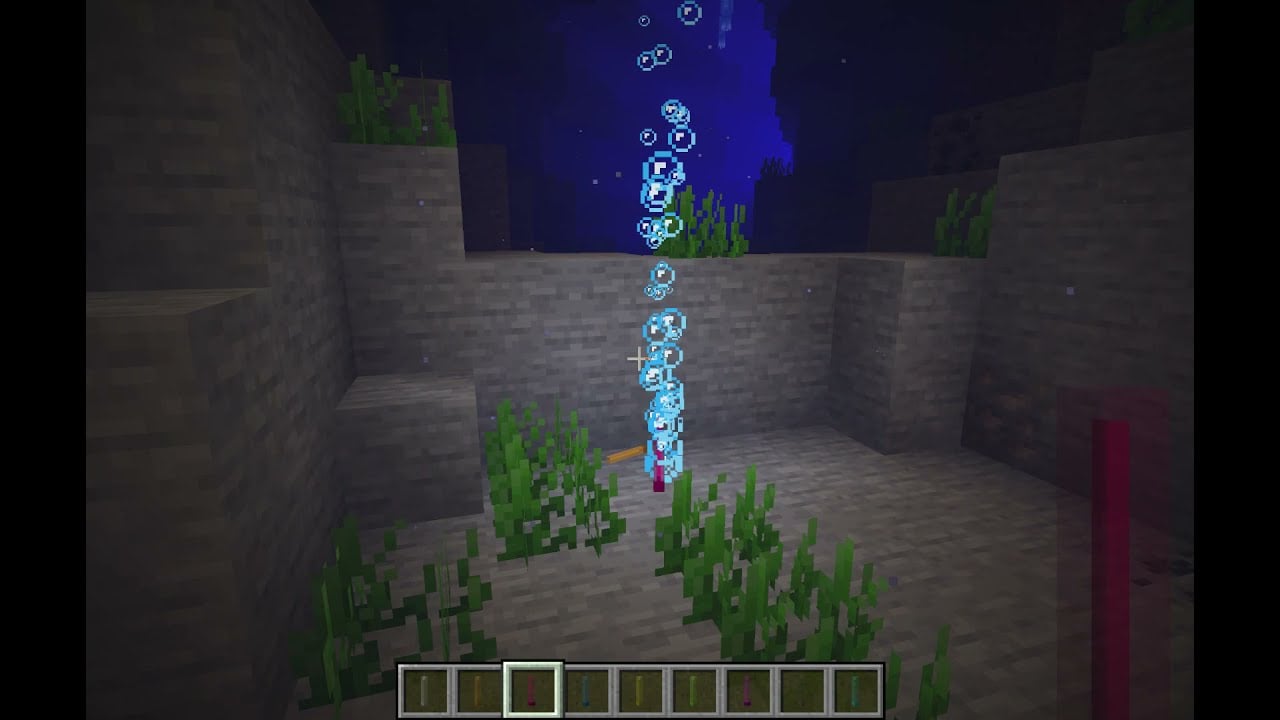
Glow Sticks sticks in different colors which can be lit up in the world / underwater for a limited time for better exploring and/or for rpg.
Screenshots
Über diese Mod
Glow Sticks









Glow Sticks adds throwable and placeable light sources for Minecraft.
Craft glow sticks in all 16 dye colors, throw them into caves or water, place permanent creative
versions in builds, and use matching glow sticks as simple waypoints while exploring.
Features
- 16 glow stick colors
- Temporary glow sticks that can be activated, thrown, and placed
- Permanent creative glow sticks for decorative lighting
- Land and underwater usage without separate items
- Several visual variants for placed glow sticks
- Waypoint particles and configurable behavior
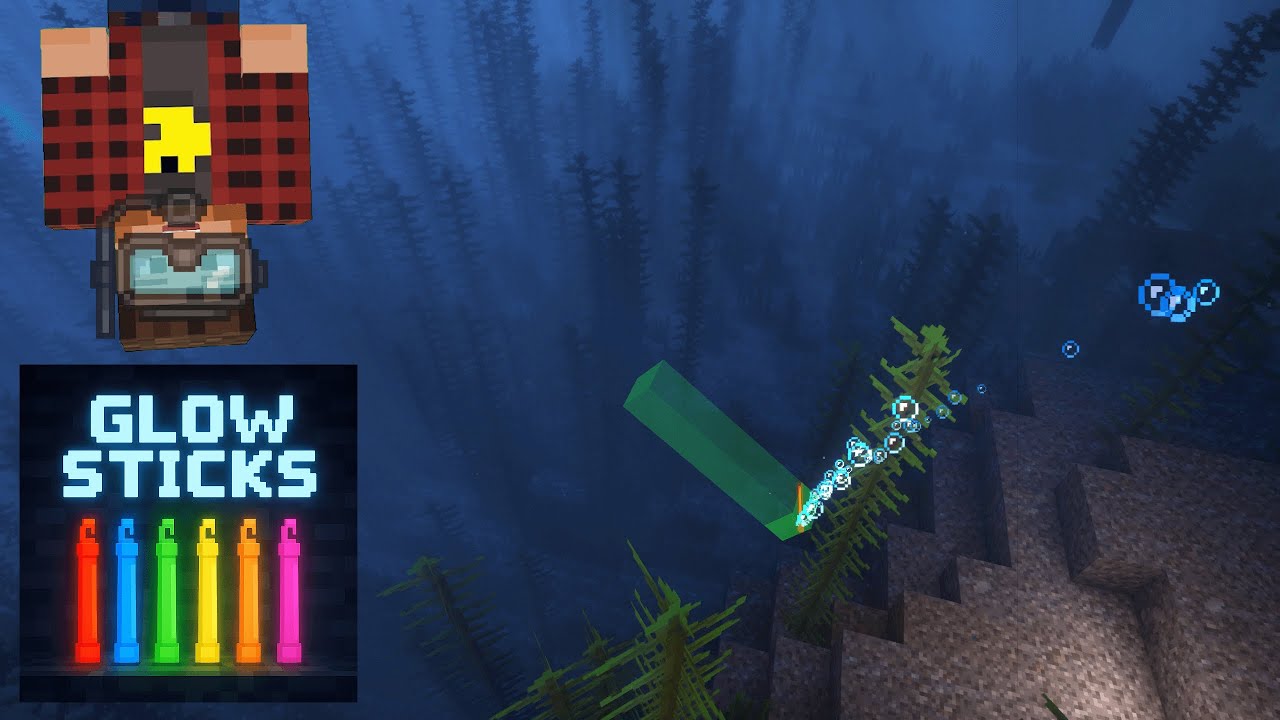
Overview Video
Quick Start
- Craft glow sticks with a glowing ingredient, glass, and glass panes.
- Use a glow stick once to activate it.
- After activation it is thrown automatically and places light where it lands.
The mod accepts glow berries, glow ink sacs, glow lichen, and glowstone dust as glowing
ingredients.
Colored glow sticks use matching stained glass. The white glow stick uses normal glass.
Highlights
- Works on land and underwater
- Glow sticks fade over time and lose brightness before disappearing
despawnTicks=0disables automatic fading for normal placed glow sticks- Sneak while holding a glow stick to show waypoint particles to the nearest placed glow stick of
the same color - Creative glow sticks can be placed on floors, walls, and ceilings
- Clicking an existing creative glow stick cycles through its visual variant
- Glow sticks react to nearby redstone and can be controlled by signal strength
Why It Is Useful
- Fast cave marking without carrying lots of torches
- Underwater lighting for ruins, caves, and diving routes
- Atmospheric lights for adventure maps, RPG builds, and decoration
- Easy color-coding for paths, entrances, or points of interest
Report Issues
Please report issues through the GitHub issue tracker:
https://github.com/MarkusBordihn/BOs-Glow-Sticks/issues
Logs and clear reproduction steps help a lot when tracking down bugs.
License
The MIT LICENSE applies only to the code in this repository.
Images, models, and other assets are explicitly excluded.
Verfügbare Versionen
Glow Sticks auf dem Server installieren
Server bestellen
Bestelle einen Minecraft Java Server mit mindestens 3 GB RAM (4 GB empfohlen).
fabric Loader setzen
Wähle im Panel unter "Egg" den fabric-Loader und die passende Minecraft-Version (26.3).
Mod installieren
Öffne den Mod-Browser im Dashboard und suche nach "Glow Sticks". Klicke "Installieren" – fertig! Alternativ: Lade die .jar via SFTP in den /mods Ordner.
Kompatibilität
Mod-Loader
Minecraft-Versionen
26.3, 26.2, 26.1.2 (+19 weitere)
Server-seitig
✓ ErforderlichEmpfohlener RAM
4 GB(min. 3 GB)Häufige Fragen
Glow Sticks Server crasht beim Start – was tun?
Häufigste Ursache: falsche fabric-Version oder zu wenig RAM. Prüfe im Server-Log (latest.log), ob ein "OutOfMemoryError" oder "Mixin"-Fehler auftritt. Bei Mado Hosting: Stelle sicher, dass mindestens 3 GB RAM zugewiesen sind und der Loader zur Mod-Version passt (26.3). Über das Panel kannst du den Loader mit einem Klick wechseln.
Ist Glow Sticks mit fabric und forge und neoforge und quilt kompatibel?
Glow Sticks unterstützt offiziell fabric, forge, neoforge, quilt für Minecraft 26.3, 26.2, 26.1.2. Achtung: Forge- und Fabric-Mods sind NICHT untereinander kompatibel – wähle einen Loader und bleibe dabei. Im Mado Dashboard werden inkompatible Loader-Kombinationen automatisch erkannt.
Server laggt mit Glow Sticks – wie optimiere ich die Performance?
Empfohlener RAM: 4 GB (+1 GB pro 8 Spieler). Prüfe mit /spark profiler, ob Glow Sticks den meisten Tick-Time verbraucht. Häufige Fixes: Server-View-Distance auf 8-10 reduzieren, bei Forge "performant" oder "starlight" als Zusatz-Mod installieren. Bei Mado Hosting läuft dein Server auf NVMe-SSDs mit dedizierten CPU-Kernen für minimale Latenz.
Ähnliche Mods




Modded Server mieten
Installiere Glow Sticks mit nur einem Klick auf deinem Server.