GraphWaypoints
Adds a waypoint system for easy navigation.
Screenshots




Über diese Mod
GraphWaypoints adds a powerful waypoint system to enhance your navigation in Minecraft. Mark important locations, track them across all dimensions, and share coordinates with ease. It’s a simple and effective tool for any explorer.
🛠️ Features
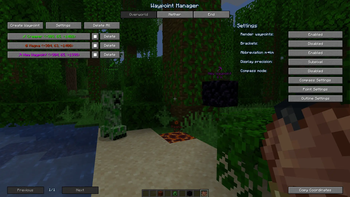
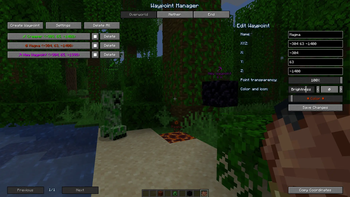
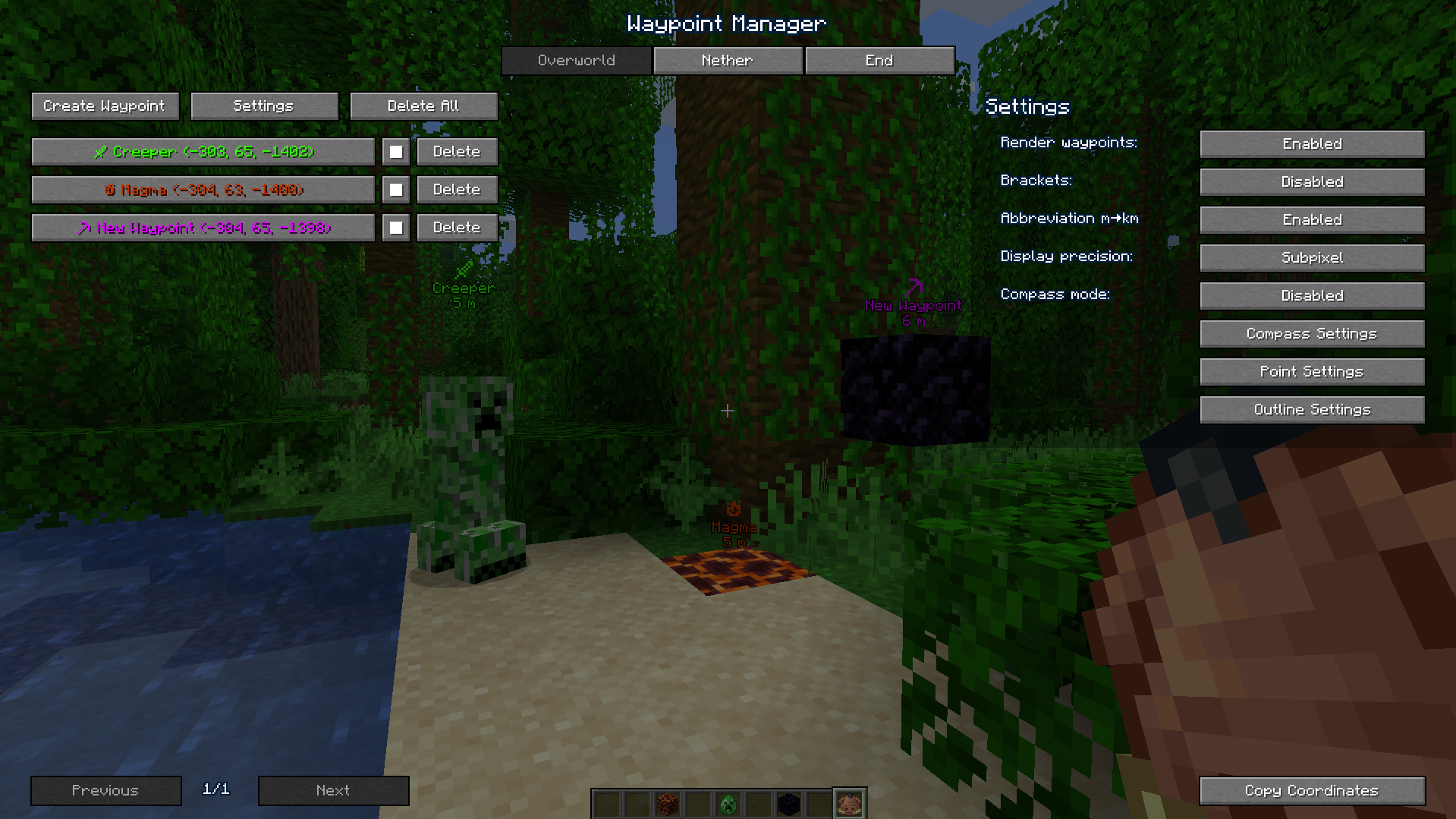
- Waypoint Management: Create, customize (name, color), and organize waypoints for all dimensions through an intuitive interface.
- Compass Navigation: A compass bar at the top of your screen displays all active waypoints for easy tracking over long distances.
- Hotkeys & Sharing: Use configurable hotkeys to open the waypoint manager (default:
B) or toggle their visibility if they get in the way (default:K). You can also instantly share coordinates with a button or a server command (/c).
📸 Screenshots
Waypoints in Action

Waypoint Manager
📋 Installation
- Install Fabric and Fabric API.
- Place the
graph_waypoints.jarfile in yourmodsfolder. - Launch Minecraft and configure hotkeys in the Controls menu (default:
Bfor manager,Kto toggle visibility). - For servers: Install on the server to enable the
/ccommand.
🔧 Compatibility
- Minecraft Version: 1.21.x 26.1.x
- Mod Loader: Fabric
- Dependencies: Fabric API
Verfügbare Versionen
GraphWaypoints auf dem Server installieren
Server bestellen
Bestelle einen Minecraft Java Server mit mindestens 3 GB RAM (4 GB empfohlen).
fabric Loader setzen
Wähle im Panel unter "Egg" den fabric-Loader und die passende Minecraft-Version (26.2).
Mod installieren
Öffne den Mod-Browser im Dashboard und suche nach "GraphWaypoints". Klicke "Installieren" – fertig! Alternativ: Lade die .jar via SFTP in den /mods Ordner.
Kompatibilität
Mod-Loader
Minecraft-Versionen
26.2, 26.1.2, 26.1.1 (+13 weitere)
Server-seitig
~ OptionalEmpfohlener RAM
4 GB(min. 3 GB)Häufige Fragen
GraphWaypoints Server crasht beim Start – was tun?
Häufigste Ursache: falsche fabric-Version oder zu wenig RAM. Prüfe im Server-Log (latest.log), ob ein "OutOfMemoryError" oder "Mixin"-Fehler auftritt. Bei Mado Hosting: Stelle sicher, dass mindestens 3 GB RAM zugewiesen sind und der Loader zur Mod-Version passt (26.2). Über das Panel kannst du den Loader mit einem Klick wechseln.
Ist GraphWaypoints mit fabric kompatibel?
GraphWaypoints unterstützt offiziell fabric für Minecraft 26.2, 26.1.2, 26.1.1. Im Mado Dashboard werden inkompatible Loader-Kombinationen automatisch erkannt.
Server laggt mit GraphWaypoints – wie optimiere ich die Performance?
Empfohlener RAM: 4 GB (+1 GB pro 8 Spieler). Prüfe mit /spark profiler, ob GraphWaypoints den meisten Tick-Time verbraucht. Häufige Fixes: Server-View-Distance auf 8-10 reduzieren, bei Forge "performant" oder "starlight" als Zusatz-Mod installieren. Bei Mado Hosting läuft dein Server auf NVMe-SSDs mit dedizierten CPU-Kernen für minimale Latenz.
Ähnliche Mods




Modded Server mieten
Installiere GraphWaypoints mit nur einem Klick auf deinem Server.