
Grass Bombs
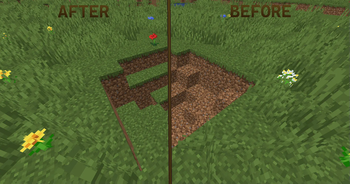
Simple bombs that replace visible dirt with grass, or other dirt blocks! Useful and enjoyable fix for creeper holes.
Screenshots
Über diese Mod

Grass Bombs is a small quality of life mod that just adds in a new array of items, stemming from the Grass Bomb!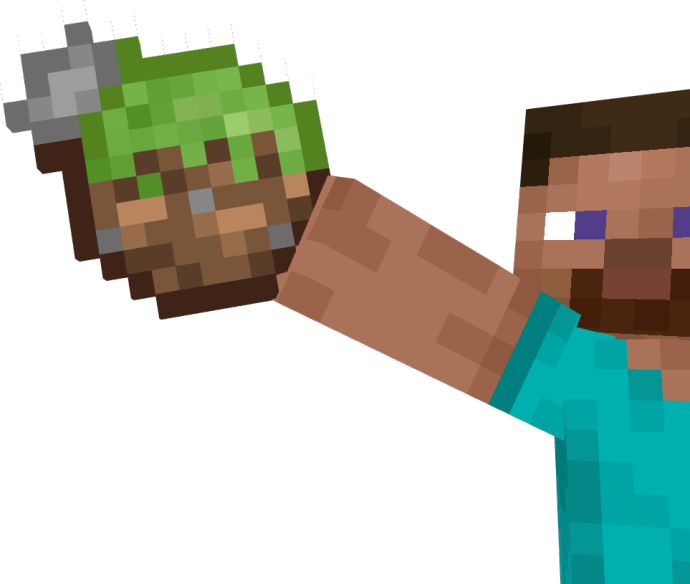
If a Grass bomb hits a block after being thrown, all the dirt blocks in a small 3-cube radius with a non-solid block on top of them will convert into grass blocks.
This provides a much quicker method than rather waiting for the dirt to slowly be converted to grass by nearby blocks.
Grass bombs have 3 other variants, Path, Podzol, and Mycelium bombs. Their recipes all can be unlocked via breaking the blocks used in their recipes or the respective bomb's block itself. The recipes are also shown below:
Grass Bombs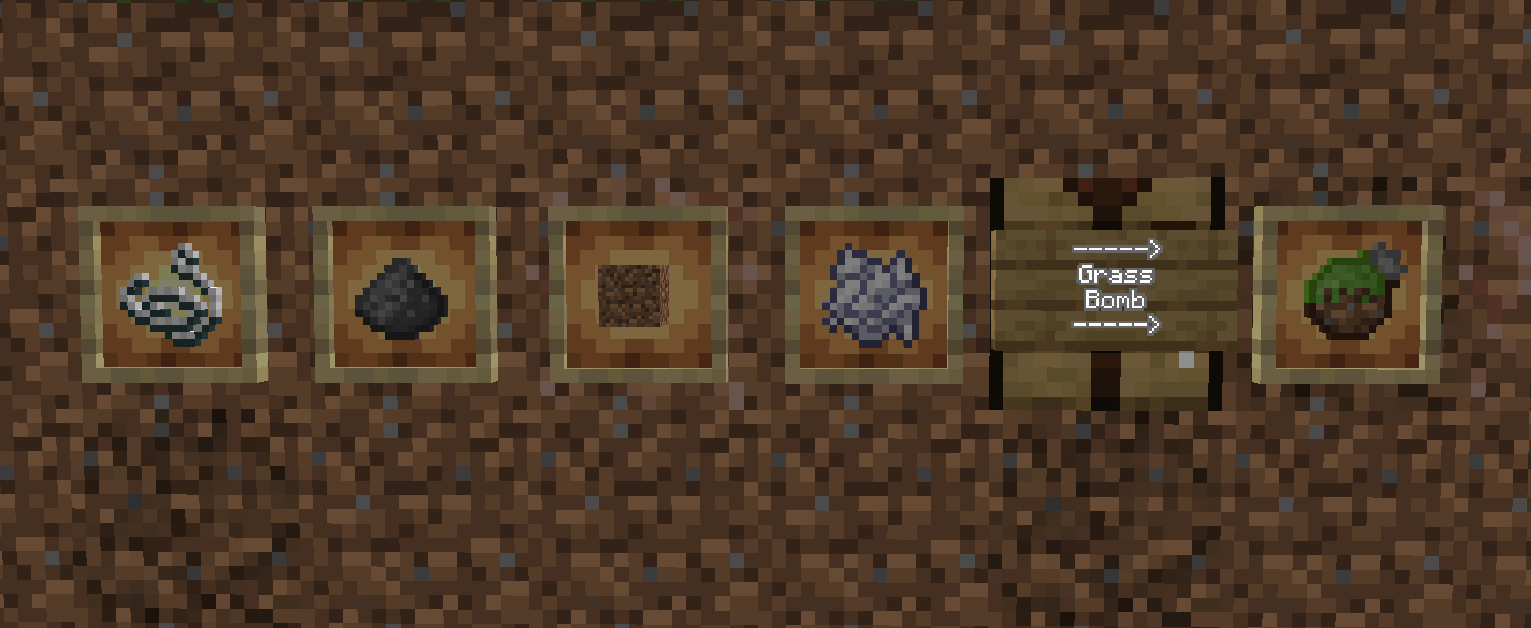
Path Bombs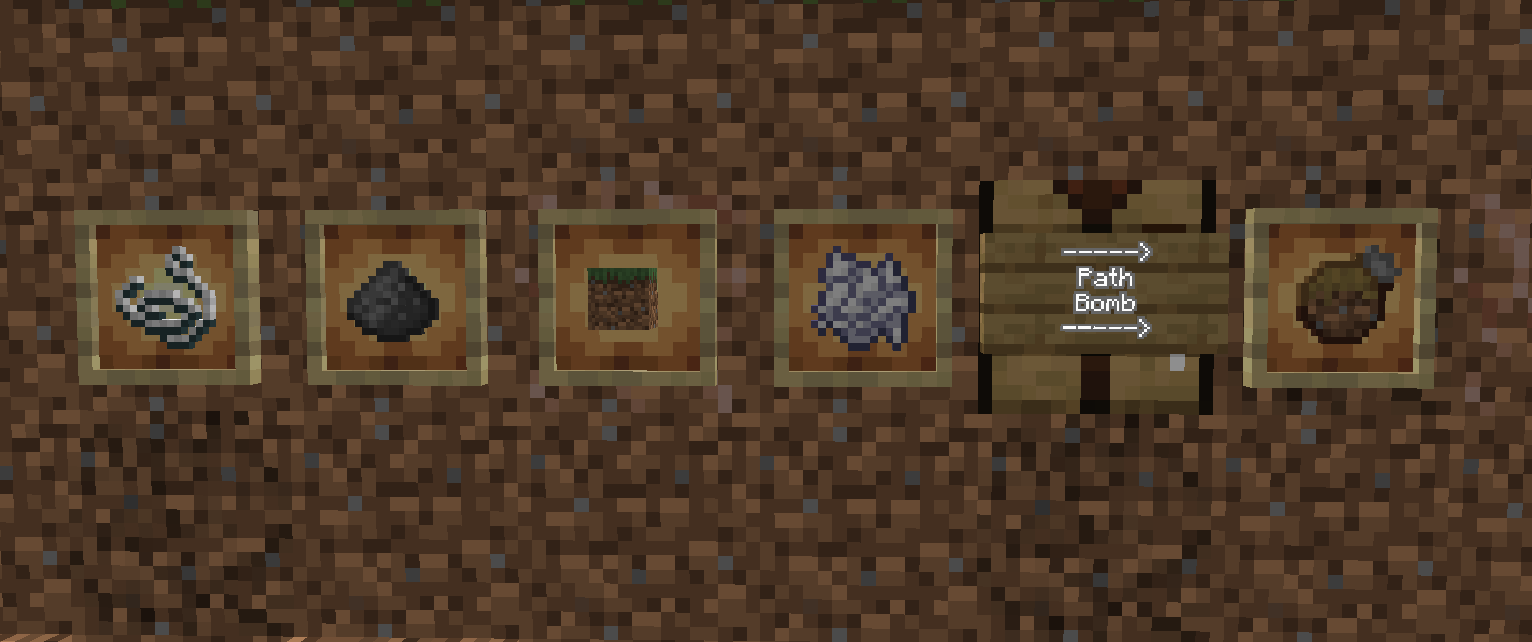
Podzol Bombs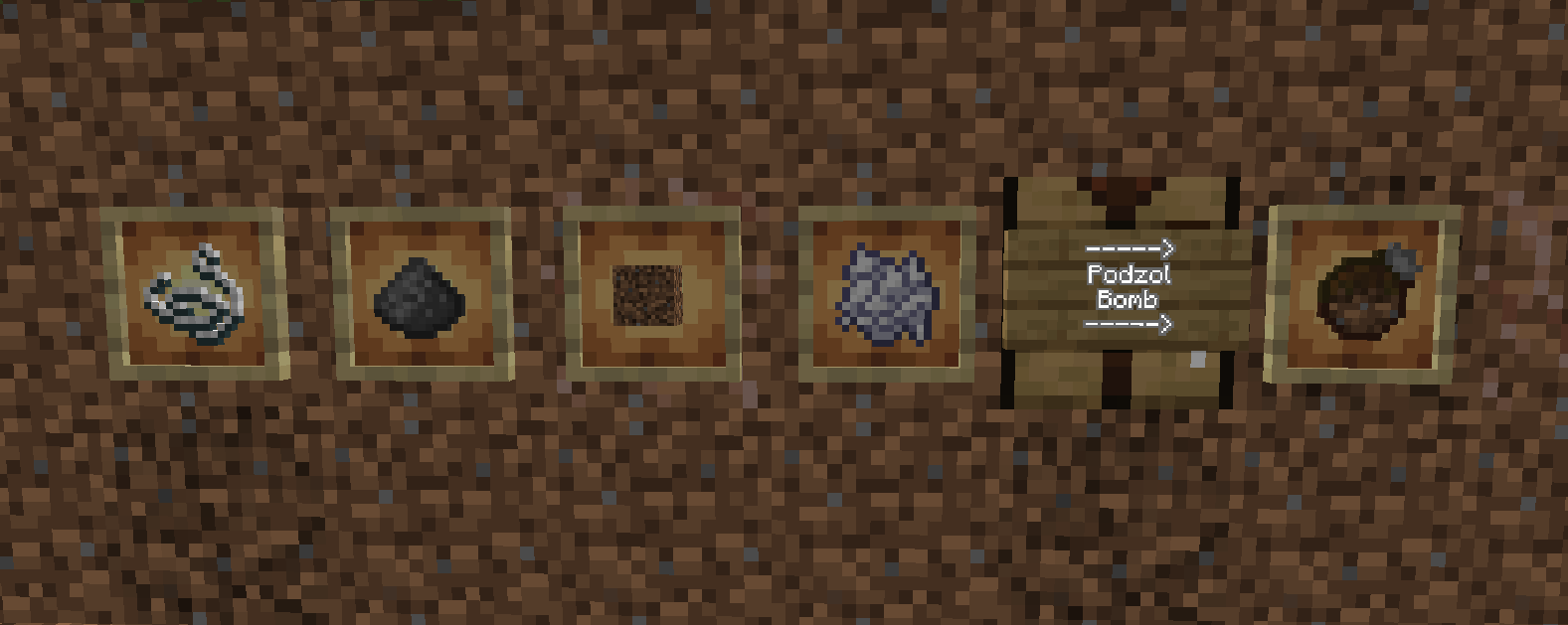
Mycelium Bombs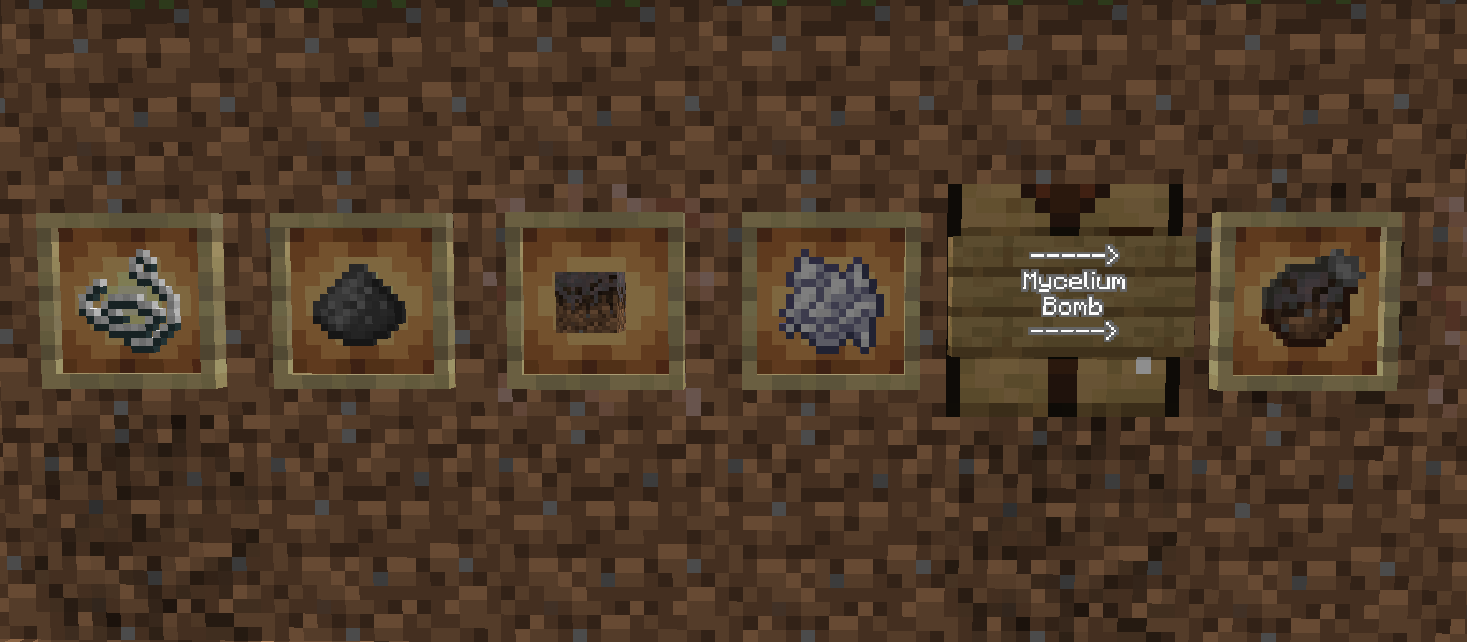
Feel free to use this mod for modpacks! I do not permit anyone to reupload this mod onto any other website without my permission. Please report any project not following this guideline towards me. Any other questions you may ask me directly through the discord link.
Verfügbare Versionen
Grass Bombs auf dem Server installieren
Server bestellen
Bestelle einen Minecraft Java Server mit mindestens 3 GB RAM (4 GB empfohlen).
forge Loader setzen
Wähle im Panel unter "Egg" den forge-Loader und die passende Minecraft-Version (1.20.1).
Mod installieren
Öffne den Mod-Browser im Dashboard und suche nach "Grass Bombs". Klicke "Installieren" – fertig! Alternativ: Lade die .jar via SFTP in den /mods Ordner.
Kompatibilität
Mod-Loader
Minecraft-Versionen
1.20.1
Server-seitig
✓ ErforderlichEmpfohlener RAM
4 GB(min. 3 GB)Häufige Fragen
Grass Bombs Server crasht beim Start – was tun?
Häufigste Ursache: falsche forge-Version oder zu wenig RAM. Prüfe im Server-Log (latest.log), ob ein "OutOfMemoryError" oder "Mixin"-Fehler auftritt. Bei Mado Hosting: Stelle sicher, dass mindestens 3 GB RAM zugewiesen sind und der Loader zur Mod-Version passt (1.20.1). Über das Panel kannst du den Loader mit einem Klick wechseln.
Ist Grass Bombs mit forge kompatibel?
Grass Bombs unterstützt offiziell forge für Minecraft 1.20.1. Im Mado Dashboard werden inkompatible Loader-Kombinationen automatisch erkannt.
Server laggt mit Grass Bombs – wie optimiere ich die Performance?
Empfohlener RAM: 4 GB (+1 GB pro 8 Spieler). Prüfe mit /spark profiler, ob Grass Bombs den meisten Tick-Time verbraucht. Häufige Fixes: Server-View-Distance auf 8-10 reduzieren, bei Forge "performant" oder "starlight" als Zusatz-Mod installieren. Bei Mado Hosting läuft dein Server auf NVMe-SSDs mit dedizierten CPU-Kernen für minimale Latenz.
Ähnliche Mods



![[TaCZ] Timeless and Classics Zero](https://cdn.modrinth.com/data/SzzJttH8/fd27766d2bb8390d284696b1dbd358f87e081439_96.webp)


Modded Server mieten
Installiere Grass Bombs mit nur einem Klick auf deinem Server.