
Happy Ghasts
Adds the Dried Ghast, Ghastling, and Happy Ghast from Minecraft Live!
Screenshots
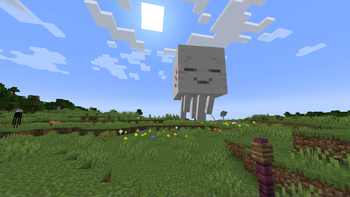
Über diese Mod
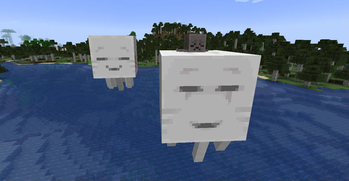
Experience the Happy Ghast early!
With the power of datapacks, you can use the Dried Ghast, Ghastling, and Happy Ghast in vanilla minecraft before any snapshots have even been released.
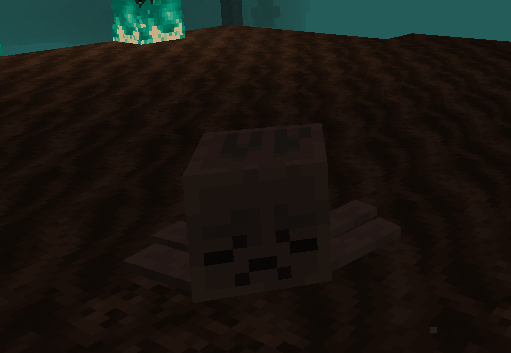
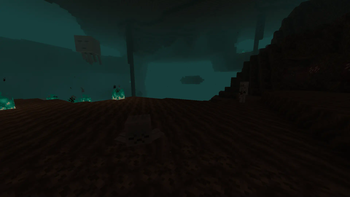
Find the Dried Ghast in Soul Sand Valleys...
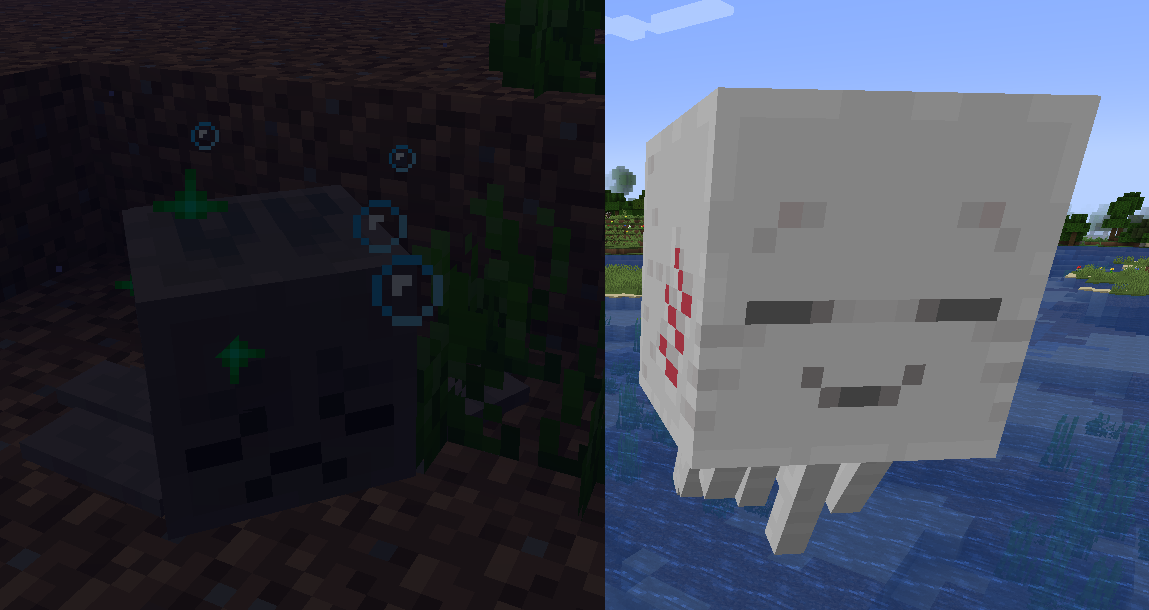
Rehydrate them in the Overworld so they become a peaceful Ghastling...
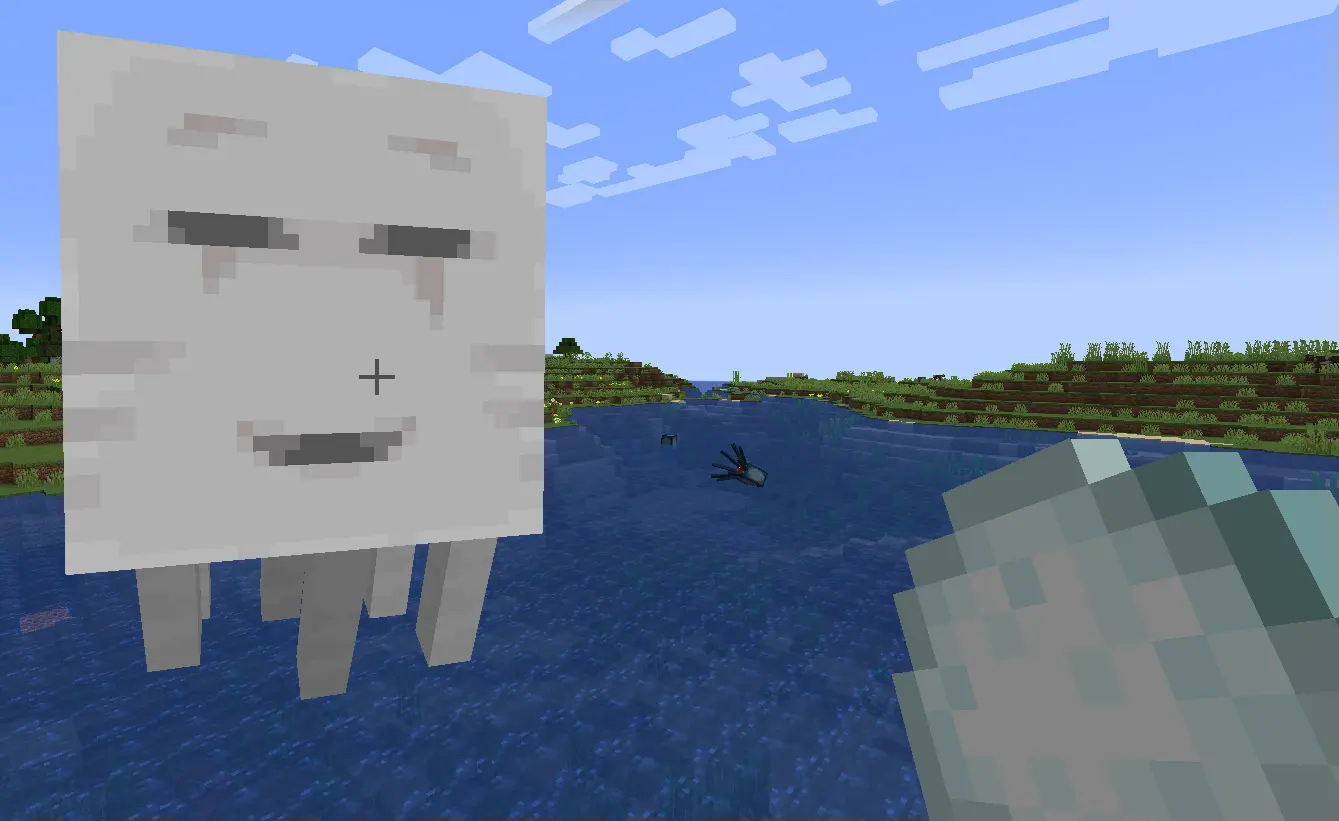
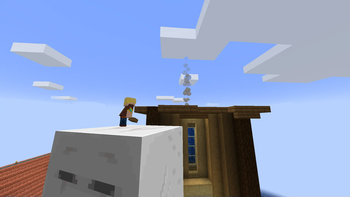
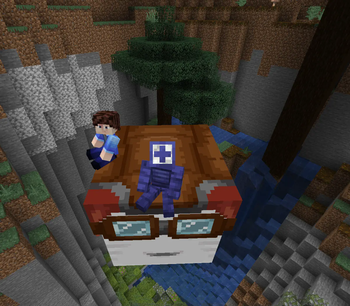
And feed them their favorite food until you get a ridable Happy Ghast!!
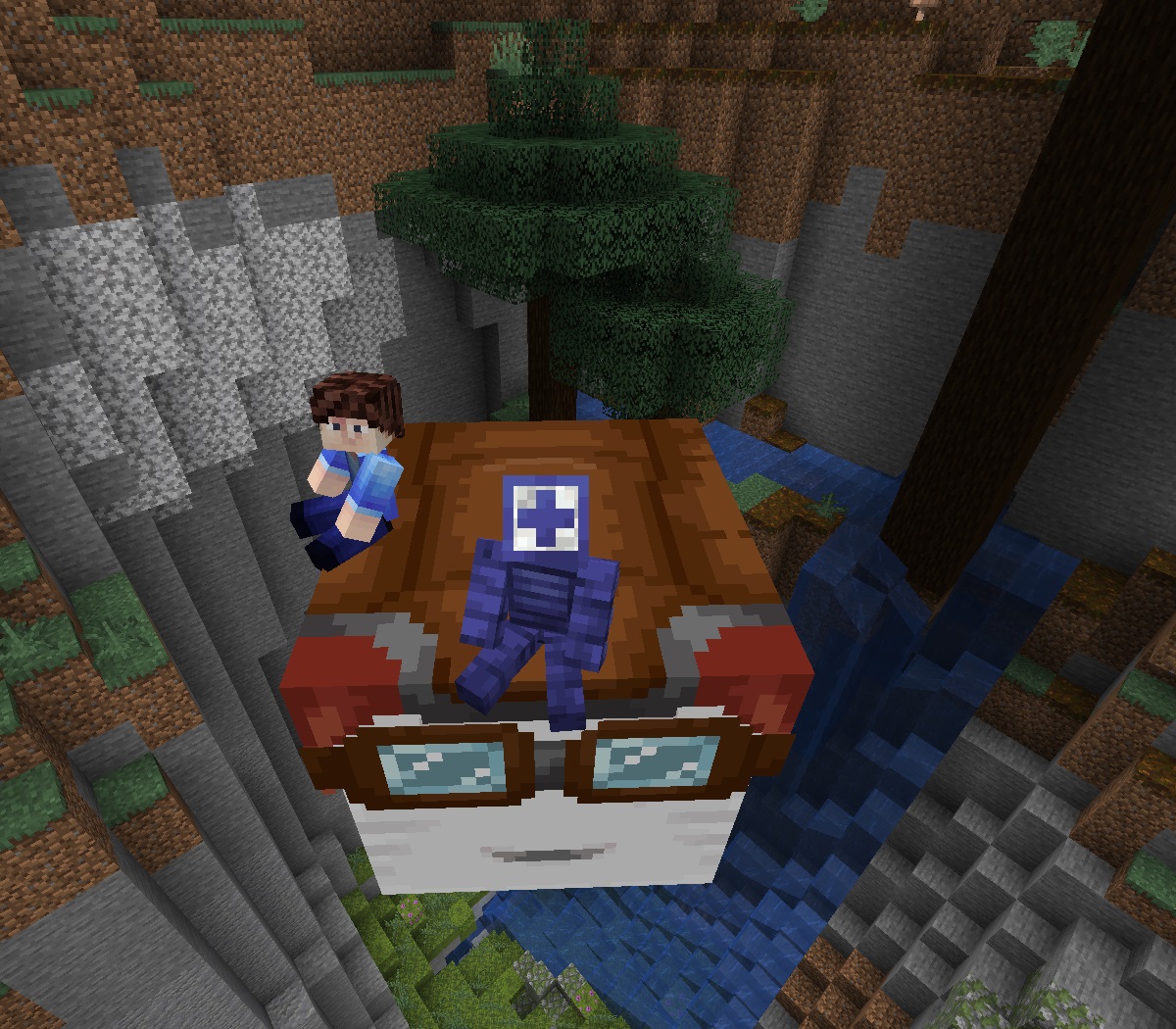
(Plus, tons of custom items)

💾 How to Install as Datapack(1.21.4 and 1.21.5)
1. Click the latest version's Datapack + Resources
2. Download the Datapack, marked as Primary

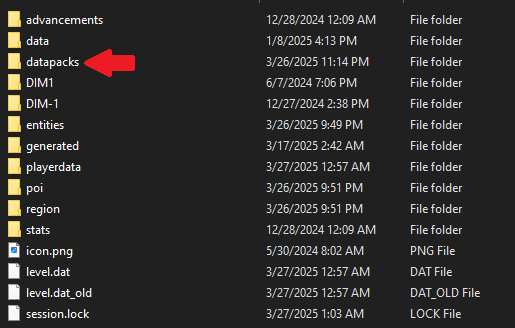
3. Add the Datapack to a world by hitting Singleplayer -> Select World -> Edit -> Open World Folder -> datapacks and placing it into the folder
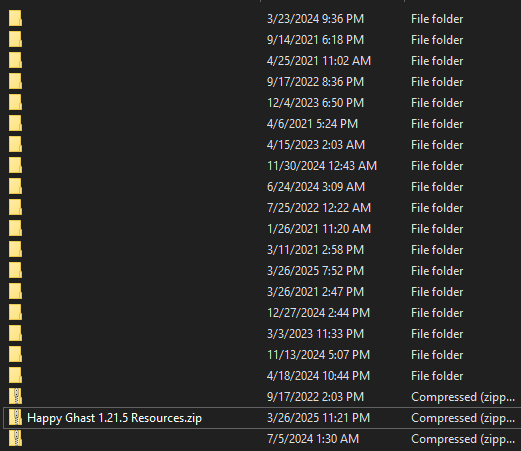
4. Download the Resource Pack, marked as Required

5. Add the Resource Pack to Minecraft by hitting Options -> Resource Packs -> Open Pack Folder and placing it into the folder
❓ Frequently Asked Questions
Q: How do you pilot a Happy Ghast?A: W/S for forward and back, A/D to turn, Jump to ascend and Sprint to descend.
Q: How do I get a Dried Ghast back to the Overworld?
A: Use a lead!
Q: Why can't I harness the Happy Ghast?
A: Right click the top of its head, not its face!
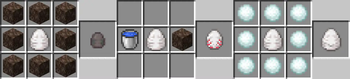
Q: Why can't I find the items in the Creative Inventory?
A: Sadly, Mojang made it so Datapacks can't add new Creative tabs. Use a crafting table and these recipes:
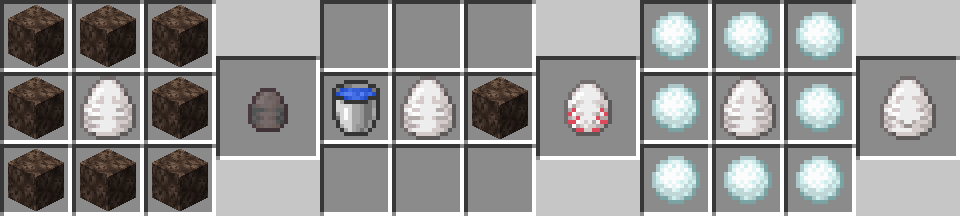
Enjoy!!!
(Report any bugs on the GitHub)
Verfügbare Versionen
Happy Ghasts auf dem Server installieren
Server bestellen
Bestelle einen Minecraft Java Server mit mindestens 3 GB RAM (4 GB empfohlen).
datapack Loader setzen
Wähle im Panel unter "Egg" den datapack-Loader und die passende Minecraft-Version (1.21.5).
Mod installieren
Öffne den Mod-Browser im Dashboard und suche nach "Happy Ghasts". Klicke "Installieren" – fertig! Alternativ: Lade die .jar via SFTP in den /mods Ordner.
Kompatibilität
Mod-Loader
Minecraft-Versionen
1.21.5, 1.21.4
Server-seitig
✓ ErforderlichEmpfohlener RAM
4 GB(min. 3 GB)Häufige Fragen
Happy Ghasts Server crasht beim Start – was tun?
Häufigste Ursache: falsche datapack-Version oder zu wenig RAM. Prüfe im Server-Log (latest.log), ob ein "OutOfMemoryError" oder "Mixin"-Fehler auftritt. Bei Mado Hosting: Stelle sicher, dass mindestens 3 GB RAM zugewiesen sind und der Loader zur Mod-Version passt (1.21.5). Über das Panel kannst du den Loader mit einem Klick wechseln.
Ist Happy Ghasts mit datapack und fabric und forge und neoforge und quilt kompatibel?
Happy Ghasts unterstützt offiziell datapack, fabric, forge, neoforge, quilt für Minecraft 1.21.5, 1.21.4. Achtung: Forge- und Fabric-Mods sind NICHT untereinander kompatibel – wähle einen Loader und bleibe dabei. Im Mado Dashboard werden inkompatible Loader-Kombinationen automatisch erkannt.
Server laggt mit Happy Ghasts – wie optimiere ich die Performance?
Empfohlener RAM: 4 GB (+1 GB pro 8 Spieler). Prüfe mit /spark profiler, ob Happy Ghasts den meisten Tick-Time verbraucht. Häufige Fixes: Server-View-Distance auf 8-10 reduzieren, bei Forge "performant" oder "starlight" als Zusatz-Mod installieren. Bei Mado Hosting läuft dein Server auf NVMe-SSDs mit dedizierten CPU-Kernen für minimale Latenz.
Ähnliche Mods




Modded Server mieten
Installiere Happy Ghasts mit nur einem Klick auf deinem Server.
Details
- Lizenz
- Creative Commons Attribution Non Commercial 4.0 International
- Server-seitig
- Erforderlich