
Hexlink
An addon for hexcasting. You can mediafy entity, block, item, potion effects and then use them in spells.
Screenshots
Über diese Mod

Why
Adding a good number of spell effects is time consuming. This mod just add a way for hex casting to interact with many interface like blocks, items or entities. Like the motes from Hexal but for Entity, Potion and blocks too.
Content
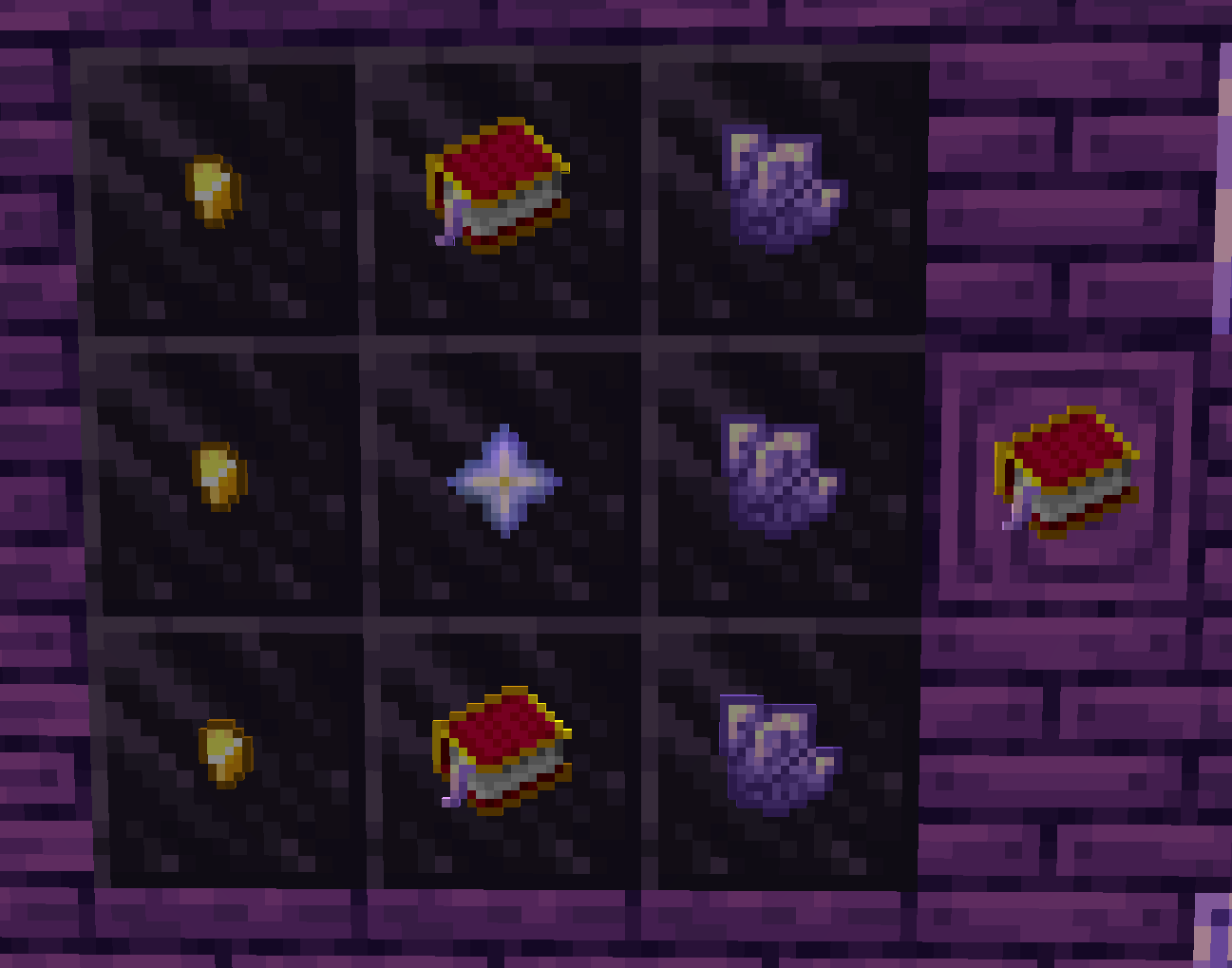
Upgraded Book 
A better version of the spellbook:
- He cast spell using the caster stack so you can add iotas on your stack as an input and he can can leave iotas on the stack as an output.
- You can cast a spell by right clicking with it
- He is colorable with color spirits.
Special Staff

A programmable and colorable staff. Write a spell in it, then when you draw a pattern using it, the spell treat it and return your new stack. You can make a staff that cast the pattern and add it to a list at the bottom of the stack , a staff that don't call the pattern but instead draw it in the world using block, or a staff for writing a pattern to a scroll on wall you are looking just by drawing it per example.
Spirits

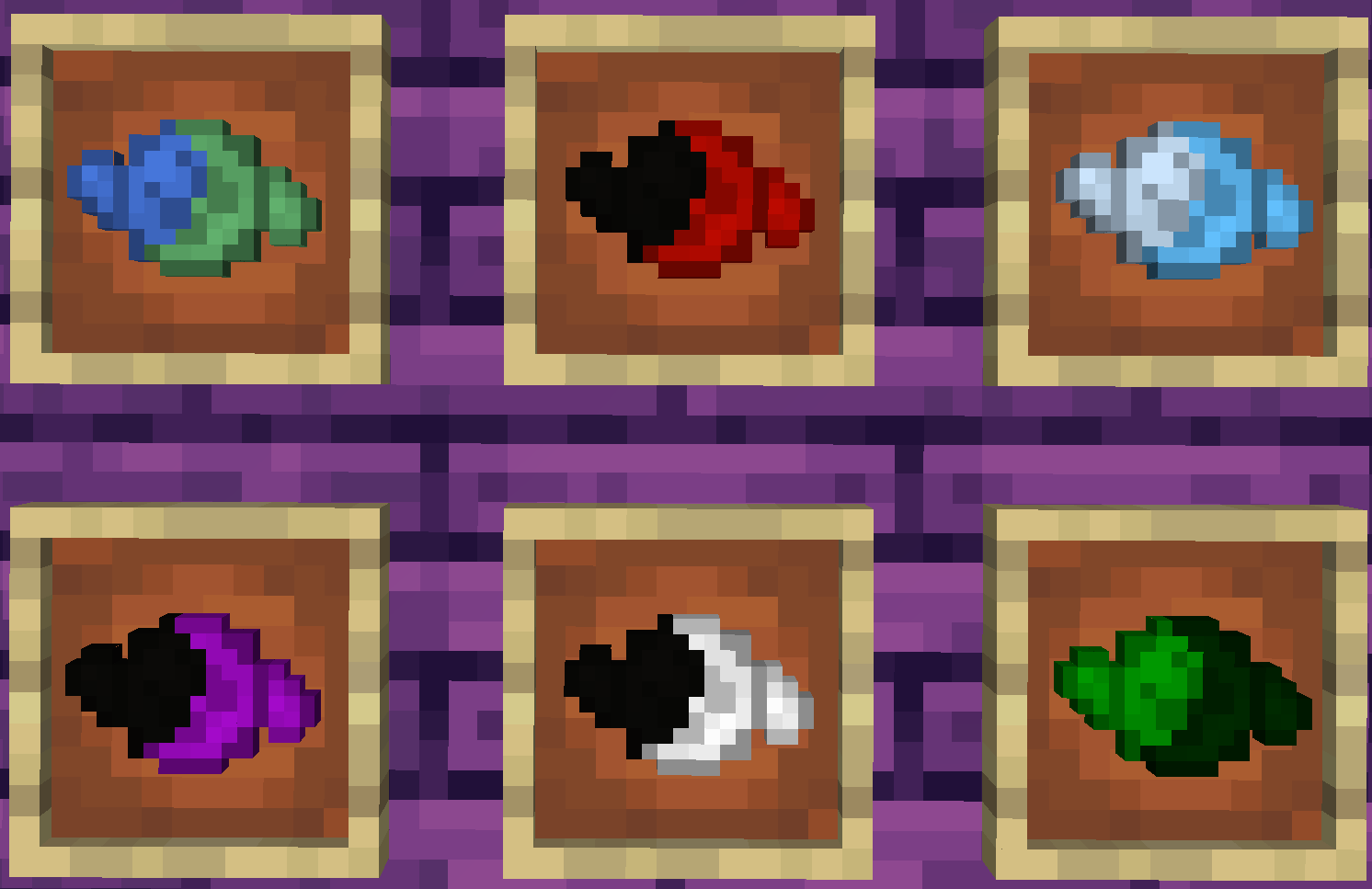
You can extract a spirit from an entity into a spirit container using an extraction crystal.
Then you can move them from a container to another, mix them, and manifest them.
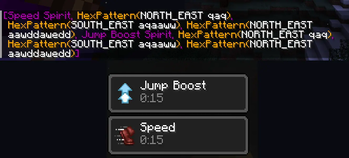
For example, you can manifest a Shears Spirit on a sheep to shear it, you can manifest a Iron Golem Spirit on a position to summon an Iron Golem, then manifest a Wolf Spirit on the Iron Golem to summon a Wolf ridden by the Iron Golem and finally manifest Bone Spirits on the Wolf to tame it.
You can find more examples here
Bags and Tablets

They contains spirits. So you can have Spirits available at any time to manifest them.
Media Vortex

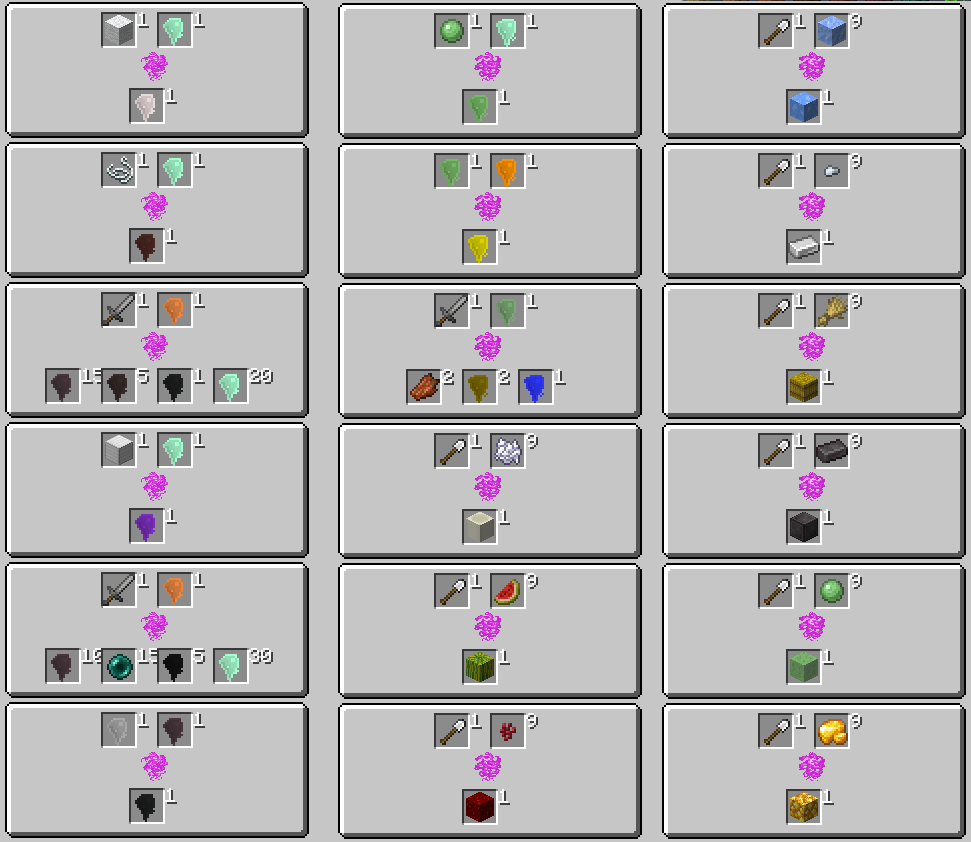
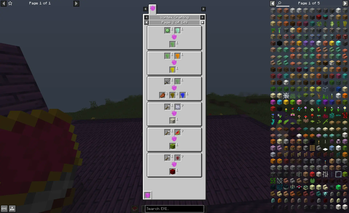
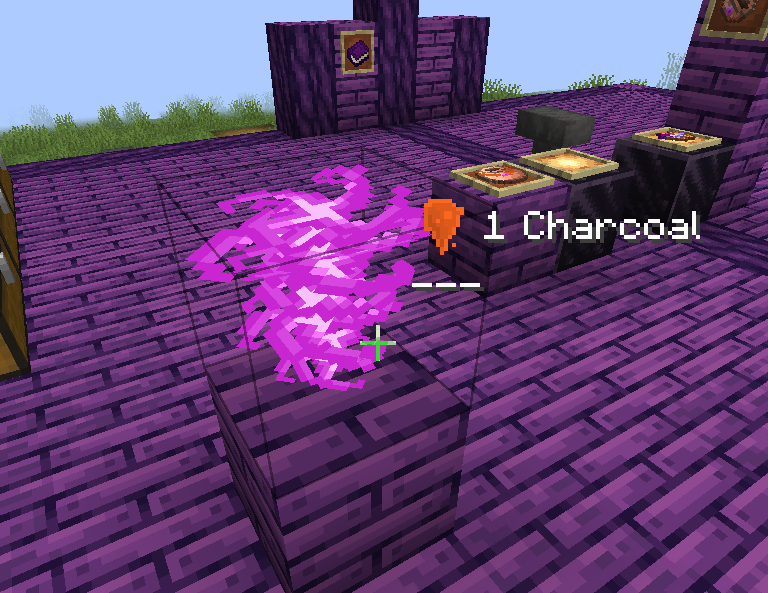
A media vortex can be summoned using Vortex Formation, it can contains Spirit for a short time, and if you filled it with the rights Spirits in the good order, it can create new Spirits by mixing them.
Use EMI to see the recipes
Mixed Pigment
New 2-colors custom pigments, you can find predefined ones in various chests and craft them.
Examples
https://github.com/Jempasam/Hexlink/wiki/Exemples-Spells)
Contact
Verfügbare Versionen
Hexlink auf dem Server installieren
Server bestellen
Bestelle einen Minecraft Java Server mit mindestens 3 GB RAM (4 GB empfohlen).
fabric Loader setzen
Wähle im Panel unter "Egg" den fabric-Loader und die passende Minecraft-Version (1.19.4).
Mod installieren
Öffne den Mod-Browser im Dashboard und suche nach "Hexlink". Klicke "Installieren" – fertig! Alternativ: Lade die .jar via SFTP in den /mods Ordner.
Kompatibilität
Mod-Loader
Minecraft-Versionen
1.19.4, 1.19.3, 1.19.2 (+2 weitere)
Server-seitig
✓ ErforderlichEmpfohlener RAM
4 GB(min. 3 GB)Häufige Fragen
Hexlink Server crasht beim Start – was tun?
Häufigste Ursache: falsche fabric-Version oder zu wenig RAM. Prüfe im Server-Log (latest.log), ob ein "OutOfMemoryError" oder "Mixin"-Fehler auftritt. Bei Mado Hosting: Stelle sicher, dass mindestens 3 GB RAM zugewiesen sind und der Loader zur Mod-Version passt (1.19.4). Über das Panel kannst du den Loader mit einem Klick wechseln.
Ist Hexlink mit fabric kompatibel?
Hexlink unterstützt offiziell fabric für Minecraft 1.19.4, 1.19.3, 1.19.2. Im Mado Dashboard werden inkompatible Loader-Kombinationen automatisch erkannt.
Server laggt mit Hexlink – wie optimiere ich die Performance?
Empfohlener RAM: 4 GB (+1 GB pro 8 Spieler). Prüfe mit /spark profiler, ob Hexlink den meisten Tick-Time verbraucht. Häufige Fixes: Server-View-Distance auf 8-10 reduzieren, bei Forge "performant" oder "starlight" als Zusatz-Mod installieren. Bei Mado Hosting läuft dein Server auf NVMe-SSDs mit dedizierten CPU-Kernen für minimale Latenz.
Ähnliche Mods





Modded Server mieten
Installiere Hexlink mit nur einem Klick auf deinem Server.