Hot's Aerostuff
A rabble of new Aeronautics bits
Screenshots
Über diese Mod
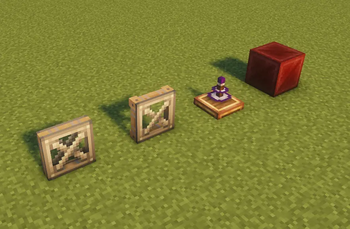
Some various blocks that I wanted in the game. Currently comprised of the link relay, redstone levitite, copycat sails, copycat symmetric sails, the analog torsion spring, and copycat link casings.
REDSTONE LEVITITE
Acts as levitite when powered by redstone.

Redstone Levitite
Can be created by using a redstone torch on levitite blend.
All connected redstone levitite will be powered if one recieves power.
COPYCAT SAILS
Adds both a copycat windmill sail and a copycat symmetric sail.
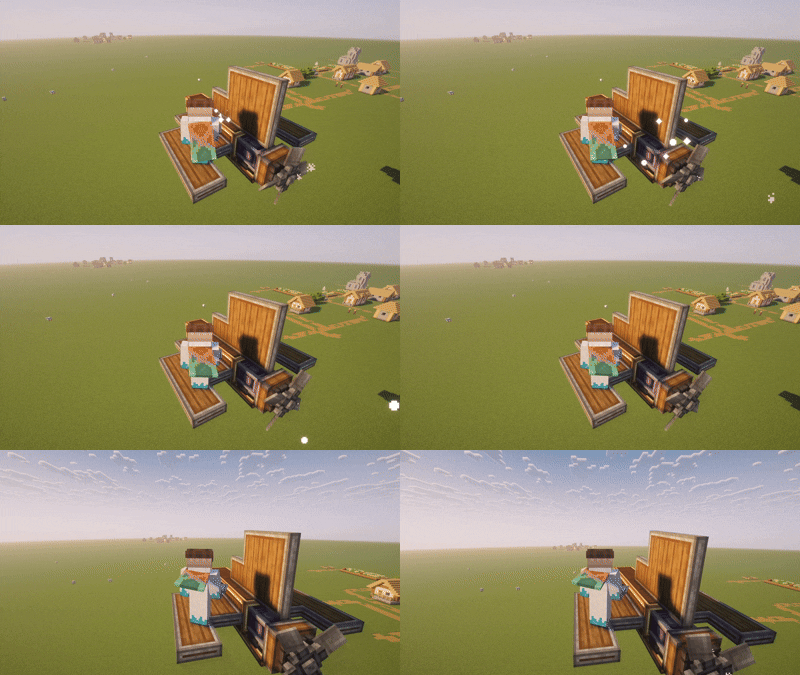
Copycat Sails
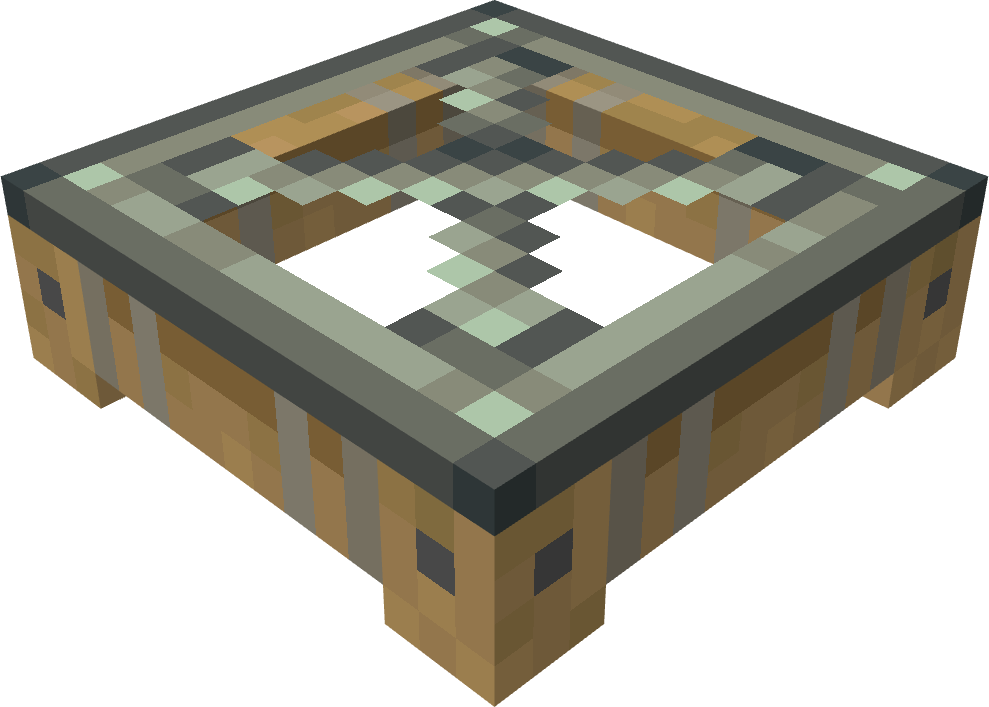
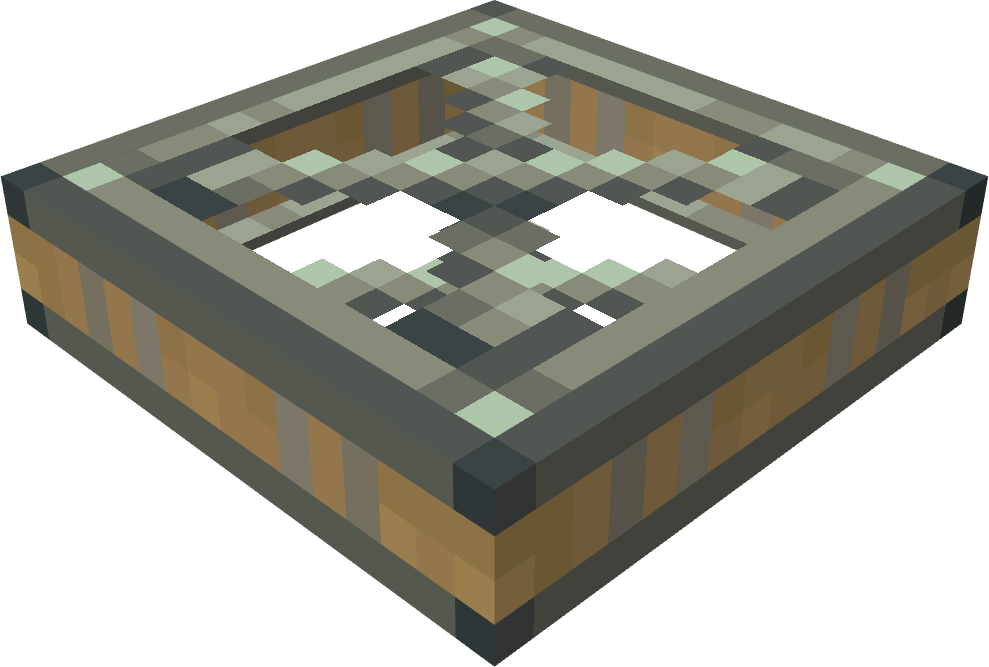
Crafted with a zinc ingot surrounded by 4 sails.
ANALOG TORSION SPRING
Similar to a torsion spring, but the max angle is dependent on redstone signal strength and the set value.
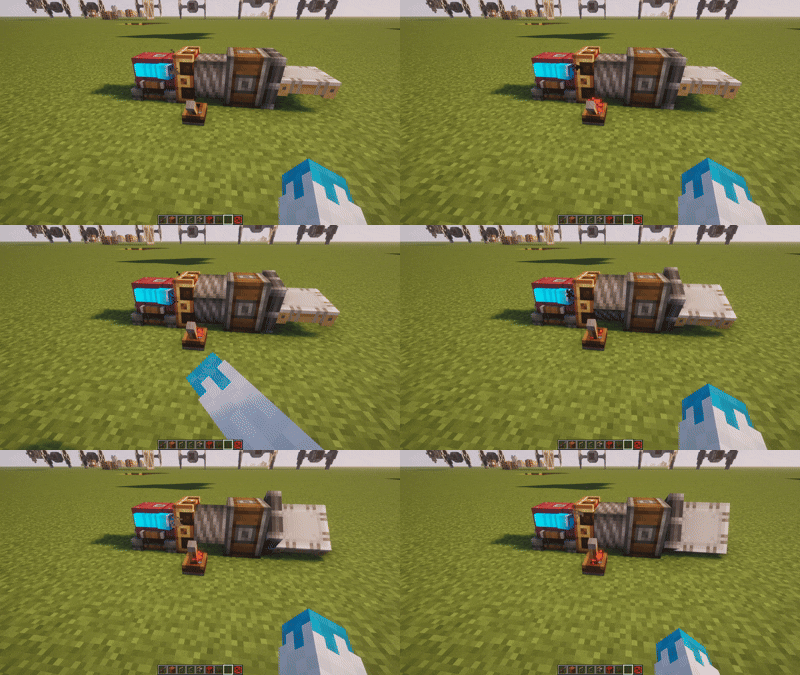
Analog Torsion Spring
Each redstone strength increment corresponds to 1/15 of the set angle. Meaning at a signal strength of 0, there will be no rotation, and at a signal strength of 15 (max) it will act as a normal torsion spring. Crafted with a brass casing, a shaft, a spring, and an electron tube.
COPYCAT LINK CASING
Right click any redstone link with a copycat panel to encase it.
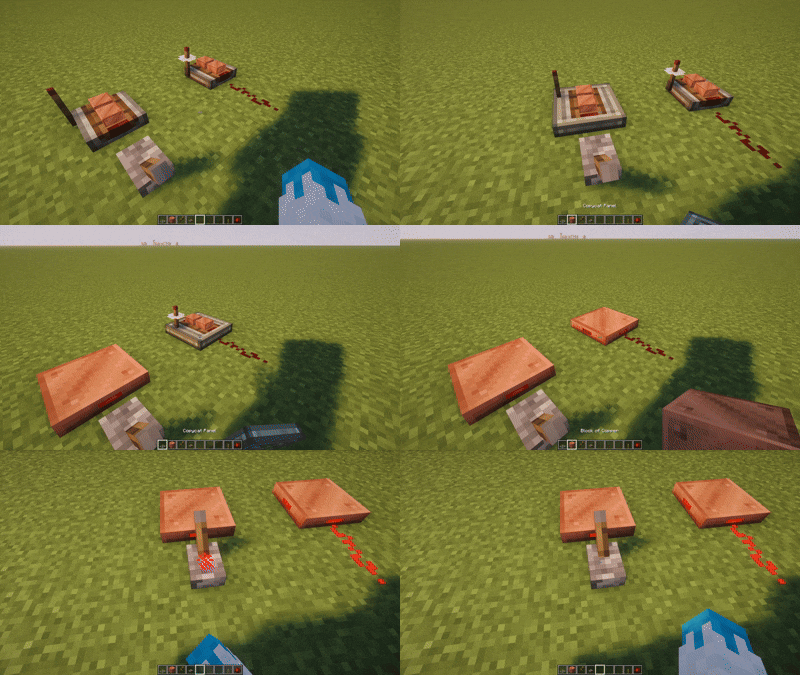
Copycat Link Casing
Adds functionality to the copycat panel to hide redstone links. Is flush with copycat panels. Can also be encased with andesite and brass casings for a full block casing.
LINK RELAY
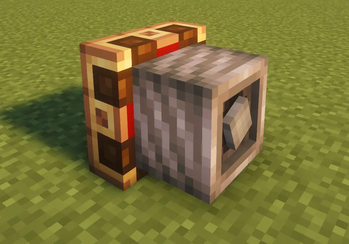
Compact utility block for Create’s Redstone Link system that lets you remap wireless frequencies.
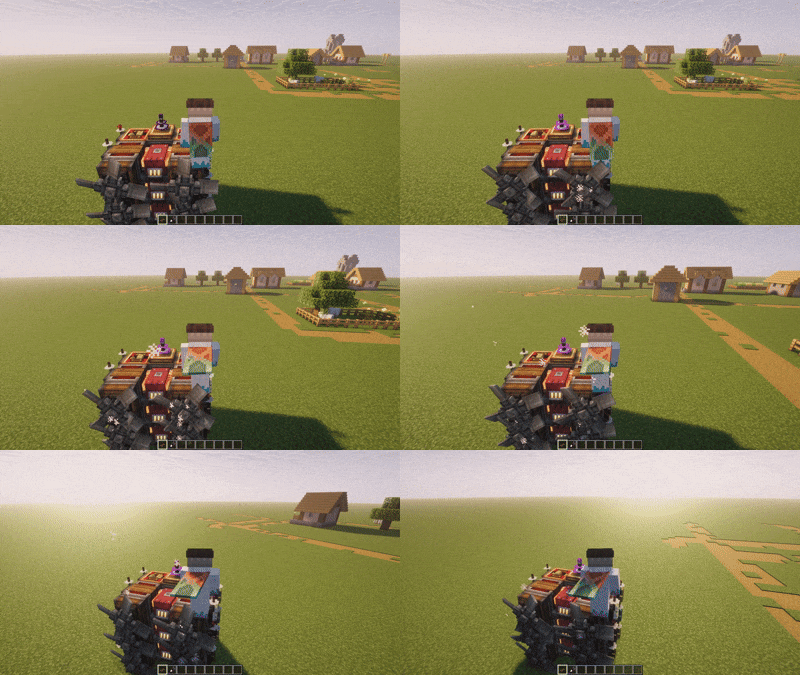
Link Relay
Set an input frequency pair and an output frequency pair, and any signal received on the input will be transmitted on the output. You can stack unlimited bindings in a single relay block.This item stemmed out of frustration for not being able to fit the controls on my small aeronautics engine, and having ground relays meant that the controls would break down when I flew further than 256 blocks.
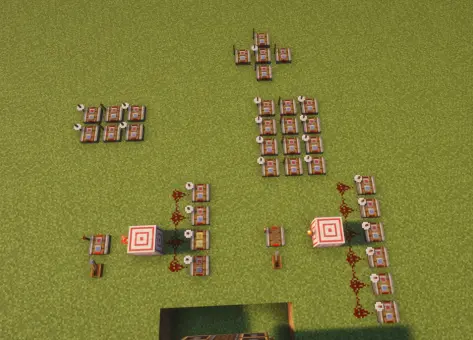
^The old system^
Simplified down to a single block

The relay also allows you to invert to the signal, so the output frequency is always active unless it is recieving the input.
Verfügbare Versionen
Hot's Aerostuff auf dem Server installieren
Server bestellen
Bestelle einen Minecraft Java Server mit mindestens 3 GB RAM (4 GB empfohlen).
neoforge Loader setzen
Wähle im Panel unter "Egg" den neoforge-Loader und die passende Minecraft-Version (1.21.1).
Mod installieren
Öffne den Mod-Browser im Dashboard und suche nach "Hot's Aerostuff". Klicke "Installieren" – fertig! Alternativ: Lade die .jar via SFTP in den /mods Ordner.
Kompatibilität
Mod-Loader
Minecraft-Versionen
1.21.1
Server-seitig
✓ ErforderlichEmpfohlener RAM
4 GB(min. 3 GB)Häufige Fragen
Hot's Aerostuff Server crasht beim Start – was tun?
Häufigste Ursache: falsche neoforge-Version oder zu wenig RAM. Prüfe im Server-Log (latest.log), ob ein "OutOfMemoryError" oder "Mixin"-Fehler auftritt. Bei Mado Hosting: Stelle sicher, dass mindestens 3 GB RAM zugewiesen sind und der Loader zur Mod-Version passt (1.21.1). Über das Panel kannst du den Loader mit einem Klick wechseln.
Ist Hot's Aerostuff mit neoforge kompatibel?
Hot's Aerostuff unterstützt offiziell neoforge für Minecraft 1.21.1. Im Mado Dashboard werden inkompatible Loader-Kombinationen automatisch erkannt.
Server laggt mit Hot's Aerostuff – wie optimiere ich die Performance?
Empfohlener RAM: 4 GB (+1 GB pro 8 Spieler). Prüfe mit /spark profiler, ob Hot's Aerostuff den meisten Tick-Time verbraucht. Häufige Fixes: Server-View-Distance auf 8-10 reduzieren, bei Forge "performant" oder "starlight" als Zusatz-Mod installieren. Bei Mado Hosting läuft dein Server auf NVMe-SSDs mit dedizierten CPU-Kernen für minimale Latenz.
Ähnliche Mods




Modded Server mieten
Installiere Hot's Aerostuff mit nur einem Klick auf deinem Server.