
Hwyla
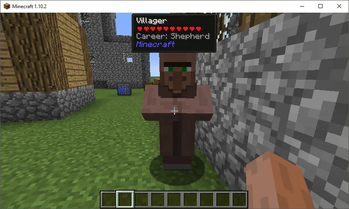
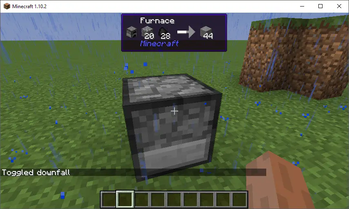
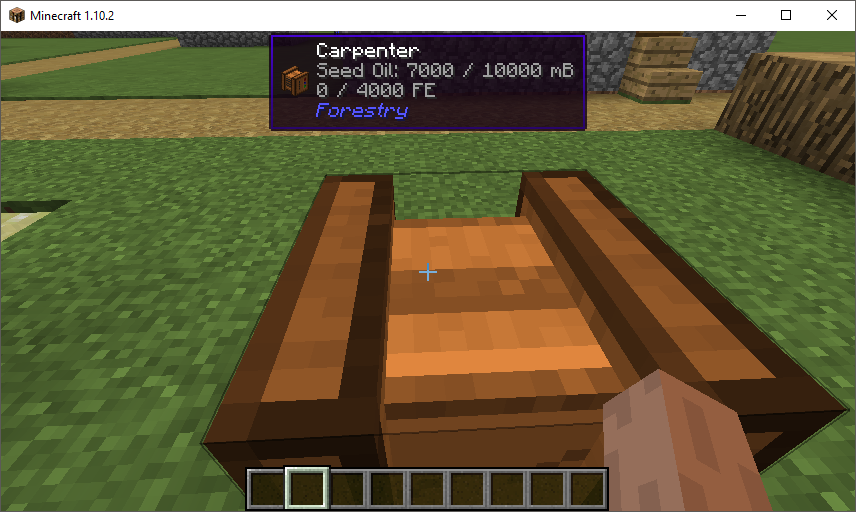
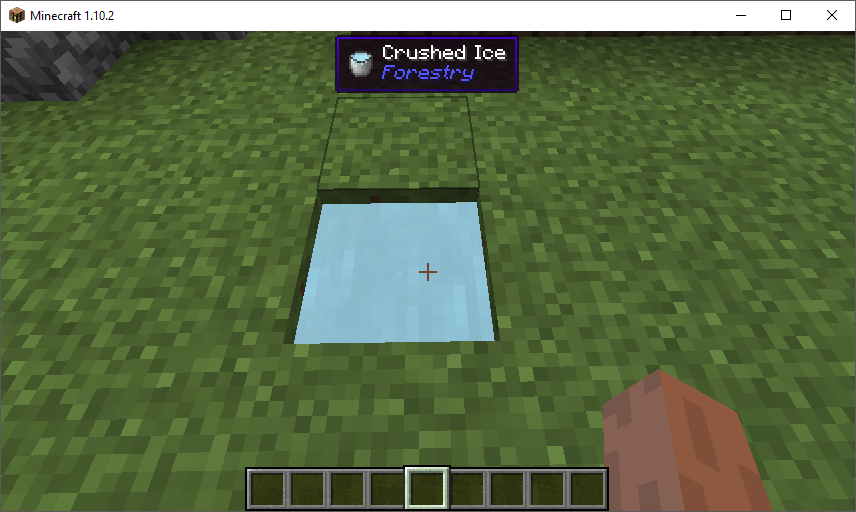
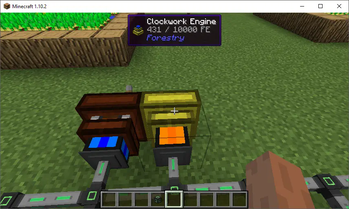
Hwyla (Here's What You're Looking At) is a UI improvement mod aimed at providing block information directly in-game. It is also a fork of Waila.
Screenshots
Über diese Mod
Here's What You're Looking At
HWYLA (Pronounced "Hwhy-la", similar to "Coo-Hwhip")
Hwyla is available for both Forge and Fabric.
A fork of WAILA by ProfMobius. This fork is permitted under the CC BY-NC-SA 4.0 license.
All plugins/addons/compatibilities created with the official mod are 100% compatible with this fork.
Changes
You can find a list of most changes right here.
Notable Lesser Known Features
- By default, Numpad 3 and Numpad 4 can be used to lookup the recipe of blocks in the world in JEI. This requires JEI to be installed to function.
- You can change the colors and text formatting of the tooltip in-game by navigating to the in-game config, opening the "Waila" options screen, and selecting "Format content...".
- If you are having issues with tooltip handlers added by mods, you can run
/dumphandlerswhich will produce a text file with all registered handlers and what types they are registered to. - As of 1.12, the Narrator can be toggled for the tooltip. This will use the system's text-to-speech library to tell you what you're looking at.
- If you feel that having the item being displayed in the tooltip is redundant, it can be disabled.
Modpack Permissions
You can use Hwyla in modpacks.
Archival notice
This mod is abandoned and has been uploaded for archival purposes. It was originally created by TehNut on Nov 9, 2016. It has been uploaded to Modrinth under the ModrinthArchives account with permission from the original author.

Verfügbare Versionen
Hwyla auf dem Server installieren
Server bestellen
Bestelle einen Minecraft Java Server mit mindestens 3 GB RAM (4 GB empfohlen).
fabric Loader setzen
Wähle im Panel unter "Egg" den fabric-Loader und die passende Minecraft-Version (1.16.5).
Mod installieren
Öffne den Mod-Browser im Dashboard und suche nach "Hwyla". Klicke "Installieren" – fertig! Alternativ: Lade die .jar via SFTP in den /mods Ordner.
Kompatibilität
Mod-Loader
Minecraft-Versionen
1.16.5, 1.16.4, 1.16.3 (+36 weitere)
Server-seitig
~ OptionalEmpfohlener RAM
4 GB(min. 3 GB)Häufige Fragen
Hwyla Server crasht beim Start – was tun?
Häufigste Ursache: falsche fabric-Version oder zu wenig RAM. Prüfe im Server-Log (latest.log), ob ein "OutOfMemoryError" oder "Mixin"-Fehler auftritt. Bei Mado Hosting: Stelle sicher, dass mindestens 3 GB RAM zugewiesen sind und der Loader zur Mod-Version passt (1.16.5). Über das Panel kannst du den Loader mit einem Klick wechseln.
Ist Hwyla mit fabric und forge kompatibel?
Hwyla unterstützt offiziell fabric, forge für Minecraft 1.16.5, 1.16.4, 1.16.3. Achtung: Forge- und Fabric-Mods sind NICHT untereinander kompatibel – wähle einen Loader und bleibe dabei. Im Mado Dashboard werden inkompatible Loader-Kombinationen automatisch erkannt.
Server laggt mit Hwyla – wie optimiere ich die Performance?
Empfohlener RAM: 4 GB (+1 GB pro 8 Spieler). Prüfe mit /spark profiler, ob Hwyla den meisten Tick-Time verbraucht. Häufige Fixes: Server-View-Distance auf 8-10 reduzieren, bei Forge "performant" oder "starlight" als Zusatz-Mod installieren. Bei Mado Hosting läuft dein Server auf NVMe-SSDs mit dedizierten CPU-Kernen für minimale Latenz.
Ähnliche Mods



Modded Server mieten
Installiere Hwyla mit nur einem Klick auf deinem Server.
Details
- Lizenz
- Creative Commons Attribution Non Commercial Share Alike 4.0 International
- Server-seitig
- Optional