Intarsia
Intarsia is an art of decorating wood by inlaying pieces of other woods, ivory or bone. It's a mod containing lots of different small features. Works best with curios and hexcasting.
Screenshots
Über diese Mod
About
A mod for Forge adding few small features to minecraft. Right now the list is short, but it might grow later. Mod depends on hexcasting, but I'll probably make it optional.
Features
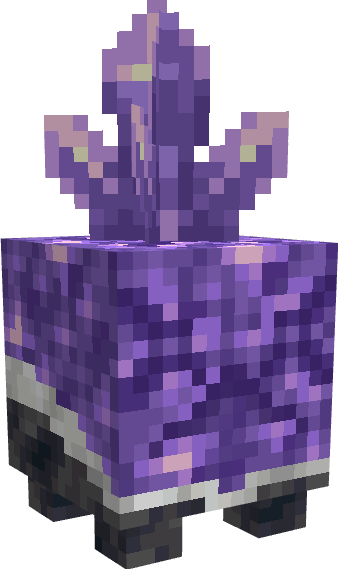
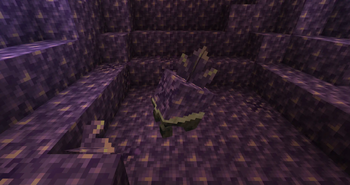
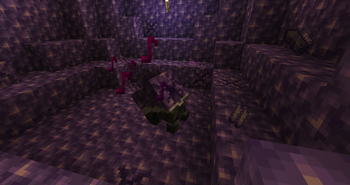
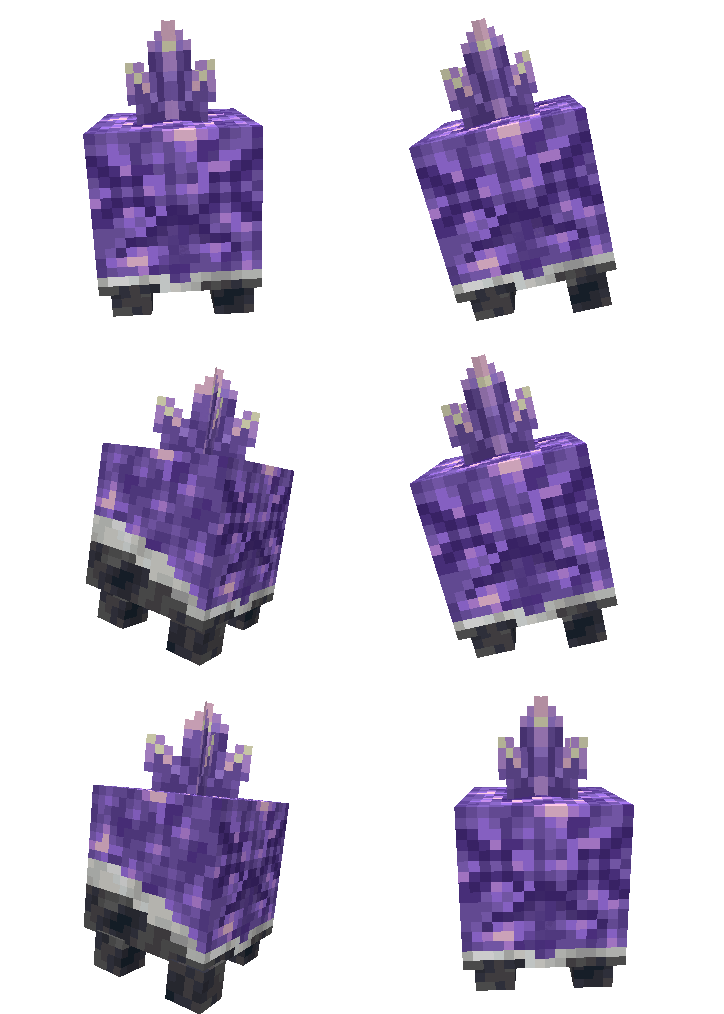
Amethyst Golem
This singing cute little fella will allow you to farm amethyst, and if you are heartless enough to kill it, move budding amethyst blocks.
Phial Fusing
For those who cannot accept an upper cap on how big a phial can be, a recipe to fuse 2 phials together.
Hex Patterns
- Jeweler's Reflection - Returns amount of media in inventory
- Archivist's Distillation - Checks if two iotas are the same type
- Scholar's Gambit - Write iotas to quick-slots
- Scholar's Reflection - Read iotas from quick-slots
- Kahuna's Purification - Get health of an entity
- Instant Delivery - Send items unlimited range
Enchantments
- Curse of Mercy - This enchant prevents you from killing, you leave enemies at half a heart.
- Temperance - This enchant prevents you from instant mining.
Other
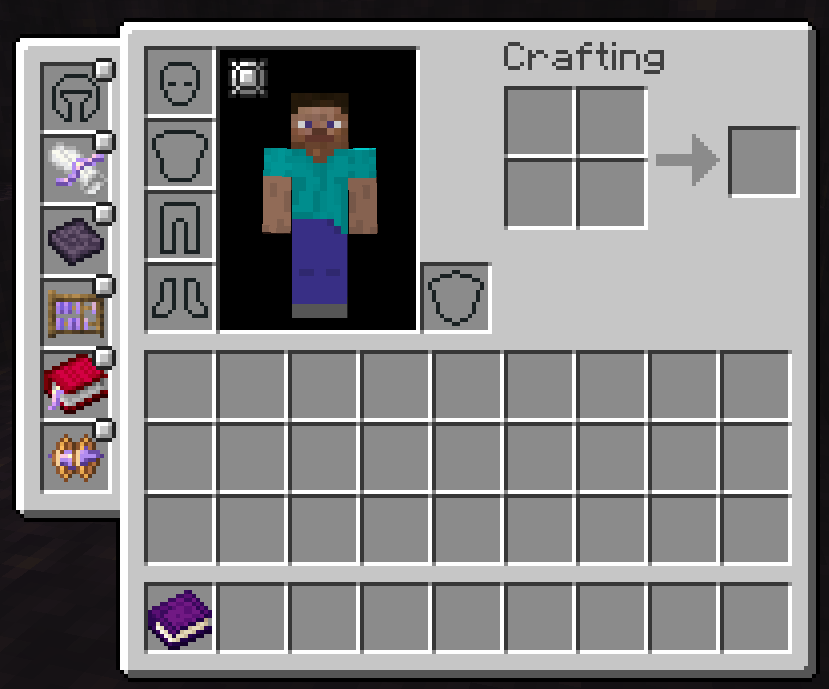
Quick-cast Curio slots
Special curio slots that will allow you to cast hexes from focuses on keybind, you still need to hold staff, you gain up to 5 of them by completing hexcasting advancements.
Verfügbare Versionen
Intarsia auf dem Server installieren
Server bestellen
Bestelle einen Minecraft Java Server mit mindestens 3 GB RAM (4 GB empfohlen).
forge Loader setzen
Wähle im Panel unter "Egg" den forge-Loader und die passende Minecraft-Version (1.19.4).
Mod installieren
Öffne den Mod-Browser im Dashboard und suche nach "Intarsia". Klicke "Installieren" – fertig! Alternativ: Lade die .jar via SFTP in den /mods Ordner.
Kompatibilität
Mod-Loader
Minecraft-Versionen
1.19.4, 1.19.3, 1.19.2
Server-seitig
✓ ErforderlichEmpfohlener RAM
4 GB(min. 3 GB)Häufige Fragen
Intarsia Server crasht beim Start – was tun?
Häufigste Ursache: falsche forge-Version oder zu wenig RAM. Prüfe im Server-Log (latest.log), ob ein "OutOfMemoryError" oder "Mixin"-Fehler auftritt. Bei Mado Hosting: Stelle sicher, dass mindestens 3 GB RAM zugewiesen sind und der Loader zur Mod-Version passt (1.19.4). Über das Panel kannst du den Loader mit einem Klick wechseln.
Ist Intarsia mit forge kompatibel?
Intarsia unterstützt offiziell forge für Minecraft 1.19.4, 1.19.3, 1.19.2. Im Mado Dashboard werden inkompatible Loader-Kombinationen automatisch erkannt.
Server laggt mit Intarsia – wie optimiere ich die Performance?
Empfohlener RAM: 4 GB (+1 GB pro 8 Spieler). Prüfe mit /spark profiler, ob Intarsia den meisten Tick-Time verbraucht. Häufige Fixes: Server-View-Distance auf 8-10 reduzieren, bei Forge "performant" oder "starlight" als Zusatz-Mod installieren. Bei Mado Hosting läuft dein Server auf NVMe-SSDs mit dedizierten CPU-Kernen für minimale Latenz.
Ähnliche Mods





Modded Server mieten
Installiere Intarsia mit nur einem Klick auf deinem Server.
Details
- Lizenz
- Creative Commons Attribution Non Commercial Share Alike 4.0 International
- Server-seitig
- Erforderlich