
Integrated Terminals
Terminals for managing and overviewing Integrated Dynamics networks
Über diese Mod
This mod adds terminals for managing and overviewing your Integrated Dynamics networks.
All stored items, fluids and energy become visible and interactable from a single place using the Storage Terminal, and crafting jobs become manageable from the Crafting Job Terminal.
This mod provides in-game documentation and tutorials through the 'On the Dynamics of Integration' book from Integrated Dynamics.
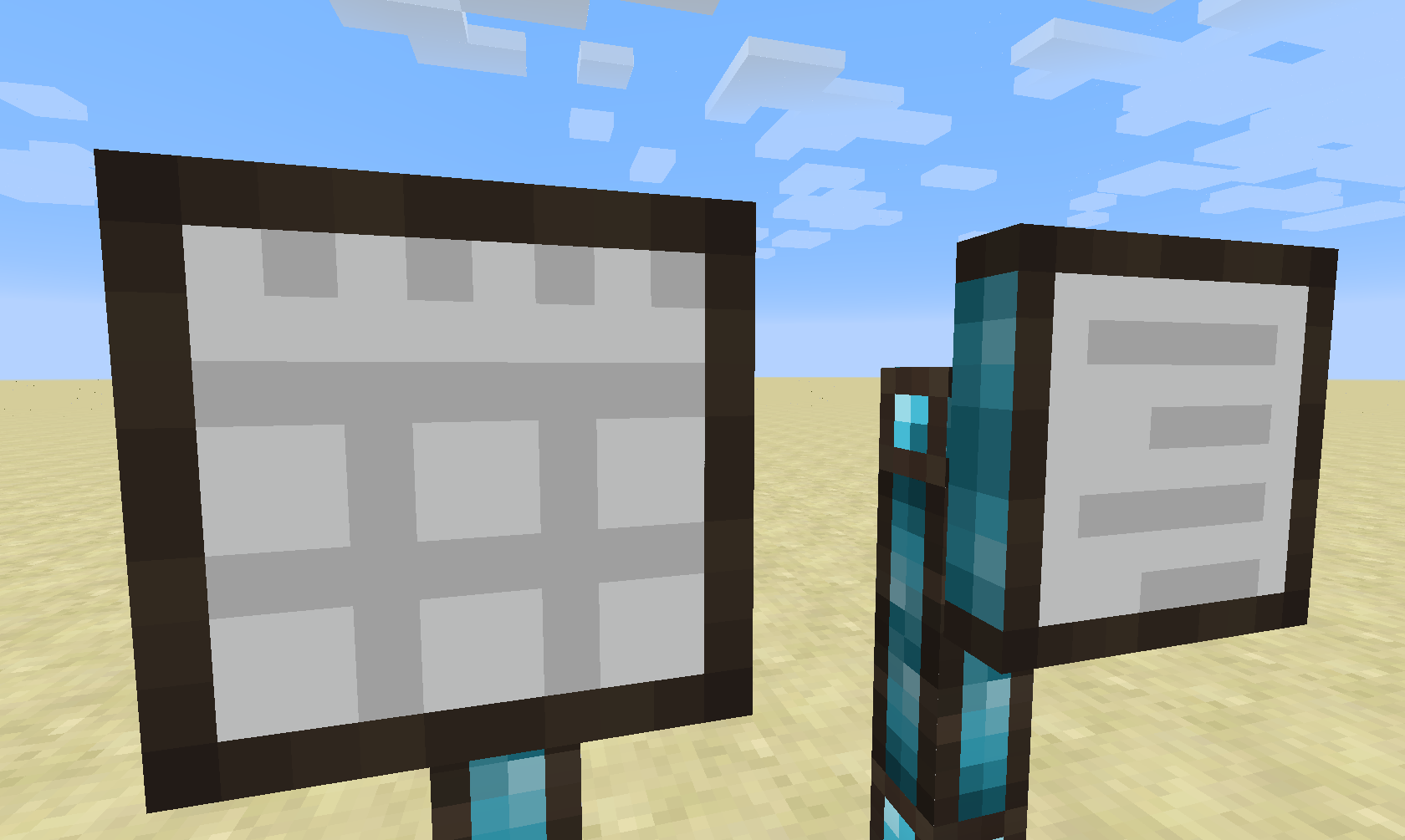
Currently, this mod introduces two types of terminals: The Storage Terminal and the Crafting Job Terminal. (Different kinds of terminals are planned for the future)
Storage Terminal
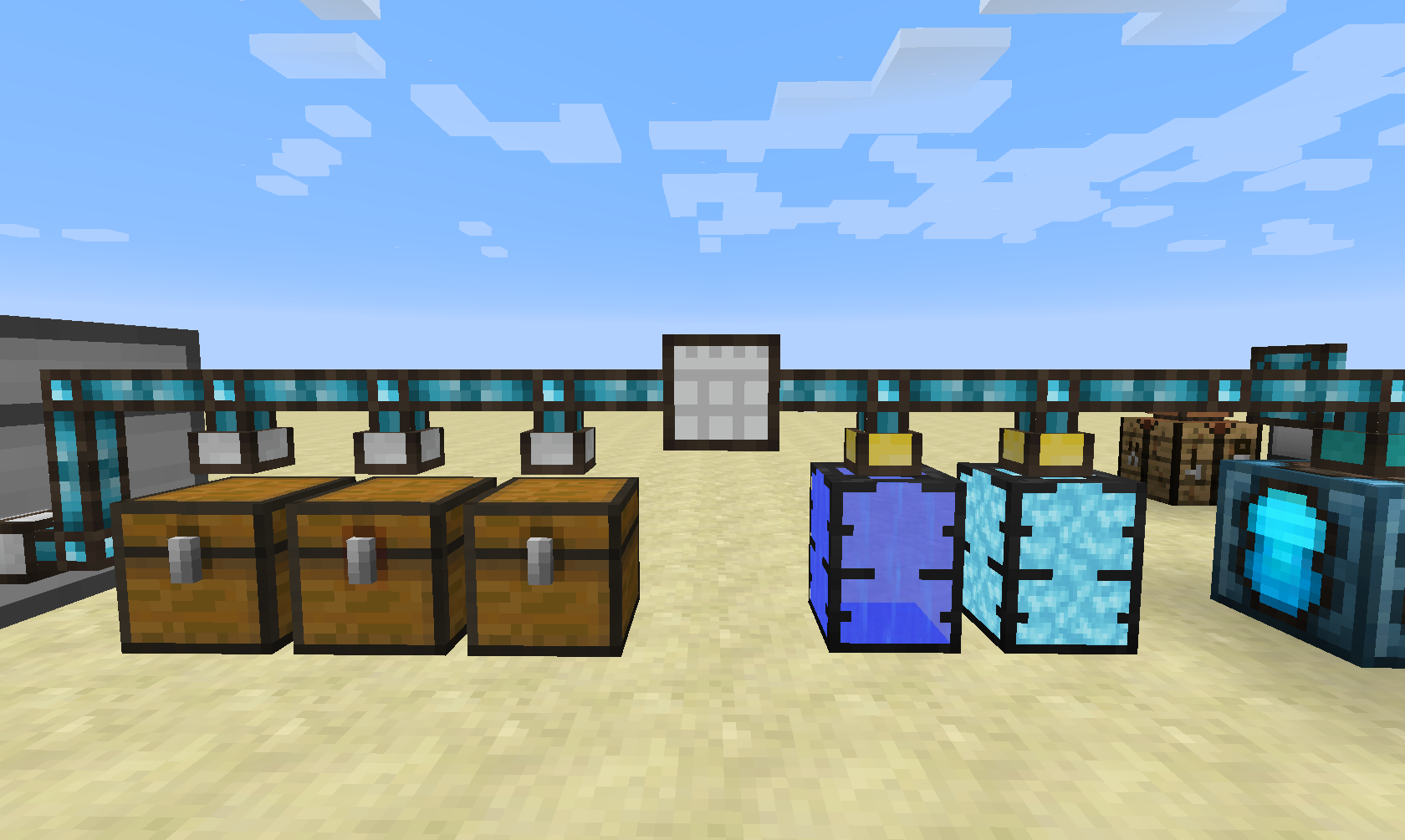
The Storage Terminal does it simple thing: it provides a central access to your storage network (which is achieved by using Integrated Tunnels Interfaces).
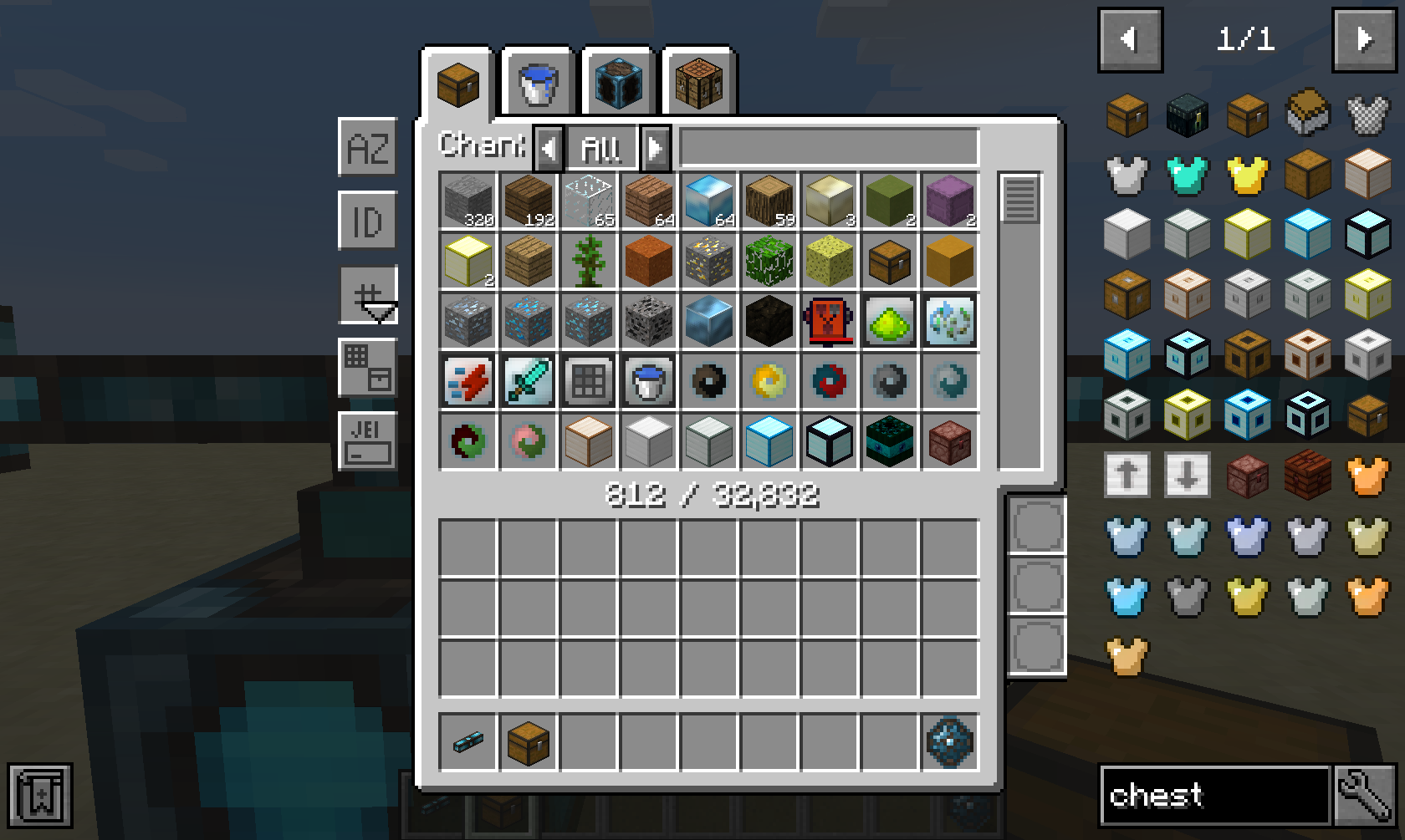 The Storage Terminal GUI provides a tab for each ingredient type in your network, such as items, fluids and energy. Additionally, it also provides a tab for crafting things directly inside the network.
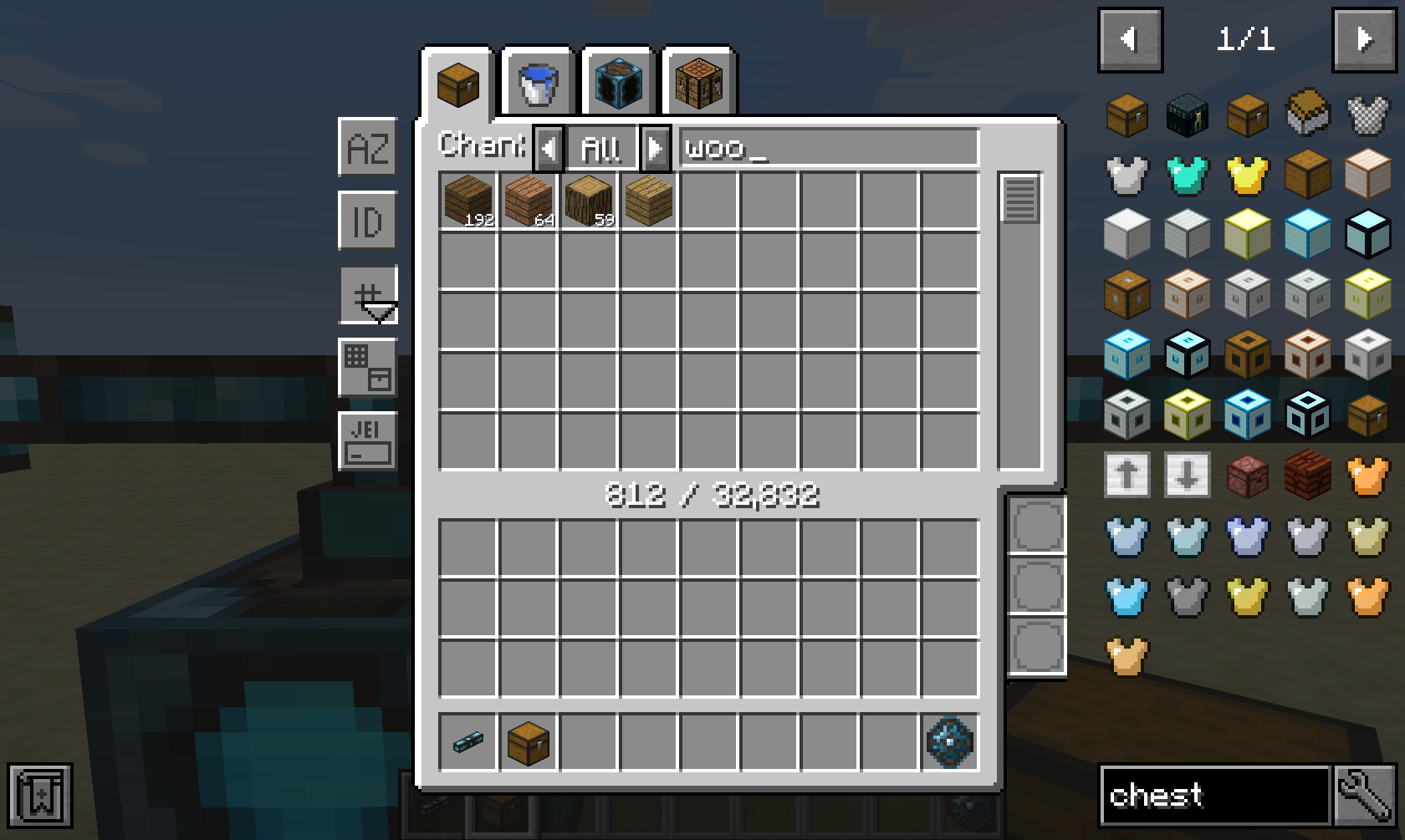
A wide range of sorting and advanced filtering options are available, such as filtering by mod ("@minecraft"), tooltip ("#FE") and oredictionary ("$wood"). Furthermore, you can even filter dynamically using Integrated Dynamics predicates that you can insert in the three bottom-right slots.
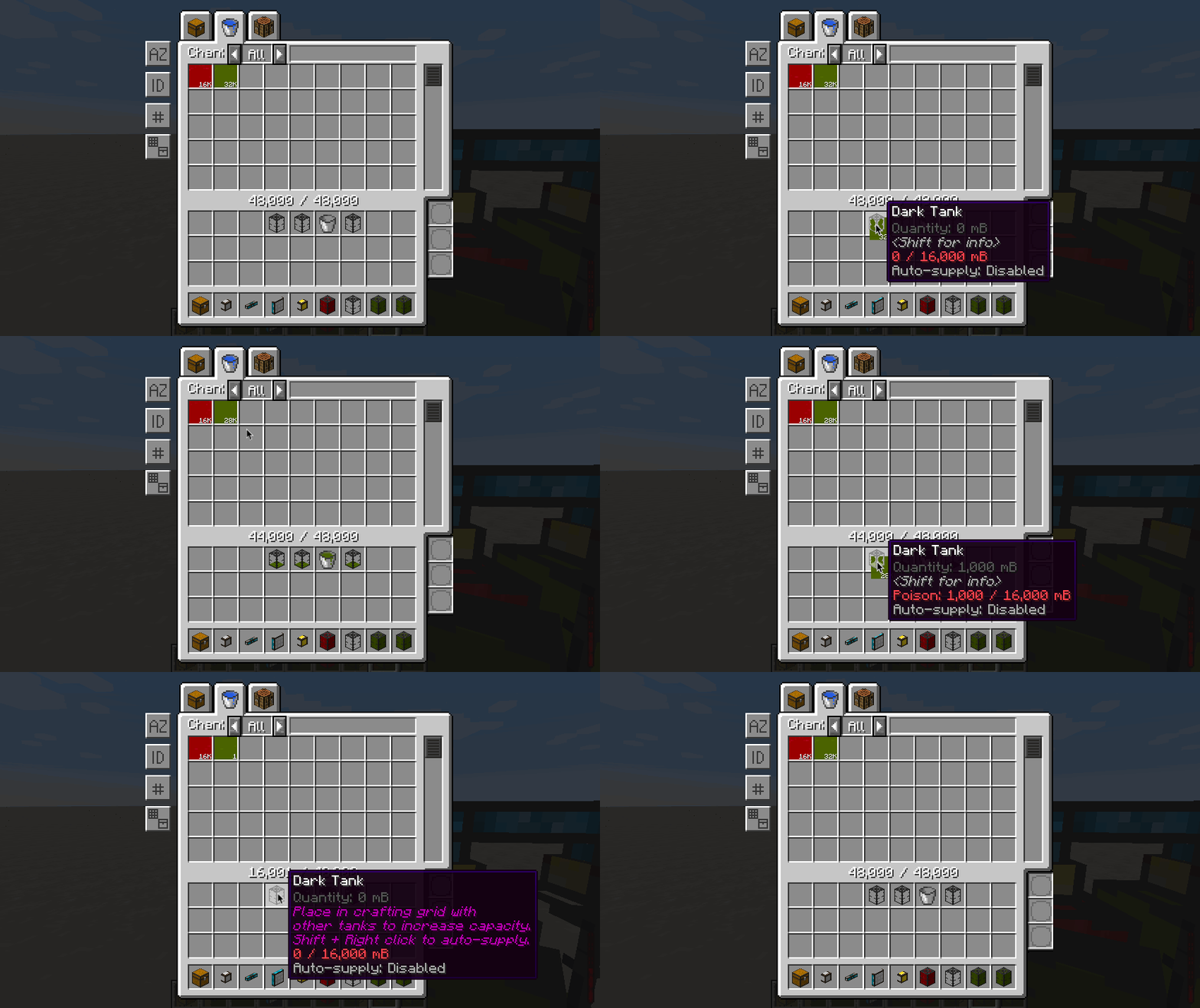
Fluids and energy can be extracted and inserted in a similar way as items, with the only difference that fluids and energy must be in a valid container when inside your inventory.
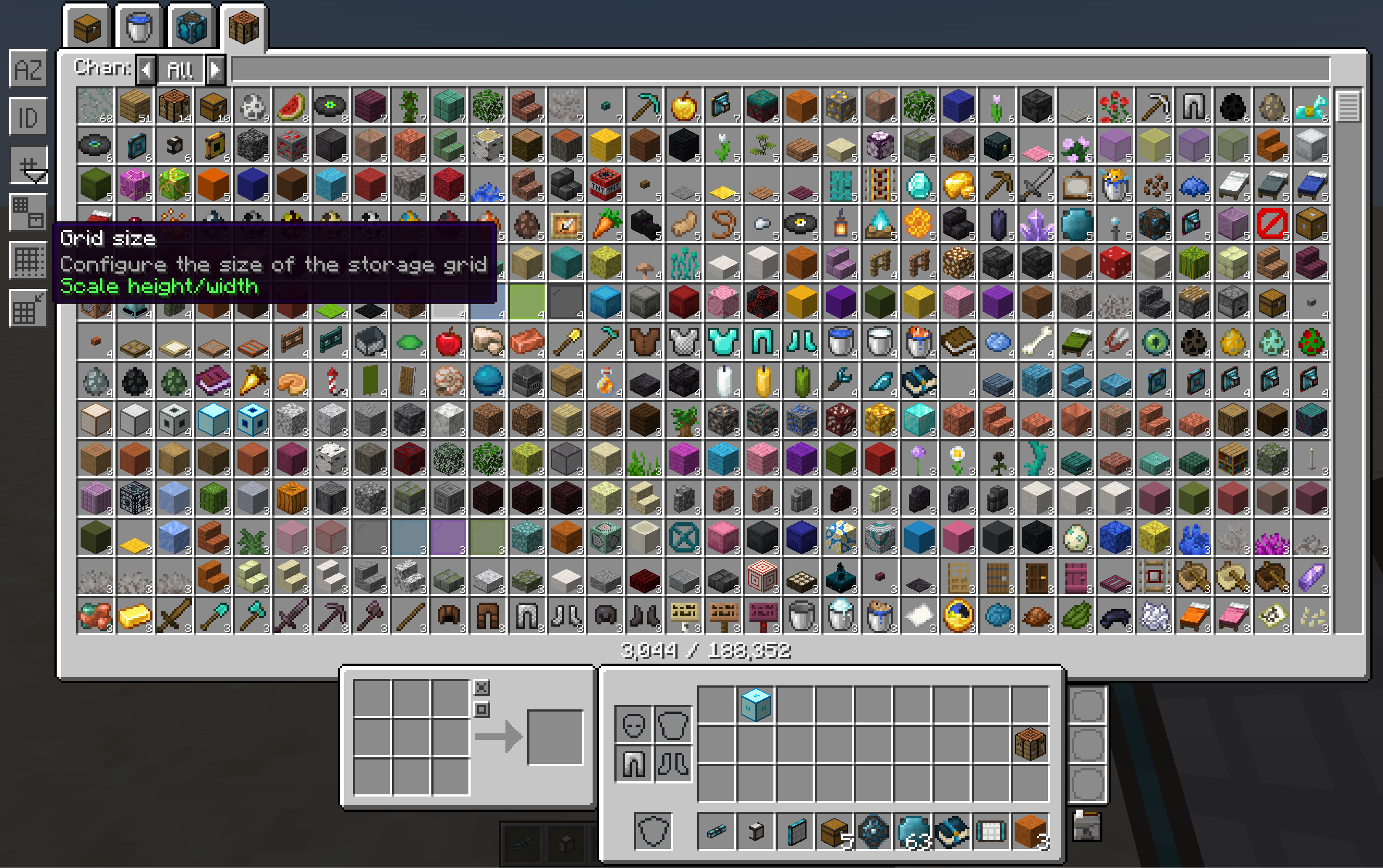
The GUI is fully responsive, which means that it can scale based on your screen's width and height. Different modes of scaling are available, and are fully configurable via the config file.
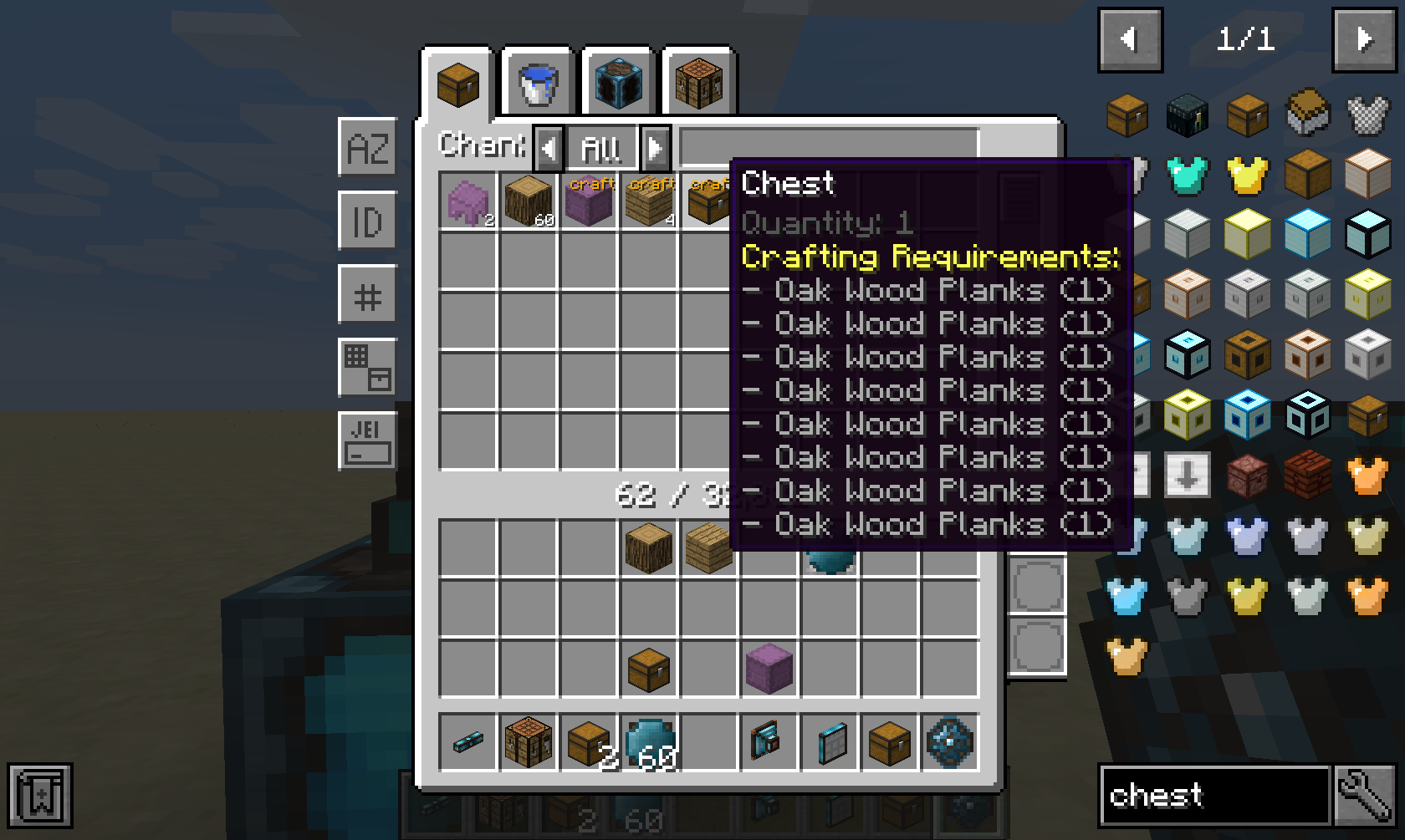
If you have a supported autocrafting mod such as Integrated Crafting installed, then all crafting options from the network will be shown.
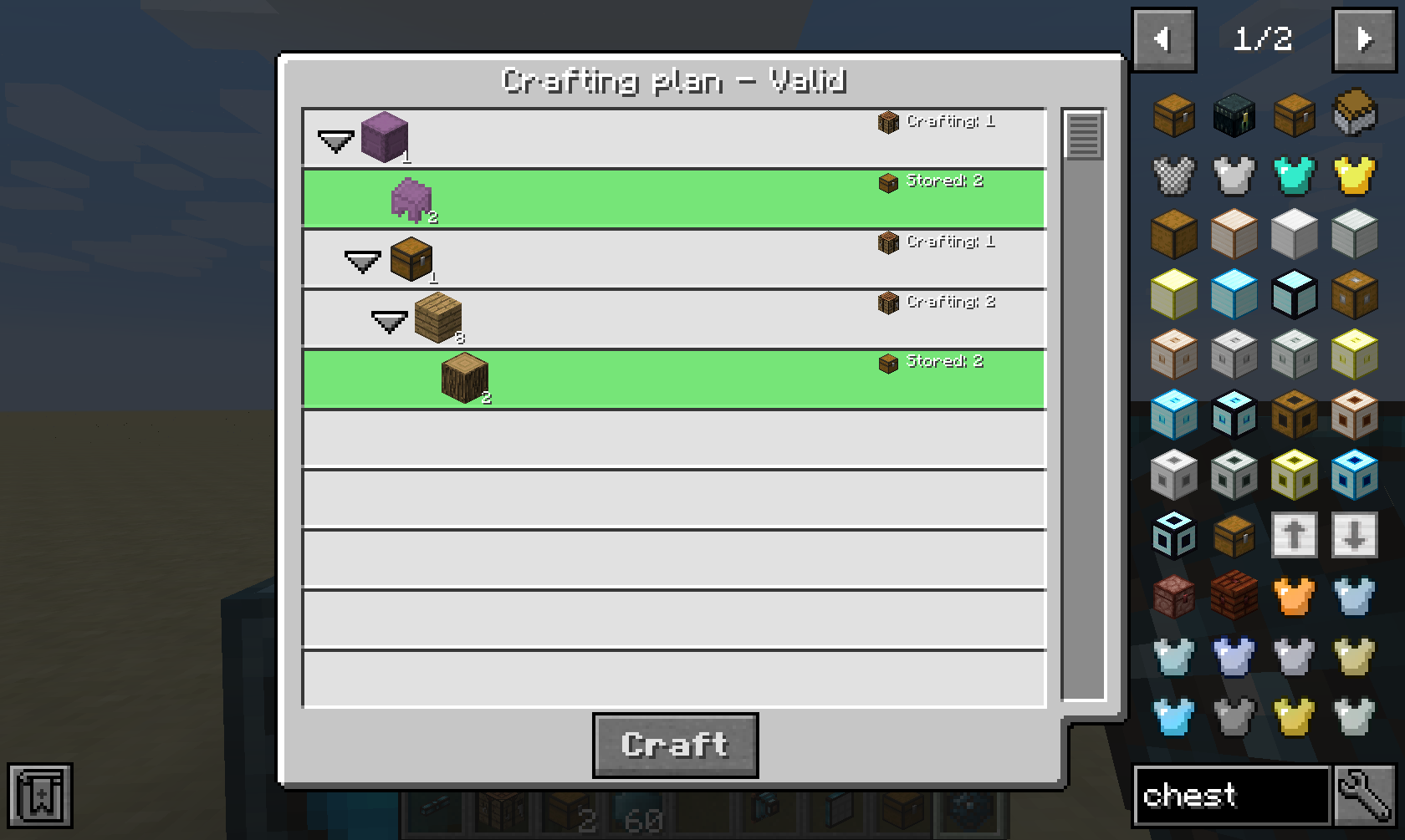
After clicking on a crafting option and providing an amount, you will be prompted with a crafting plan that will be executed when confirmed.
Crafting Job Terminal
This part is only useful if you have a supported autocrafting mod installed, such as Integrated Crafting.
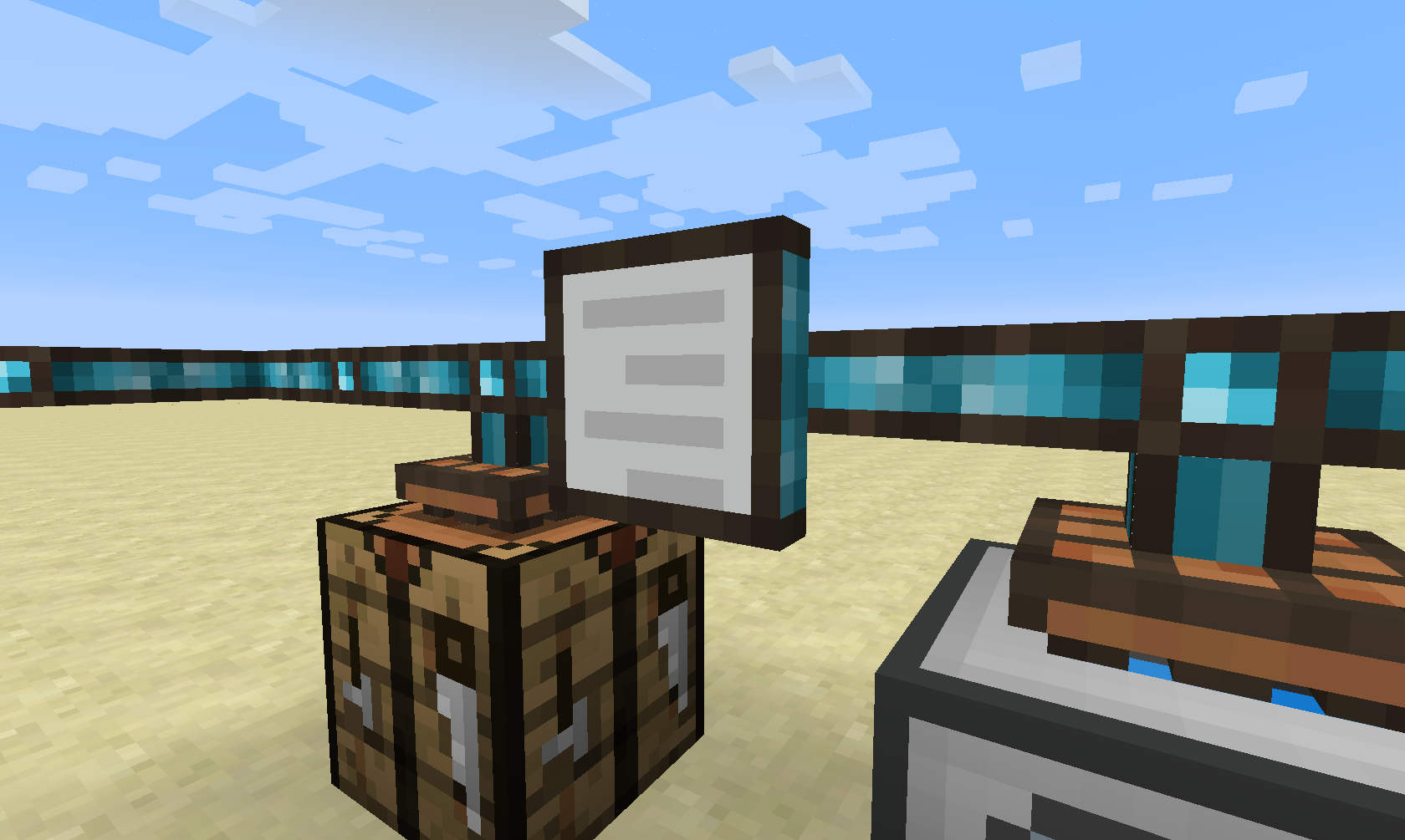
The Crafting Job Terminal allows you to view all active and pending crafting jobs in the network.
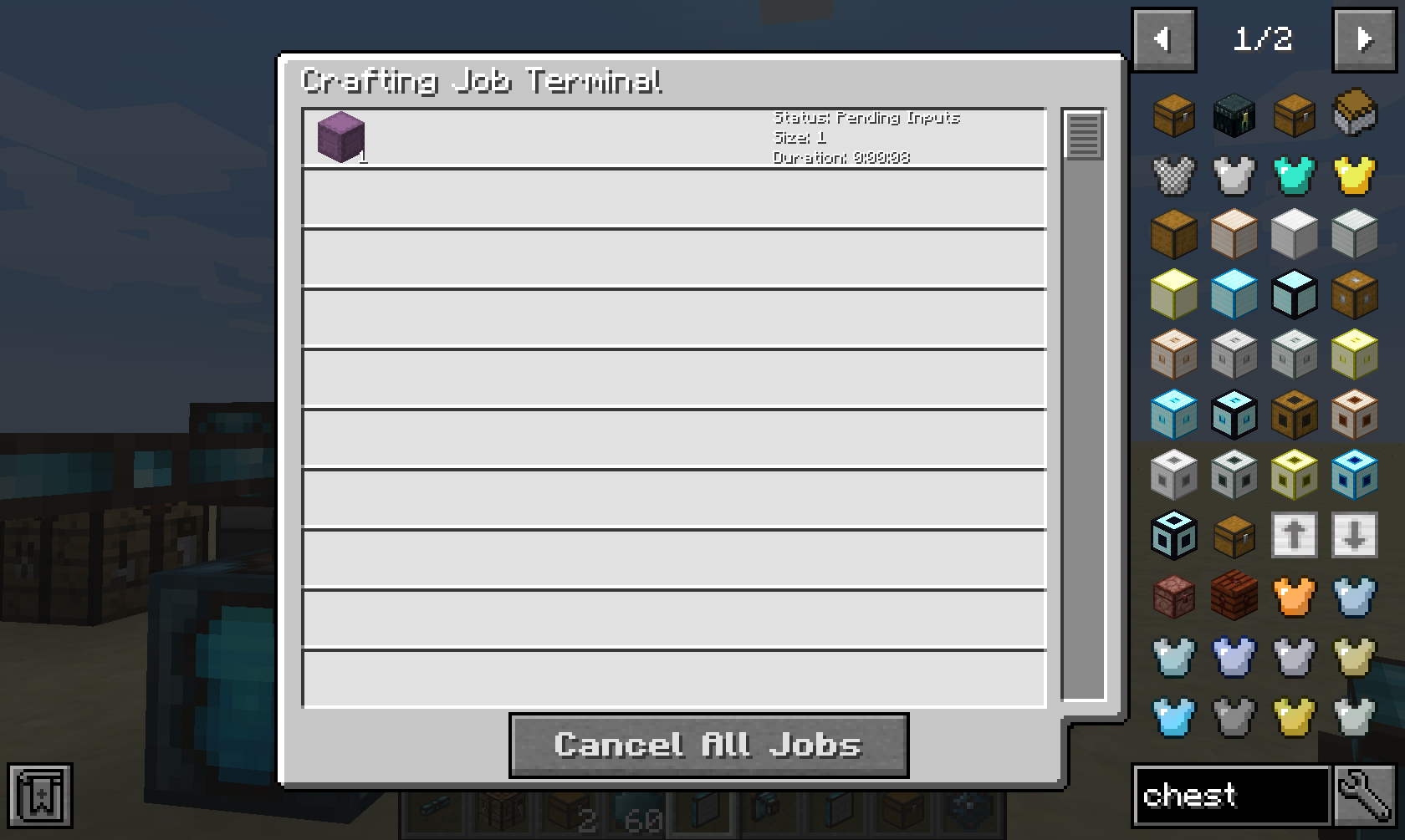
it will show you a live list of all crafting jobs in this network, and it will give you the option to cancel them.
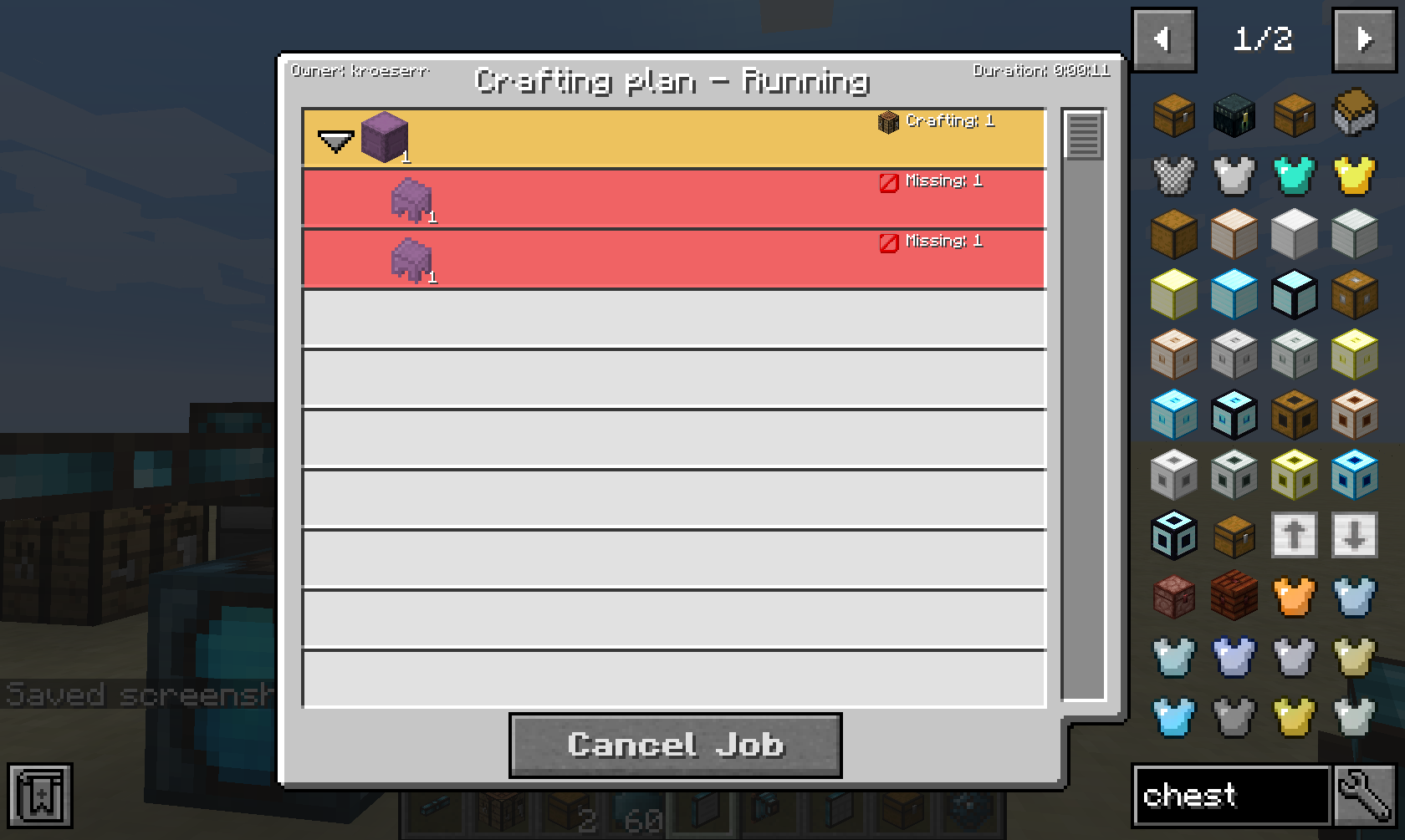
When clicking on a job, it will show you more details, such as pending dependencies or missing items, fluids or energy.
This mod collects anonymized startup data, this can be disabled in the config file and adheres to Minecraft's snooper settings.

If you like this mod, consider supporting me on Patreon!
Verfügbare Versionen
Integrated Terminals auf dem Server installieren
Server bestellen
Bestelle einen Minecraft Java Server mit mindestens 3 GB RAM (4 GB empfohlen).
forge Loader setzen
Wähle im Panel unter "Egg" den forge-Loader und die passende Minecraft-Version (26.3).
Mod installieren
Öffne den Mod-Browser im Dashboard und suche nach "Integrated Terminals". Klicke "Installieren" – fertig! Alternativ: Lade die .jar via SFTP in den /mods Ordner.
Kompatibilität
Mod-Loader
Minecraft-Versionen
26.3, 26.2, 26.1.2 (+14 weitere)
Server-seitig
✓ ErforderlichEmpfohlener RAM
4 GB(min. 3 GB)Häufige Fragen
Integrated Terminals Server crasht beim Start – was tun?
Häufigste Ursache: falsche forge-Version oder zu wenig RAM. Prüfe im Server-Log (latest.log), ob ein "OutOfMemoryError" oder "Mixin"-Fehler auftritt. Bei Mado Hosting: Stelle sicher, dass mindestens 3 GB RAM zugewiesen sind und der Loader zur Mod-Version passt (26.3). Über das Panel kannst du den Loader mit einem Klick wechseln.
Ist Integrated Terminals mit forge und neoforge kompatibel?
Integrated Terminals unterstützt offiziell forge, neoforge für Minecraft 26.3, 26.2, 26.1.2. Im Mado Dashboard werden inkompatible Loader-Kombinationen automatisch erkannt.
Server laggt mit Integrated Terminals – wie optimiere ich die Performance?
Empfohlener RAM: 4 GB (+1 GB pro 8 Spieler). Prüfe mit /spark profiler, ob Integrated Terminals den meisten Tick-Time verbraucht. Häufige Fixes: Server-View-Distance auf 8-10 reduzieren, bei Forge "performant" oder "starlight" als Zusatz-Mod installieren. Bei Mado Hosting läuft dein Server auf NVMe-SSDs mit dedizierten CPU-Kernen für minimale Latenz.
Ähnliche Mods



![[TaCZ] Timeless and Classics Zero](https://cdn.modrinth.com/data/SzzJttH8/fd27766d2bb8390d284696b1dbd358f87e081439_96.webp)


Modded Server mieten
Installiere Integrated Terminals mit nur einem Klick auf deinem Server.