
Ji Zoom Cinematic
Zoom Cinematic in 4K with smooth camera transitions
Screenshots
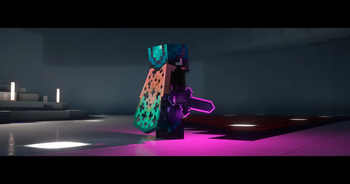
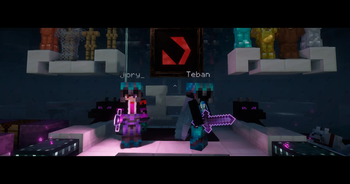


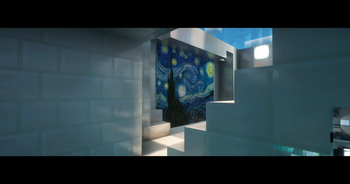
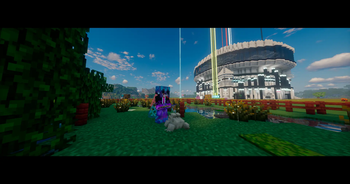
Über diese Mod
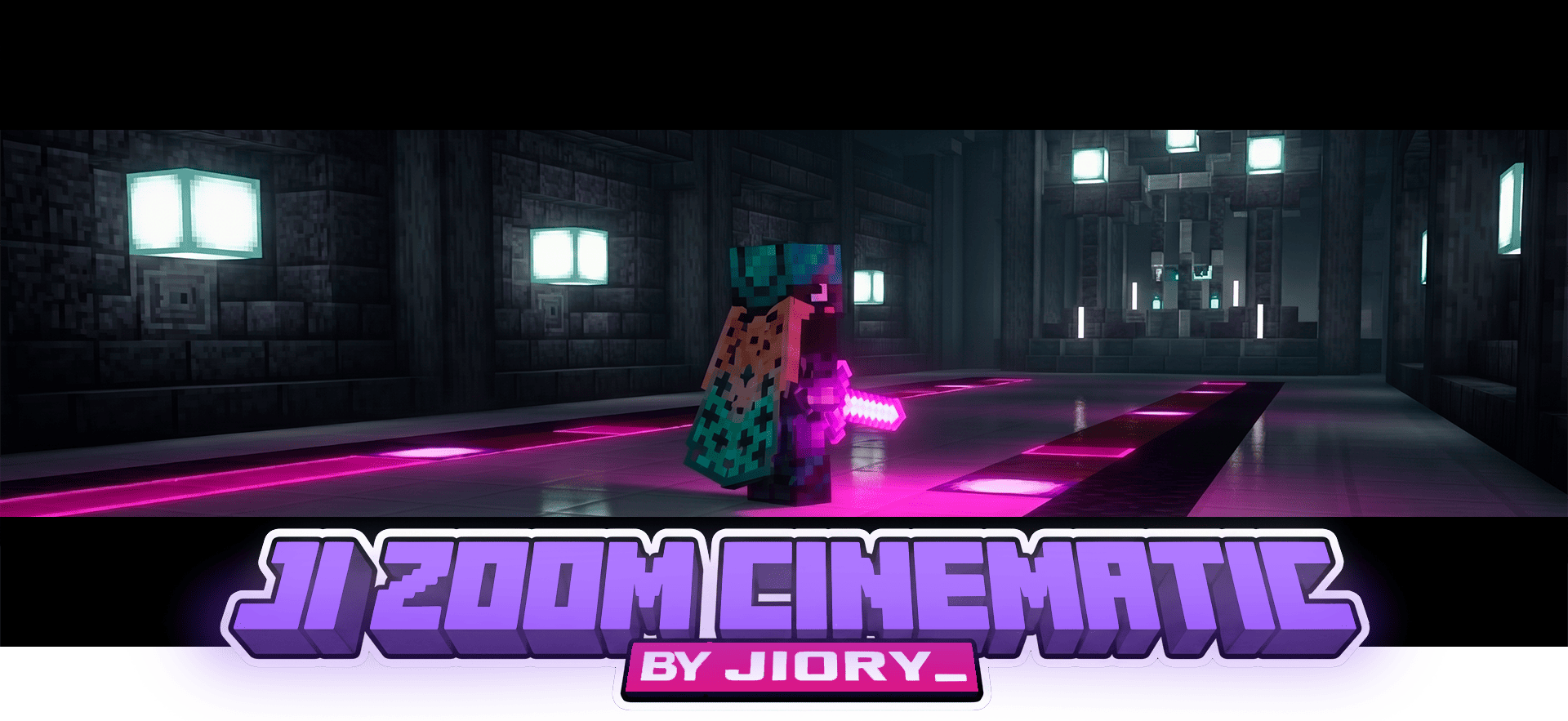


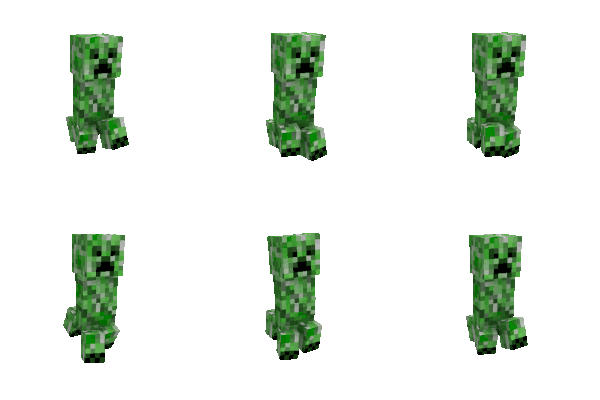
Unparalleled visual precision with buttery-smooth camera zooming
Upgrade your standard field of view into a professional camera tool. Ji Zoom Cinematic provides dynamic, easing-based zoom mechanics designed for precise terrain scouting, capturing detailed screenshots, and recording flawless video footage without rigid transitions.
Whether you are focusing on a distant structure or tracking a moving target, your view adjustments are now fluid, responsive, and completely customizable.

✨ Core Features
- Dynamic Easing — Fluid FOV transitions when zooming in and out, eliminating sudden graphical snaps.
- Scroll to Adjust — Dynamically control your magnification level on the fly using the mouse scroll wheel.
- Cinematic Integration — Automatically synchronizes with Minecraft's cinematic camera for ultra-smooth panning while zoomed.
- Uncapped Magnification — Push beyond standard optical limits with configurable maximum zoom depths.
- Zero Latency — Highly optimized to ensure stable framerates even during rapid zoom adjustments.

Flawless zoom mechanics for content creation and exploration

⚙️ Advanced Configuration
Fully customizable in-game menu (Mod Menu support):
• Zoom keybind mode (Hold vs. Toggle)
• Transition speed and easing type
• Minimum and maximum scroll zoom limits
• Cinematic camera auto-toggle
Languages: English + Español (LatAm & Spain)

Requirements & Supported Versions
Supported Minecraft Versions:1.21.2 - 1.21.8
| Loader / Dependency | Version required | Status |
|---|---|---|
| Fabric Loader | Matches your MC | 🔴 Required |
| Fabric API | Latest available | 🔴 Required |
| Mod Menu | Latest available | 🟢 Recommended (For in-game settings) |
🎮 100% Client-Side — Functions on any server architecture (Vanilla, Paper, Realms, etc.). No server-side installation required.
Verfügbare Versionen
Ji Zoom Cinematic auf dem Server installieren
Server bestellen
Bestelle einen Minecraft Java Server mit mindestens 3 GB RAM (4 GB empfohlen).
fabric Loader setzen
Wähle im Panel unter "Egg" den fabric-Loader und die passende Minecraft-Version (1.21.8).
Mod installieren
Öffne den Mod-Browser im Dashboard und suche nach "Ji Zoom Cinematic". Klicke "Installieren" – fertig! Alternativ: Lade die .jar via SFTP in den /mods Ordner.
Kompatibilität
Mod-Loader
Minecraft-Versionen
1.21.8, 1.21.7, 1.21.6 (+4 weitere)
Server-seitig
✗ Nicht unterstütztEmpfohlener RAM
4 GB(min. 3 GB)Häufige Fragen
Ji Zoom Cinematic Server crasht beim Start – was tun?
Häufigste Ursache: falsche fabric-Version oder zu wenig RAM. Prüfe im Server-Log (latest.log), ob ein "OutOfMemoryError" oder "Mixin"-Fehler auftritt. Bei Mado Hosting: Stelle sicher, dass mindestens 3 GB RAM zugewiesen sind und der Loader zur Mod-Version passt (1.21.8). Über das Panel kannst du den Loader mit einem Klick wechseln.
Ist Ji Zoom Cinematic mit fabric kompatibel?
Ji Zoom Cinematic unterstützt offiziell fabric für Minecraft 1.21.8, 1.21.7, 1.21.6. Im Mado Dashboard werden inkompatible Loader-Kombinationen automatisch erkannt.
Server laggt mit Ji Zoom Cinematic – wie optimiere ich die Performance?
Empfohlener RAM: 4 GB (+1 GB pro 8 Spieler). Prüfe mit /spark profiler, ob Ji Zoom Cinematic den meisten Tick-Time verbraucht. Häufige Fixes: Server-View-Distance auf 8-10 reduzieren, bei Forge "performant" oder "starlight" als Zusatz-Mod installieren. Bei Mado Hosting läuft dein Server auf NVMe-SSDs mit dedizierten CPU-Kernen für minimale Latenz.
Ähnliche Mods




Modded Server mieten
Installiere Ji Zoom Cinematic mit nur einem Klick auf deinem Server.