
Lavender
A Guidebook API and alternative to Patchouli
Screenshots
Über diese Mod
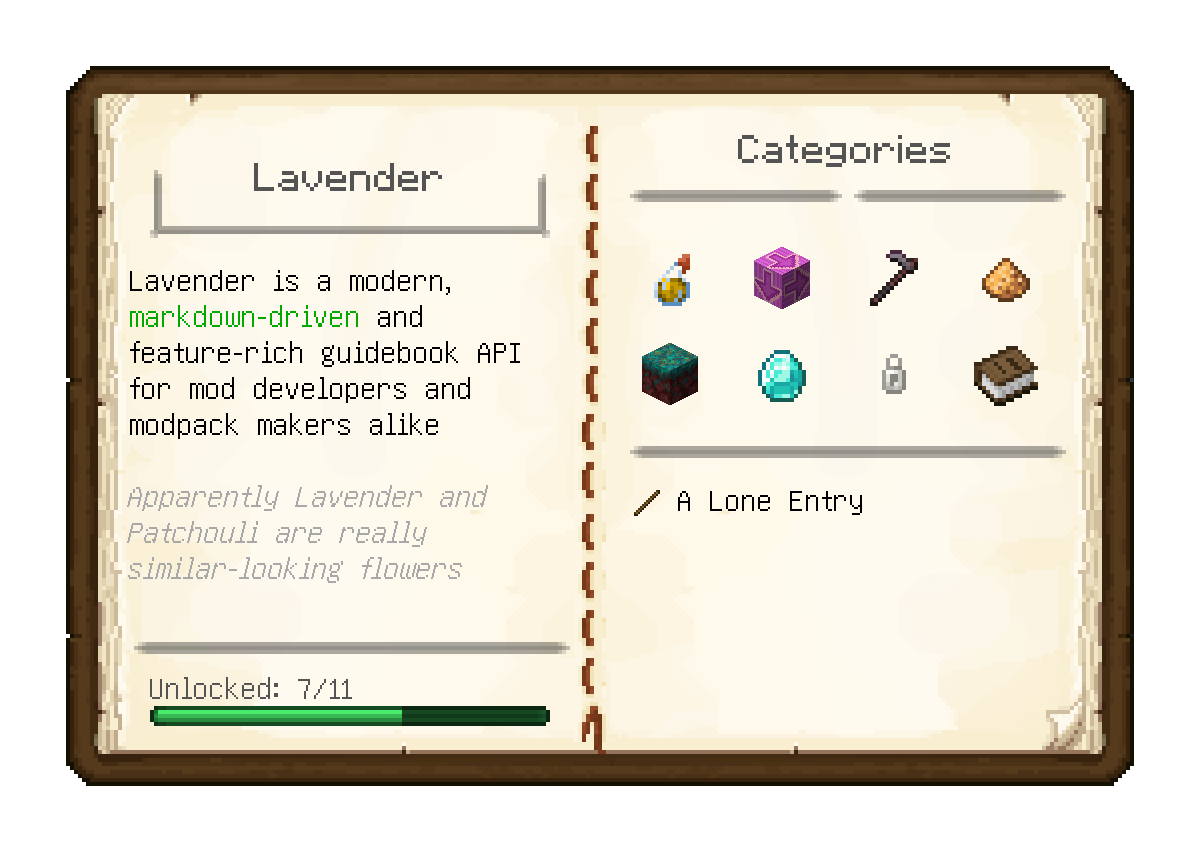
Lavender is tool allowing modders, modpack makers and everybody else to create player guides and other in-game documentation in the form of easy-to-read, intuitive guide books.
Everything is written using easy to learn, familiar and, most importantly, readable markdown with a bunch of special syntax to seamlessly integrate with the game. This is augmented with support for powerful macros and the entirety of the owo-ui framework at your fingertips
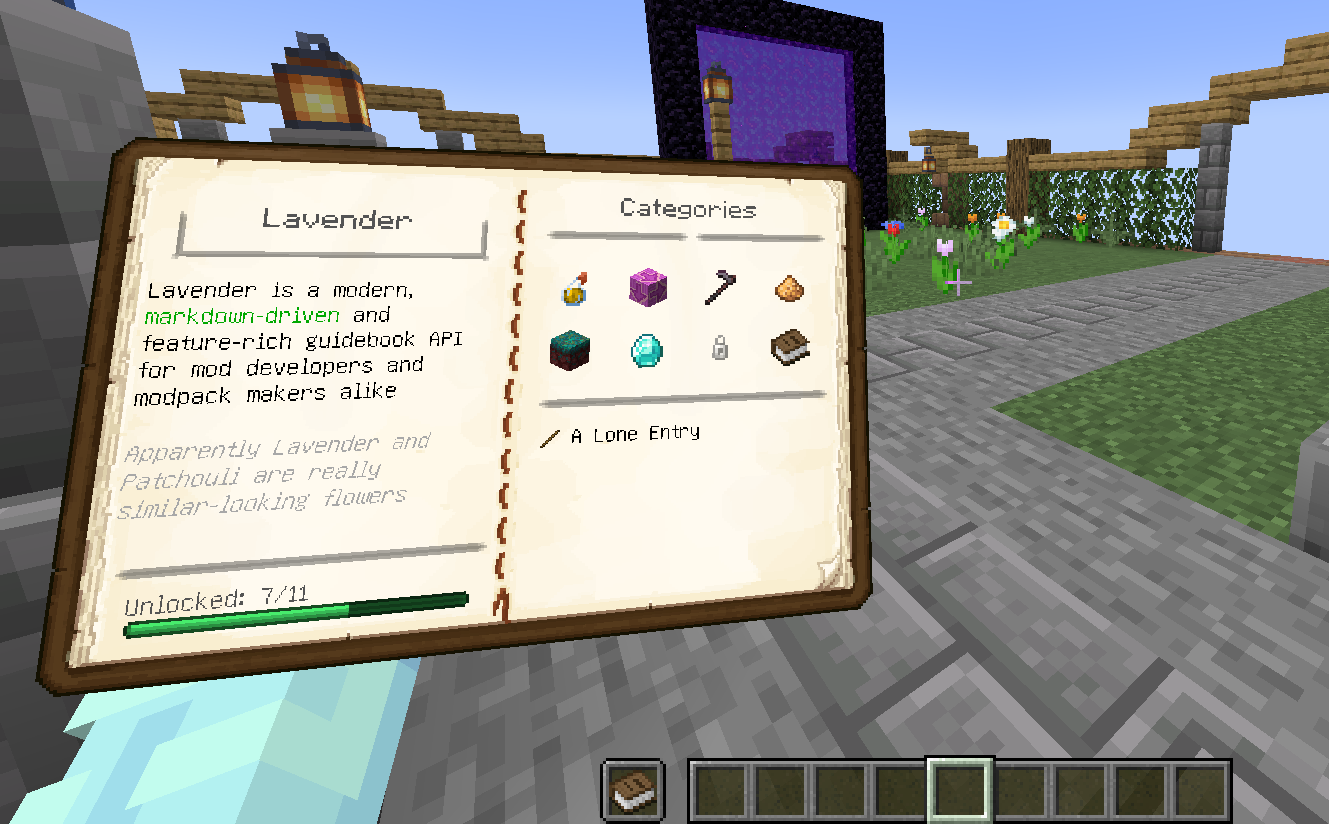
Further, for the first time in any guidebook mod (we believe), all books can be viewed in-game when placed in the offhand - extremely useful for referencing an entry while carrying out its instructions
Features
- Fully data-driven book authoring with near-instant hot reloading
- Optional grouping of entries into categories for easy discovery
- Deep linking between entries and categories
- Structure/Multiblock visualization and building assistance
- Gradual content unlocking, backed by the game's advancement system
- Built-in support for visualizing all vanilla recipe types and an easy framework for implementing custom ones
- Localization support
- Individual bookmarks for each save
- Support for extending another mod's books, extremely useful for seamlessly integrating your addon's documentation
Getting started
To start making your own Lavender book right now, complete the setup and then follow Getting Started in the comprehensive documentation over at https://docs.wispforest.io.
For reference, it might be helpful to check out Affinity's Wispen Testament as a solid example book made using Lavender
Credits
- The Patchouli team for making the original mod that inspired Lavender
- chyzman for inspiring a range of features, notably offhand viewing
Verfügbare Versionen
Lavender auf dem Server installieren
Server bestellen
Bestelle einen Minecraft Java Server mit mindestens 3 GB RAM (4 GB empfohlen).
fabric Loader setzen
Wähle im Panel unter "Egg" den fabric-Loader und die passende Minecraft-Version (1.21.4).
Mod installieren
Öffne den Mod-Browser im Dashboard und suche nach "Lavender". Klicke "Installieren" – fertig! Alternativ: Lade die .jar via SFTP in den /mods Ordner.
Kompatibilität
Mod-Loader
Minecraft-Versionen
1.21.4, 1.21.3, 1.21.2 (+8 weitere)
Server-seitig
✓ ErforderlichEmpfohlener RAM
4 GB(min. 3 GB)Häufige Fragen
Lavender Server crasht beim Start – was tun?
Häufigste Ursache: falsche fabric-Version oder zu wenig RAM. Prüfe im Server-Log (latest.log), ob ein "OutOfMemoryError" oder "Mixin"-Fehler auftritt. Bei Mado Hosting: Stelle sicher, dass mindestens 3 GB RAM zugewiesen sind und der Loader zur Mod-Version passt (1.21.4). Über das Panel kannst du den Loader mit einem Klick wechseln.
Ist Lavender mit fabric und quilt kompatibel?
Lavender unterstützt offiziell fabric, quilt für Minecraft 1.21.4, 1.21.3, 1.21.2. Im Mado Dashboard werden inkompatible Loader-Kombinationen automatisch erkannt.
Server laggt mit Lavender – wie optimiere ich die Performance?
Empfohlener RAM: 4 GB (+1 GB pro 8 Spieler). Prüfe mit /spark profiler, ob Lavender den meisten Tick-Time verbraucht. Häufige Fixes: Server-View-Distance auf 8-10 reduzieren, bei Forge "performant" oder "starlight" als Zusatz-Mod installieren. Bei Mado Hosting läuft dein Server auf NVMe-SSDs mit dedizierten CPU-Kernen für minimale Latenz.
Ähnliche Mods



Modded Server mieten
Installiere Lavender mit nur einem Klick auf deinem Server.