
Stargate: Wellspring, a The Sift Dimension
Dial ancient stargates to eight kinds of worlds: Wellspring, a fan-made take on Minecraft's Sift dimension, sky islands with glowing heart trees, frozen wastes, molten depths and more. Vanilla potions and armour beat every hazard. Needs the Worlds mod.
Screenshots


Über diese Mod
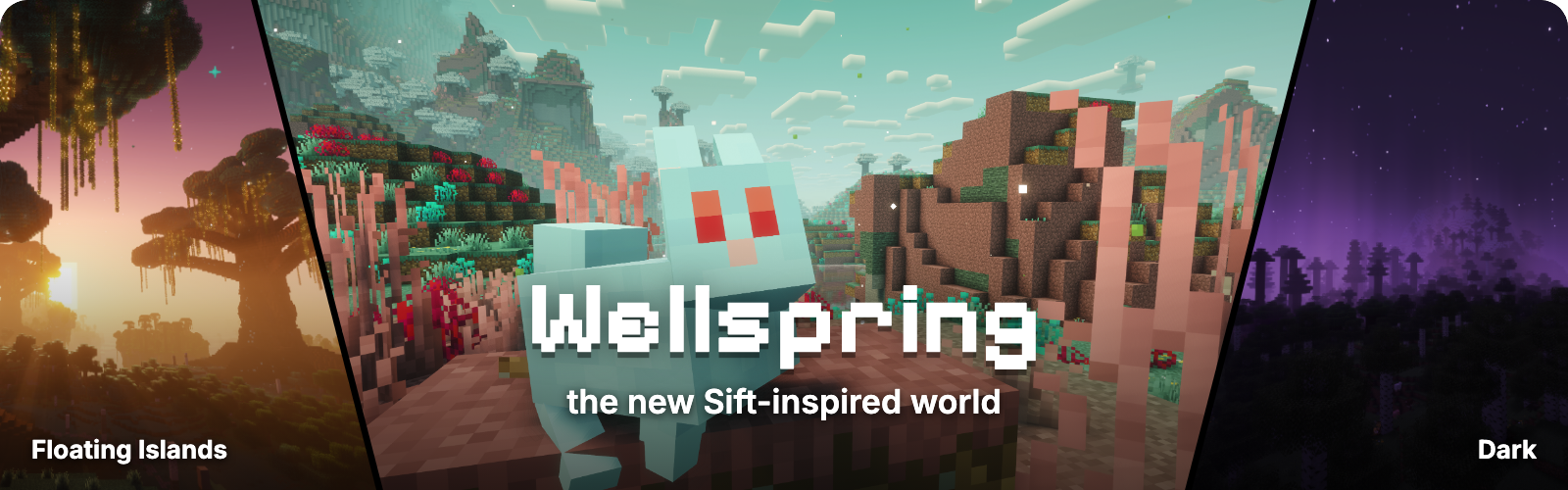





Stargate brings dimensional travel through ancient gates to Fabric. Find an address, place it on a gate's control panel and step into one of eight kinds of worlds, among them Wellspring, a fan-made take on the Sift, the fourth dimension Mojang announced at Minecraft LIVE for 2027. Each hostile world has one danger, and vanilla potions and armour are all you need to face it. Stargate is built on Worlds, so every gate world is a real vanilla level with its own time, weather and game rules.

|
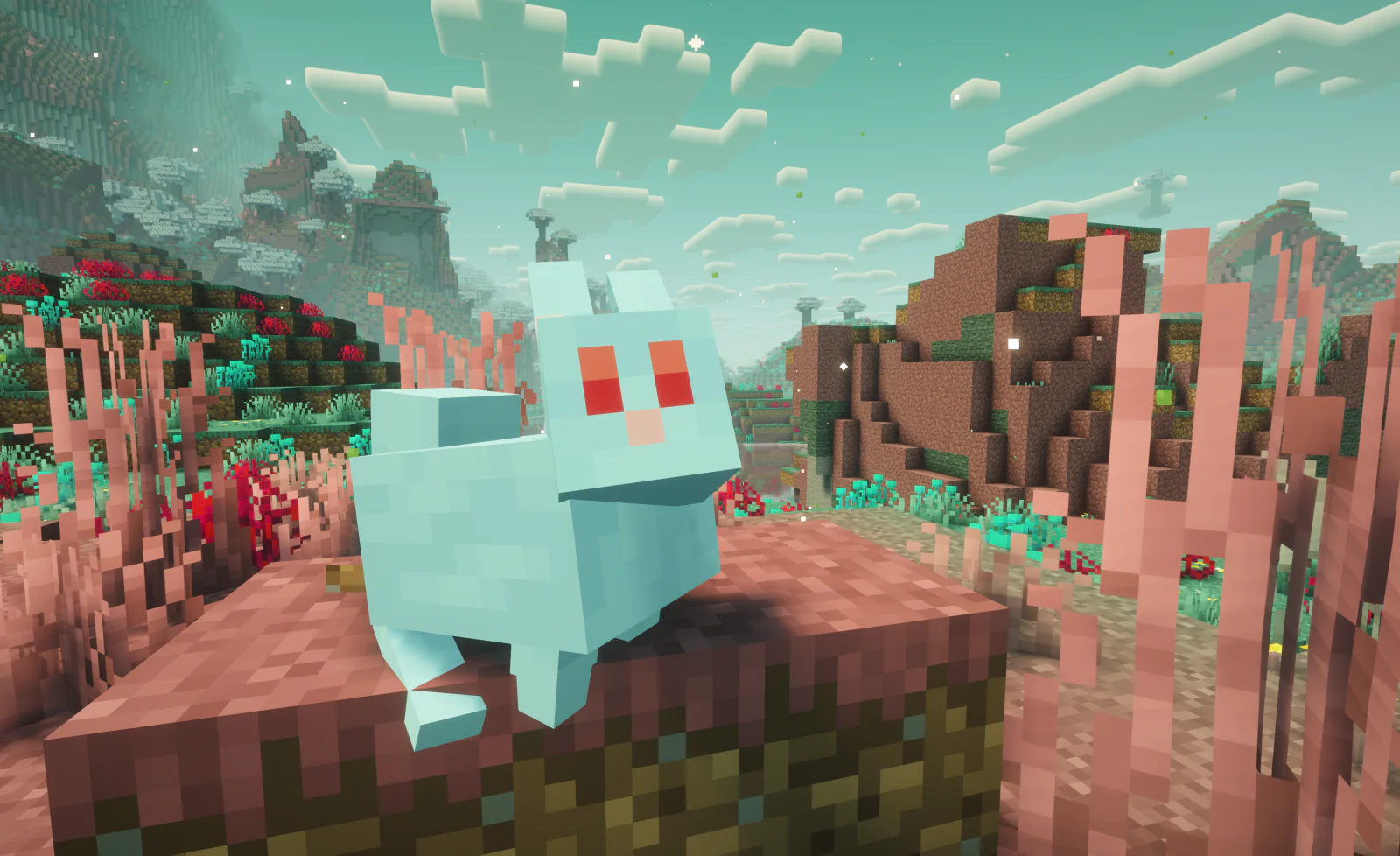
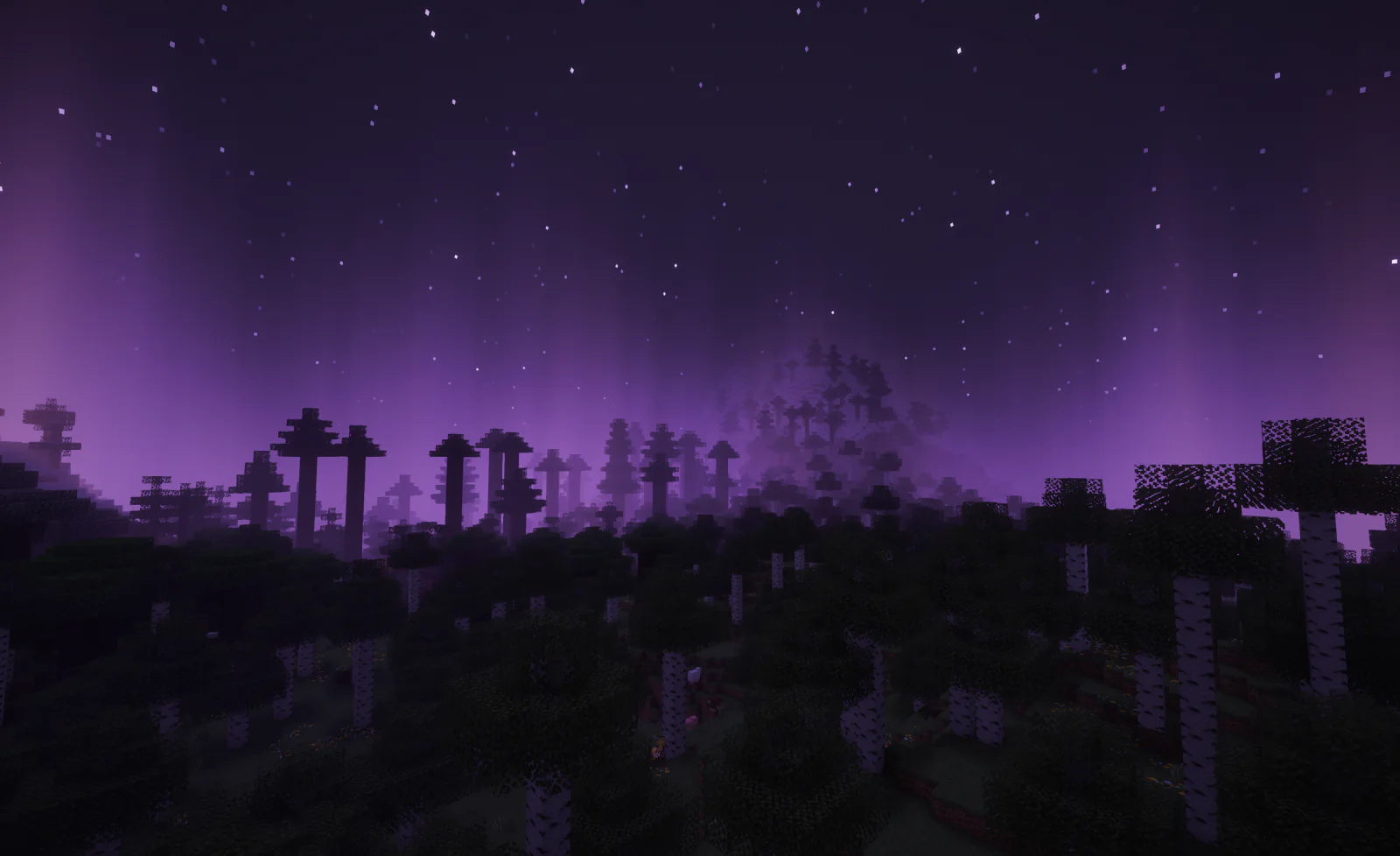
WellspringCoral meadows, white willow forests, a pale-teal desert and rose mesas under a sky that drifts from turquoise to peach to navy. Lilac ichor burns and drains experience: bring Fire Resistance or a Chorus Fruit. Blubs, villages, ancient cities and five new blocks. A fan-made take on the Sift, not Mojang's dimension. |
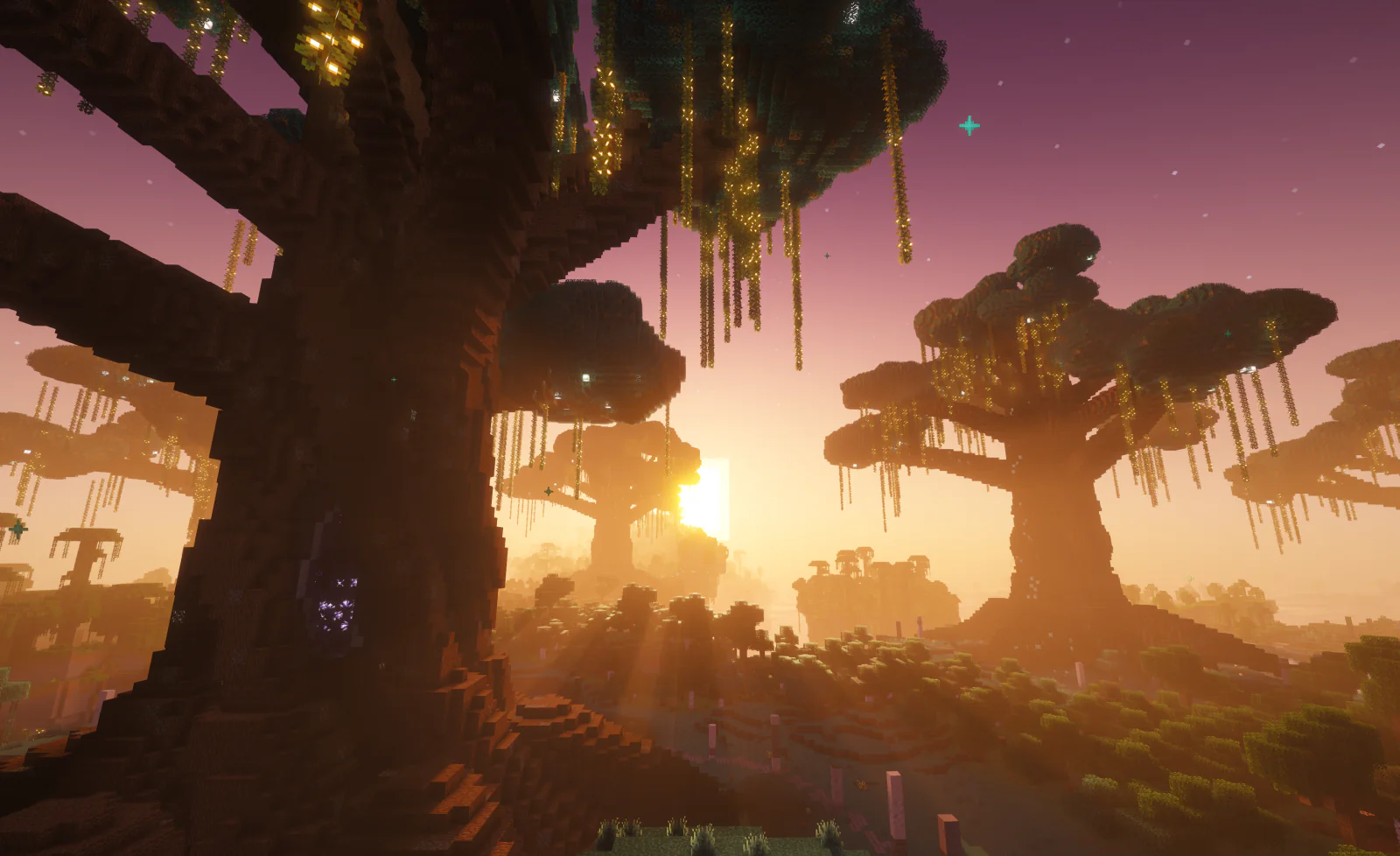
Floating IslandsIslands above a sea of clouds, with waterfalls off their edges and roots beneath. Colossal heart trees glow at night around an amethyst heart, tended by gentle Mossy Guardians in a grove where no monsters spawn. Now and then a Golden Skyfall turns the sky gold. Falls between islands are slowed. |
|
|
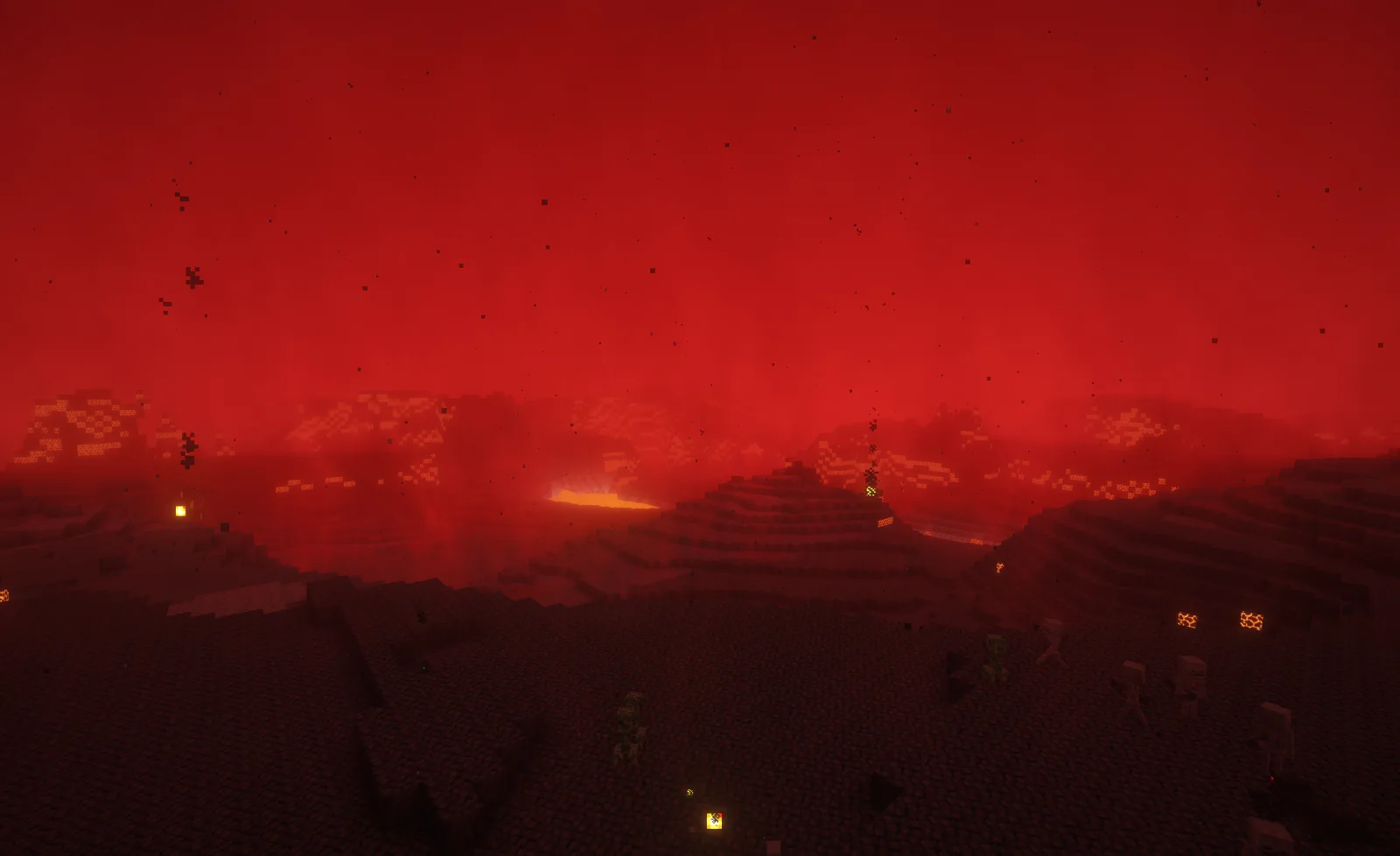
MeltedA molten world with no sky, dark-red fog, drifting ash and embers, and more blazes and magma cubes than the Nether. You catch fire without Fire Resistance. |
DarkA shadow realm where darkness never lifts and endermen roam. Night Vision keeps the dark away. |
|
- Frozen. Endless snow that slows you, and blizzards that freeze anyone caught outside. Leather boots or Frost Walker handle the snow; shelter or a piece of leather armour keeps the cold out.
- Ocean. An endless sea where the pressure slows your mining. Water Breathing stops it; Aqua Affinity and Depth Strider soften it.
- Desert. Vast dunes and badlands under a sun that makes you hungry. Each piece of gold armour helps, and a full set keeps you cool.
- Tropics. A lush tropical paradise, the one world without a hazard.
Gates can also lead to ordinary Overworld- and Nether-style worlds. Visit all eight kinds for the Galaxy Brain advancement.

- Find a gate. Each world has only a couple. Craft a Stargate Eye from an Ender Pearl and a Shulker Shell and throw it like an Eye of Ender, or run
/locate structure #stargate:stargate. - Get an address. Stargate Address Books wait in the loot of ancient cities, desert pyramids, jungle temples and pillager outposts. Some hold the address of the world you are in, to share or to dial home; others lead somewhere new. A route book keeps several addresses, and the page you leave open is the one you dial.
- Dial. Place the book on the gate's control panel. Sounds and particles tell you whether it worked and, if not, why. The first trip to a new world takes a moment while it generates.
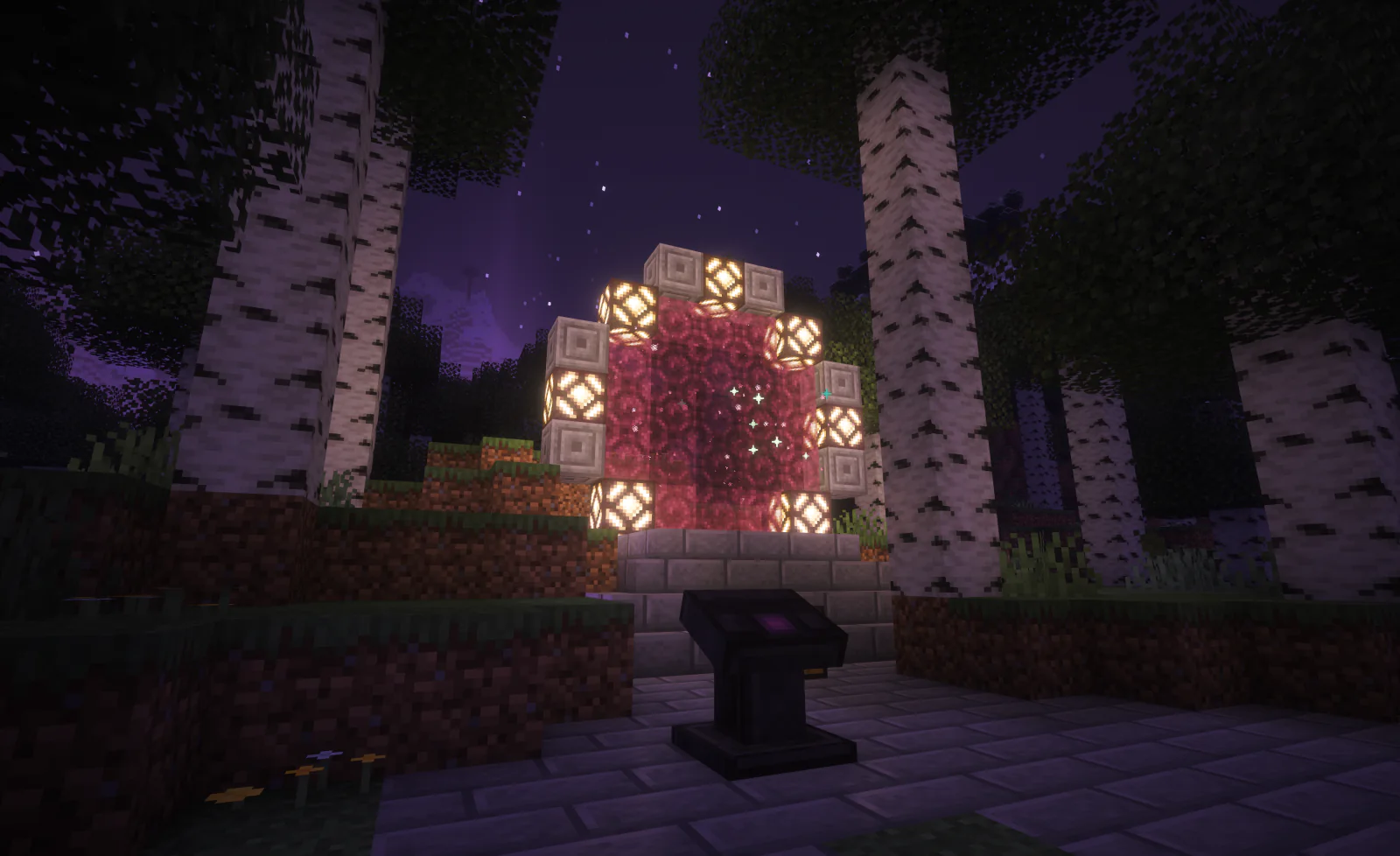
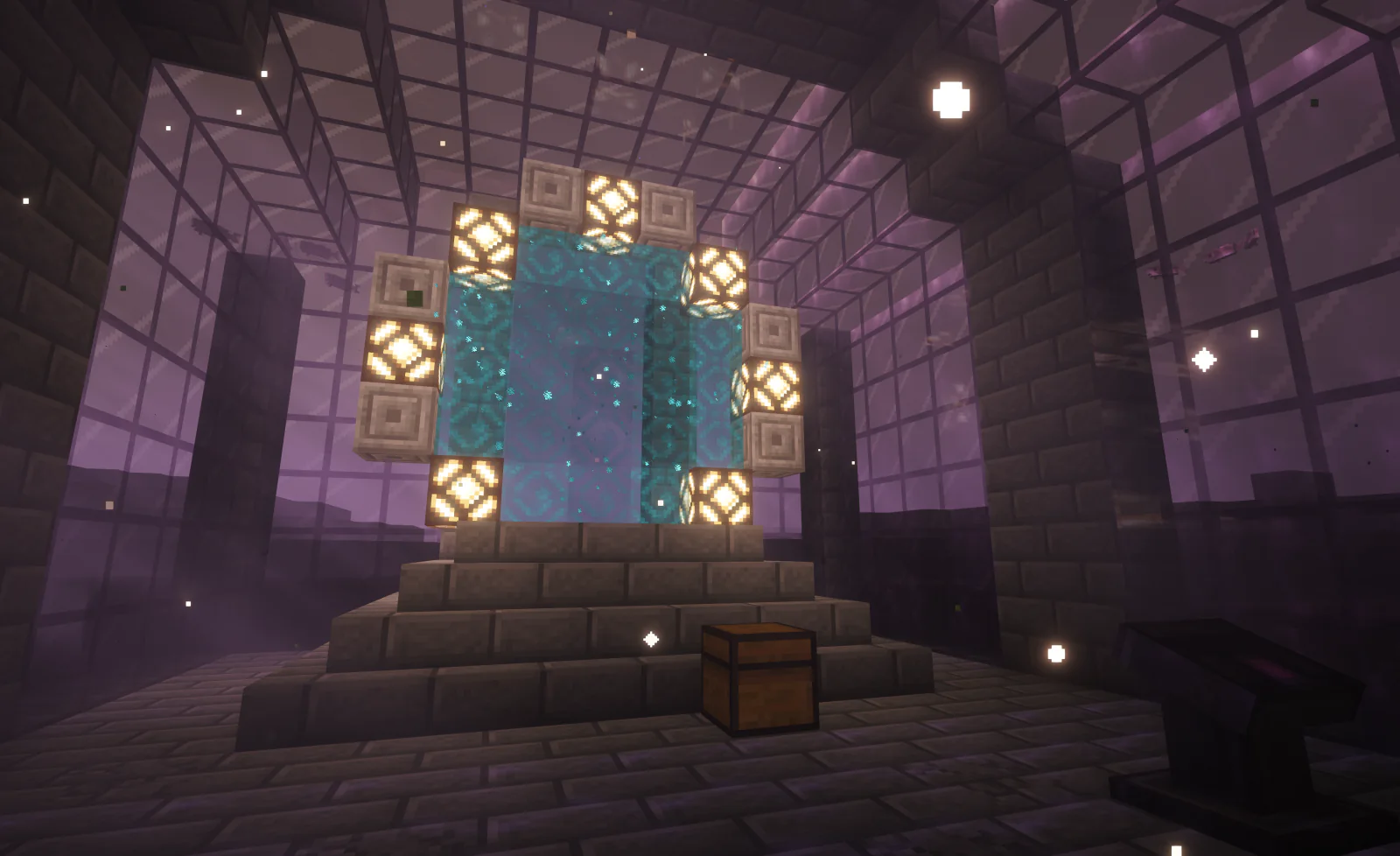
- Step through. Every gate glows in its destination's colour, with particles that hint at what waits on the other side, and the chest beside it is stocked for that world. Eat a Chorus Fruit while looking at an open gate up to 32 blocks away to jump straight through it.

Redstone, maps and compasses
|
|
Game rule and admin commands
/gamerule stargate:stargate-debug-address-generation truemakes panels dial random valid addresses instead of reading books, for testing./stargate debug givebook origin|remote|addresses [count]gives address books, and/stargate debug createworld <name> <kind>creates a gate world of a chosen kind.
Requirements
- Minecraft 26.3; older Minecraft versions are on the Versions tab
- Fabric Loader and Fabric API
- Worlds 1.8.24 or newer
Install Fabric Loader, Fabric API and Worlds, put the Stargate jar in your mods folder, and start the client or server.
Recent updates
- 1.10.1 The sky no longer flickers to the Overworld's time in gate worlds, and dialing works with Worldthreader.
- 1.10.0 Heart trees, Heart Groves, Mossy Guardians and the Golden Skyfall in the Floating Islands, blizzards in the Frozen world, ash and embers in the Melted world.
- 1.9.x Wellspring, the Sift-like world, with ichor that burns in violet flames, plus a new icon and Floating Islands fixes.
The full history is in the changelog.
You can support this project by hosting your server on Pixly Hosting.
Verfügbare Versionen
Stargate: Wellspring, a The Sift Dimension auf dem Server installieren
Server bestellen
Bestelle einen Minecraft Java Server mit mindestens 4 GB RAM (6 GB empfohlen).
fabric Loader setzen
Wähle im Panel unter "Egg" den fabric-Loader und die passende Minecraft-Version (26.3).
Mod installieren
Öffne den Mod-Browser im Dashboard und suche nach "Stargate: Wellspring, a The Sift Dimension". Klicke "Installieren" – fertig! Alternativ: Lade die .jar via SFTP in den /mods Ordner.
Kompatibilität
Mod-Loader
Minecraft-Versionen
26.3, 26.3-rc-3, 26.3-rc-2 (+19 weitere)
Server-seitig
✓ ErforderlichEmpfohlener RAM
6 GB(min. 4 GB)Häufige Fragen
Stargate: Wellspring, a The Sift Dimension Server crasht beim Start – was tun?
Häufigste Ursache: falsche fabric-Version oder zu wenig RAM. Prüfe im Server-Log (latest.log), ob ein "OutOfMemoryError" oder "Mixin"-Fehler auftritt. Bei Mado Hosting: Stelle sicher, dass mindestens 4 GB RAM zugewiesen sind und der Loader zur Mod-Version passt (26.3). Über das Panel kannst du den Loader mit einem Klick wechseln.
Ist Stargate: Wellspring, a The Sift Dimension mit fabric und quilt kompatibel?
Stargate: Wellspring, a The Sift Dimension unterstützt offiziell fabric, quilt für Minecraft 26.3, 26.3-rc-3, 26.3-rc-2. Im Mado Dashboard werden inkompatible Loader-Kombinationen automatisch erkannt.
Server laggt mit Stargate: Wellspring, a The Sift Dimension – wie optimiere ich die Performance?
Empfohlener RAM: 6 GB (+1 GB pro 5 Spieler). Prüfe mit /spark profiler, ob Stargate: Wellspring, a The Sift Dimension den meisten Tick-Time verbraucht. Häufige Fixes: Server-View-Distance auf 8-10 reduzieren, bei Forge "performant" oder "starlight" als Zusatz-Mod installieren. Bei Mado Hosting läuft dein Server auf NVMe-SSDs mit dedizierten CPU-Kernen für minimale Latenz.
Ähnliche Mods




Modded Server mieten
Installiere Stargate: Wellspring, a The Sift Dimension mit nur einem Klick auf deinem Server.