
Musical Instrument Minecraft Interface (MIMI)
Musical Instrument Minecraft Interface - Play music with multiple instruments, multiple players, and MIDI files!
Screenshots
Über diese Mod

Description
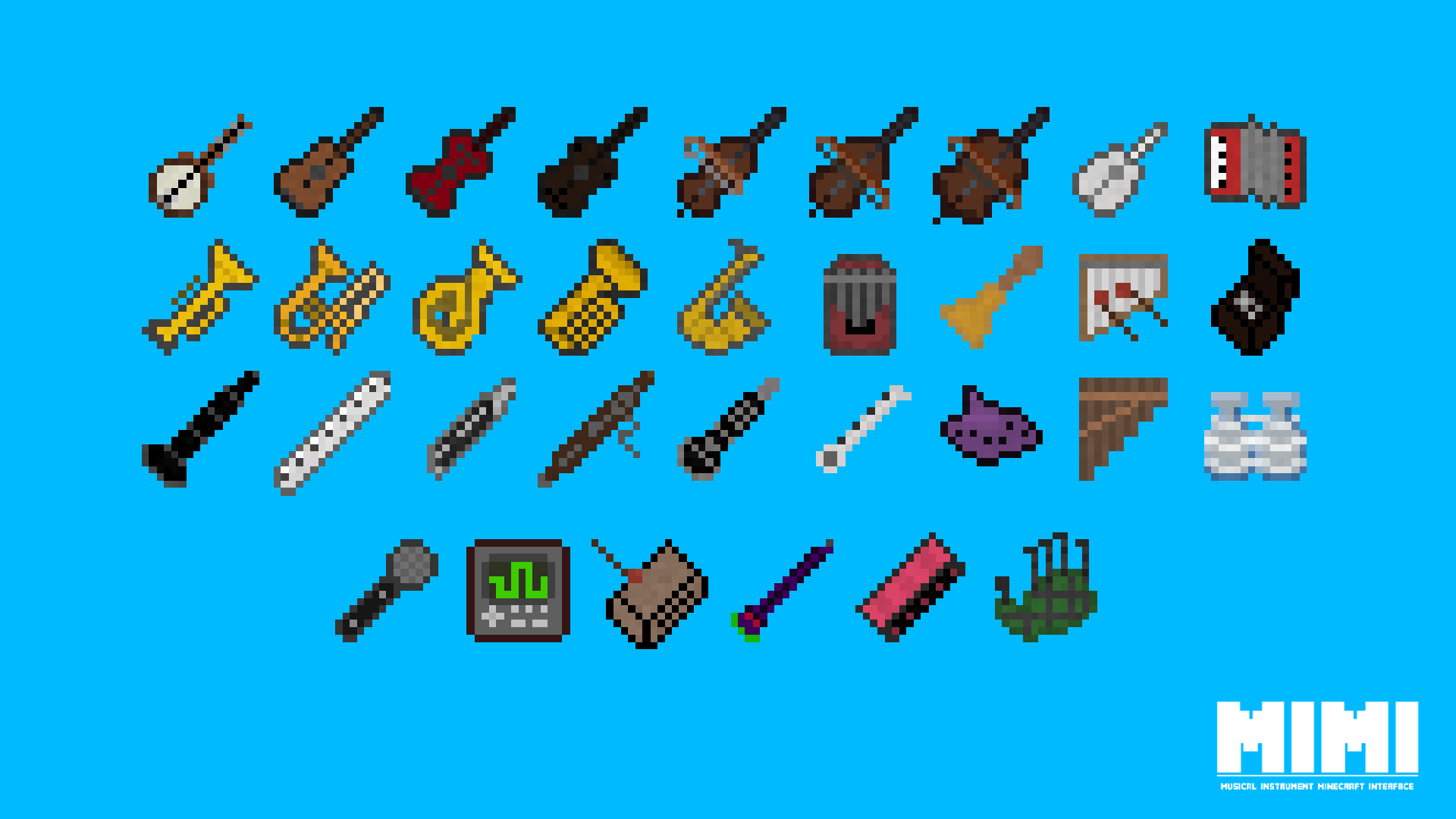
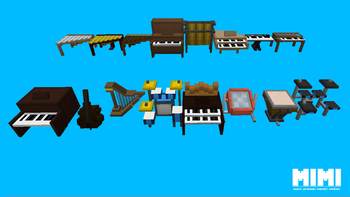
MIMI (Musical Instrument Minecraft Interface) is a mod for Forge and NeoForge that adds dozens of musical instruments to Minecraft and numerous unique ways of interacting with them.
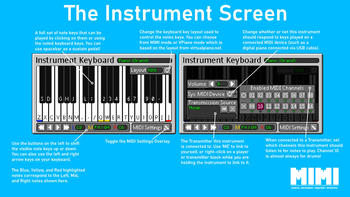
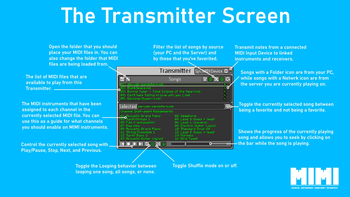
Instruments can be played using the in-game controls, using external MIDI files, or even by attaching an external MIDI Input device such as a digital piano. When being played from a MIDI file, instruments can be assigned to specific MIDI channels (essentially the individual instrument parts of a MIDI file such as the guitar part and drum part) and multiple instruemnts can be linked up to play the same file in-sync which allows you to create brand new remixes of MIDI songs live by changing the instruemnts assigned to each part.
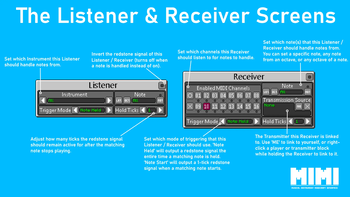
Using the new Listener and Receiver blocks added by MIMI you can convert notes played by instruments and MIDI files into redstone signals which can be used to create musically-synced effects or even used to program complex redstone logic. Server owners can also upload MIDI files to the server which will be available for all players to play themselves or be played by the server itself.
There are many additional smaller features within MIMI and everything is explained in the in-game guidebook (requires the Patchouli mod) and on the mod wiki which you can find here.
Supported Versions
MIMI currently supports the following versions of Minecraft:
Feature & Fixes:- 1.19.2 (Forge)
- 1.20.1 (Forge)
- 1.21.1 (Forge/NeoForge)
- 1.19.4 (Forge)
- 1.20.2 (Forge)
- 1.20.4 (Forge/NeoForge)
- 1.20.6 (Forge/NeoForge)
FAQ
- Will there be a version for Fabric? At this time I am not planning a Fabric version of the mod.
- Can I use this mod in my modpack? Absolutely!
- Where are the official downloads? Official downloads of the mod are only avaiable from GitHub, CurseForge, and Modrinth
- Where can I submit bugs/ideas/questions? Click on the Issues tab above and submit an issue on GitHub!
Verfügbare Versionen
Musical Instrument Minecraft Interface (MIMI) auf dem Server installieren
Server bestellen
Bestelle einen Minecraft Java Server mit mindestens 3 GB RAM (4 GB empfohlen).
forge Loader setzen
Wähle im Panel unter "Egg" den forge-Loader und die passende Minecraft-Version (1.21.1).
Mod installieren
Öffne den Mod-Browser im Dashboard und suche nach "Musical Instrument Minecraft Interface (MIMI)". Klicke "Installieren" – fertig! Alternativ: Lade die .jar via SFTP in den /mods Ordner.
Kompatibilität
Mod-Loader
Minecraft-Versionen
1.21.1, 1.20.6, 1.20.4 (+10 weitere)
Server-seitig
✓ ErforderlichEmpfohlener RAM
4 GB(min. 3 GB)Häufige Fragen
Musical Instrument Minecraft Interface (MIMI) Server crasht beim Start – was tun?
Häufigste Ursache: falsche forge-Version oder zu wenig RAM. Prüfe im Server-Log (latest.log), ob ein "OutOfMemoryError" oder "Mixin"-Fehler auftritt. Bei Mado Hosting: Stelle sicher, dass mindestens 3 GB RAM zugewiesen sind und der Loader zur Mod-Version passt (1.21.1). Über das Panel kannst du den Loader mit einem Klick wechseln.
Ist Musical Instrument Minecraft Interface (MIMI) mit forge und neoforge kompatibel?
Musical Instrument Minecraft Interface (MIMI) unterstützt offiziell forge, neoforge für Minecraft 1.21.1, 1.20.6, 1.20.4. Im Mado Dashboard werden inkompatible Loader-Kombinationen automatisch erkannt.
Server laggt mit Musical Instrument Minecraft Interface (MIMI) – wie optimiere ich die Performance?
Empfohlener RAM: 4 GB (+1 GB pro 8 Spieler). Prüfe mit /spark profiler, ob Musical Instrument Minecraft Interface (MIMI) den meisten Tick-Time verbraucht. Häufige Fixes: Server-View-Distance auf 8-10 reduzieren, bei Forge "performant" oder "starlight" als Zusatz-Mod installieren. Bei Mado Hosting läuft dein Server auf NVMe-SSDs mit dedizierten CPU-Kernen für minimale Latenz.
Ähnliche Mods




Modded Server mieten
Installiere Musical Instrument Minecraft Interface (MIMI) mit nur einem Klick auf deinem Server.