
Minecraft But Jumping Enchants
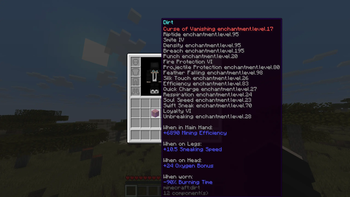
Every jump randomly enchants a random item in your inventory. Survive the chaos and defeat the Ender Dragon. A Bebu datapack for Minecraft 26.1+.
Screenshots
Über diese Mod
Minecraft But Jumping Enchants Items
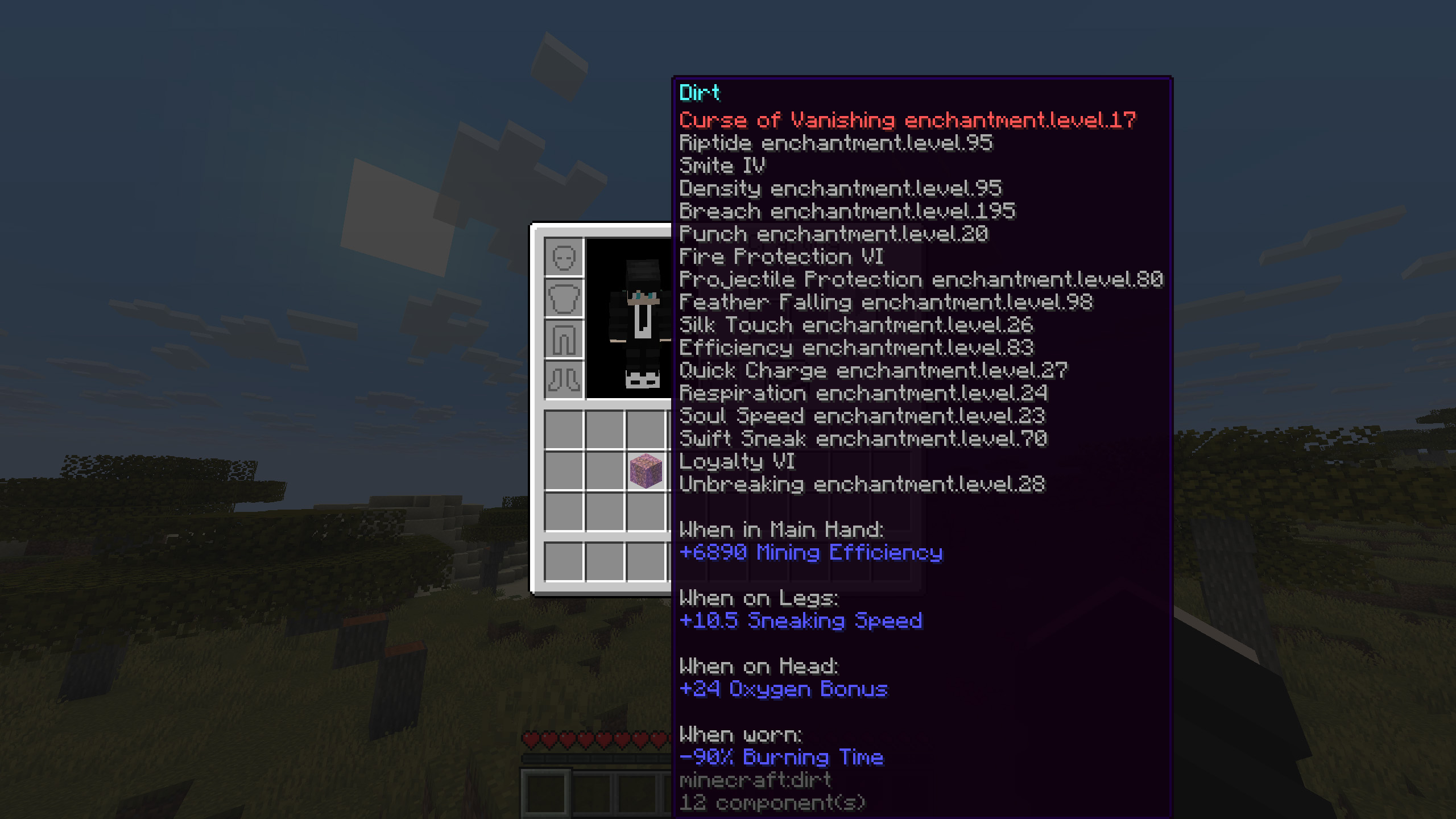
Minecraft But Jumping Enchants Items is a chaotic vanilla datapack where every jump can randomly enchant a random item in your inventory. Start with almost nothing, keep moving, and watch your gear get stronger, weirder, and sometimes completely ridiculous as you play. With 41 enchantments spread across 3 power tiers, the datapack turns a simple survival run into a fast-paced challenge where every jump matters. It also includes multiplayer support and a themed advancement tab to guide your progress from your first wooden pickaxe to the final fight.
Features
- Every jump randomly enchants a random item in your inventory.
- 41 enchantments are available across 3 tiers: Normal, OK, and OP.
- Multiplayer support, with all players affected at the same time.
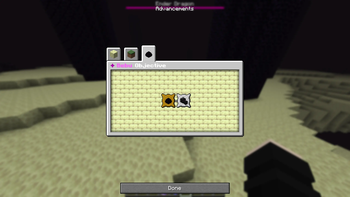
- Custom Objective advancement tab.
📦 Installation
This is a Datapack - no mods required.
- Download the .zip file
- Open Minecraft and navigate to your world's folder
- %appdata%.minecraft\saves<YourWorldName>\ on Windows
- ~/Library/Application Support/minecraft/saves/
/ on macOS
- Drop the .zip directly into the datapacks folder (do not unzip it)
- Launch your world and run /reload if the world is already open
- Watch for the Bebu load message in chat, you're live!
❓ FAQ
Q: Does this work with Fabric or Forge mods?
A: Yes. It's a vanilla datapack and runs alongside any mods without conflict.
Q: Will this enchant items I don't want enchanted?
A: Yes, that's the chaos! Swords, armor, pickaxes, bows, fishing rods, even offhand items are all fair game. Guard your elytra.
Q: Can I use this on a server?
A: Absolutely. It's designed with multiplayer in mind.
Q: Does it work on existing worlds?
A: Yes. Simply add the datapack to an existing world and reload.
Q: Does jumping in creative mode trigger enchantments?
A: Yes, the jump counter tracks all jump types, creative included.
Verfügbare Versionen
Minecraft But Jumping Enchants auf dem Server installieren
Server bestellen
Bestelle einen Minecraft Java Server mit mindestens 3 GB RAM (4 GB empfohlen).
datapack Loader setzen
Wähle im Panel unter "Egg" den datapack-Loader und die passende Minecraft-Version (26.3).
Mod installieren
Öffne den Mod-Browser im Dashboard und suche nach "Minecraft But Jumping Enchants". Klicke "Installieren" – fertig! Alternativ: Lade die .jar via SFTP in den /mods Ordner.
Kompatibilität
Mod-Loader
Minecraft-Versionen
26.3, 26.2, 26.1.2 (+3 weitere)
Server-seitig
✓ ErforderlichEmpfohlener RAM
4 GB(min. 3 GB)Häufige Fragen
Minecraft But Jumping Enchants Server crasht beim Start – was tun?
Häufigste Ursache: falsche datapack-Version oder zu wenig RAM. Prüfe im Server-Log (latest.log), ob ein "OutOfMemoryError" oder "Mixin"-Fehler auftritt. Bei Mado Hosting: Stelle sicher, dass mindestens 3 GB RAM zugewiesen sind und der Loader zur Mod-Version passt (26.3). Über das Panel kannst du den Loader mit einem Klick wechseln.
Ist Minecraft But Jumping Enchants mit datapack und fabric und forge und neoforge kompatibel?
Minecraft But Jumping Enchants unterstützt offiziell datapack, fabric, forge, neoforge für Minecraft 26.3, 26.2, 26.1.2. Achtung: Forge- und Fabric-Mods sind NICHT untereinander kompatibel – wähle einen Loader und bleibe dabei. Im Mado Dashboard werden inkompatible Loader-Kombinationen automatisch erkannt.
Server laggt mit Minecraft But Jumping Enchants – wie optimiere ich die Performance?
Empfohlener RAM: 4 GB (+1 GB pro 8 Spieler). Prüfe mit /spark profiler, ob Minecraft But Jumping Enchants den meisten Tick-Time verbraucht. Häufige Fixes: Server-View-Distance auf 8-10 reduzieren, bei Forge "performant" oder "starlight" als Zusatz-Mod installieren. Bei Mado Hosting läuft dein Server auf NVMe-SSDs mit dedizierten CPU-Kernen für minimale Latenz.
Ähnliche Mods




Modded Server mieten
Installiere Minecraft But Jumping Enchants mit nur einem Klick auf deinem Server.