
Mino++ (Unofficial 1.21.11 Port)
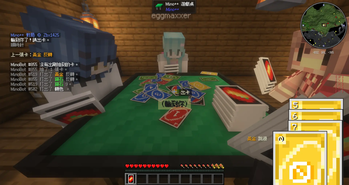
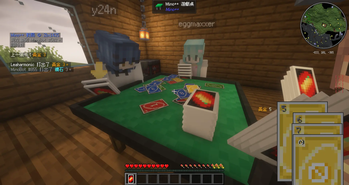
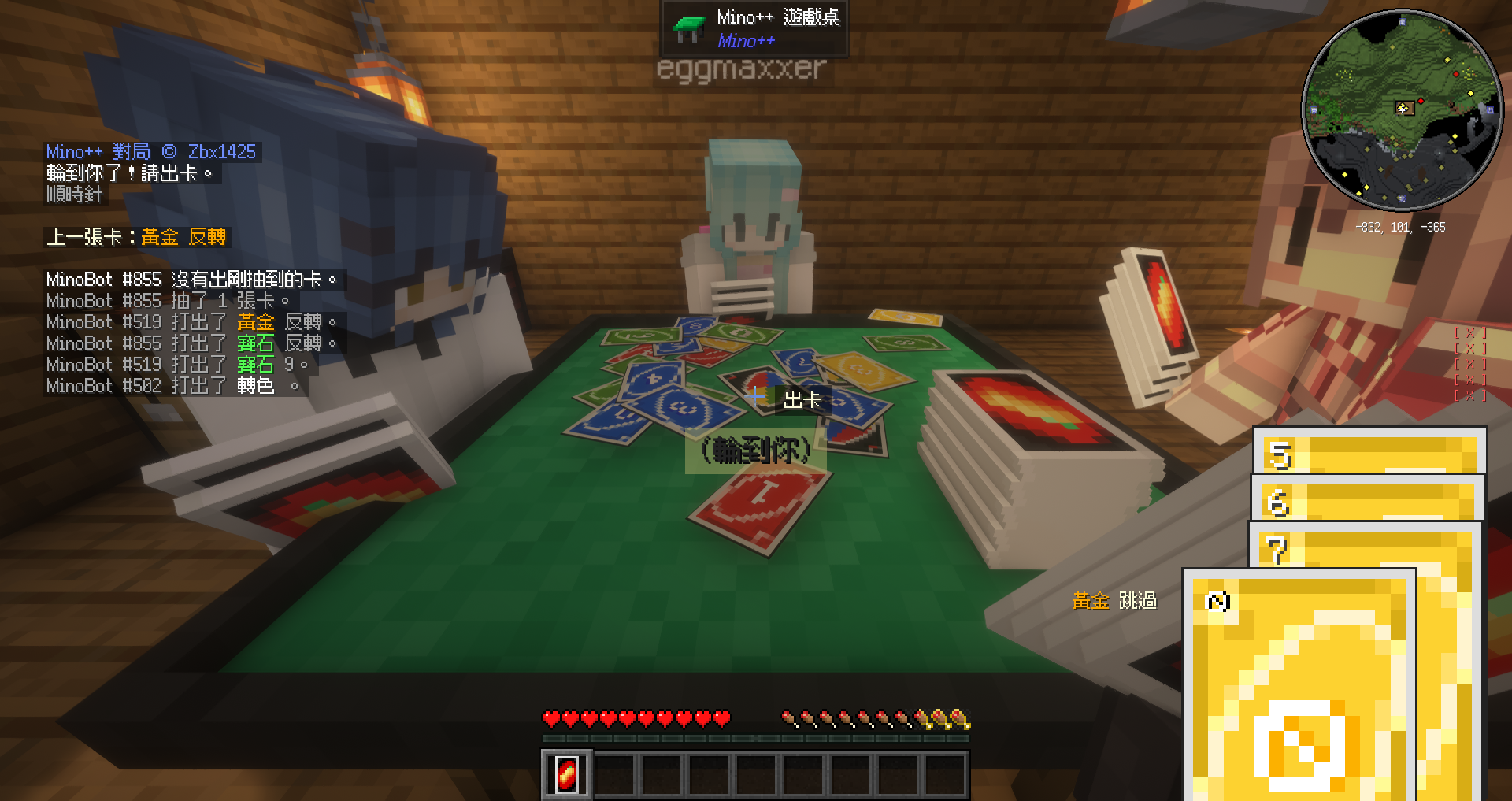
Play UNO in Minecraft. Sit down at an in-world table and play with friends or bot players.
Screenshots
Über diese Mod
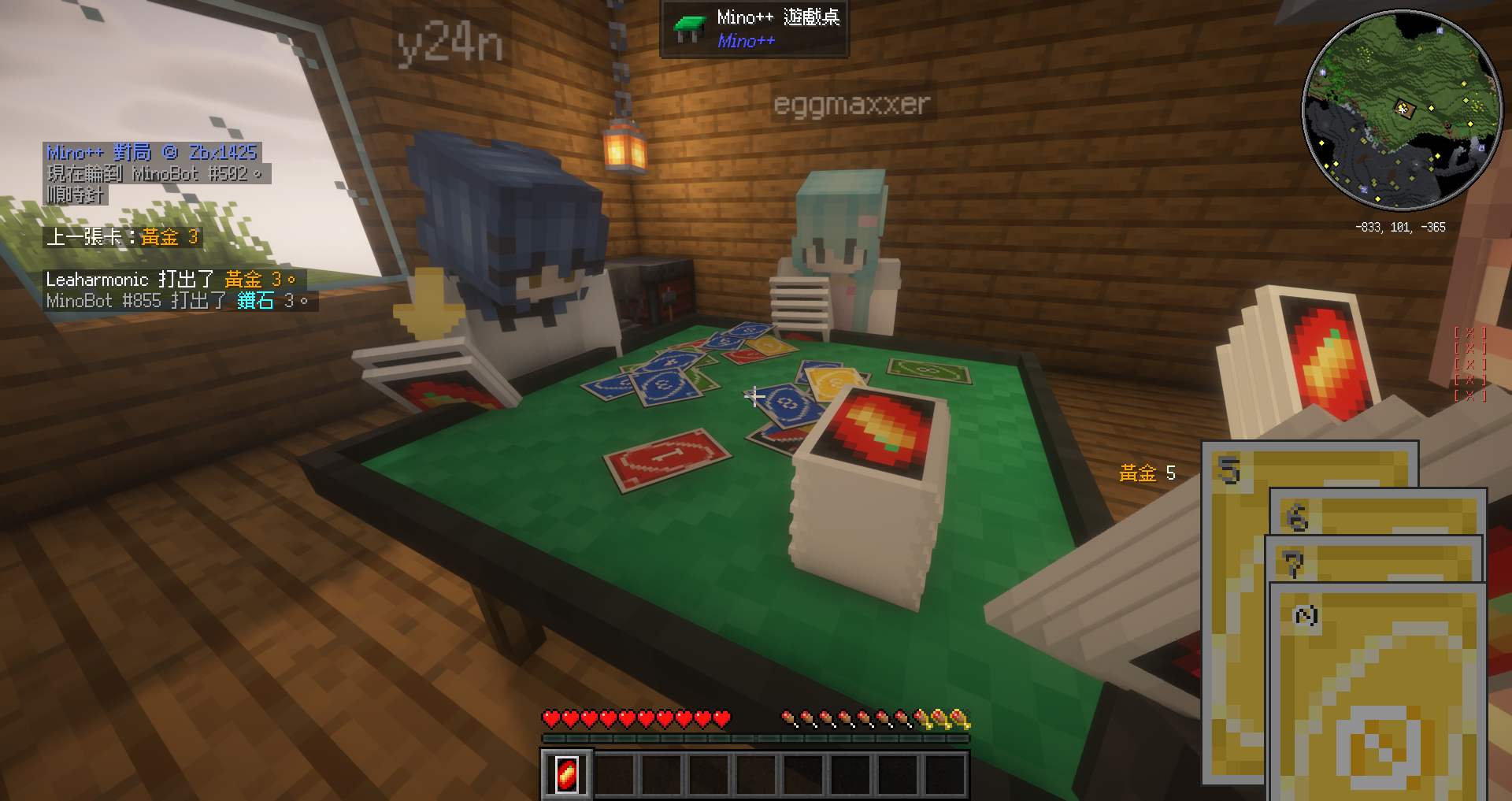
Play UNO in Minecraft. Sit down at an in-world table and play with friends or bot players.
A single-version Fabric 1.21.11 port of Mino++ by zbx1425, distributed under the original MIT license. A faithful, cleaned-up single-version fork — not a behavioral rewrite. See the source & porting notes.
Features
- Play UNO at an in-world table block — with other players or automated (bot) players
- A config screen for the bot players (powered by YACL)
- In-game hand HUD and card interactions
How to play
Controls
- Right-click a draw pile to draw a card or to pass; right-click elsewhere to play a card
- Hold
Ctrlwhile playing a card to call Mino — do it while you still have two cards in hand - Forgot to call Mino while playing? Type
Minoin chat to make up for it - To challenge someone for not calling Mino, just hit them
- If the table is destroyed while you still hold cards bound to it, right-click the sky to unbind them
Rules
- Starting hand: 7 cards; the game opens with a non-action card
- You may steal a turn by playing a card identical to the previous one, and may stack +2 and +4
- You may not play a wild +4 while you still have another playable card (it's an illegal play, so there's no challenge rule)
- You may play an action card as your final card
- Calling Mino while you have more than 1 card in hand incurs a 2-card penalty draw
- After drawing, you may still play another card from your hand
Requirements
Requires Fabric API and YACL (Yet Another Config Lib) — both are listed under Dependencies.
Runs on both client and server; for multiplayer, install it (and its dependencies) on the server as well as every client.
Credits & License
- Original mod: Mino++ by zbx1425 — MIT
- This fork: Fabric 1.21.11 port — MIT
- Source & porting notes on GitHub
Verfügbare Versionen
Mino++ (Unofficial 1.21.11 Port) auf dem Server installieren
Server bestellen
Bestelle einen Minecraft Java Server mit mindestens 3 GB RAM (4 GB empfohlen).
fabric Loader setzen
Wähle im Panel unter "Egg" den fabric-Loader und die passende Minecraft-Version (1.21.11).
Mod installieren
Öffne den Mod-Browser im Dashboard und suche nach "Mino++ (Unofficial 1.21.11 Port)". Klicke "Installieren" – fertig! Alternativ: Lade die .jar via SFTP in den /mods Ordner.
Kompatibilität
Mod-Loader
Minecraft-Versionen
1.21.11
Server-seitig
✓ ErforderlichEmpfohlener RAM
4 GB(min. 3 GB)Häufige Fragen
Mino++ (Unofficial 1.21.11 Port) Server crasht beim Start – was tun?
Häufigste Ursache: falsche fabric-Version oder zu wenig RAM. Prüfe im Server-Log (latest.log), ob ein "OutOfMemoryError" oder "Mixin"-Fehler auftritt. Bei Mado Hosting: Stelle sicher, dass mindestens 3 GB RAM zugewiesen sind und der Loader zur Mod-Version passt (1.21.11). Über das Panel kannst du den Loader mit einem Klick wechseln.
Ist Mino++ (Unofficial 1.21.11 Port) mit fabric kompatibel?
Mino++ (Unofficial 1.21.11 Port) unterstützt offiziell fabric für Minecraft 1.21.11. Im Mado Dashboard werden inkompatible Loader-Kombinationen automatisch erkannt.
Server laggt mit Mino++ (Unofficial 1.21.11 Port) – wie optimiere ich die Performance?
Empfohlener RAM: 4 GB (+1 GB pro 8 Spieler). Prüfe mit /spark profiler, ob Mino++ (Unofficial 1.21.11 Port) den meisten Tick-Time verbraucht. Häufige Fixes: Server-View-Distance auf 8-10 reduzieren, bei Forge "performant" oder "starlight" als Zusatz-Mod installieren. Bei Mado Hosting läuft dein Server auf NVMe-SSDs mit dedizierten CPU-Kernen für minimale Latenz.
Ähnliche Mods



Modded Server mieten
Installiere Mino++ (Unofficial 1.21.11 Port) mit nur einem Klick auf deinem Server.