Nature's Aura
Collecting, using and replenishing the Aura naturally present in the world to create useful devices and unique mechanics
Über diese Mod

Nature's Aura is a mod about collecting, using and replenishing the Aura naturally present in the world to create useful devices and unique mechanics.
This mod requires Patchouli.
Below are a couple of pictures and animations showing some of the features that Nature's Aura has to offer. Of course, there is a lot more to discover than what is shown here!
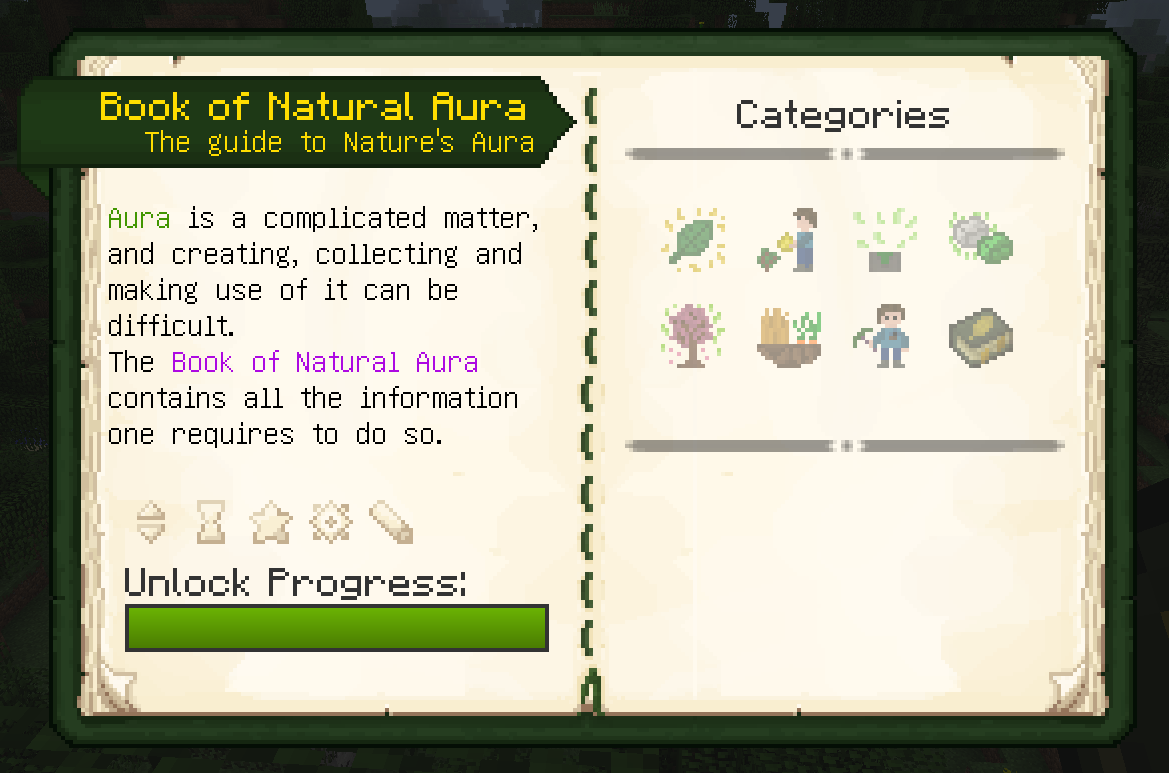
The Book of Natural Aura guides players through the mod and its mechanics, slowly revealing more information about the mod by unlocking Advancements.
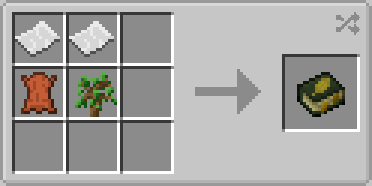
To create this book, simply combine the following items in any shape. All other recipes required in the mod will then be visible within it.
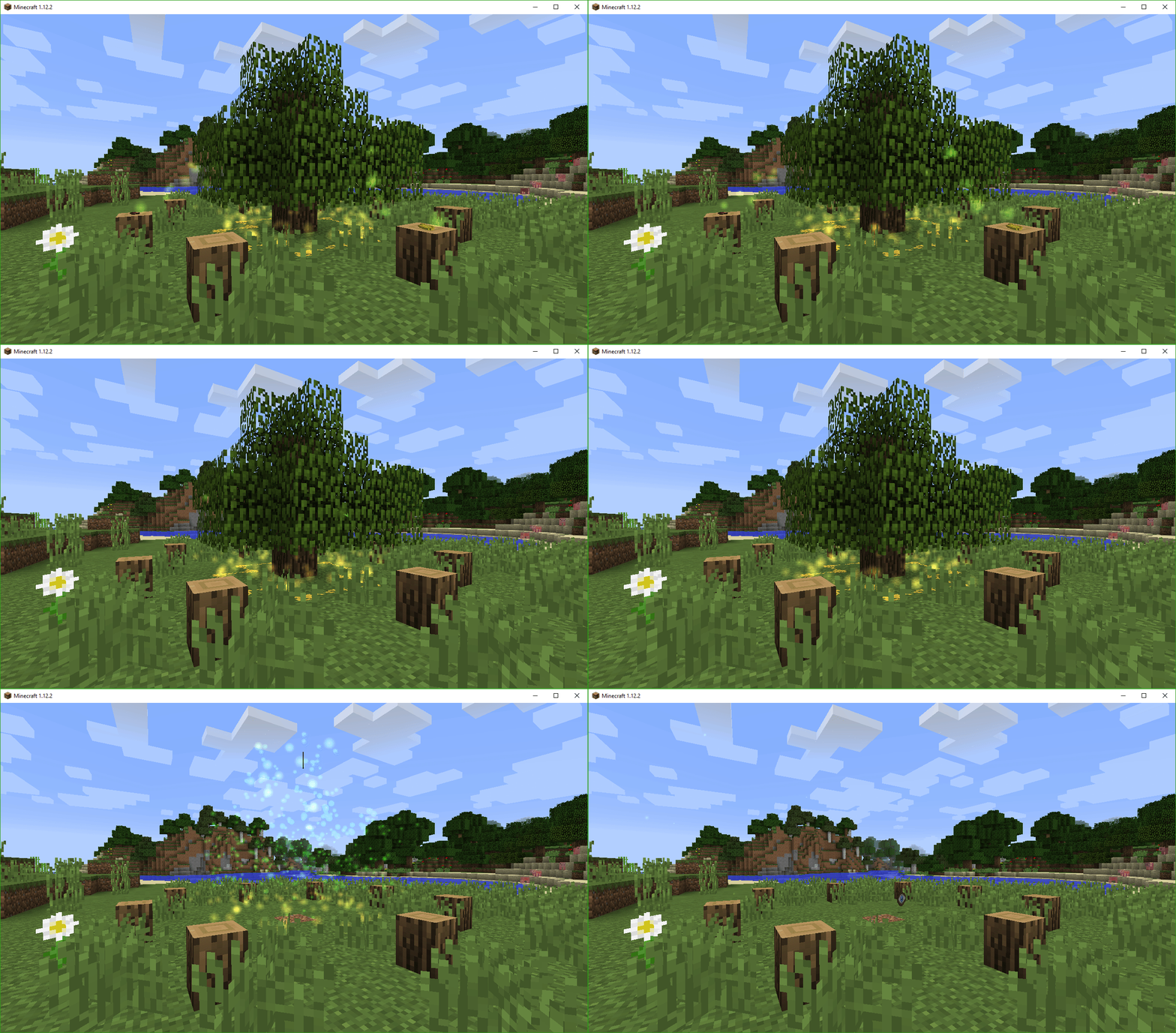
The Ritual of the Forest is a way of creating magical items using the power of nature.
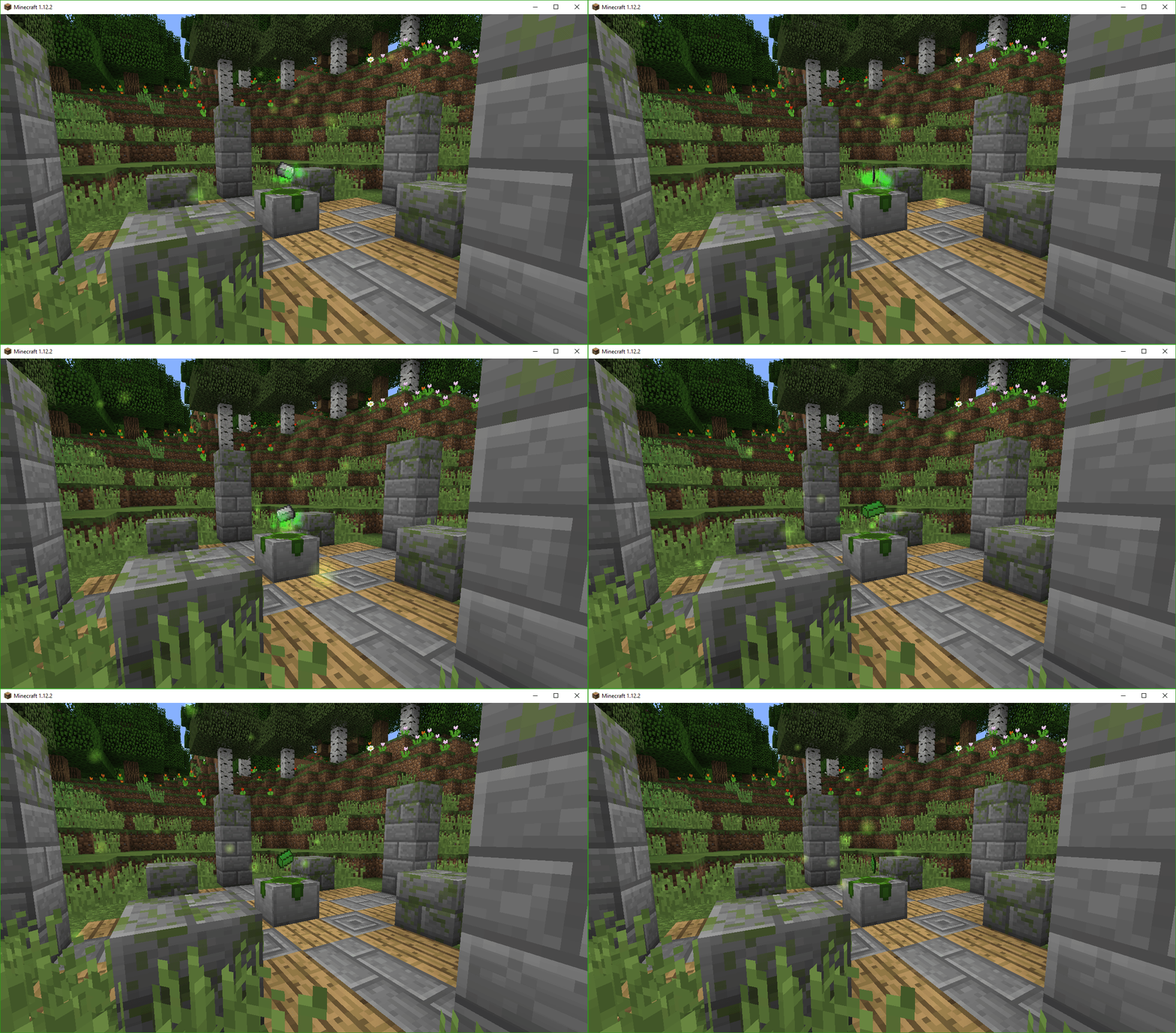
The Natural Altar collects Aura from the environment to use for the creation of new materials like Infused Iron.
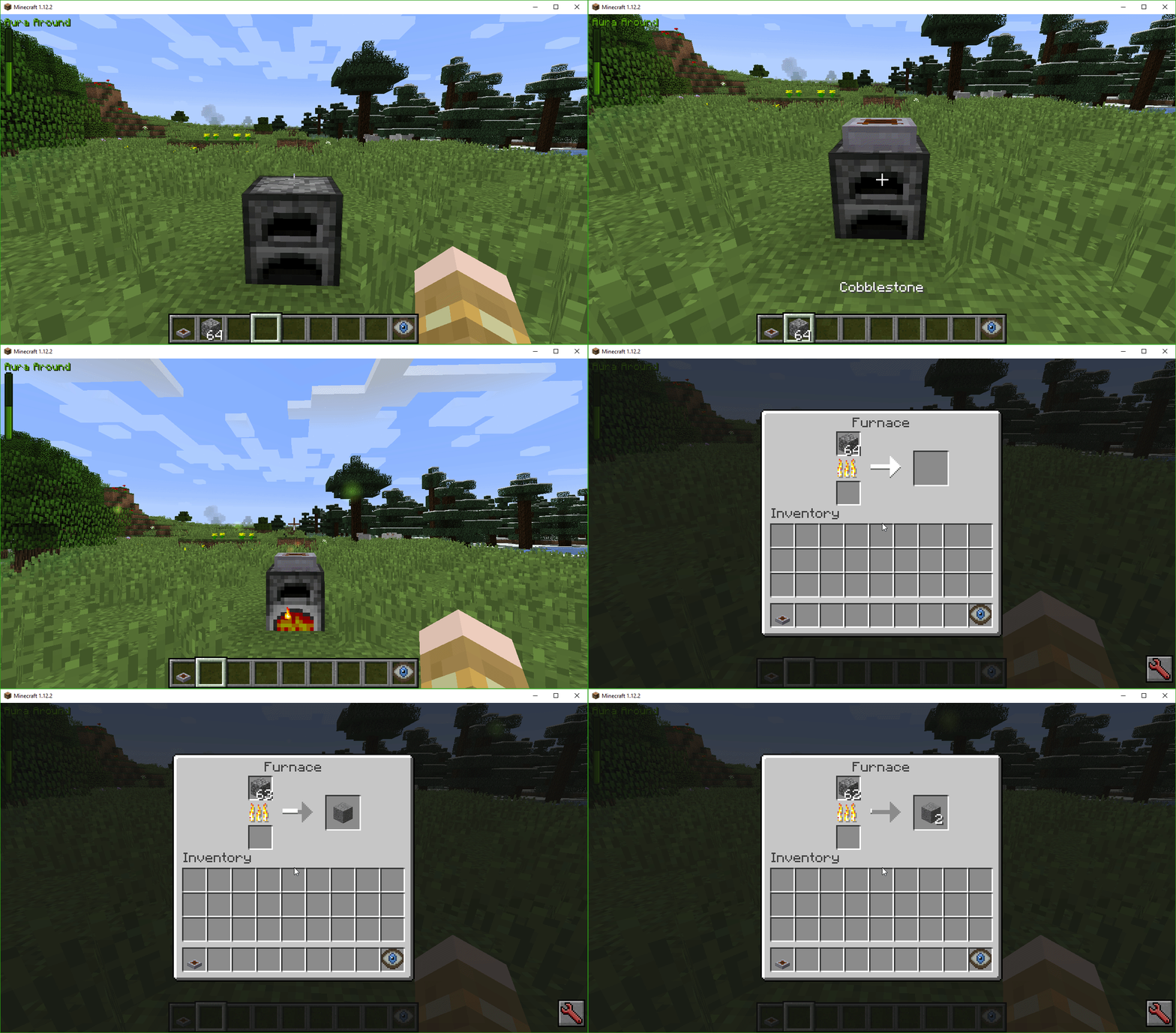
The Extraneous Firestarter is a way of using Aura to your benefit: It collects it from the world and powers a furnace without needing any fuel.
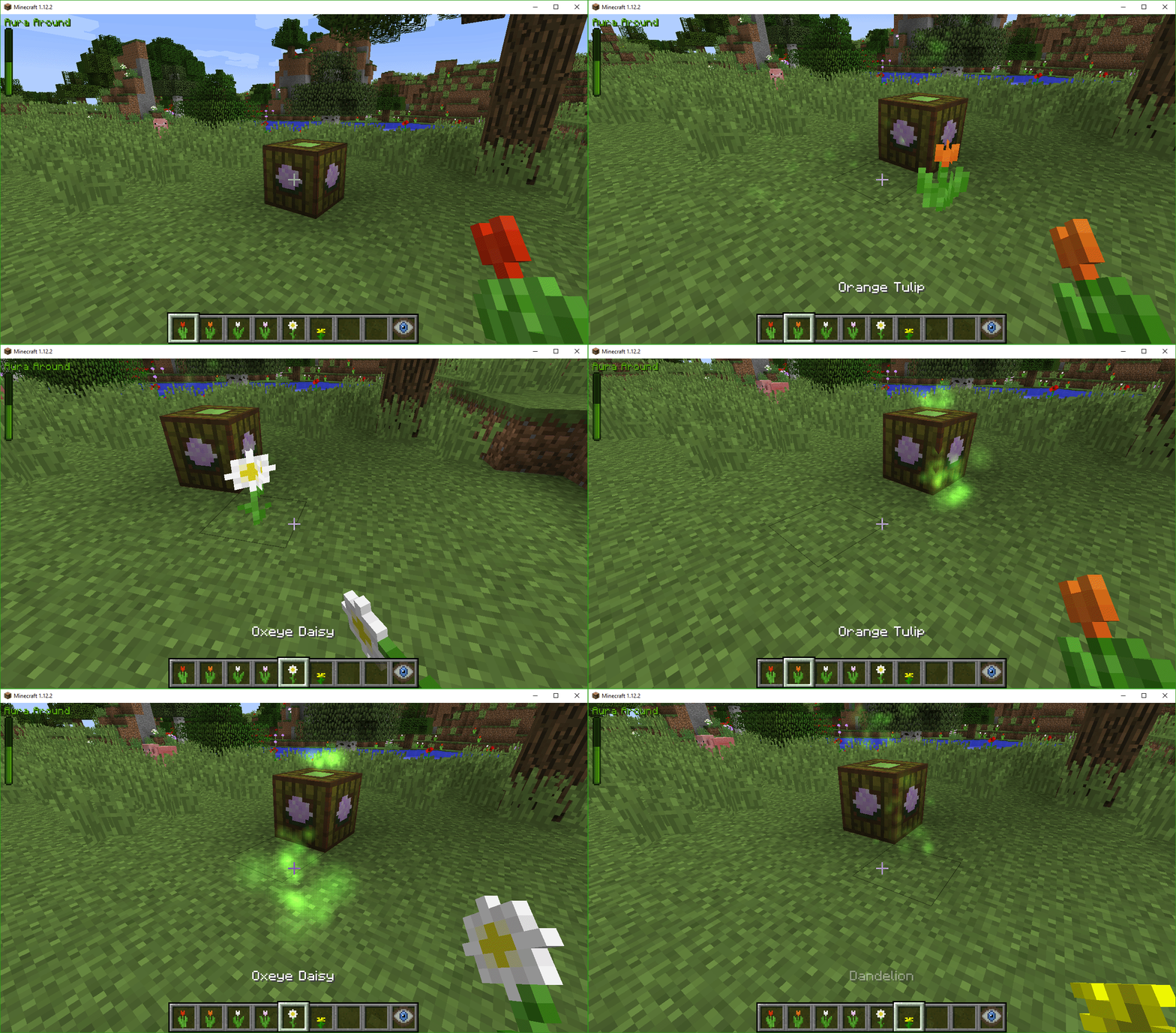
There are a lot of ways of creating Aura and feeding it back into the environment. Here, the Herbivorous Absorber is shown. Of course, Nature's Aura also adds means to automate procedures like this.
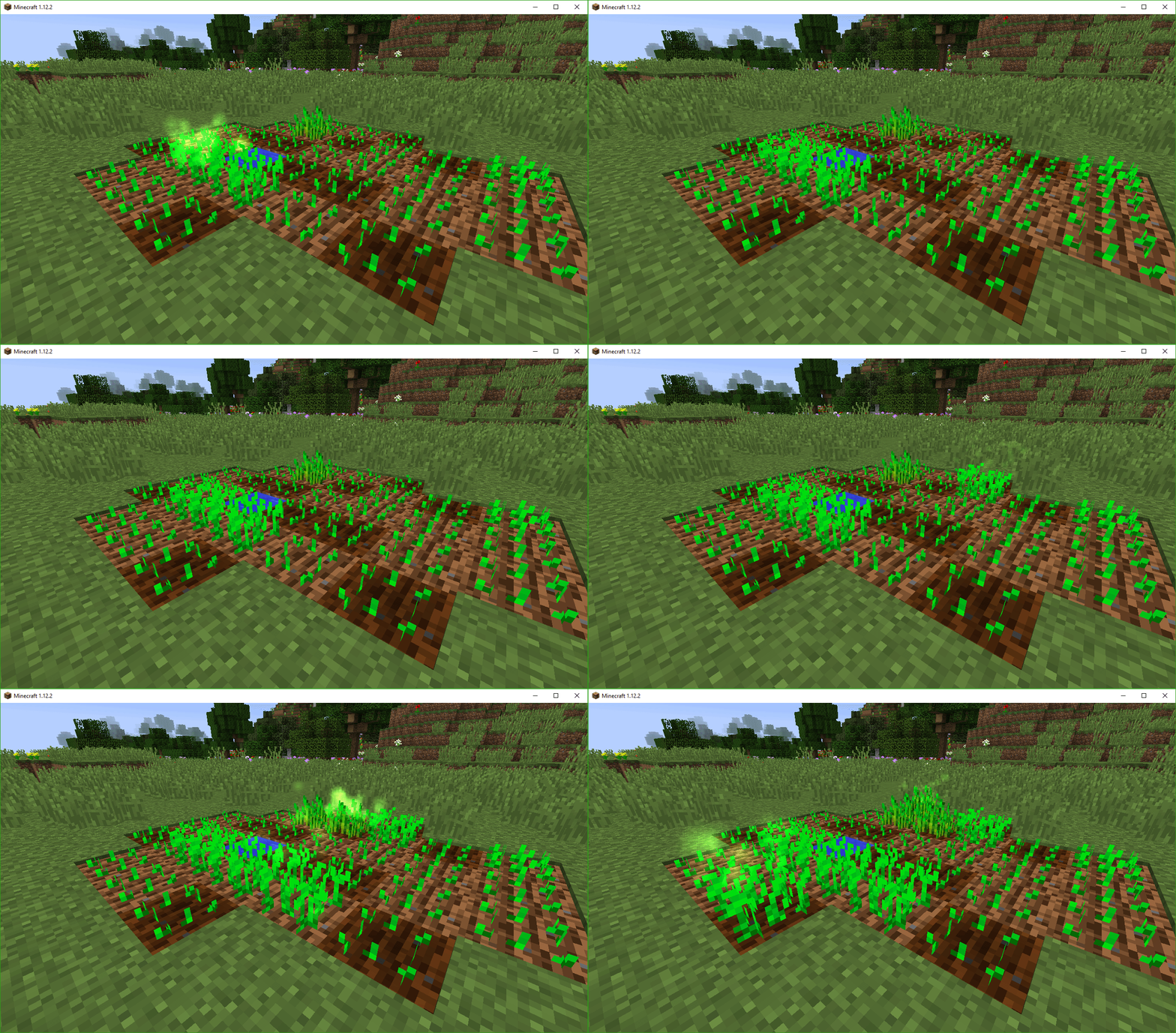
Creating an excess amount of Aura in the environment can cause positive environmental effects to occur, like this Vegetational Increase.
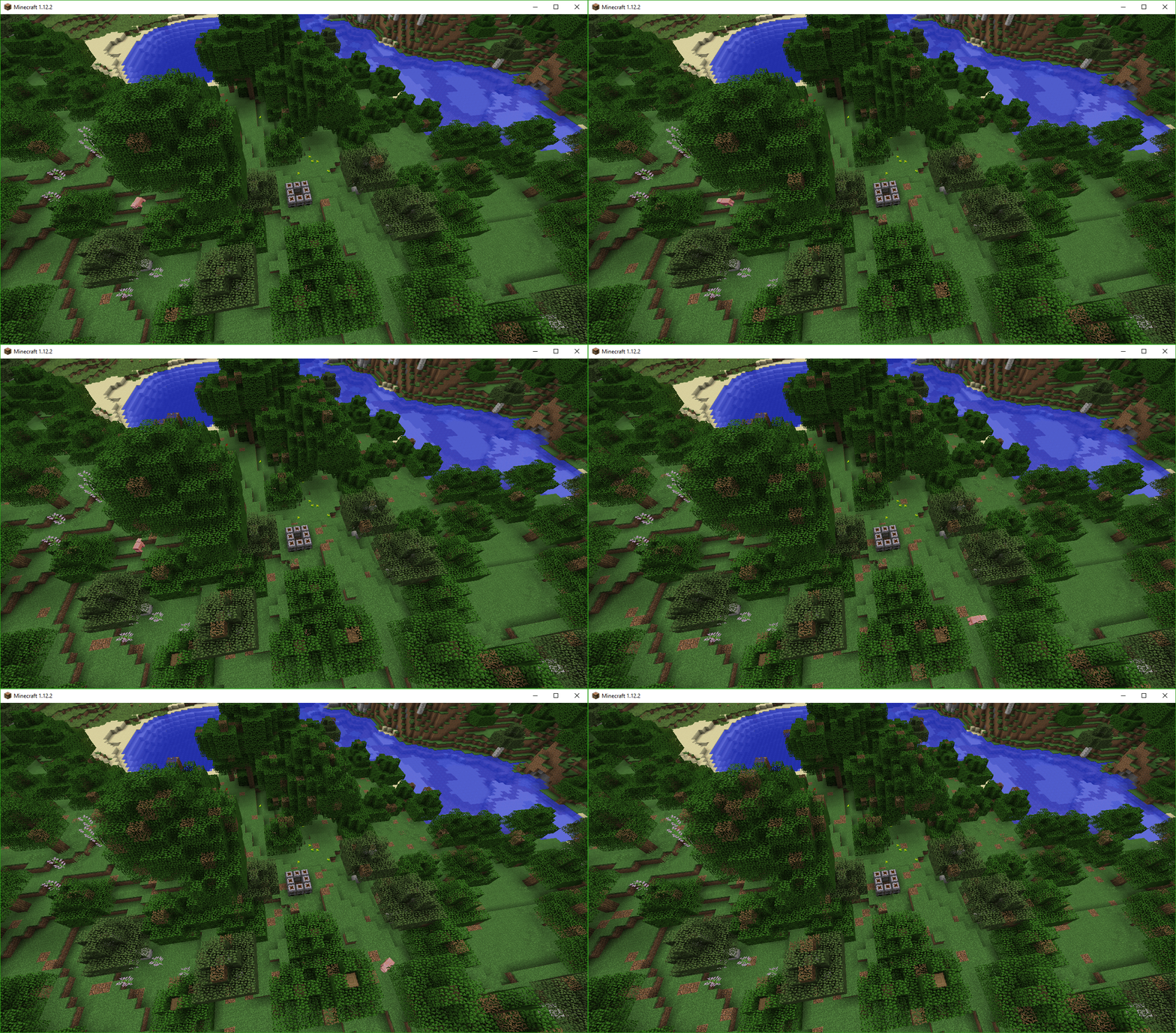
Of course, having too little Aura in an area has negative effects on the environment. Here, Natural Decay is occuring.
For an even better overview, you should check out Mischief of Mice's video series on the mod:
https://www.youtube.com/watch?v=APE0UWPGBDM
Feel free to report any issues and suggestions on the issue tracker.

Verfügbare Versionen
Nature's Aura auf dem Server installieren
Server bestellen
Bestelle einen Minecraft Java Server mit mindestens 3 GB RAM (4 GB empfohlen).
forge Loader setzen
Wähle im Panel unter "Egg" den forge-Loader und die passende Minecraft-Version (1.21.1).
Mod installieren
Öffne den Mod-Browser im Dashboard und suche nach "Nature's Aura". Klicke "Installieren" – fertig! Alternativ: Lade die .jar via SFTP in den /mods Ordner.
Kompatibilität
Mod-Loader
Minecraft-Versionen
1.21.1, 1.20.4, 1.20.1 (+5 weitere)
Server-seitig
✓ ErforderlichEmpfohlener RAM
4 GB(min. 3 GB)Häufige Fragen
Nature's Aura Server crasht beim Start – was tun?
Häufigste Ursache: falsche forge-Version oder zu wenig RAM. Prüfe im Server-Log (latest.log), ob ein "OutOfMemoryError" oder "Mixin"-Fehler auftritt. Bei Mado Hosting: Stelle sicher, dass mindestens 3 GB RAM zugewiesen sind und der Loader zur Mod-Version passt (1.21.1). Über das Panel kannst du den Loader mit einem Klick wechseln.
Ist Nature's Aura mit forge und neoforge kompatibel?
Nature's Aura unterstützt offiziell forge, neoforge für Minecraft 1.21.1, 1.20.4, 1.20.1. Im Mado Dashboard werden inkompatible Loader-Kombinationen automatisch erkannt.
Server laggt mit Nature's Aura – wie optimiere ich die Performance?
Empfohlener RAM: 4 GB (+1 GB pro 8 Spieler). Prüfe mit /spark profiler, ob Nature's Aura den meisten Tick-Time verbraucht. Häufige Fixes: Server-View-Distance auf 8-10 reduzieren, bei Forge "performant" oder "starlight" als Zusatz-Mod installieren. Bei Mado Hosting läuft dein Server auf NVMe-SSDs mit dedizierten CPU-Kernen für minimale Latenz.
Ähnliche Mods





Modded Server mieten
Installiere Nature's Aura mit nur einem Klick auf deinem Server.