Netherite Extras
A vanilla-friendly mod that adds more uses for Netherite, including Nuggets, Wolf Armor, Horse Armor, Apples and a multi-use Totem.
Screenshots
Über diese Mod
Netherite Extras
A mod that adds more uses for Netherite while trying to stay balanced.
Most of the additions are quite powerful, but also very expensive. This makes them ideal for the Late Game.




Features
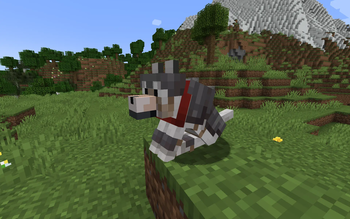
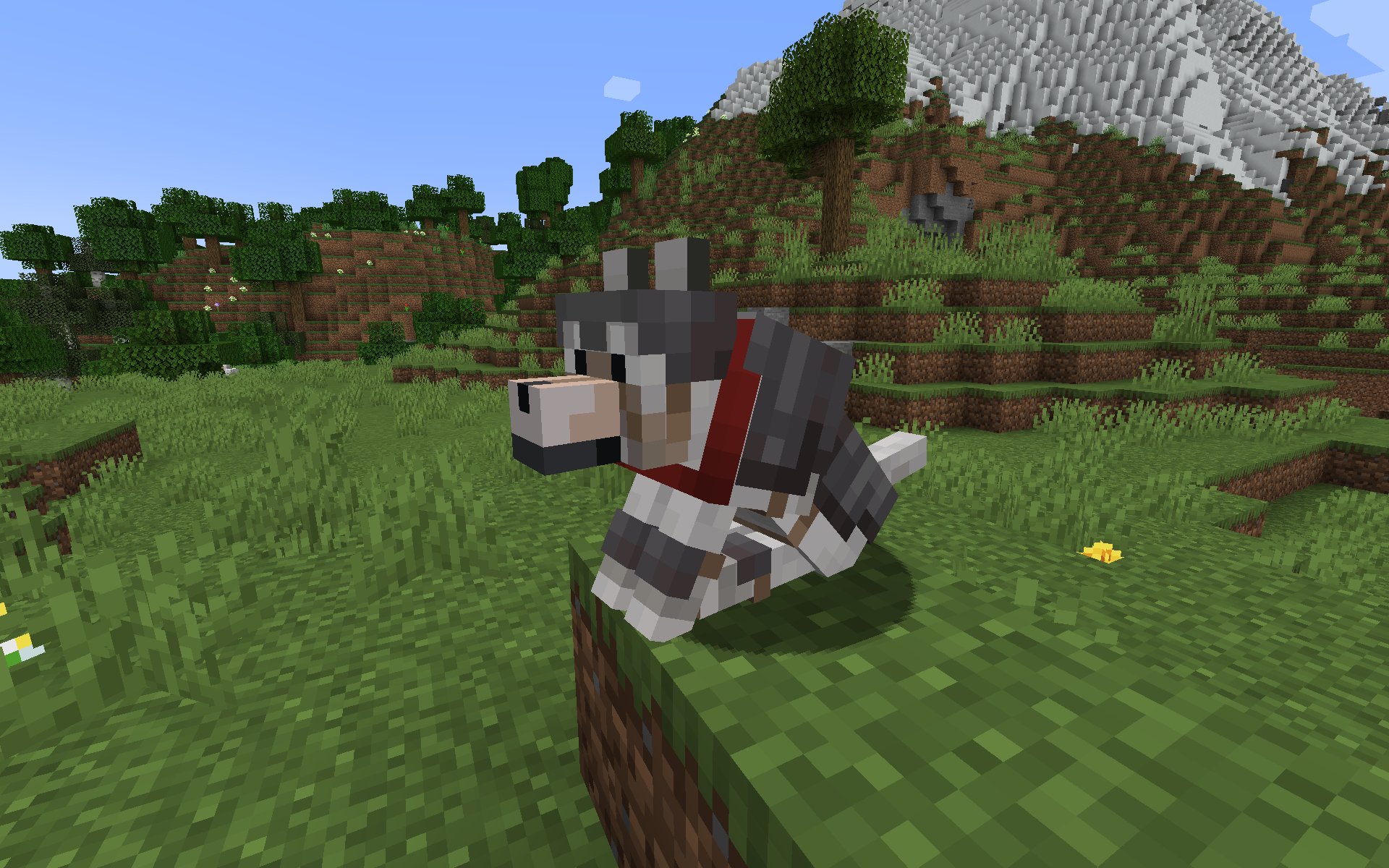
Netherite Wolf Armor
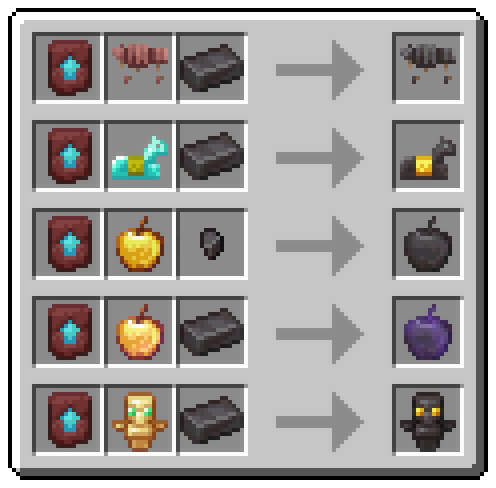
- Upgrade Wolf Armor to Netherite in the Smithing Table
- Protects wolf completely, like normal Wolf Armor
- Double durability of normal Wolf Armor
- Can be repaired with Netherite Nuggets (each restores 1/4 durability)
- Item is fireproof
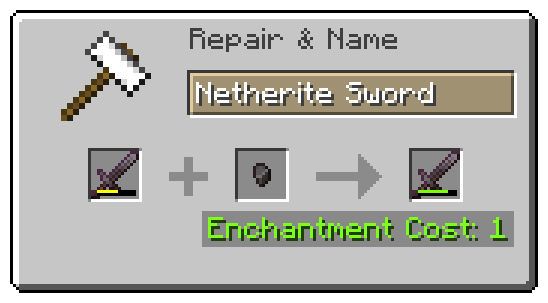
Netherite Nuggets
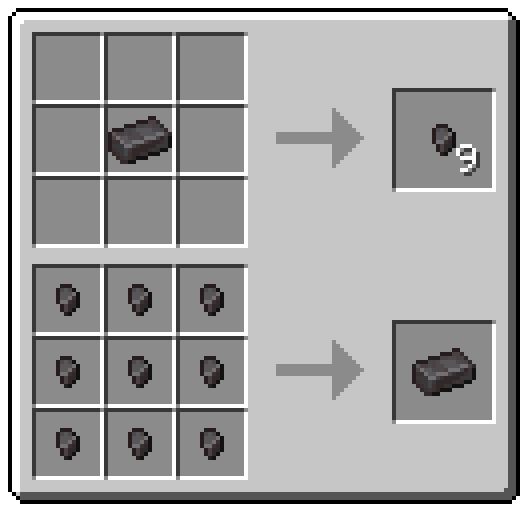
- Craft a Netherite Ingot into nine Nuggets
- Use them to repair Netherite Tools
- Use them as currency on multiplayer
- Piglin Brutes have a 50% chance of dropping a Netherite Nugget on death
- Drop chance is configurable with ModMenu or in config file
- Item is fireproof
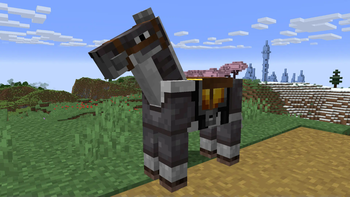
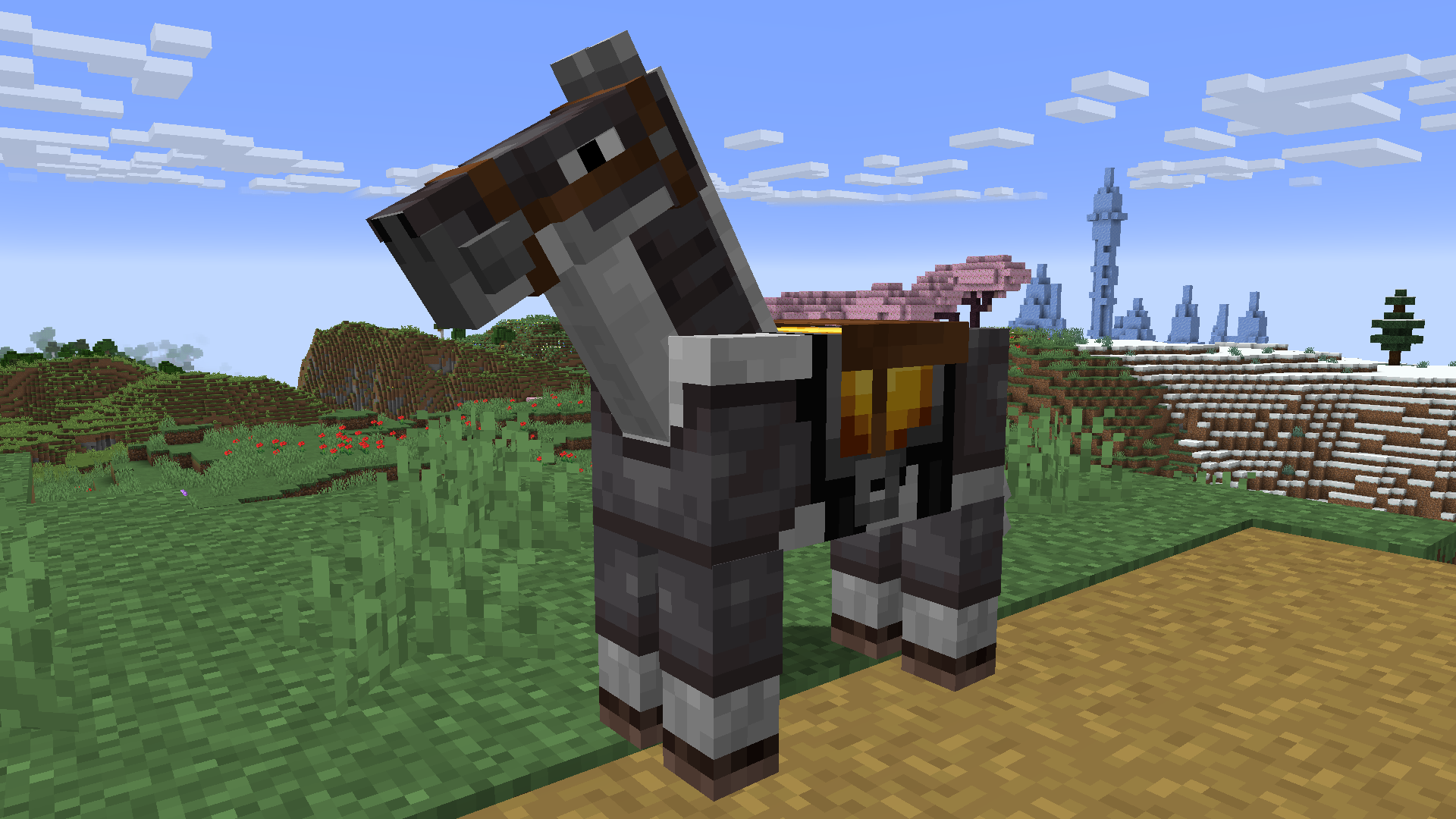
Netherite Horse Armor
- Upgrade Diamond Horse Armor to Netherite in the Smithing Table
- More protection from all damage sources, especially lava damage
- Item is fireproof
Totem of Neverdying
- Upgrade a Totem of Undying with Netherite to turn it into a Totem of Neverdying
- Can be used four times instead of just once
- Behaves like a regular Totem of Undying otherwise
- Item is fireproof
Netherite Apple
- Upgrade Golden Apples to Netherite in the Smithing Table
- Higher effect levels
- Increased effect duration
- Additional effect: Fire Resistance
- Item is fireproof
Enchanted Netherite Apple
- Upgrade Enchanted Golden Apples to Netherite in the Smithing Table
- Higher effect levels
- Increased effect duration
- Additional effects for a short amount of time
- Item is fireproof
Recipes
Contact Me
Do you have a suggestion or an idea? Did you find a bug?
Open an issue on GitHub and let me know!
Verfügbare Versionen
Netherite Extras auf dem Server installieren
Server bestellen
Bestelle einen Minecraft Java Server mit mindestens 3 GB RAM (4 GB empfohlen).
fabric Loader setzen
Wähle im Panel unter "Egg" den fabric-Loader und die passende Minecraft-Version (1.21.1).
Mod installieren
Öffne den Mod-Browser im Dashboard und suche nach "Netherite Extras". Klicke "Installieren" – fertig! Alternativ: Lade die .jar via SFTP in den /mods Ordner.
Kompatibilität
Mod-Loader
Minecraft-Versionen
1.21.1, 1.21, 1.20.6 (+7 weitere)
Server-seitig
✓ ErforderlichEmpfohlener RAM
4 GB(min. 3 GB)Häufige Fragen
Netherite Extras Server crasht beim Start – was tun?
Häufigste Ursache: falsche fabric-Version oder zu wenig RAM. Prüfe im Server-Log (latest.log), ob ein "OutOfMemoryError" oder "Mixin"-Fehler auftritt. Bei Mado Hosting: Stelle sicher, dass mindestens 3 GB RAM zugewiesen sind und der Loader zur Mod-Version passt (1.21.1). Über das Panel kannst du den Loader mit einem Klick wechseln.
Ist Netherite Extras mit fabric und quilt kompatibel?
Netherite Extras unterstützt offiziell fabric, quilt für Minecraft 1.21.1, 1.21, 1.20.6. Im Mado Dashboard werden inkompatible Loader-Kombinationen automatisch erkannt.
Server laggt mit Netherite Extras – wie optimiere ich die Performance?
Empfohlener RAM: 4 GB (+1 GB pro 8 Spieler). Prüfe mit /spark profiler, ob Netherite Extras den meisten Tick-Time verbraucht. Häufige Fixes: Server-View-Distance auf 8-10 reduzieren, bei Forge "performant" oder "starlight" als Zusatz-Mod installieren. Bei Mado Hosting läuft dein Server auf NVMe-SSDs mit dedizierten CPU-Kernen für minimale Latenz.
Ähnliche Mods




Modded Server mieten
Installiere Netherite Extras mit nur einem Klick auf deinem Server.