
Oracle Index
A minecraft fabric / neoforge client-side documentation viewer mod, intended to be used with wikis alongside moddedmc.wiki
Screenshots
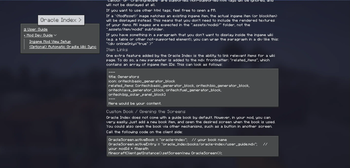
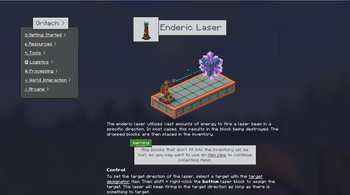
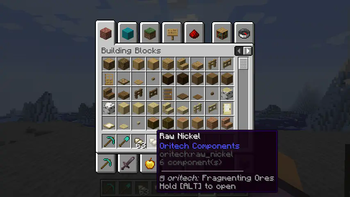
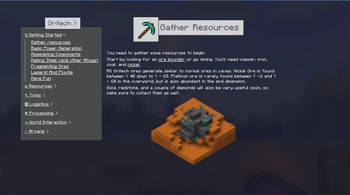
Über diese Mod
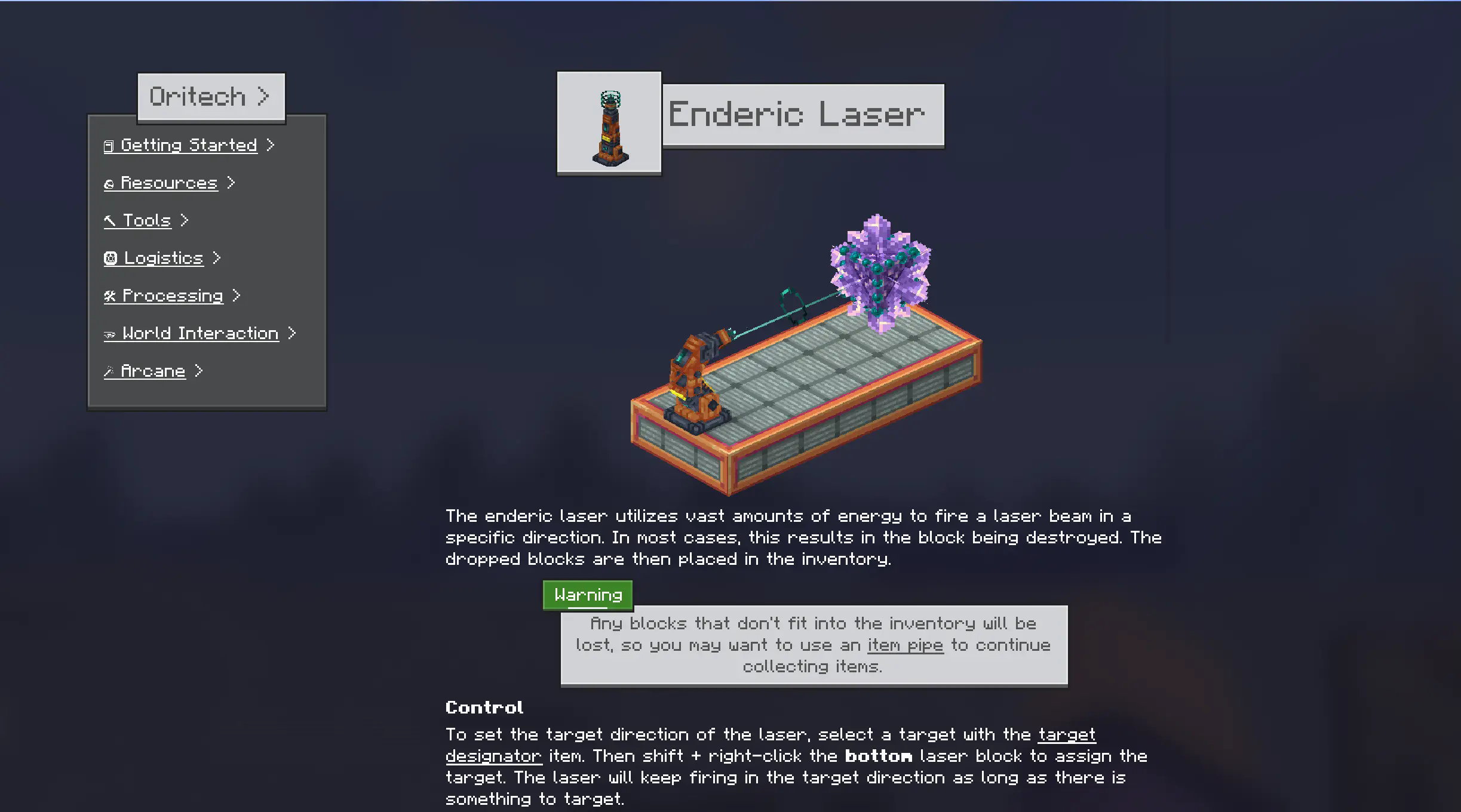







Tired of alt-tabbing to find information about mods? Oracle Index brings the wiki directly into your Minecraft world! This mod provides an in-game documentation viewer for both Neoforge and Fabric on Minecraft 1.21. It's designed with simplicity and compatibility in mind, using the same formatting and directory structure as ModdedMC.wiki. This means modders can create wiki content once and use it both in-game and online.
Key Features ✨
- Seamless In-Game Documentation: Access comprehensive guides and information about supported mods directly in the game.
- No Custom Books Needed: Open the Oracle Index with a customizable hotkey or directly from an item's tooltip.
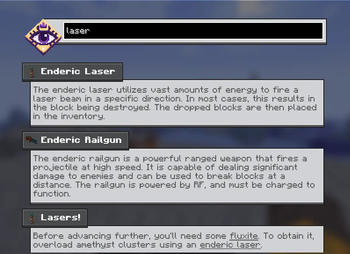
- Smart Search Included: A semantic search that understands the meaning of your queries is built-in. It also supports math expressions!
- Familiar Markdown Support: Uses a basic markdown parser and supports custom HTML tags, ensuring compatibility with ModdedMC.wiki content.
- Item Linking: Define relevant items for each wiki page. Hover over the item and hold [ALT] to open the wiki page!
- ModdedMC.wiki Compatibility: Leverage existing documentation created for ModdedMC.wiki. No need to rewrite anything! 🚀
- Cross-Linking: Effortlessly navigate between pages and items within the wiki.
- Visually Appealing & Responsive: Enjoy a modern Minecraft-inspired design, smooth scrolling, and responsive layouts that adapt to your screen size.
- Easy to Use: Quick setup, so you can get to documenting fast!
- Unlock System: Designate some pages (or folders) as hidden/obfuscated. They can then be unlocked at runtime.
How it Works ⚙️
Oracle Index parses Markdown content organized in a directory structure similar to ModdedMC.wiki. Simply place your Markdown files in the designated location (check the mod's configuration for the exact path), and Oracle Index will handle the rest!
Content can be included either via a mods resources or via a resource pack. An example of a resource pack is on github in the oracle index repo:
https://github.com/Rearth/Oracle-Index/tree/26.1.2/example_resource_pack
Why Oracle? 🤔
Oracle Index bridges the gap between online documentation and in-game accessibility. It provides a convenient and intuitive way for players to learn about mods, recipes, and mechanics without interrupting their gameplay.
Verfügbare Versionen
Oracle Index auf deinem Client installieren
Mod-Loader lokal installieren
Installiere fabric für deine lokale Minecraft-Version.
Passende Datei herunterladen
Wähle die Oracle Index-Datei für fabric und Minecraft 26.1.2.
Mod installieren
Lege die .jar-Datei in deinem lokalen .minecraft/mods-Ordner ab und starte Minecraft neu. Eine Installation auf dem Server ist nicht nötig.
Kompatibilität
Mod-Loader
Minecraft-Versionen
26.1.2, 1.21.1, 1.21
Server-seitig
✗ Nicht unterstütztEmpfohlener RAM
4 GB(min. 3 GB)Häufige Fragen
Muss Oracle Index auf dem Minecraft Server installiert werden?
Nein. Modrinth kennzeichnet Oracle Index serverseitig als nicht unterstützt. Installiere die Mod nur im lokalen Minecraft-Mods-Ordner. Dein Server kann unverändert bleiben, sofern die Mod-Seite keine zusätzliche Abhängigkeit nennt.
Welche Version und welchen Loader braucht Oracle Index?
Nutze eine Datei für fabric, neoforge und exakt deine Minecraft-Version. Unterstützte Versionen sind unter anderem 26.1.2, 1.21.1, 1.21. Loader-Dateien sind nicht untereinander austauschbar.
Oracle Index funktioniert nicht – was kann ich prüfen?
Prüfe zuerst Minecraft-Version, Loader-Version und erforderliche Abhängigkeiten. Lege die .jar-Datei im lokalen .minecraft/mods-Ordner ab und entferne ältere Duplikate. Da die Mod clientseitig ist, löst mehr Server-RAM dieses Problem nicht.
Ähnliche Mods



Minecraft Server für deine Gruppe
Oracle Index bleibt auf deinem Client. Hoste dazu eine kompatible Welt für deine Mitspieler.
Details
- Lizenz
- Creative Commons Attribution 4.0 International
- Server-seitig
- Nicht unterstützt