
Origins: Player Scale
A datapack for Origins. Adds a Separate Origin Layer, allowing players to choose a body size in addition to the typical Origins.
Screenshots
Über diese Mod
Origins: Player Scale
What's this?
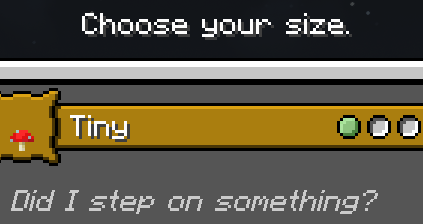
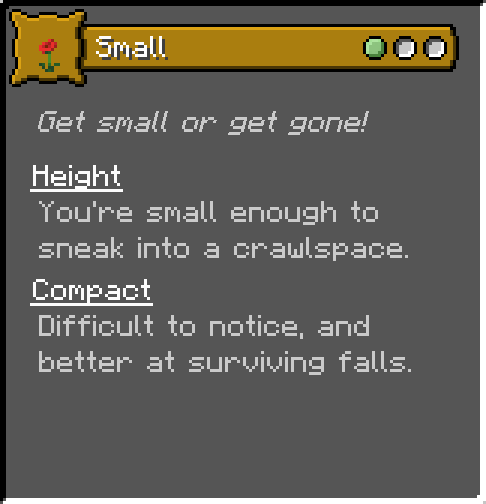
This datapack adds an independent Origin layer that allows players to choose one of 6 sizes, or choose the standard Minecraft size.
You can play whatever classic or addon origin you like, in addition to picking a custom size.
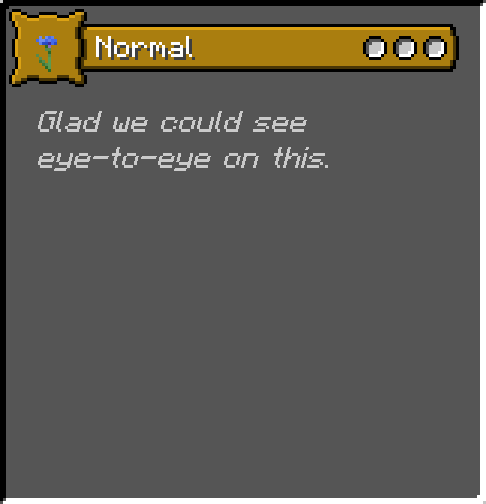
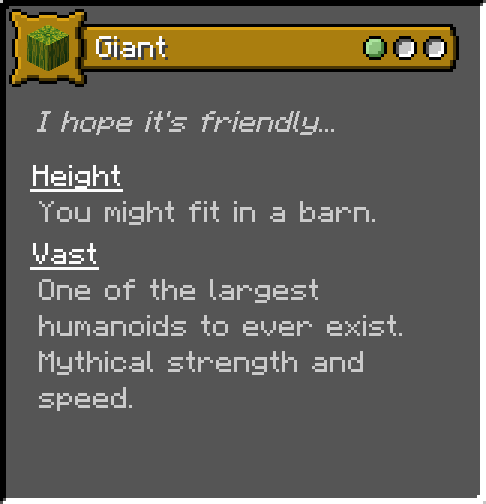
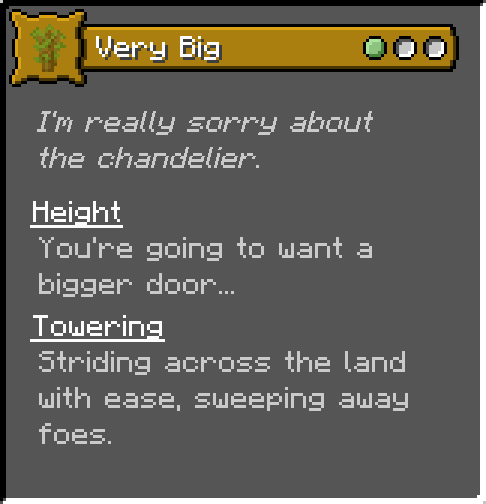
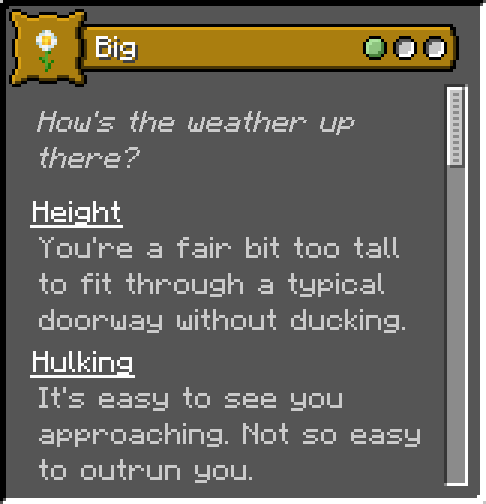
The available sizes are: Normal; Small; Very Small; Tiny; Big; Very Big; Giant.
You can view all the Origin cards in Modrinth's gallery; they include flavor text, but not exact stat bonuses.
All scaling is applied with multipliers, which should help with compatibility.
Tested on 1.18.2 through 1.20.2, but as a datapack it's likely to work on most if not all Minecraft versions.
1.20.2 is experiencing some bugs with its dependencies, as of 2023-12-8. This isn't the only datapack affected; hopefully the issues are resolved soon!
In general...
Small folk fit into smaller areas, take less fall damage, and are less visible to enemies. Being small has no significant downside.
Large folk have trouble with typical buildings. As a tradeoff, they are more mobile, with better speed, jump height, step height, and reach.
With greater bulk comes greater knockback and knockback resistance, and a small amount of extra health per size. (As an example, Giant receives 6 extra hearts, and is a cumbersome 4 blocks tall.)
This datapack requires the mod Origins, and the mod Pehkui.
Verfügbare Versionen
Origins: Player Scale auf dem Server installieren
Server bestellen
Bestelle einen Minecraft Java Server mit mindestens 3 GB RAM (4 GB empfohlen).
datapack Loader setzen
Wähle im Panel unter "Egg" den datapack-Loader und die passende Minecraft-Version (1.20.4).
Mod installieren
Öffne den Mod-Browser im Dashboard und suche nach "Origins: Player Scale". Klicke "Installieren" – fertig! Alternativ: Lade die .jar via SFTP in den /mods Ordner.
Kompatibilität
Mod-Loader
Minecraft-Versionen
1.20.4, 1.20.2, 1.20.1 (+7 weitere)
Server-seitig
✓ ErforderlichEmpfohlener RAM
4 GB(min. 3 GB)Häufige Fragen
Origins: Player Scale Server crasht beim Start – was tun?
Häufigste Ursache: falsche datapack-Version oder zu wenig RAM. Prüfe im Server-Log (latest.log), ob ein "OutOfMemoryError" oder "Mixin"-Fehler auftritt. Bei Mado Hosting: Stelle sicher, dass mindestens 3 GB RAM zugewiesen sind und der Loader zur Mod-Version passt (1.20.4). Über das Panel kannst du den Loader mit einem Klick wechseln.
Ist Origins: Player Scale mit datapack und fabric und forge und neoforge und quilt kompatibel?
Origins: Player Scale unterstützt offiziell datapack, fabric, forge, neoforge, quilt für Minecraft 1.20.4, 1.20.2, 1.20.1. Achtung: Forge- und Fabric-Mods sind NICHT untereinander kompatibel – wähle einen Loader und bleibe dabei. Im Mado Dashboard werden inkompatible Loader-Kombinationen automatisch erkannt.
Server laggt mit Origins: Player Scale – wie optimiere ich die Performance?
Empfohlener RAM: 4 GB (+1 GB pro 8 Spieler). Prüfe mit /spark profiler, ob Origins: Player Scale den meisten Tick-Time verbraucht. Häufige Fixes: Server-View-Distance auf 8-10 reduzieren, bei Forge "performant" oder "starlight" als Zusatz-Mod installieren. Bei Mado Hosting läuft dein Server auf NVMe-SSDs mit dedizierten CPU-Kernen für minimale Latenz.
Ähnliche Mods




Modded Server mieten
Installiere Origins: Player Scale mit nur einem Klick auf deinem Server.