
PantheonSent
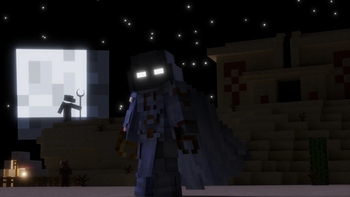
Become Moon Knight!
Screenshots
Über diese Mod



Summon the God of the Moon and turn into his avatar: Moon Knight!
Inspired by the Marvel hero/Disney+ show.
Getting Started
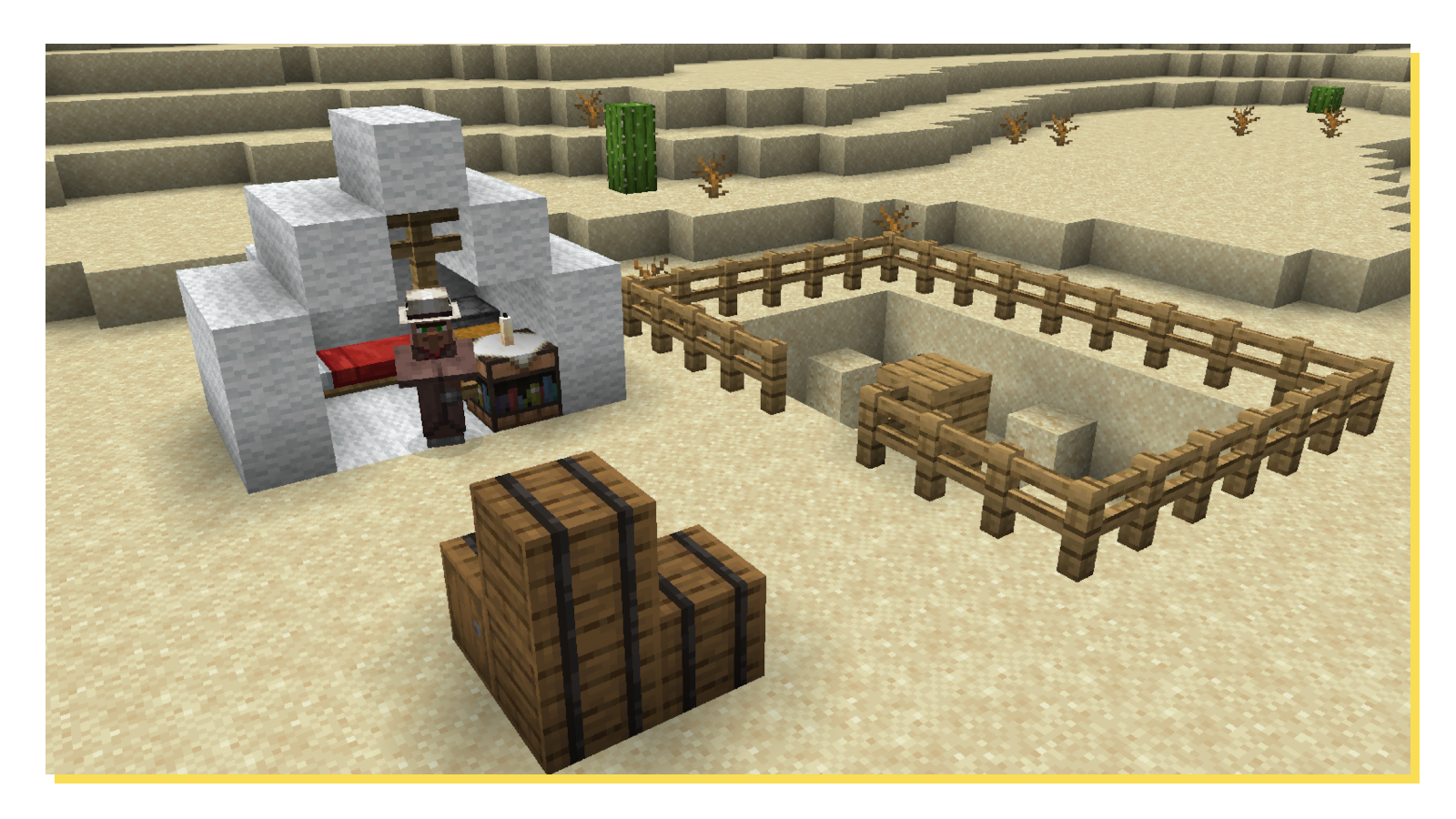
The mod delves into Minecraft's new archeology system. Therefore, you need to find a new structure: the dig site!
Here you can use the new brush to discover ancient relics. Some more rare than others.
There are however 2 in particular which you'll need...

The Scarab Compass and Lunar Totem are very valuable artifacts, which have connections to the Egypt God of the Moon, Khonshu.
In the new Archeology Table you can repair them using Ancient Gold Shards, which can also be found in the dig sites.
Once you repaired the Scarab Compass it seems to guide you into a direction...
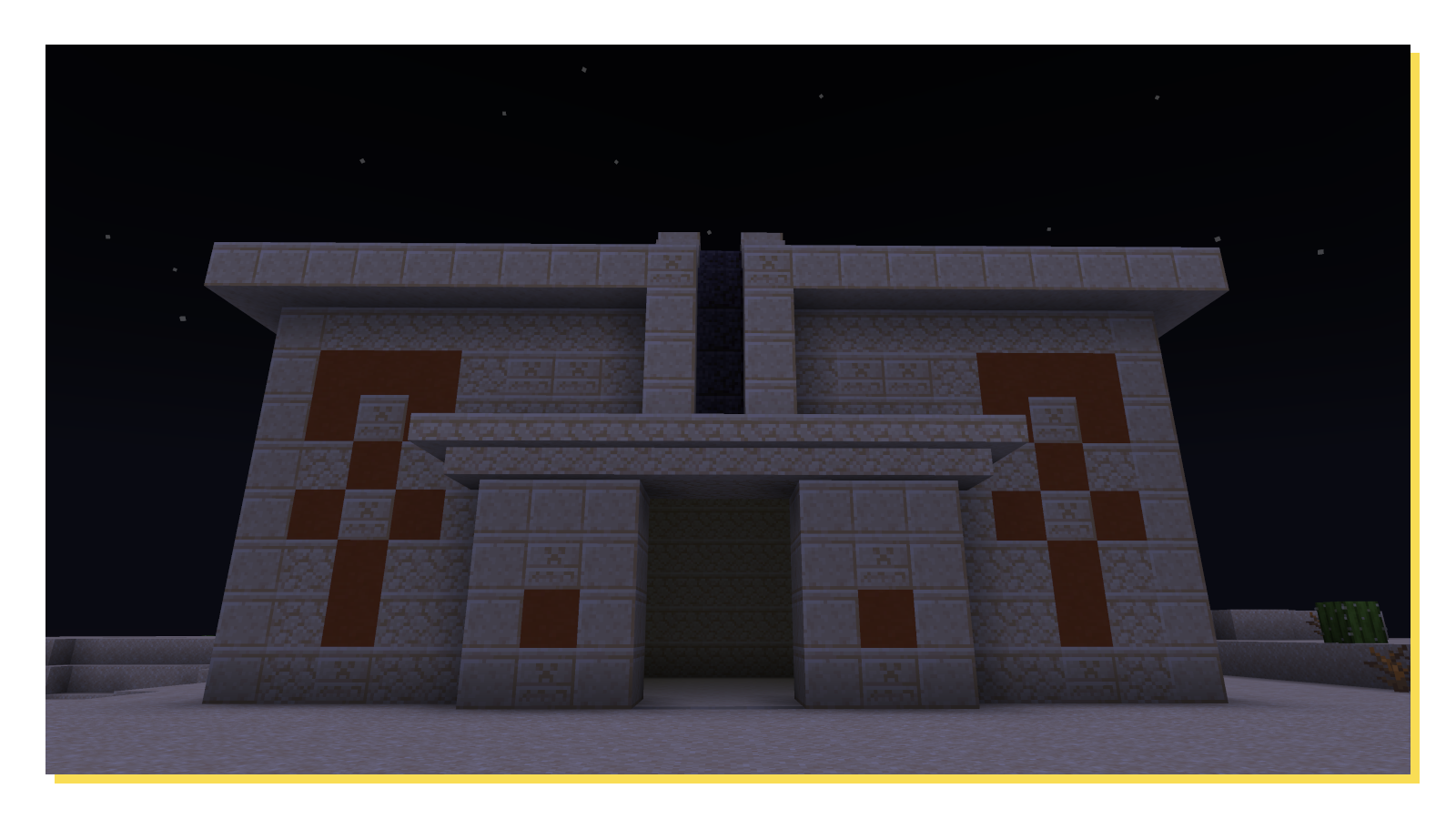
This temple seems to be the goal! If you can find a secret entrance in there, you'll be one step closer to Khonshu...
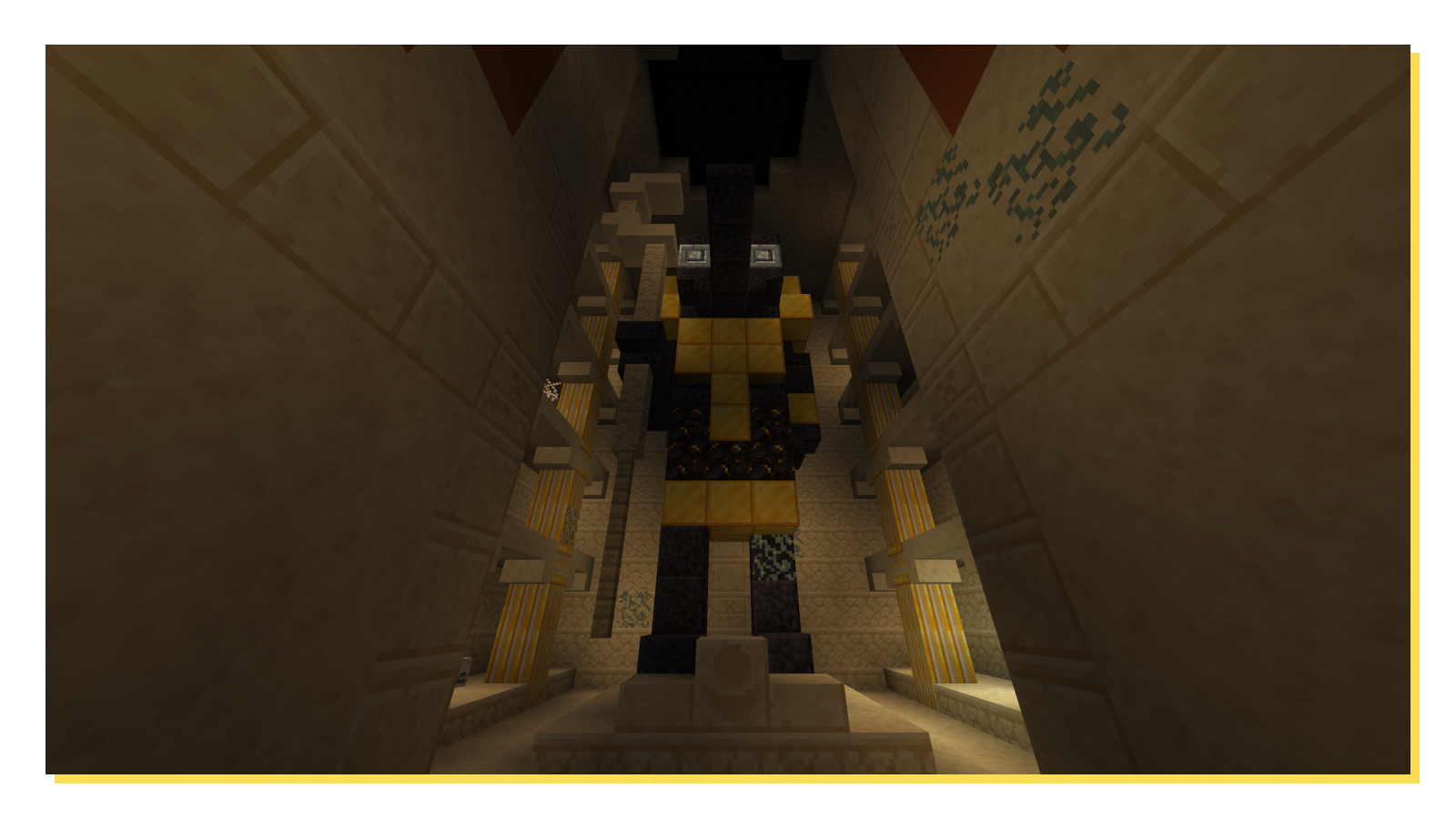
There he is! Somewhat...Anyway, the block in the front seems to hold the Lunar Totem! But I heard before you can put it in, the moon light must shine into this holy room...
Maybe there is something here that will open the ceiling for you? Like a special place where a button could fit...
If you've done everything right, you will have become Khonshu's fist of vengeance, his Moon Knight!
This power grants you strength, agility, and some other neat buffs for fighting in your Minecraft world!
Blocks and Items
Khonshu Ushabti - If you put the enchantment "Godly Encapsulating" on it, you can get rid of your Moon Knight if you don't want it anymore!
Lunar Stone - This block reacts to the phase of the moon! If you put a comparator next to it, you can use this to make a cool redstone contraption.
Eye of Horus - This accessory can be worn (also supports Curios/Trinkets) and in case you are low on health, Horus himself will grant you regeneration.
Credits
Sydney - Khonshu Model
Biz - Moon Knight/Mr Knight Skin
Neon - Music Disc Song
Connor Dawn - Banner Render
Verfügbare Versionen
PantheonSent auf dem Server installieren
Server bestellen
Bestelle einen Minecraft Java Server mit mindestens 3 GB RAM (4 GB empfohlen).
fabric Loader setzen
Wähle im Panel unter "Egg" den fabric-Loader und die passende Minecraft-Version (1.20.1).
Mod installieren
Öffne den Mod-Browser im Dashboard und suche nach "PantheonSent". Klicke "Installieren" – fertig! Alternativ: Lade die .jar via SFTP in den /mods Ordner.
Kompatibilität
Mod-Loader
Minecraft-Versionen
1.20.1
Server-seitig
✓ ErforderlichEmpfohlener RAM
4 GB(min. 3 GB)Häufige Fragen
PantheonSent Server crasht beim Start – was tun?
Häufigste Ursache: falsche fabric-Version oder zu wenig RAM. Prüfe im Server-Log (latest.log), ob ein "OutOfMemoryError" oder "Mixin"-Fehler auftritt. Bei Mado Hosting: Stelle sicher, dass mindestens 3 GB RAM zugewiesen sind und der Loader zur Mod-Version passt (1.20.1). Über das Panel kannst du den Loader mit einem Klick wechseln.
Ist PantheonSent mit fabric und forge und neoforge und quilt kompatibel?
PantheonSent unterstützt offiziell fabric, forge, neoforge, quilt für Minecraft 1.20.1. Achtung: Forge- und Fabric-Mods sind NICHT untereinander kompatibel – wähle einen Loader und bleibe dabei. Im Mado Dashboard werden inkompatible Loader-Kombinationen automatisch erkannt.
Server laggt mit PantheonSent – wie optimiere ich die Performance?
Empfohlener RAM: 4 GB (+1 GB pro 8 Spieler). Prüfe mit /spark profiler, ob PantheonSent den meisten Tick-Time verbraucht. Häufige Fixes: Server-View-Distance auf 8-10 reduzieren, bei Forge "performant" oder "starlight" als Zusatz-Mod installieren. Bei Mado Hosting läuft dein Server auf NVMe-SSDs mit dedizierten CPU-Kernen für minimale Latenz.
Ähnliche Mods




Modded Server mieten
Installiere PantheonSent mit nur einem Klick auf deinem Server.