
Pocket Repose
Adds a bigger on the inside suitcase.
Screenshots

Über diese Mod

Adds the Traveler's Suitcase block to Minecraft.
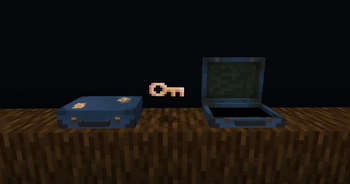
Unlock and climb inside the "bigger on the inside" suitcase.
Provides a Pocket Dimension that players can utilize and share.

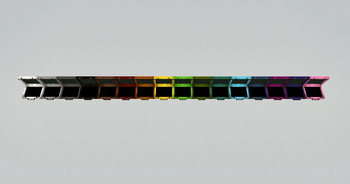
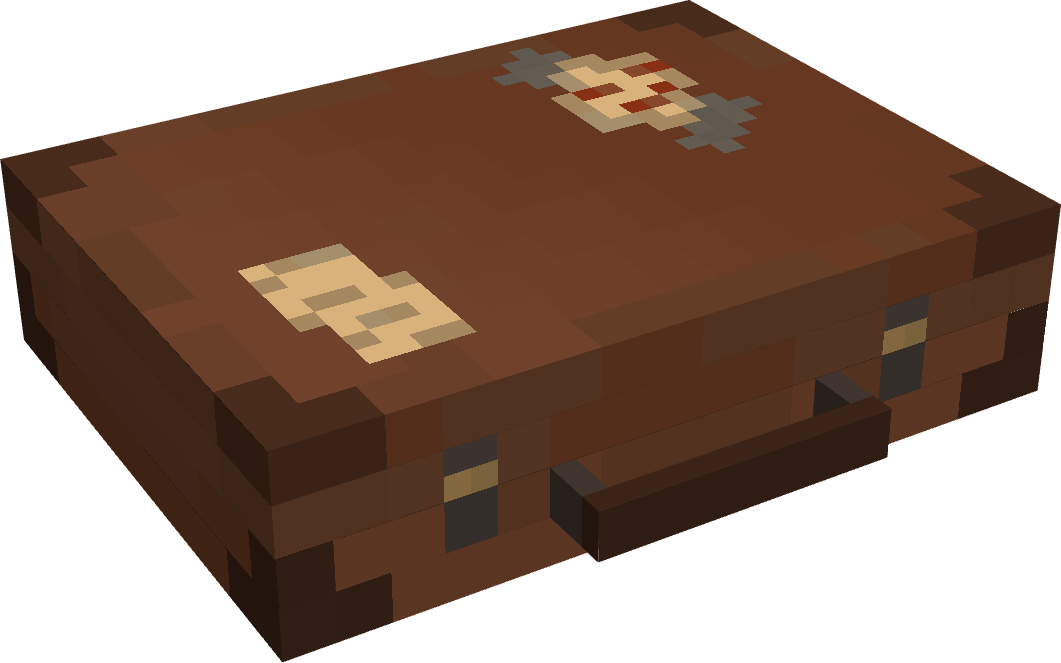
💼 The Traveler's Suitcase
Interact with a repaired Key to bind your dimension.
Sneak on an open suitcase to access your personal pocket dimension.
Build and utilize the area within however you see fit.
🗝️ The Keystone
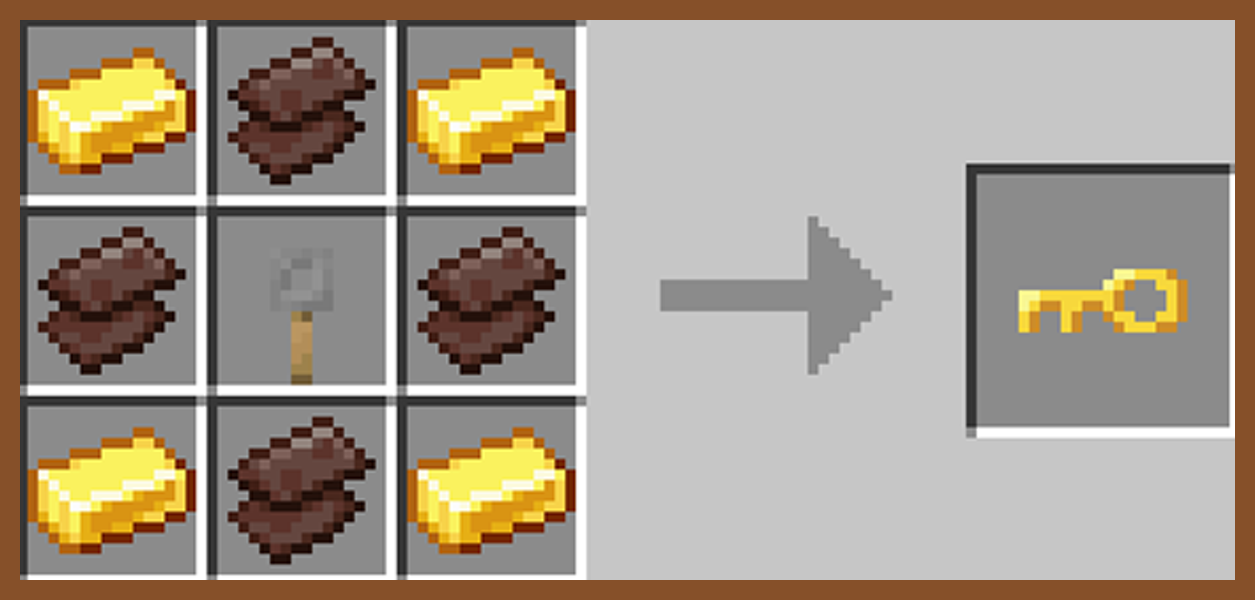
Craft, repair, and rename a broken key in order to unlock a suitcase and spawn a new pocket dimension.
Share Keystone names to allow other players to enter your private dimension from their own suitcase.

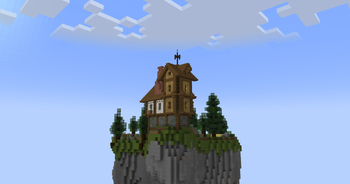
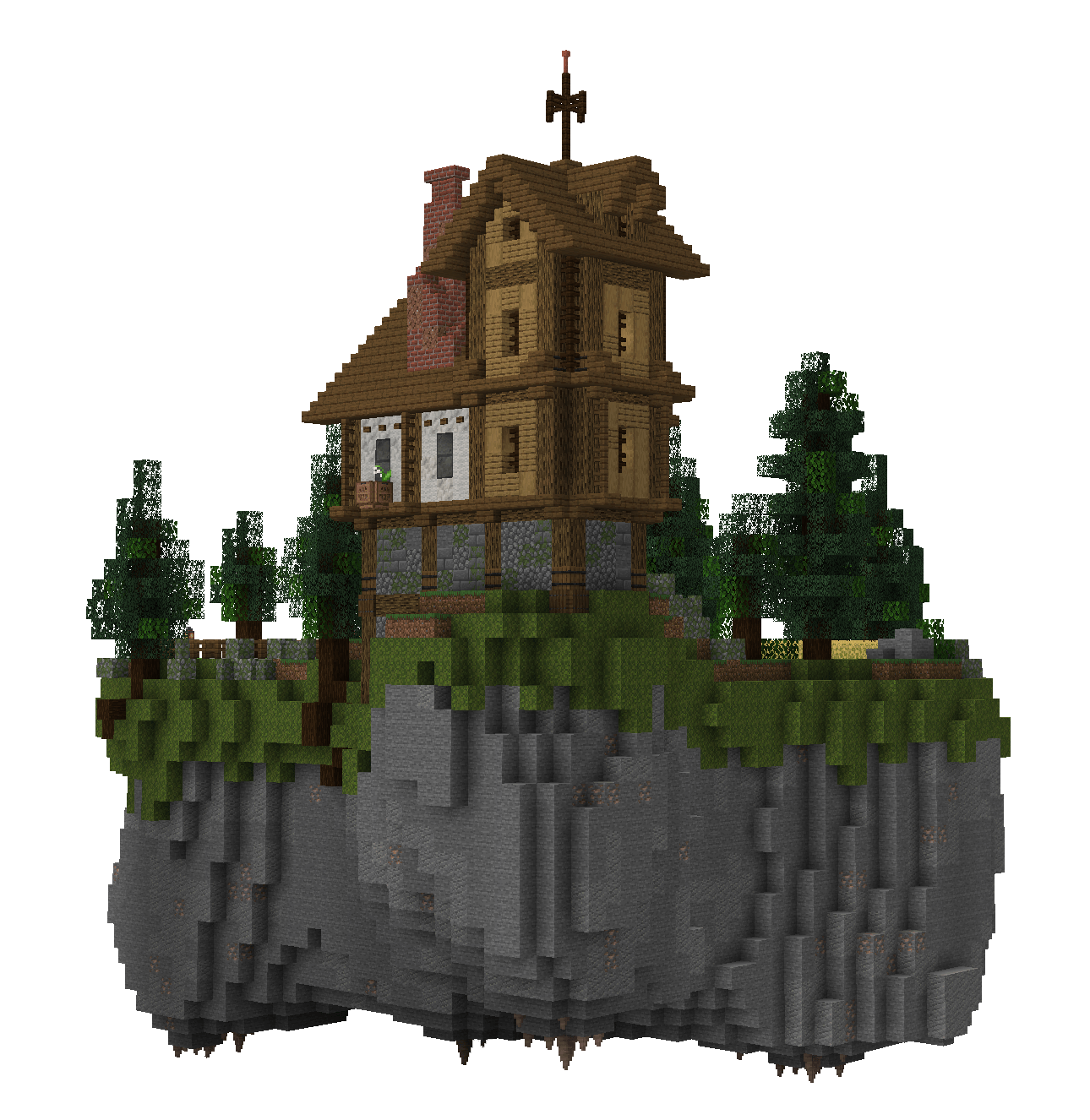
🕳️ The Pocket Dimension
The pocket island is a safe space where mobs do not spawn.
Entering the suitcase will bring you to your very own pocket island, individual to your key's name.
Right-click anywhere inside a pocket dimension with a bone to change the players entry location.
🪶 Capture Creatures
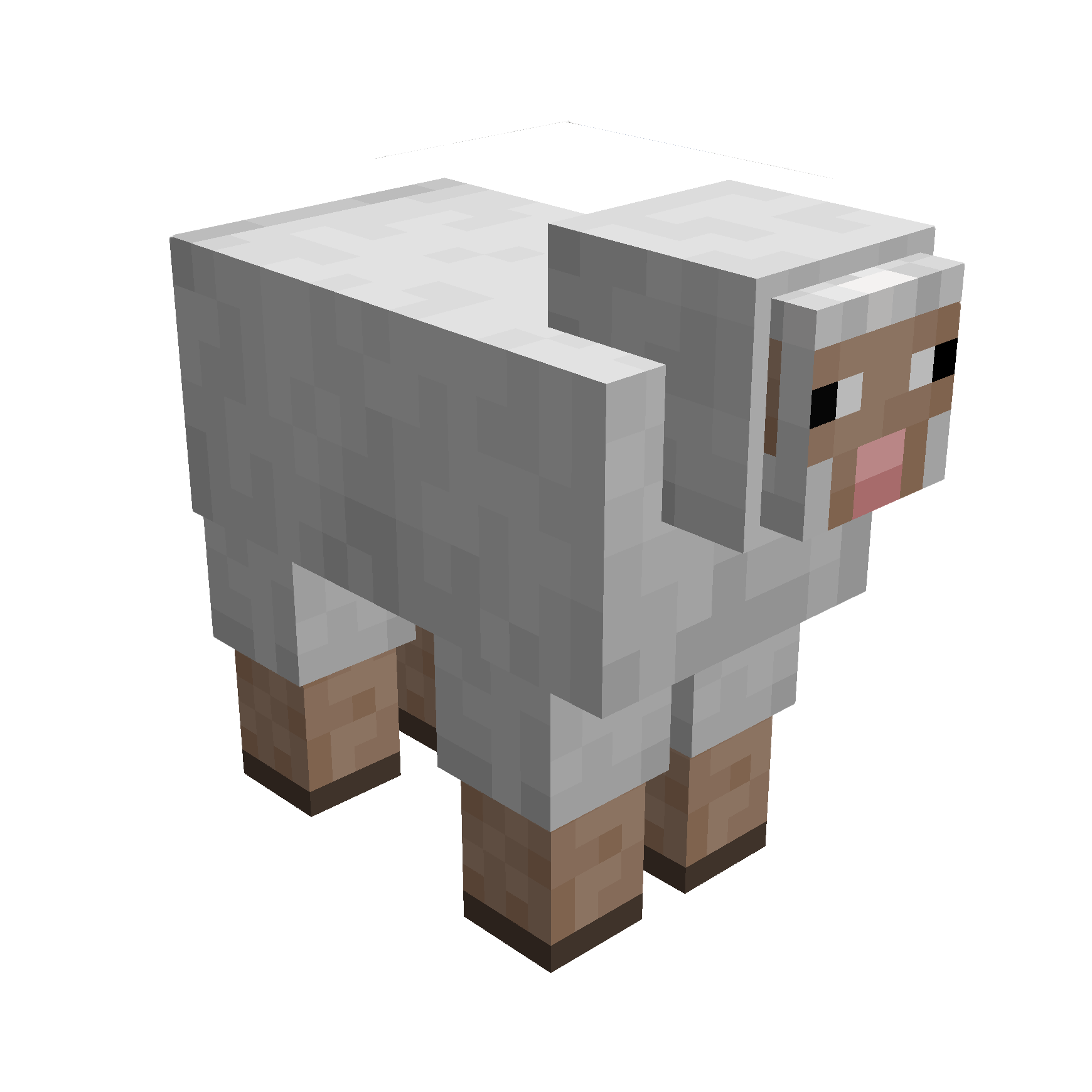
Simply right-click a mob with your suitcase to capture them.
While inside the pocket dimension you can change a mobs entry location with a lead.
Right-click a mob inside your pocket dimension with a key to release them.

Traveller's Key
Traveller's Suitcase
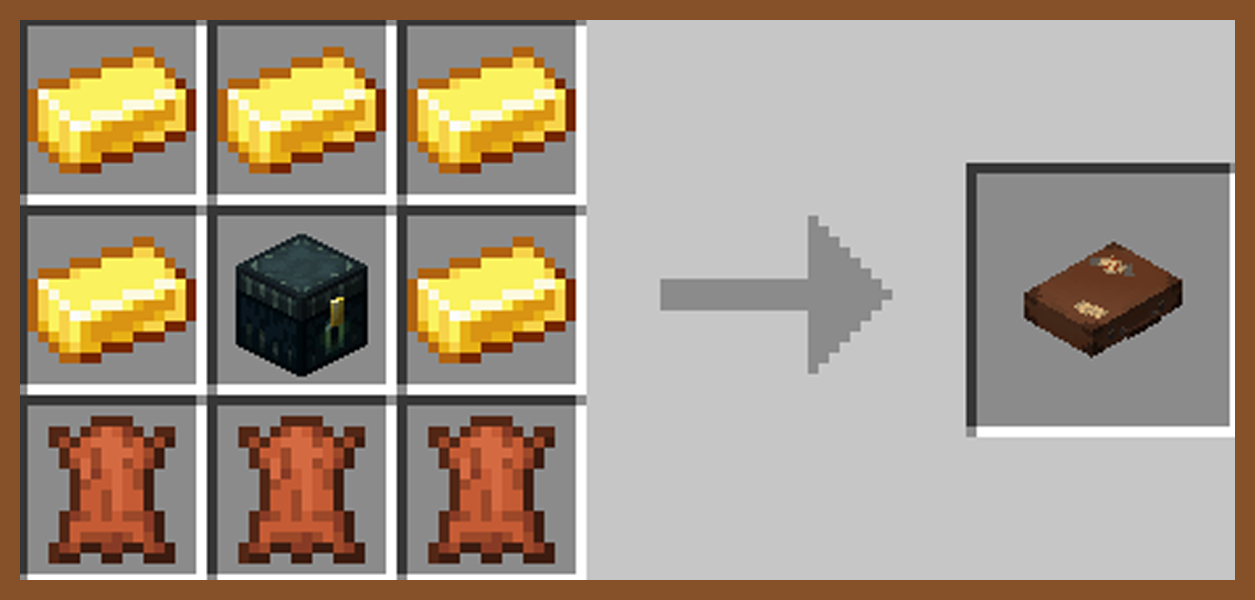
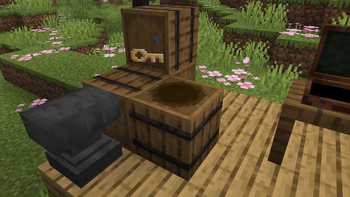
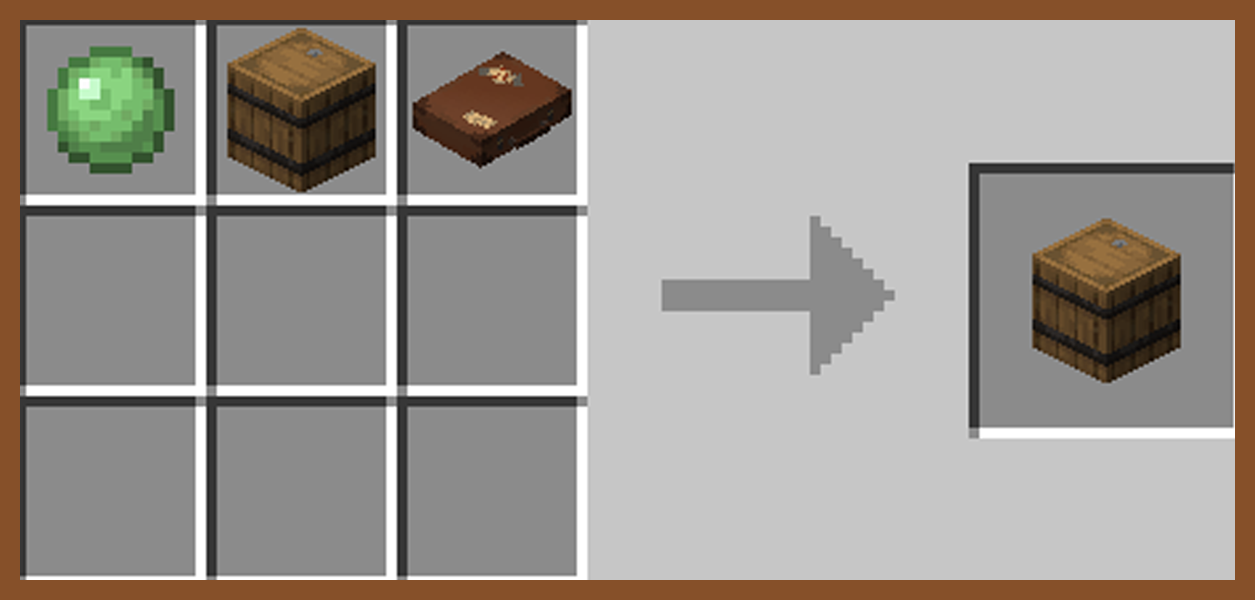
Secret Barrel

🧩 Compatibilities
This mod is singleplayer and multiplayer friendly.
Required on client and server if using on a server.
This is a Fabric mod, requiring Fabric API.
If using Sinytra Connector (Forge), reload your world after entring a pocket dimension for the first time to avoid bugs.
📟 Commands
Set Captured Mobs Entry Point: Must be in a pocket dimension
/pocketRepose setMobEntry
Set Player Entry Point: Must be in a pocket dimension
/pocketRepose setPlayerEntry
Reset Player Entry Point: Can be anywhere
/pocketRepose resetPlayerEntry
List Pocket Dimensions: Must be an OP
/pocketRepose listDimensions
Capture Mob Blacklist: Must be an OP
/pocketRepose MobBlacklist add/remove/list/clear
Can Capture Hostile Mobs: Must be an OP
/pocketRepose canCaptureHostile true/false (default false)
Spawn Pocket Island: Must be an OP
/pocketRepose spawnIsland true/false (default true)
If true, the pocket island will spawn when binding a new key.
If false, when binding a new key a grass block will spawn in place of the island.
Allow Recursion: Must be an OP
/pocketRepose allowRecursion true/false (default true)
Allows suitcases to work inside other suitcases.
Suitcases with the same will not work within a dimension of the same name.
❓ Q&A
Q: How do you enter a suitcase?
A: Craft a key and suitcase, rename the key in an anvil, right click the key, right click the suitcase with the key, then finaly sneak to enter.
Q: How are the pocket dimensions handled?
A: Pocket dimensions are linked to the keys, not the suitcases. Every time a key is renamed and bound, a new dimension is created under that specific name.
Names can be shared or kept secret.
Q: What if my suitcase and key are destroyed?
A: Make a new key and rename it with the original name. Pocket dimensions cannot be lost.
🚧 Known Issues
Occasional teleport errors when attempting to leave if a player is carrying multiple suitcases with the same name as the dimension you are in.
Verfügbare Versionen
Pocket Repose auf dem Server installieren
Server bestellen
Bestelle einen Minecraft Java Server mit mindestens 3 GB RAM (4 GB empfohlen).
fabric Loader setzen
Wähle im Panel unter "Egg" den fabric-Loader und die passende Minecraft-Version (1.21.1).
Mod installieren
Öffne den Mod-Browser im Dashboard und suche nach "Pocket Repose". Klicke "Installieren" – fertig! Alternativ: Lade die .jar via SFTP in den /mods Ordner.
Kompatibilität
Mod-Loader
Minecraft-Versionen
1.21.1, 1.20.1
Server-seitig
✓ ErforderlichEmpfohlener RAM
4 GB(min. 3 GB)Häufige Fragen
Pocket Repose Server crasht beim Start – was tun?
Häufigste Ursache: falsche fabric-Version oder zu wenig RAM. Prüfe im Server-Log (latest.log), ob ein "OutOfMemoryError" oder "Mixin"-Fehler auftritt. Bei Mado Hosting: Stelle sicher, dass mindestens 3 GB RAM zugewiesen sind und der Loader zur Mod-Version passt (1.21.1). Über das Panel kannst du den Loader mit einem Klick wechseln.
Ist Pocket Repose mit fabric kompatibel?
Pocket Repose unterstützt offiziell fabric für Minecraft 1.21.1, 1.20.1. Im Mado Dashboard werden inkompatible Loader-Kombinationen automatisch erkannt.
Server laggt mit Pocket Repose – wie optimiere ich die Performance?
Empfohlener RAM: 4 GB (+1 GB pro 8 Spieler). Prüfe mit /spark profiler, ob Pocket Repose den meisten Tick-Time verbraucht. Häufige Fixes: Server-View-Distance auf 8-10 reduzieren, bei Forge "performant" oder "starlight" als Zusatz-Mod installieren. Bei Mado Hosting läuft dein Server auf NVMe-SSDs mit dedizierten CPU-Kernen für minimale Latenz.
Ähnliche Mods




Modded Server mieten
Installiere Pocket Repose mit nur einem Klick auf deinem Server.