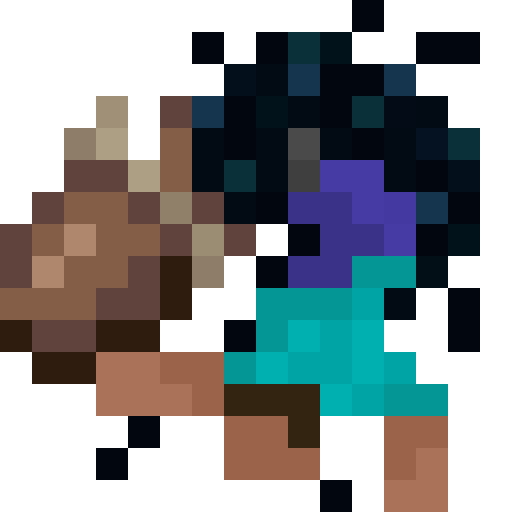
Pocket Dimensions
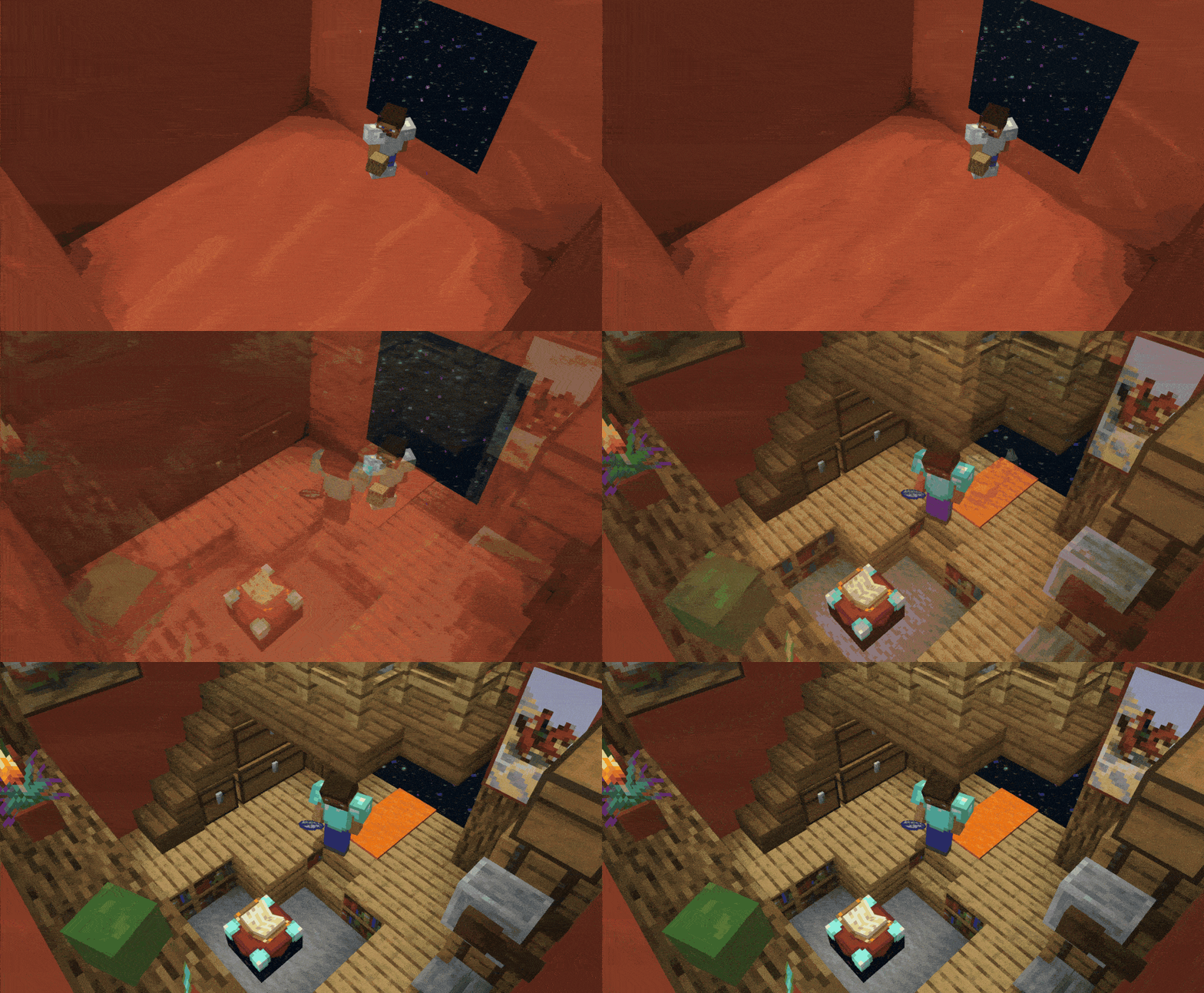
This project introduces a fascinating item to the game. It's similar to a bundle, but with a ROOM inside. You can build whatever you want inside and take it with you!
Screenshots
Über diese Mod
Pocket Dimensions
This project introduces a fascinating item to the game. It's similar to a bundle, but with a room inside. You can build whatever you want inside and take it with you!
How to use it
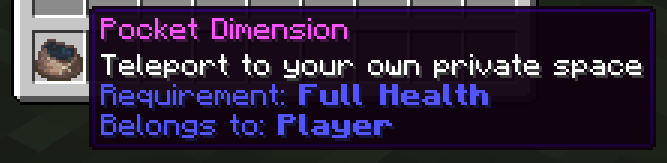
After creating the item, right-click to activate and enter it. There is only one room per player. So, if you craft another one, it will take you to the same room. You can identify the room by the player name in the description. Any player with that item can join the room that the item is bound to.
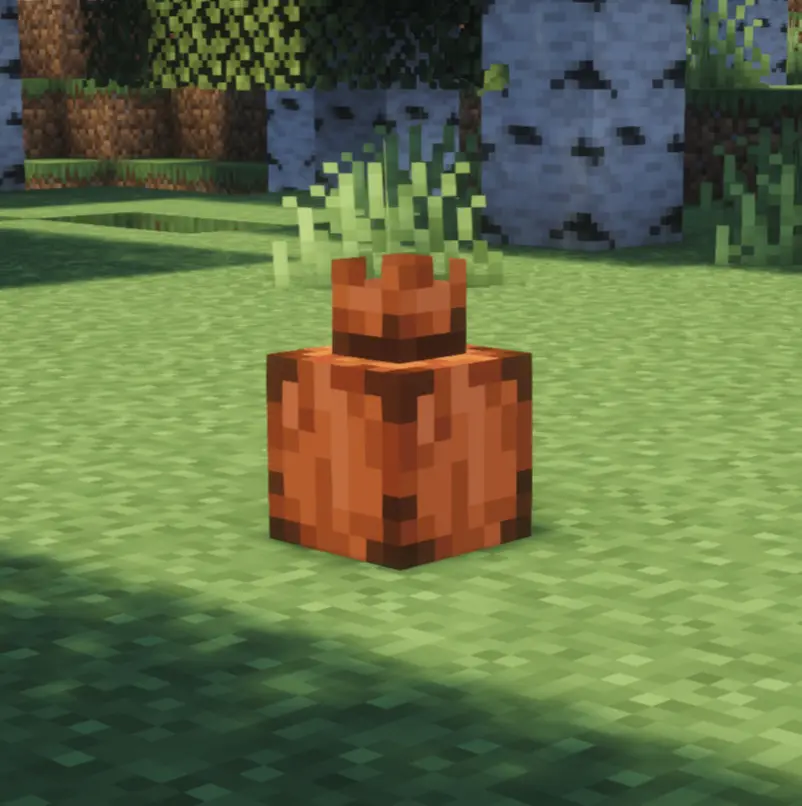

Once you have activated your room, you can place it in the Overworld. Don't worry — if someone tries to destroy it while you're inside, you'll feel it. However, other players can also enter it as long as it is placed. If it gets destroyed, everyone inside will leave the pocket instantly.
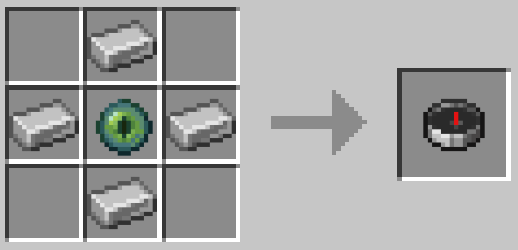
[NEW] Pocket Locator Compass
There's now a new item to help you locate your placed pocket! Once obtained, simply right-click to bind it to your placed pocket. You can rebind it at any time. You can craft it using this recipe:
Installation
Please make sure to install the resource pack as well when using the datapack. It is mandatory to see any textures.
When using the mod, it's not necessary.
If you are installing the datapack on a server, you can also install it as an server side pack.
Help
In case you encounter some problems, have some questions, or just want to learn more about the pack, feel free to read the Documentation.
If you still have questions, feel free to open an Issue and help me to improve my pack!
Expansions
If you would like to use alternative textures with this pack, you can install 
Customization

You can create whatever you can imagine! Start now and build your own pocket dimension!



Verfügbare Versionen
Pocket Dimensions auf dem Server installieren
Server bestellen
Bestelle einen Minecraft Java Server mit mindestens 3 GB RAM (4 GB empfohlen).
datapack Loader setzen
Wähle im Panel unter "Egg" den datapack-Loader und die passende Minecraft-Version (26.2).
Mod installieren
Öffne den Mod-Browser im Dashboard und suche nach "Pocket Dimensions". Klicke "Installieren" – fertig! Alternativ: Lade die .jar via SFTP in den /mods Ordner.
Kompatibilität
Mod-Loader
Minecraft-Versionen
26.2, 26.1.2, 26.1.1 (+4 weitere)
Server-seitig
✓ ErforderlichEmpfohlener RAM
4 GB(min. 3 GB)Häufige Fragen
Pocket Dimensions Server crasht beim Start – was tun?
Häufigste Ursache: falsche datapack-Version oder zu wenig RAM. Prüfe im Server-Log (latest.log), ob ein "OutOfMemoryError" oder "Mixin"-Fehler auftritt. Bei Mado Hosting: Stelle sicher, dass mindestens 3 GB RAM zugewiesen sind und der Loader zur Mod-Version passt (26.2). Über das Panel kannst du den Loader mit einem Klick wechseln.
Ist Pocket Dimensions mit datapack und fabric und forge und neoforge und quilt kompatibel?
Pocket Dimensions unterstützt offiziell datapack, fabric, forge, neoforge, quilt für Minecraft 26.2, 26.1.2, 26.1.1. Achtung: Forge- und Fabric-Mods sind NICHT untereinander kompatibel – wähle einen Loader und bleibe dabei. Im Mado Dashboard werden inkompatible Loader-Kombinationen automatisch erkannt.
Server laggt mit Pocket Dimensions – wie optimiere ich die Performance?
Empfohlener RAM: 4 GB (+1 GB pro 8 Spieler). Prüfe mit /spark profiler, ob Pocket Dimensions den meisten Tick-Time verbraucht. Häufige Fixes: Server-View-Distance auf 8-10 reduzieren, bei Forge "performant" oder "starlight" als Zusatz-Mod installieren. Bei Mado Hosting läuft dein Server auf NVMe-SSDs mit dedizierten CPU-Kernen für minimale Latenz.
Ähnliche Mods



![[TaCZ] Timeless and Classics Zero](https://cdn.modrinth.com/data/SzzJttH8/fd27766d2bb8390d284696b1dbd358f87e081439_96.webp)


Modded Server mieten
Installiere Pocket Dimensions mit nur einem Klick auf deinem Server.
Details
- Lizenz
- Creative Commons Attribution Non Commercial 4.0 International
- Server-seitig
- Erforderlich