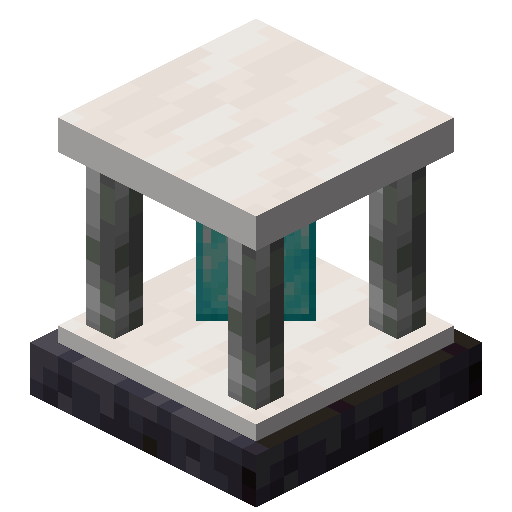
Pylons
Just another magic block mod
Screenshots
Über diese Mod
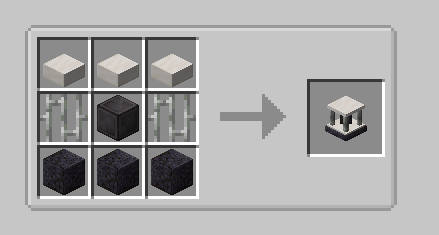
Currently adds the following blocks.
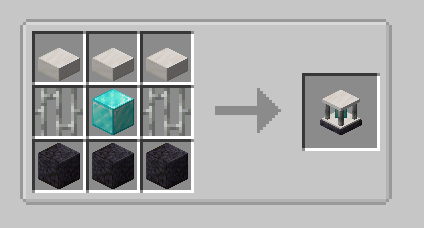
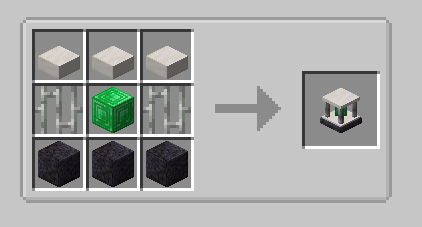
Expulsion Pylon:
Intended for use on servers, this block allows you to expel other players from the chunk it's placed in.
You can whitelist players with a Player Filter - OPs are always whitelisted.
Infusion Pylon:
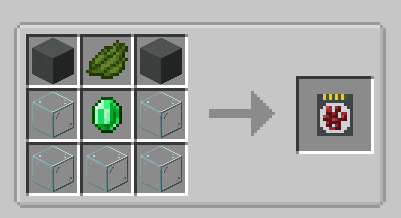
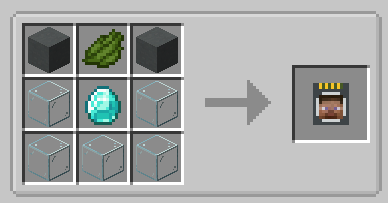
Allows you to apply effects to yourself from any distance (may require chunkloading) with activated Potion Filters.
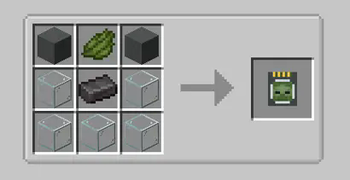
Potion Filters can be activated by applying an effect to yourself (from a potion, for example) and then right-clicking the Potion Filter.
The minimum effect duration that can be extracted is 60 seconds by default.
This will extract all remaining duration from the player and apply it to the Filter.
To fully activate it, you will need a total of 1 hour of duration, the equivalent of 7.5 vanilla extended potions.
If you have multiple cards containing the same effect, you can combine them. Place one card in each hand, and right click.
The duration from the off hand card will be added to the card in your main hand.
Harvester Pylon:
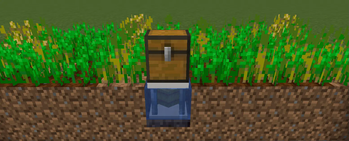
Harvests crops in a configurable radius (from 3x3 to 9x9) around the pylon and outputs to an inventory above.
Place the pylon inside the water block of the farm:
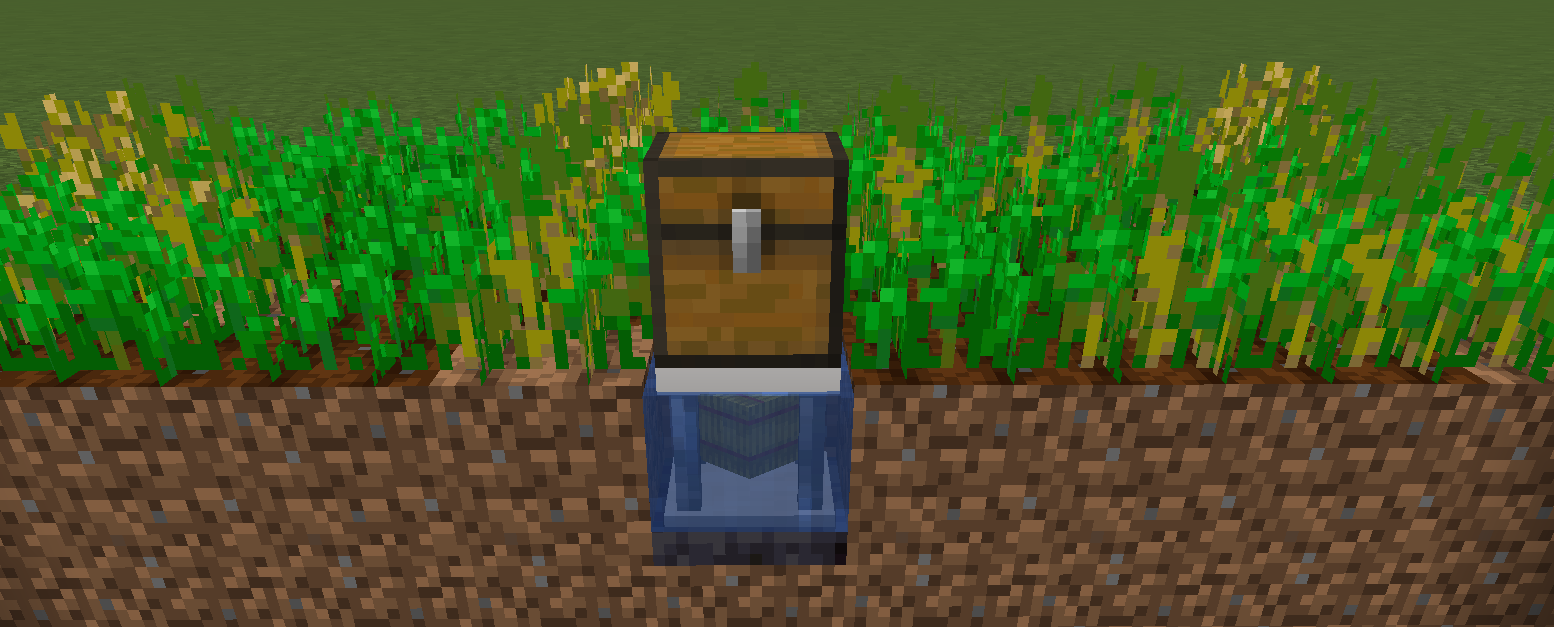
By default, the pylon requires a hoe in the pylon inventory, and will consume 1 durability per crop harvest. There is a config option to disable this.
Unbreakable hoes, such as Mystical Agriculture's Supremium Hoe, can be used.
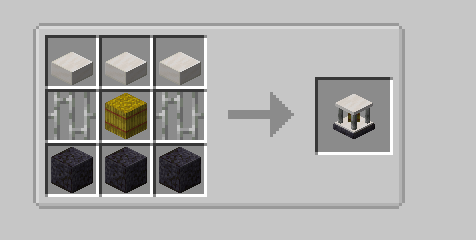
Interdiction Pylon
Prevents all spawns of specified mobs within the selected chunk range (1x1 to 5x5).
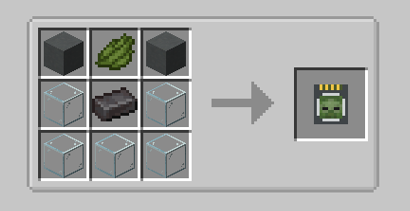
Right click on a mob with a Mob Filter, then add the filter to the pylon to block that mob.
Verfügbare Versionen
Pylons auf dem Server installieren
Server bestellen
Bestelle einen Minecraft Java Server mit mindestens 3 GB RAM (4 GB empfohlen).
forge Loader setzen
Wähle im Panel unter "Egg" den forge-Loader und die passende Minecraft-Version (26.1.2).
Mod installieren
Öffne den Mod-Browser im Dashboard und suche nach "Pylons". Klicke "Installieren" – fertig! Alternativ: Lade die .jar via SFTP in den /mods Ordner.
Kompatibilität
Mod-Loader
Minecraft-Versionen
26.1.2, 26.1.1, 26.1 (+6 weitere)
Server-seitig
✓ ErforderlichEmpfohlener RAM
4 GB(min. 3 GB)Häufige Fragen
Pylons Server crasht beim Start – was tun?
Häufigste Ursache: falsche forge-Version oder zu wenig RAM. Prüfe im Server-Log (latest.log), ob ein "OutOfMemoryError" oder "Mixin"-Fehler auftritt. Bei Mado Hosting: Stelle sicher, dass mindestens 3 GB RAM zugewiesen sind und der Loader zur Mod-Version passt (26.1.2). Über das Panel kannst du den Loader mit einem Klick wechseln.
Ist Pylons mit forge und neoforge kompatibel?
Pylons unterstützt offiziell forge, neoforge für Minecraft 26.1.2, 26.1.1, 26.1. Im Mado Dashboard werden inkompatible Loader-Kombinationen automatisch erkannt.
Server laggt mit Pylons – wie optimiere ich die Performance?
Empfohlener RAM: 4 GB (+1 GB pro 8 Spieler). Prüfe mit /spark profiler, ob Pylons den meisten Tick-Time verbraucht. Häufige Fixes: Server-View-Distance auf 8-10 reduzieren, bei Forge "performant" oder "starlight" als Zusatz-Mod installieren. Bei Mado Hosting läuft dein Server auf NVMe-SSDs mit dedizierten CPU-Kernen für minimale Latenz.
Ähnliche Mods





Modded Server mieten
Installiere Pylons mit nur einem Klick auf deinem Server.