
Revamped Shipwrecks
Shipwreck structures redesigned with jigsaw degradation stages, hundreds of unique combinations!
Screenshots
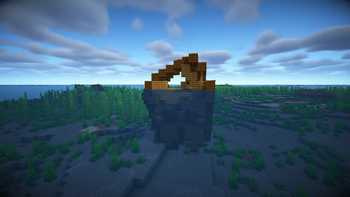
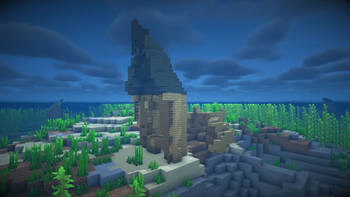
Über diese Mod
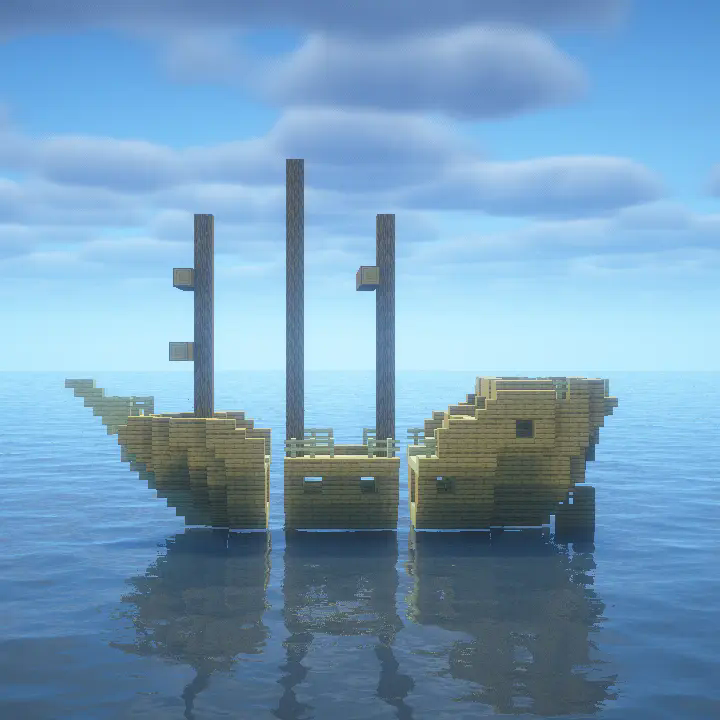
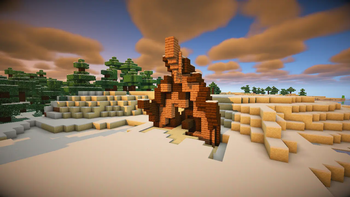
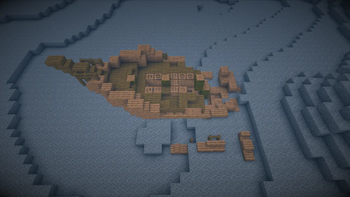
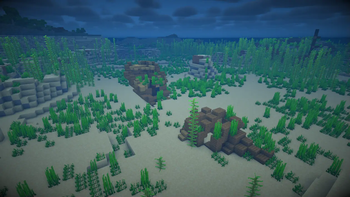
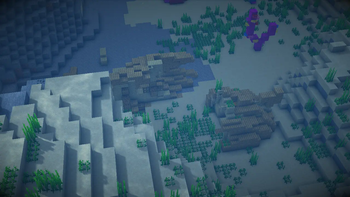
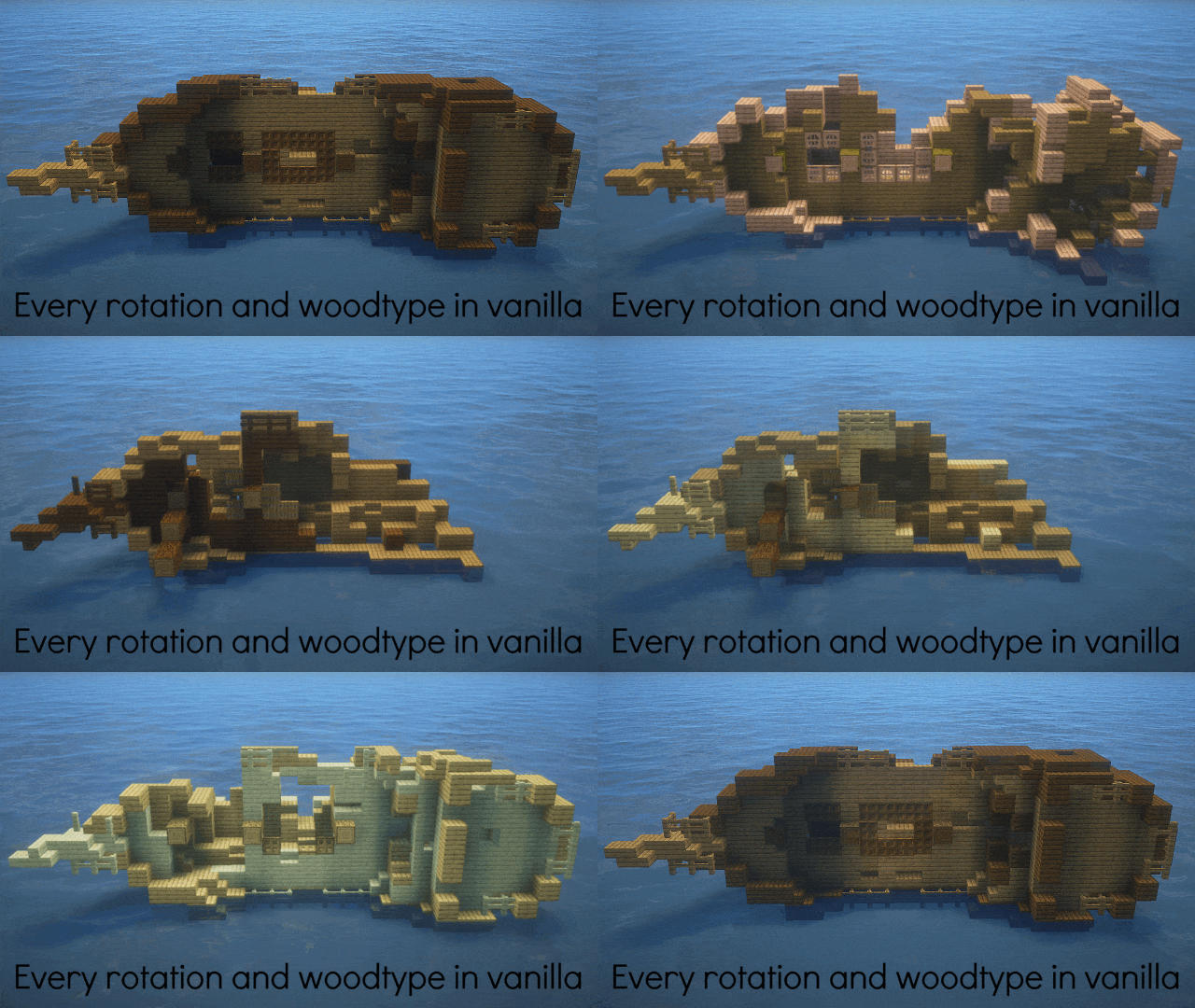
Revamped Shipwrecks aims to make every shipwreck encountered unique; by splitting ships into 3 sections, then randomly picking each section from a diverse pool of both custom and familiar options. As a result, each Revamped Shipwreck has interesting new access points and requires different approaches to navigate!
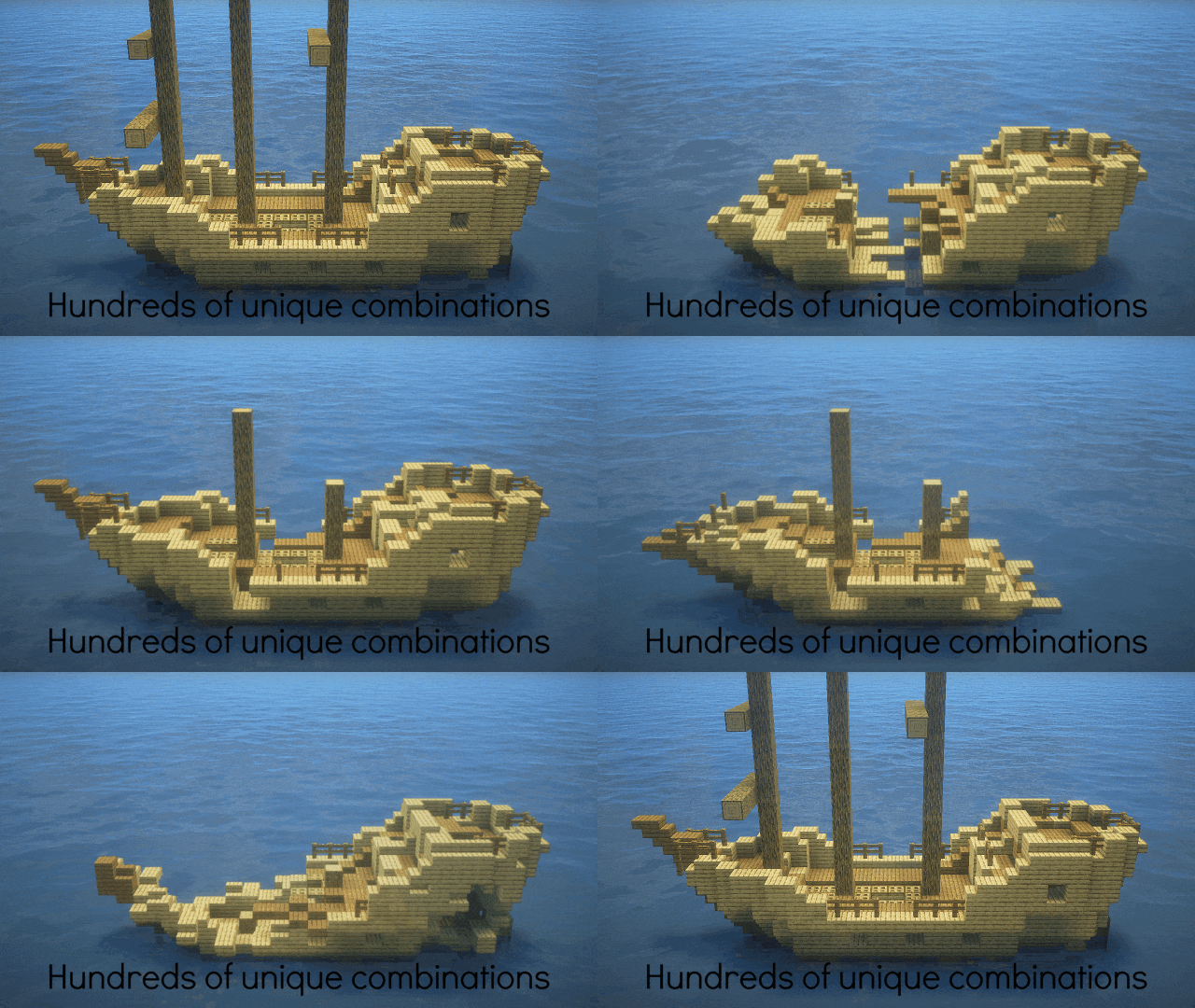
Revamped Shipwrecks have vertical wrecks, which can be upward pointing or downward pointing.
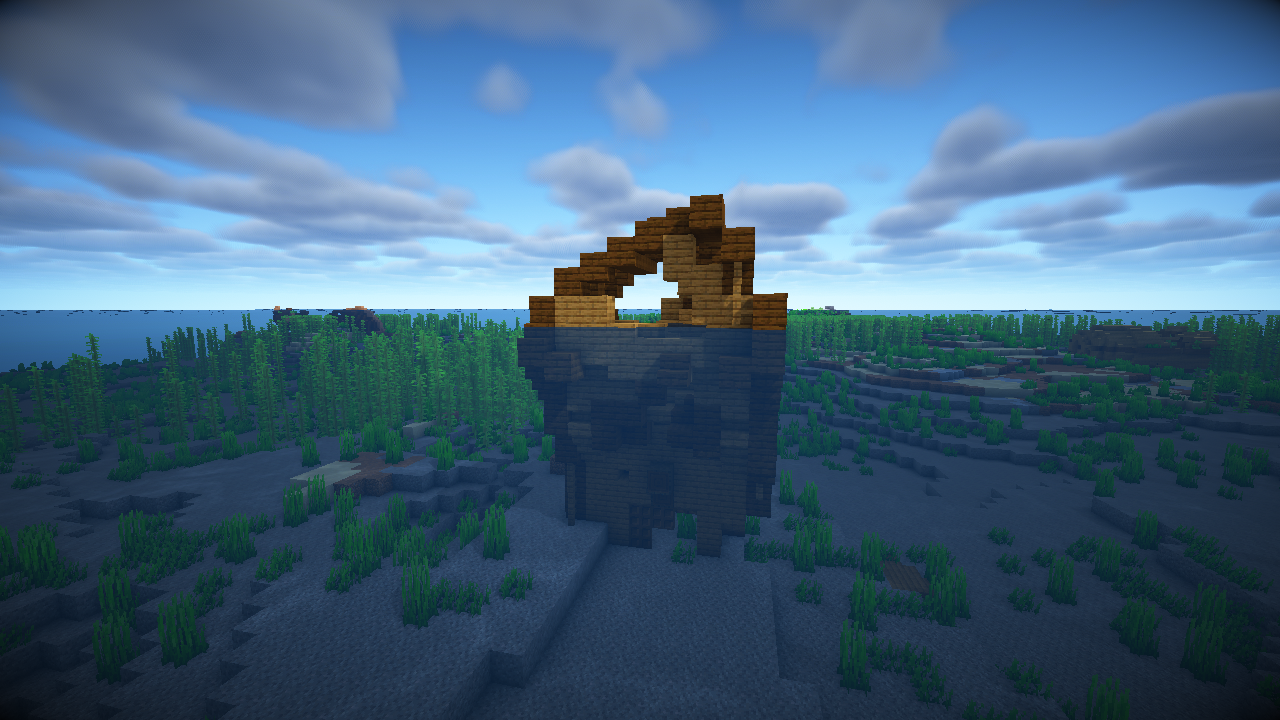
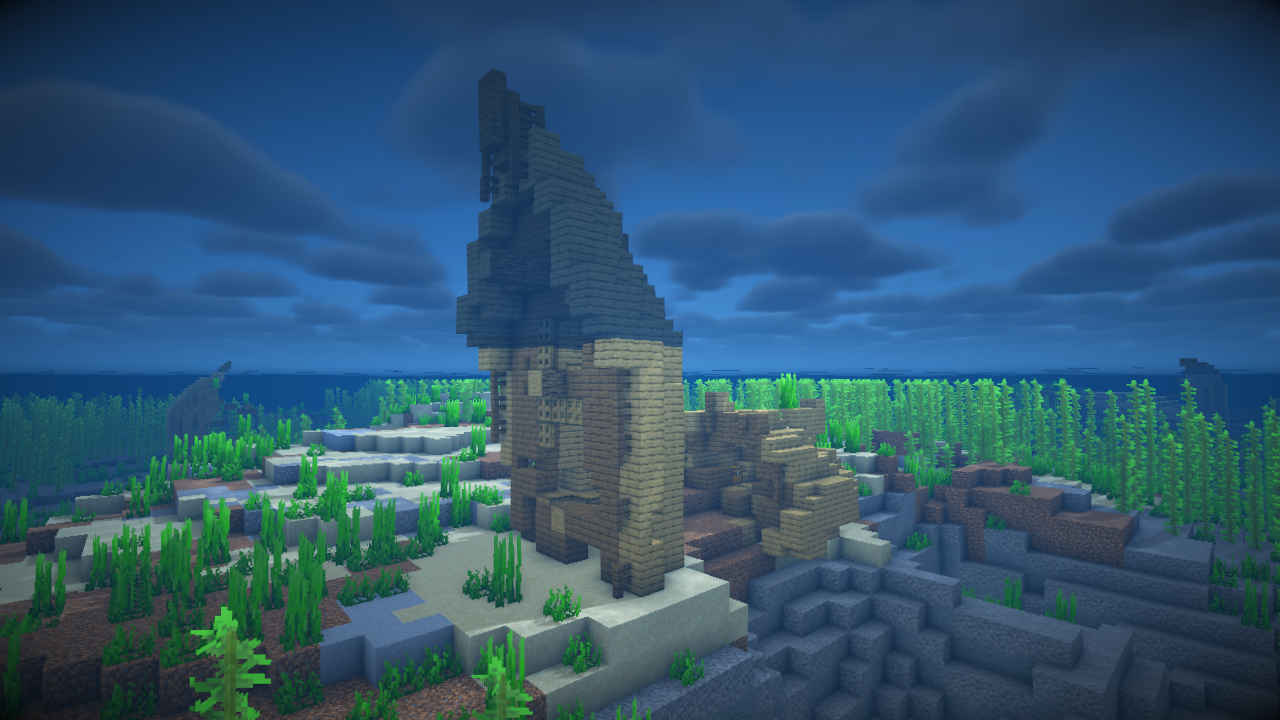
Wreck debris can also generate surrounding shipwrecks, depending on how damaged the wreck is. They can even occasionally generate entire missing pieces disconnected from shorter variants!
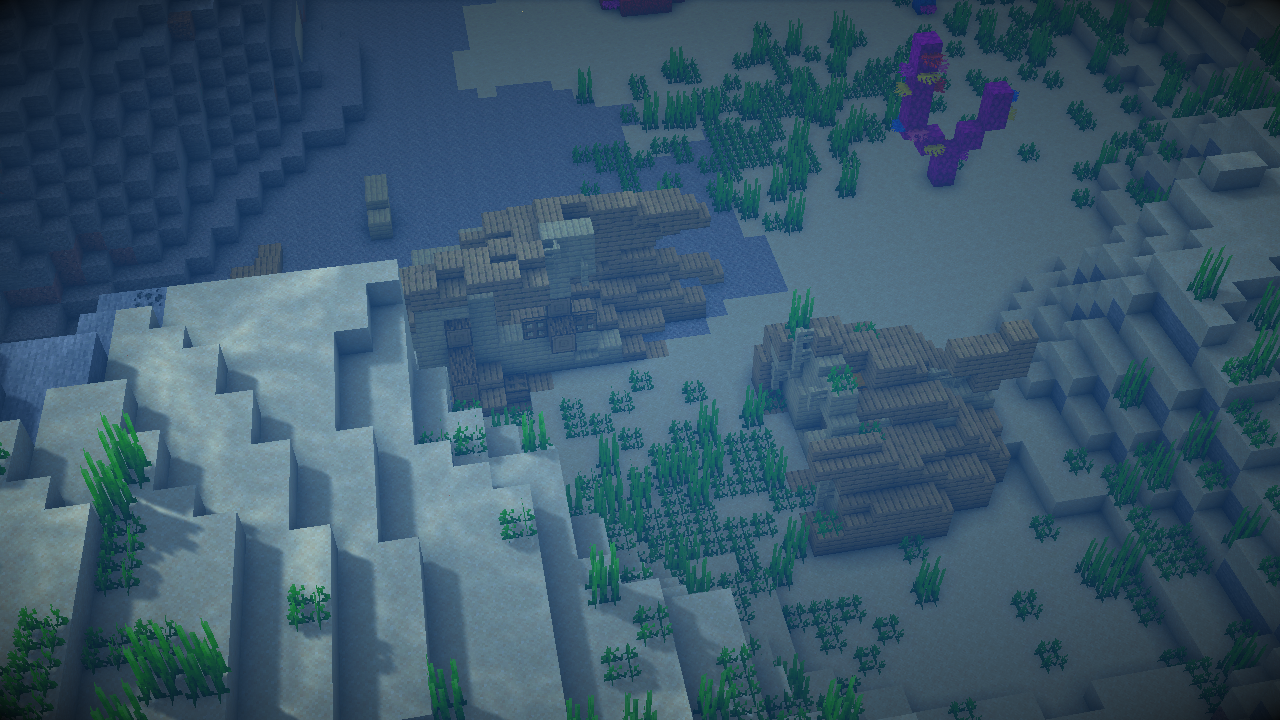
Each vanilla shipwreck is still possible to randomly generate, but it's far more likely to encounter an entirely new experience. Revamped Shipwrecks also come in every woodtype used in vanilla.
The Revamped Shipwrecks mod does not modify loot tables, only where chests generate on ships.
Installation
Fabric

- Download the Fabric installer.
- Install a version of Fabric Loader compatible with the version of the mod you are using.
- Locate your .minecraft directory. If there is a "mods" folder inside open it, otherwise create one and open it.
- Download Fabric API and Revamped Shipwrecks and place their .jar files inside the mods folder.
- Launch Minecraft with the newly created Fabric installation.
Forge

- Download and install a version of Forge compatible with the version of the mod you are using.
- Locate your .minecraft directory. If there is a "mods" folder inside open it, otherwise create one and open it.
- Download Revamped Shipwrecks and place the .jar file inside the mods folder.
Launch Minecraft with the newly created Forge installation.
Check out our other projects!
 Wabi-Sabi Structures
 Pale Formations
 Unwrecked Ships
Verfügbare Versionen
Revamped Shipwrecks auf dem Server installieren
Server bestellen
Bestelle einen Minecraft Java Server mit mindestens 4 GB RAM (6 GB empfohlen).
datapack Loader setzen
Wähle im Panel unter "Egg" den datapack-Loader und die passende Minecraft-Version (1.21.11).
Mod installieren
Öffne den Mod-Browser im Dashboard und suche nach "Revamped Shipwrecks". Klicke "Installieren" – fertig! Alternativ: Lade die .jar via SFTP in den /mods Ordner.
Kompatibilität
Mod-Loader
Minecraft-Versionen
1.21.11, 1.21.10, 1.21.9 (+21 weitere)
Server-seitig
✓ ErforderlichEmpfohlener RAM
6 GB(min. 4 GB)Häufige Fragen
Revamped Shipwrecks Server crasht beim Start – was tun?
Häufigste Ursache: falsche datapack-Version oder zu wenig RAM. Prüfe im Server-Log (latest.log), ob ein "OutOfMemoryError" oder "Mixin"-Fehler auftritt. Bei Mado Hosting: Stelle sicher, dass mindestens 4 GB RAM zugewiesen sind und der Loader zur Mod-Version passt (1.21.11). Über das Panel kannst du den Loader mit einem Klick wechseln.
Ist Revamped Shipwrecks mit datapack und fabric und forge und neoforge und quilt kompatibel?
Revamped Shipwrecks unterstützt offiziell datapack, fabric, forge, neoforge, quilt für Minecraft 1.21.11, 1.21.10, 1.21.9. Achtung: Forge- und Fabric-Mods sind NICHT untereinander kompatibel – wähle einen Loader und bleibe dabei. Im Mado Dashboard werden inkompatible Loader-Kombinationen automatisch erkannt.
Server laggt mit Revamped Shipwrecks – wie optimiere ich die Performance?
Empfohlener RAM: 6 GB (+1 GB pro 5 Spieler). Prüfe mit /spark profiler, ob Revamped Shipwrecks den meisten Tick-Time verbraucht. Häufige Fixes: Server-View-Distance auf 8-10 reduzieren, bei Forge "performant" oder "starlight" als Zusatz-Mod installieren. Bei Mado Hosting läuft dein Server auf NVMe-SSDs mit dedizierten CPU-Kernen für minimale Latenz.
Ähnliche Mods




Modded Server mieten
Installiere Revamped Shipwrecks mit nur einem Klick auf deinem Server.
Details
- Lizenz
- LicenseRef-Attribution-NonCommercial-ShareAlike-4.0-International-
- Server-seitig
- Erforderlich