
Ropes+
Hookshot and 3D Ziplines! and mutch Arrow
Screenshots
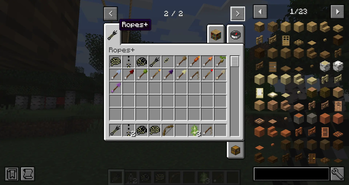
Über diese Mod
Rope+ Reforged
Expand your adventures with ropes, grappling tools, and powerful utility arrows!
Rope+ Remake is a modern NeoForge 1.21.1 remake/port of the classic Rope+ mod originally created by AtomicStryker, bringing its iconic exploration tools to modern Minecraft.
Traverse cliffs, descend safely, and explore the world with a collection of rope-based
mechanics and special arrows.
Features
- 🪢 Rope Arrows for creating climbable ropes.
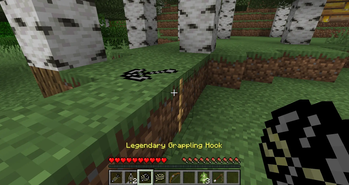
- 🪝 Grappling Hook for fast vertical and horizontal movement.
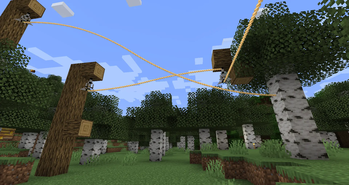
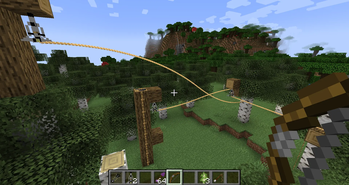
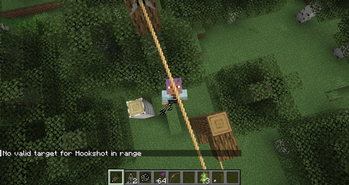
- ⚡ Zipline system for quick travel.
- 🏹 A collection of utility and elemental arrows.
- 🌍 Designed for exploration and adventure.
- ⚙️ Fully updated for NeoForge 1.21.1.
Exemple Craft
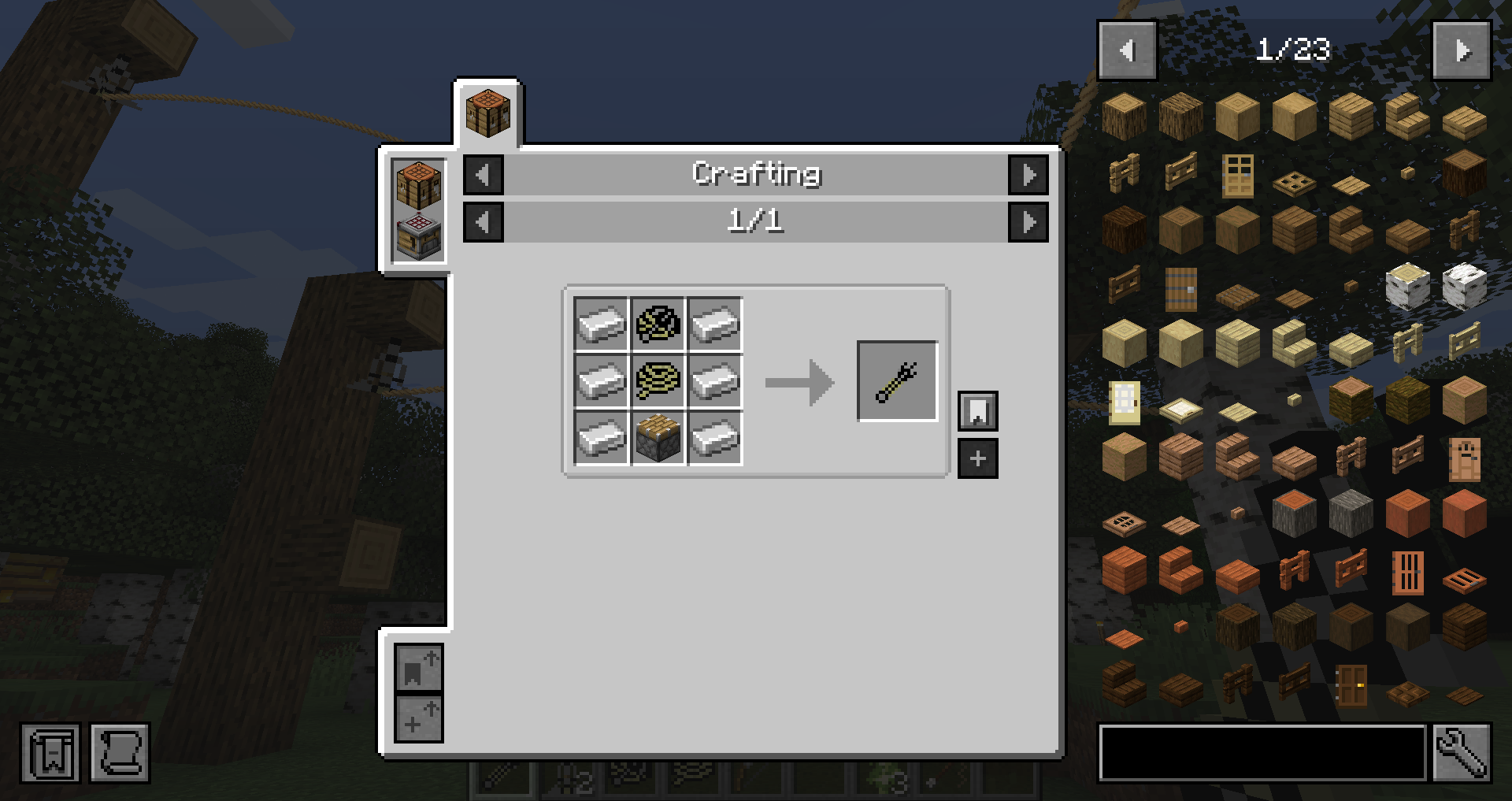
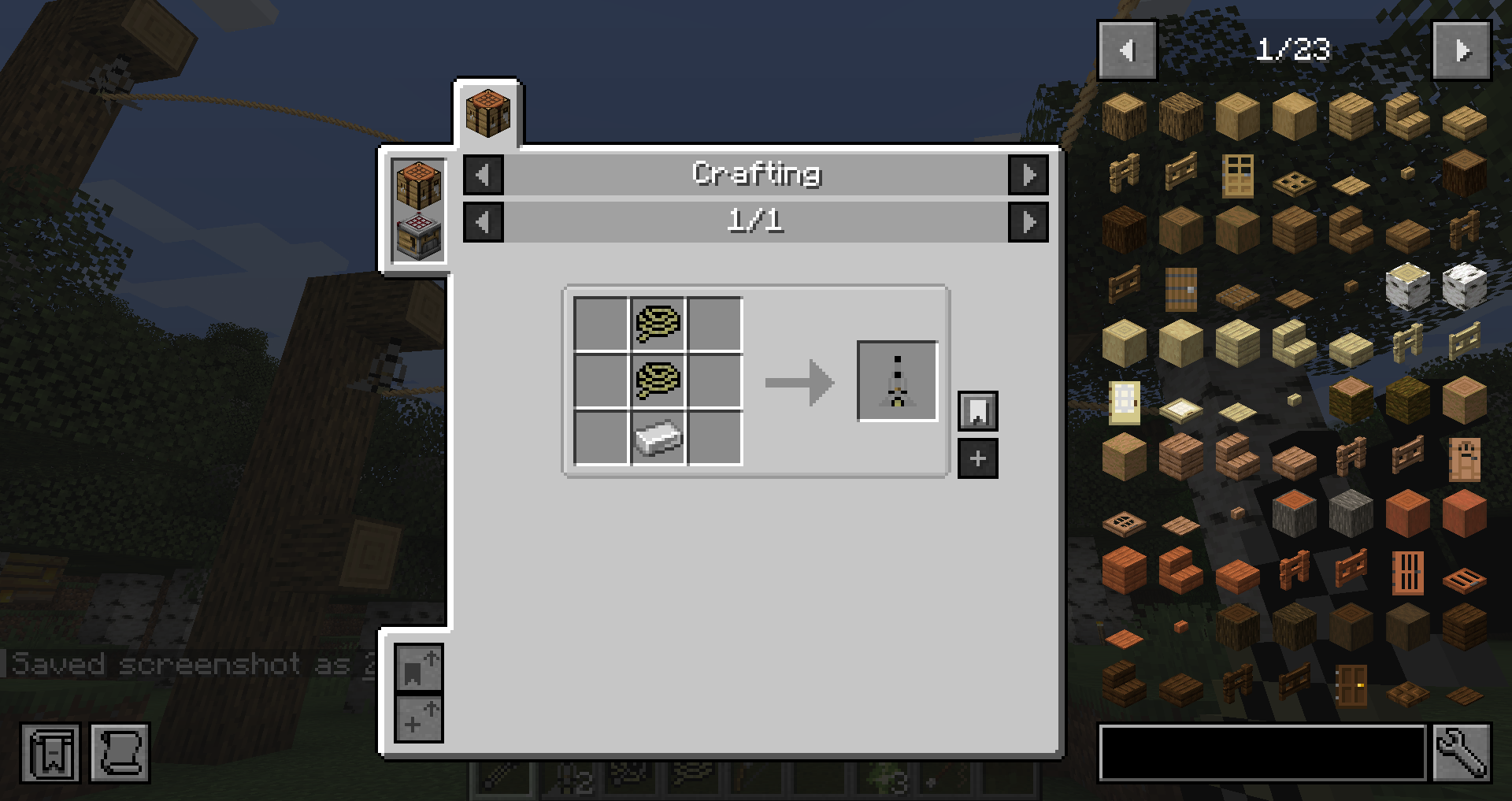
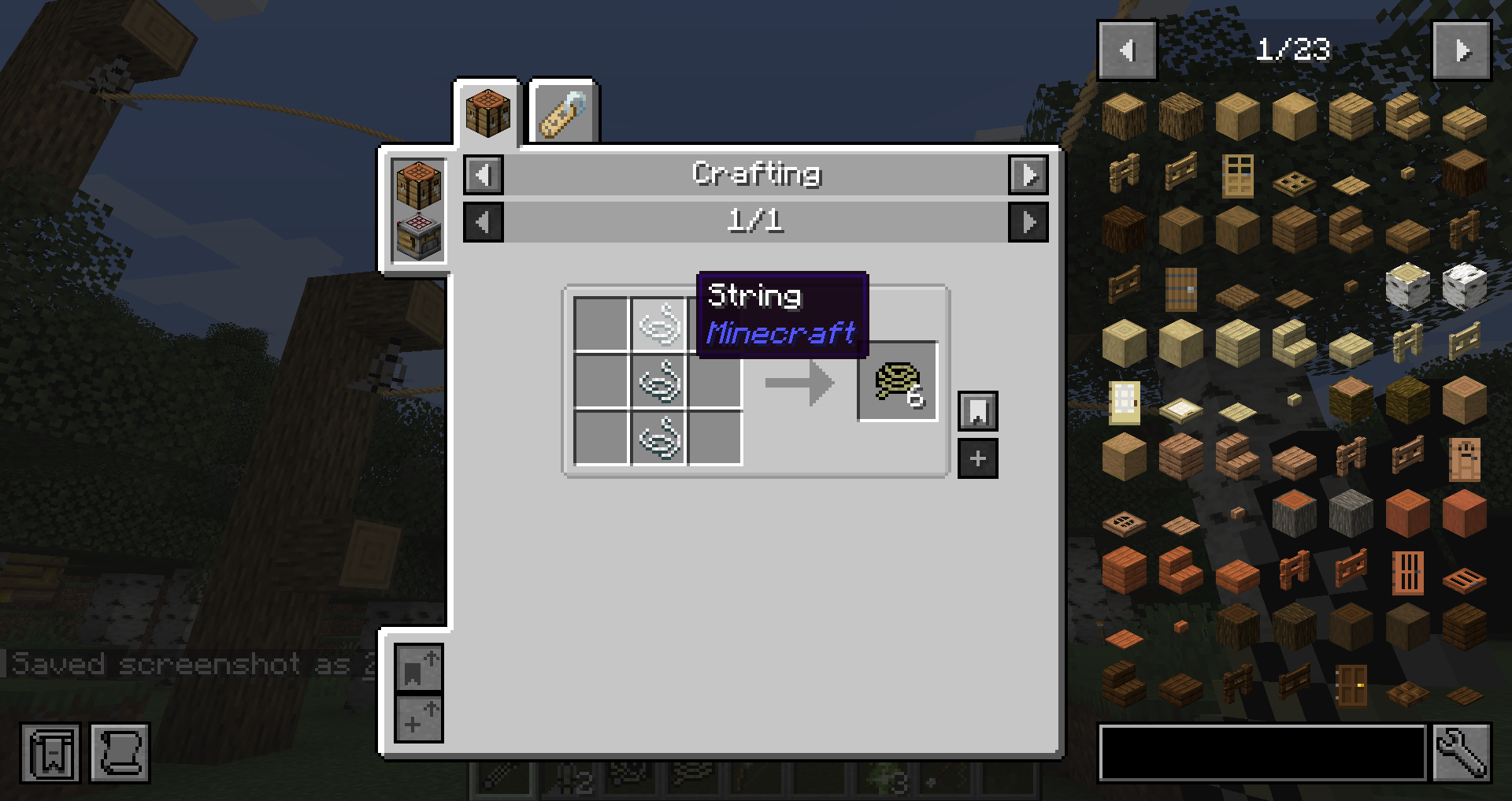
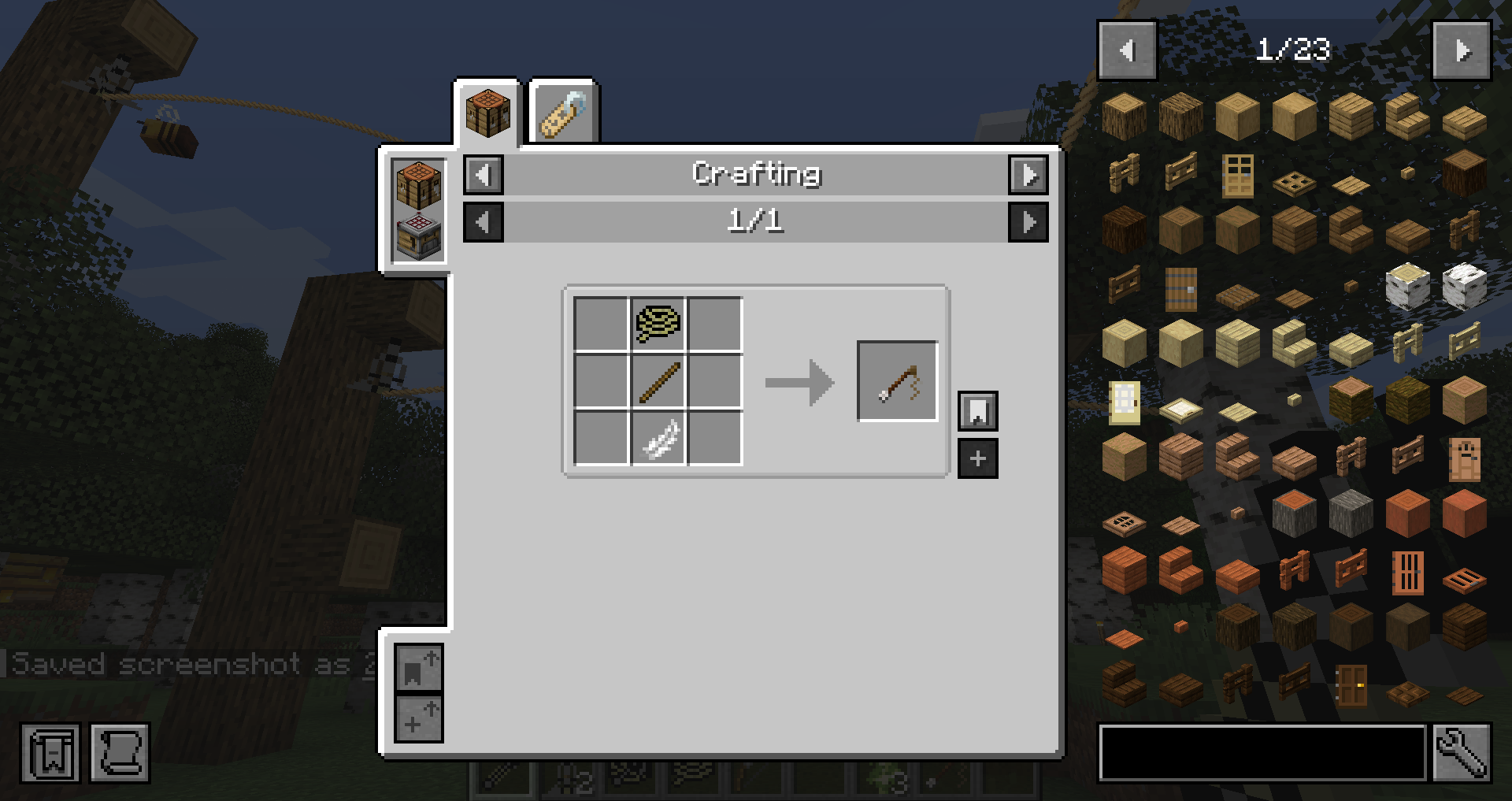
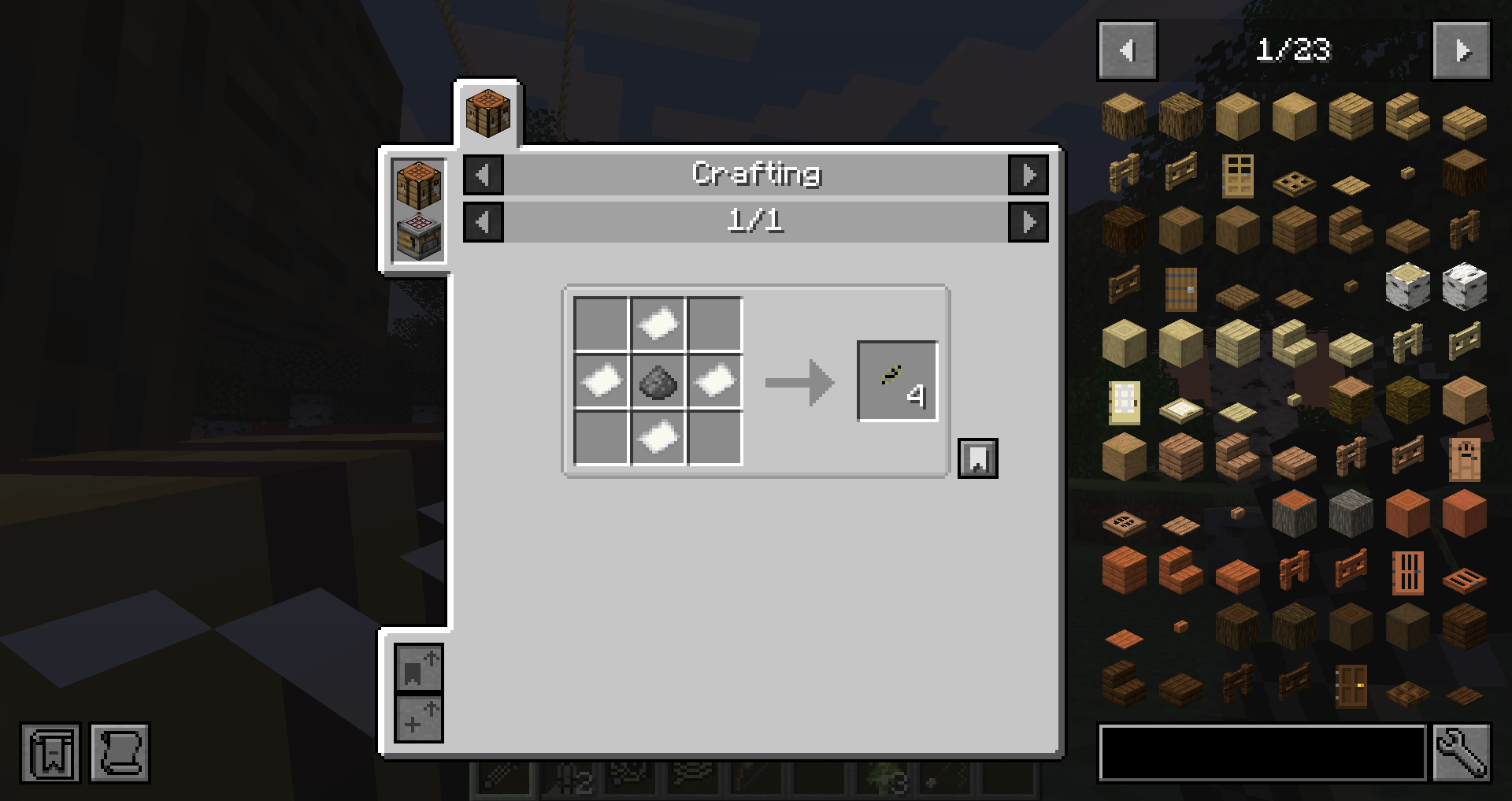
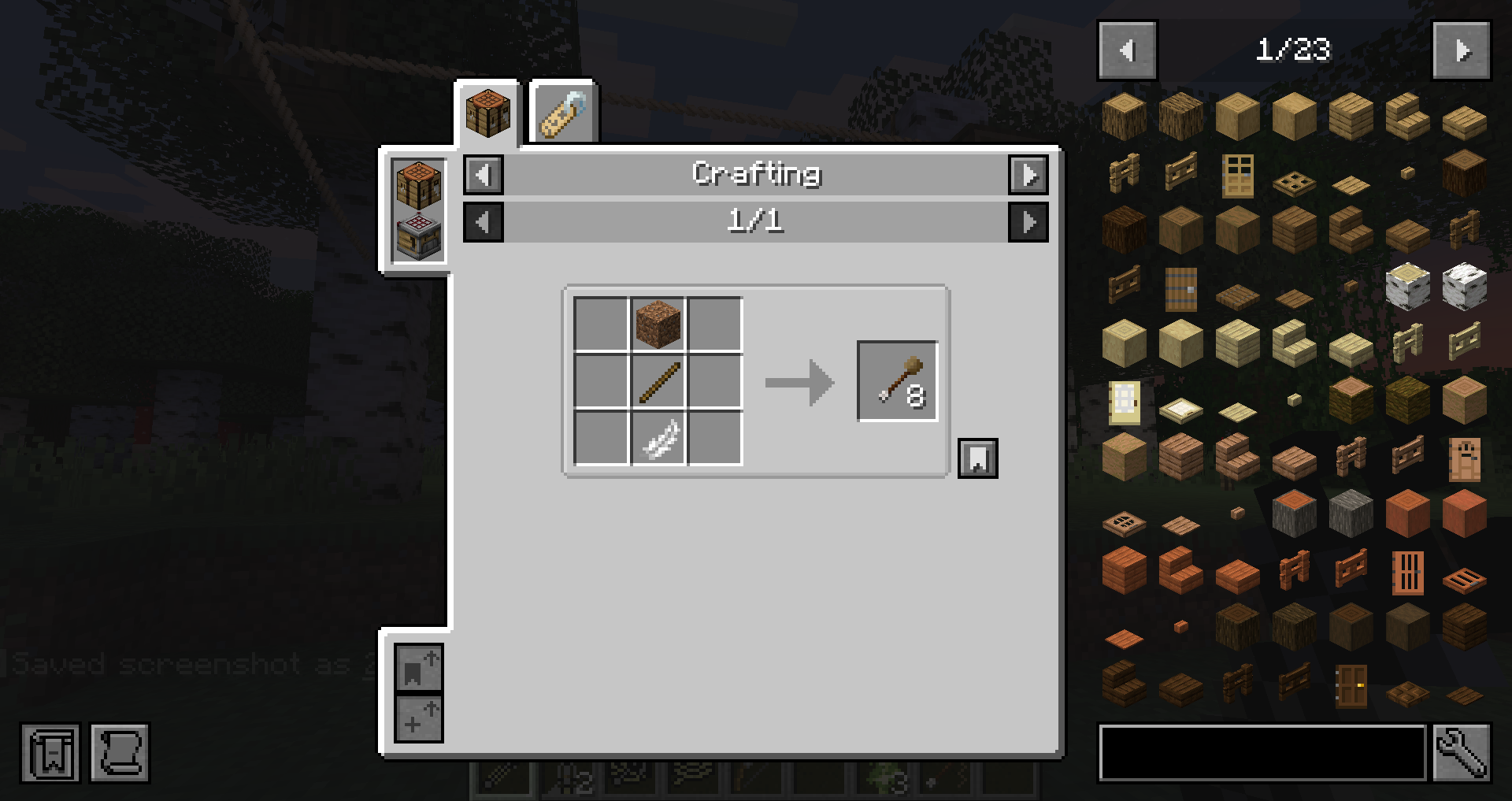
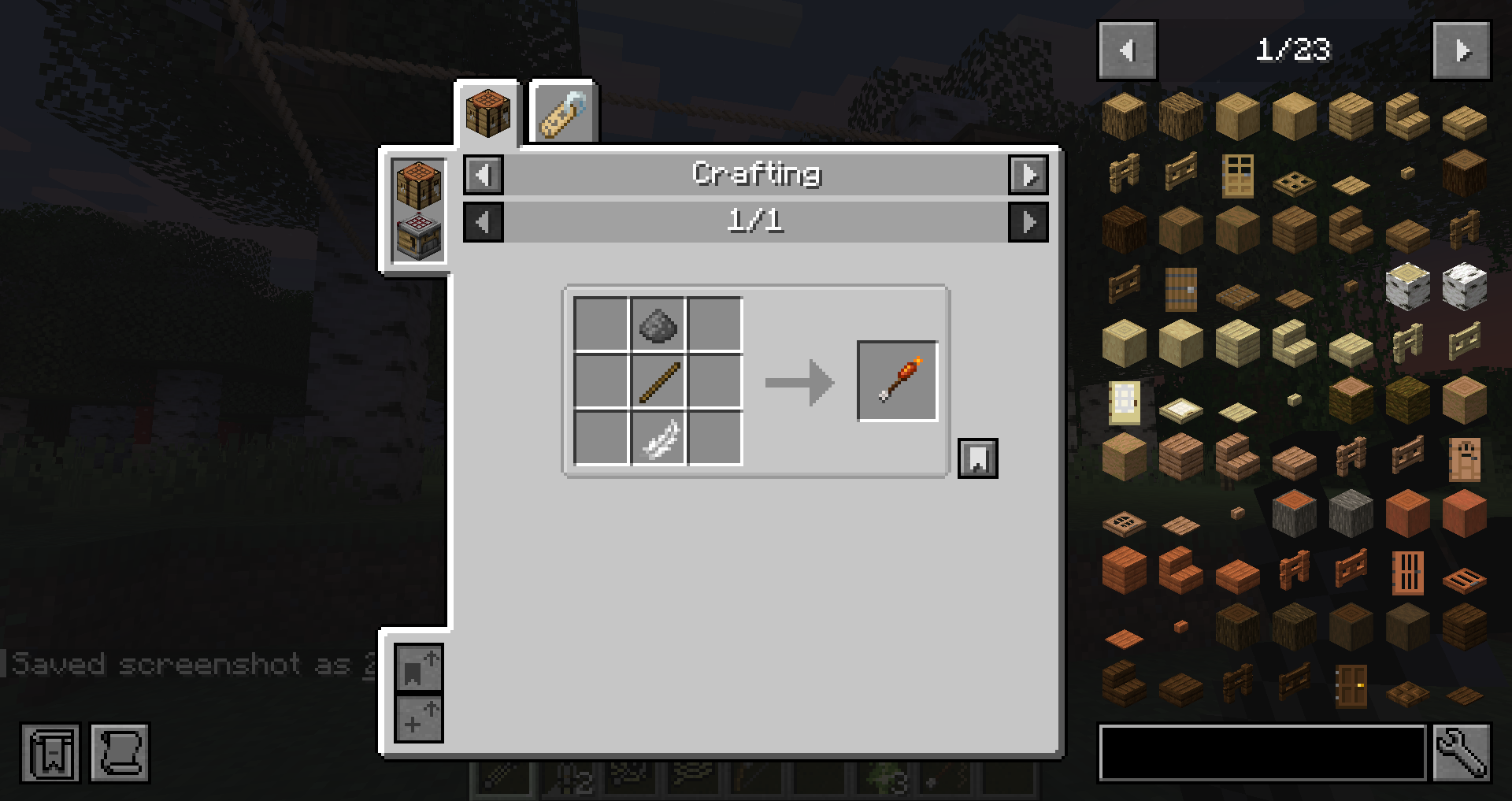
Zipline tutorial
Step 1
Place a Zipline Anchor underneath a solid block.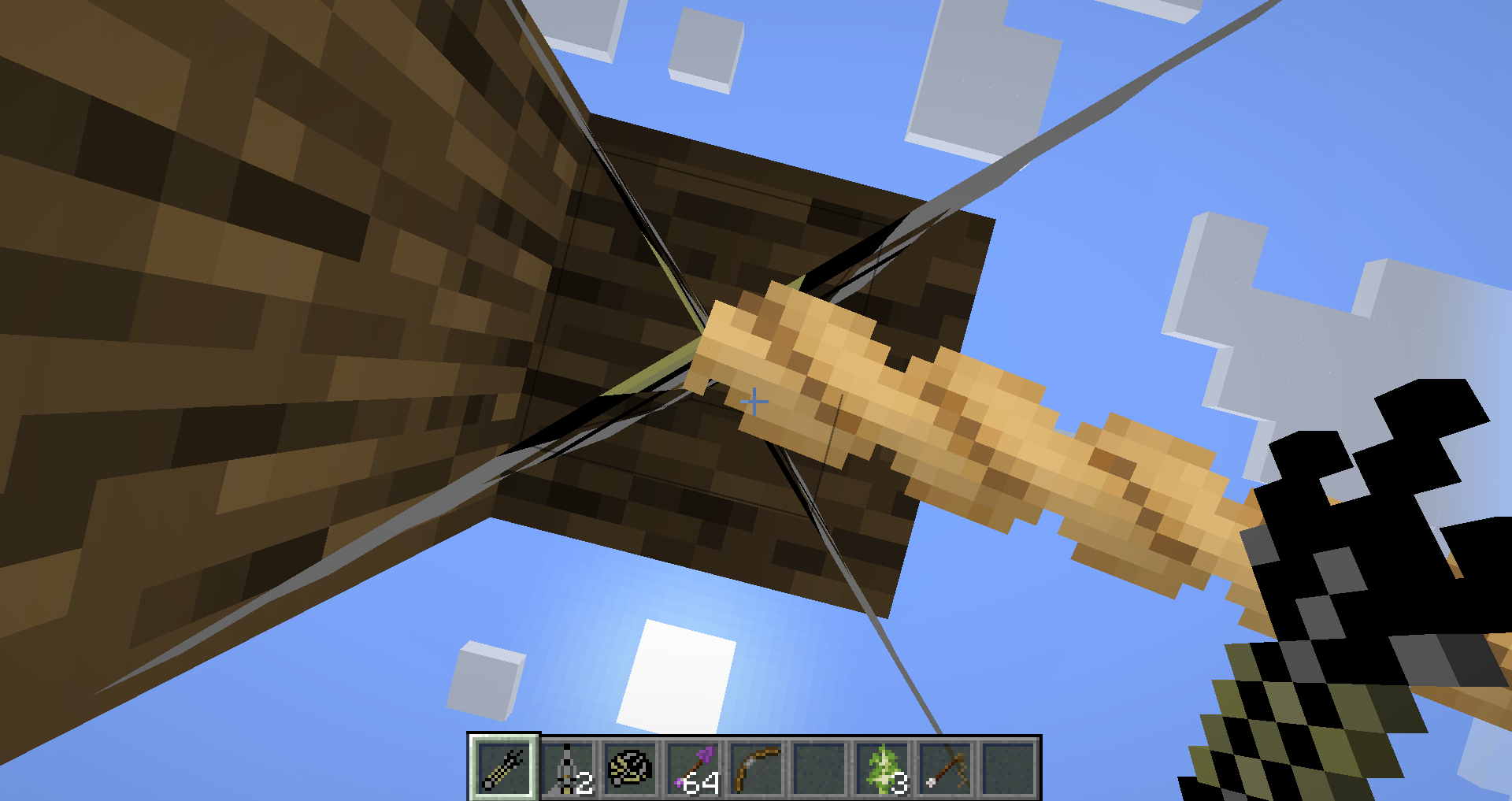
Step 2
Equip the Hook Shot and shoot the target block where you want the zipline to end.
Step 3
The default maximum zipline length is 50 blocks.
To extend the distance:
- Hold a Bridge Cart and the Hook Shot.
- Press Shift to increase the maximum length by 10 blocks per upgrade.
- The maximum possible zipline length is 200 blocks.
Credits
Original Rope+ Mod
- AtomicStryker
Original Inspirations
- 303 – Elemental Arrows
- SDK – Grappling Hook concept
- DJRoslin – Original Rope system
- DerrikeG – Grappling Hook and item sprites
NeoForge 1.21.1 Remake/Port
- MickDev
Published with permission from the original author.
Original Project
Original CurseForge project (Minecraft 1.7.10):
https://www.curseforge.com/minecraft/mc-mods/ropes
Support
Found a bug or have a suggestion?
Please report it on the GitHub Issues page.
https://github.com/minsto/RopePlus/issues
Verfügbare Versionen
Ropes+ auf dem Server installieren
Server bestellen
Bestelle einen Minecraft Java Server mit mindestens 3 GB RAM (4 GB empfohlen).
neoforge Loader setzen
Wähle im Panel unter "Egg" den neoforge-Loader und die passende Minecraft-Version (1.21.1).
Mod installieren
Öffne den Mod-Browser im Dashboard und suche nach "Ropes+". Klicke "Installieren" – fertig! Alternativ: Lade die .jar via SFTP in den /mods Ordner.
Kompatibilität
Mod-Loader
Minecraft-Versionen
1.21.1
Server-seitig
✓ ErforderlichEmpfohlener RAM
4 GB(min. 3 GB)Häufige Fragen
Ropes+ Server crasht beim Start – was tun?
Häufigste Ursache: falsche neoforge-Version oder zu wenig RAM. Prüfe im Server-Log (latest.log), ob ein "OutOfMemoryError" oder "Mixin"-Fehler auftritt. Bei Mado Hosting: Stelle sicher, dass mindestens 3 GB RAM zugewiesen sind und der Loader zur Mod-Version passt (1.21.1). Über das Panel kannst du den Loader mit einem Klick wechseln.
Ist Ropes+ mit neoforge kompatibel?
Ropes+ unterstützt offiziell neoforge für Minecraft 1.21.1. Im Mado Dashboard werden inkompatible Loader-Kombinationen automatisch erkannt.
Server laggt mit Ropes+ – wie optimiere ich die Performance?
Empfohlener RAM: 4 GB (+1 GB pro 8 Spieler). Prüfe mit /spark profiler, ob Ropes+ den meisten Tick-Time verbraucht. Häufige Fixes: Server-View-Distance auf 8-10 reduzieren, bei Forge "performant" oder "starlight" als Zusatz-Mod installieren. Bei Mado Hosting läuft dein Server auf NVMe-SSDs mit dedizierten CPU-Kernen für minimale Latenz.
Ähnliche Mods




Modded Server mieten
Installiere Ropes+ mit nur einem Klick auf deinem Server.